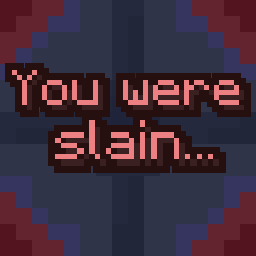
You Were Slain
Java mod listed for Minecraft 1.20. Downloads from the MC Java Mods app on Android.
⬇ Download on Modrinth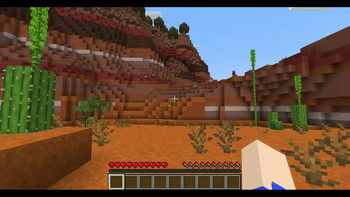
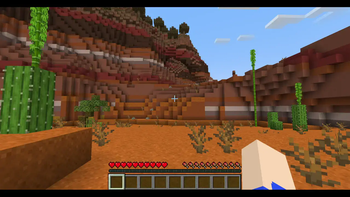
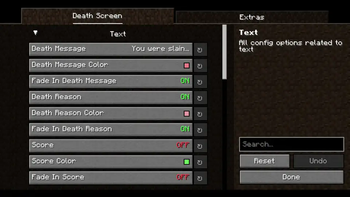
You Were Slain
Customize the death screen unlike ever before!
You Were Slain allows you to edit multiple elements of the death screen. There are lots of features, including:
- A Terraria-styled respawn delay
- Ability to change text colors
- Allow for the text to fade in
- Hide your HUD upon death, for more a more cinematic effect(it then unhides the HUD upon respawning)
- Hide the respawn and or title screen buttons
- Send a chat message including your death coordinates(only to yourself)
- Custom death sound effect which can be edited with a resource pack(silent by default)
- And more!
You Were Slain also allows for you to edit most of the text shown on the death screen without the use of a resource pack. This was done to easily allow for quicker customization.
Gallery
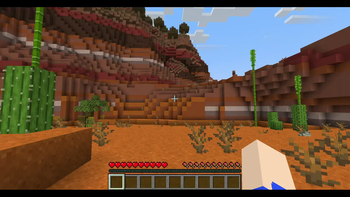
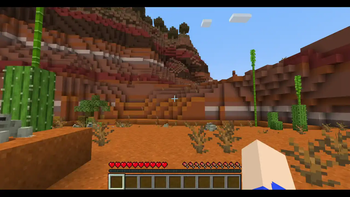
Check out the gallery for a few quick showcases of what's possible with You Were Slain! Keep in mind that a lot more is possible outside of what's shown in the gallery.
Compatibilities
There is a list of known compatibilities and incompatibilities which can be found on the mod's wiki.
Dependencies
Requires Fabric API and YetAnotherConfigLib.
Also requires Mod Menu if you wish to edit the config.

- Edition: Minecraft Java
- File type: .jar
- Minecraft versions listed: 1.20, 1.20.1, 1.20.2
- How to install: Install the matching mod loader (Forge, Fabric or NeoForge) for your Minecraft version. → Download the .jar. → Put it in the .minecraft/mods folder and launch that loader profile.
- Where to get it: Opens on Modrinth — not every file is mirrored on our own servers.
Install steps are the general flow for this file type — How to install Minecraft Java mods & modpacks walks through it step by step.
- Ships as youwereslain-1.0.0-1.20.x.jar — drop this file into the mods folder
- Download size: 32 KB
- Download link checked 7 Oct 2026 — working
These come from our own check of the pack file, not from the source page.