![Legacy Mipmaps [DISCONTINUED]](https://cdn.modrinth.com/data/27fXQT3n/dcebd9b01cff2ffb6d2a0e1088e9899e3e148625_96.webp)
ModsJava
Legacy Mipmaps [DISCONTINUED]
Java mod listed for Minecraft 1.20–1.21. Downloads from the MC Java Mods app on Android.
⬇ Download on Modrinth![Legacy Mipmaps [DISCONTINUED] — screenshot 1](https://cdn.modrinth.com/data/27fXQT3n/images/0c0ffc166c40a6dcd47a2524f1aeb4bf14cf552c_350.webp)
![Legacy Mipmaps [DISCONTINUED] — screenshot 2](https://cdn.modrinth.com/data/27fXQT3n/images/a5ec857bf3db8785b81a3b3f53e60c0b8a6e19a9_350.webp)
![Legacy Mipmaps [DISCONTINUED] — screenshot 3](https://cdn.modrinth.com/data/27fXQT3n/images/b3e5c560cee0e37c2e44c9fbea1c3d8ab3b7bd4b_350.webp)
![Legacy Mipmaps [DISCONTINUED] — screenshot 4](https://cdn.modrinth.com/data/27fXQT3n/images/dd23ebee67a3e17127f13ae2b252c7ec18694a7c_350.webp)
Legacy Mipmaps is discontinued. No more updates will be published.
Adds Legacy Console Mipmaps to Java Edition!
Comparison
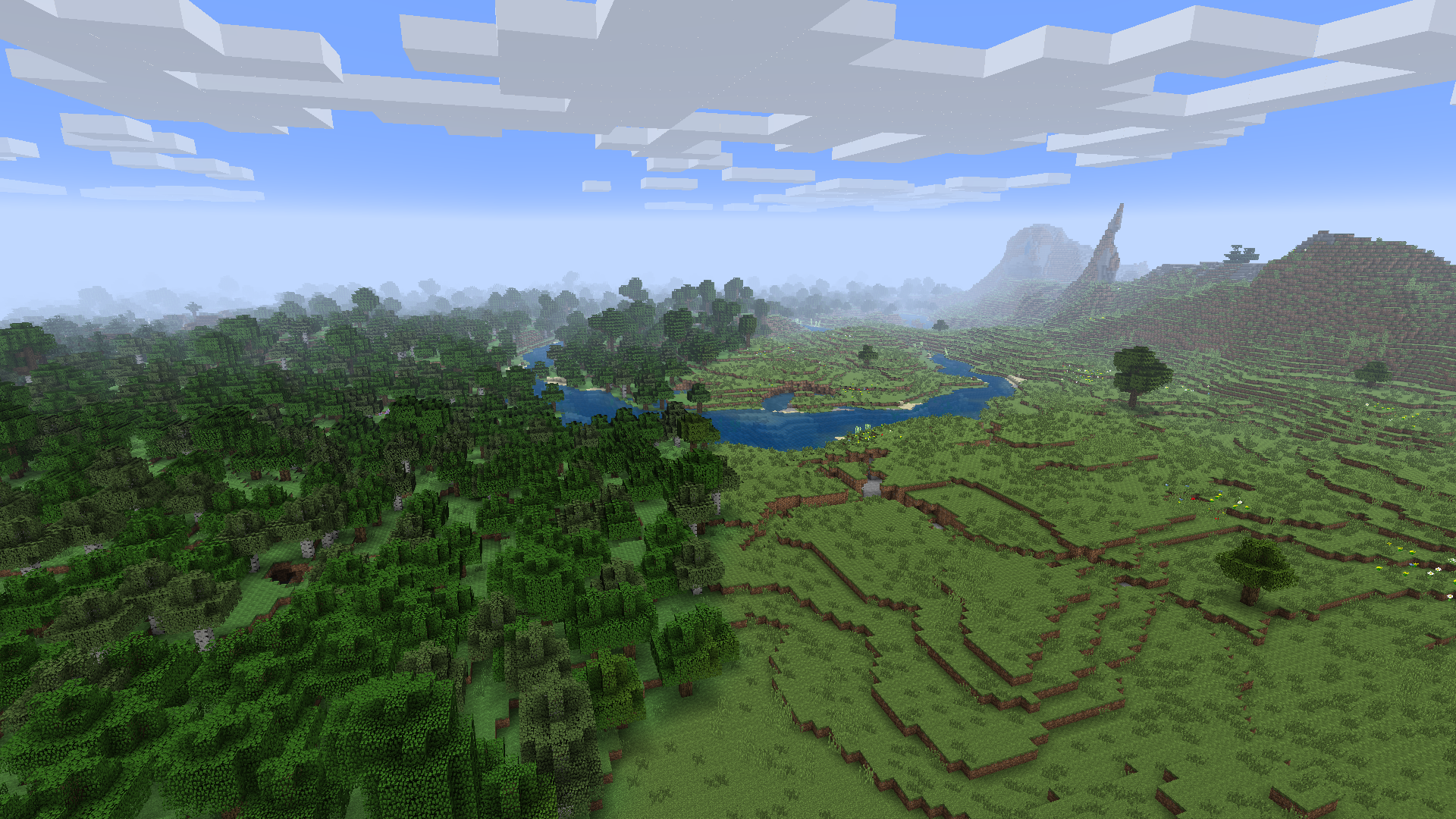
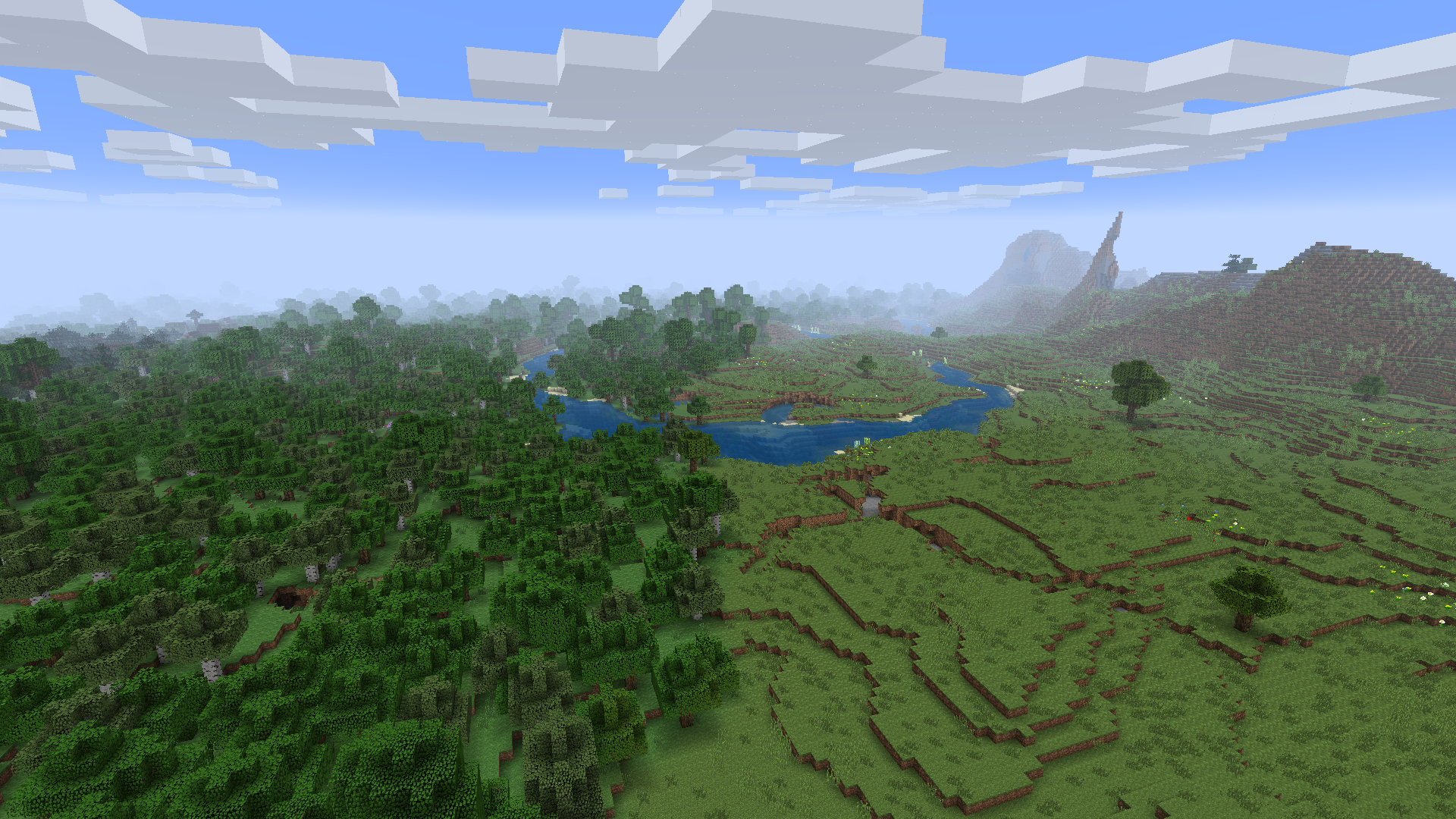
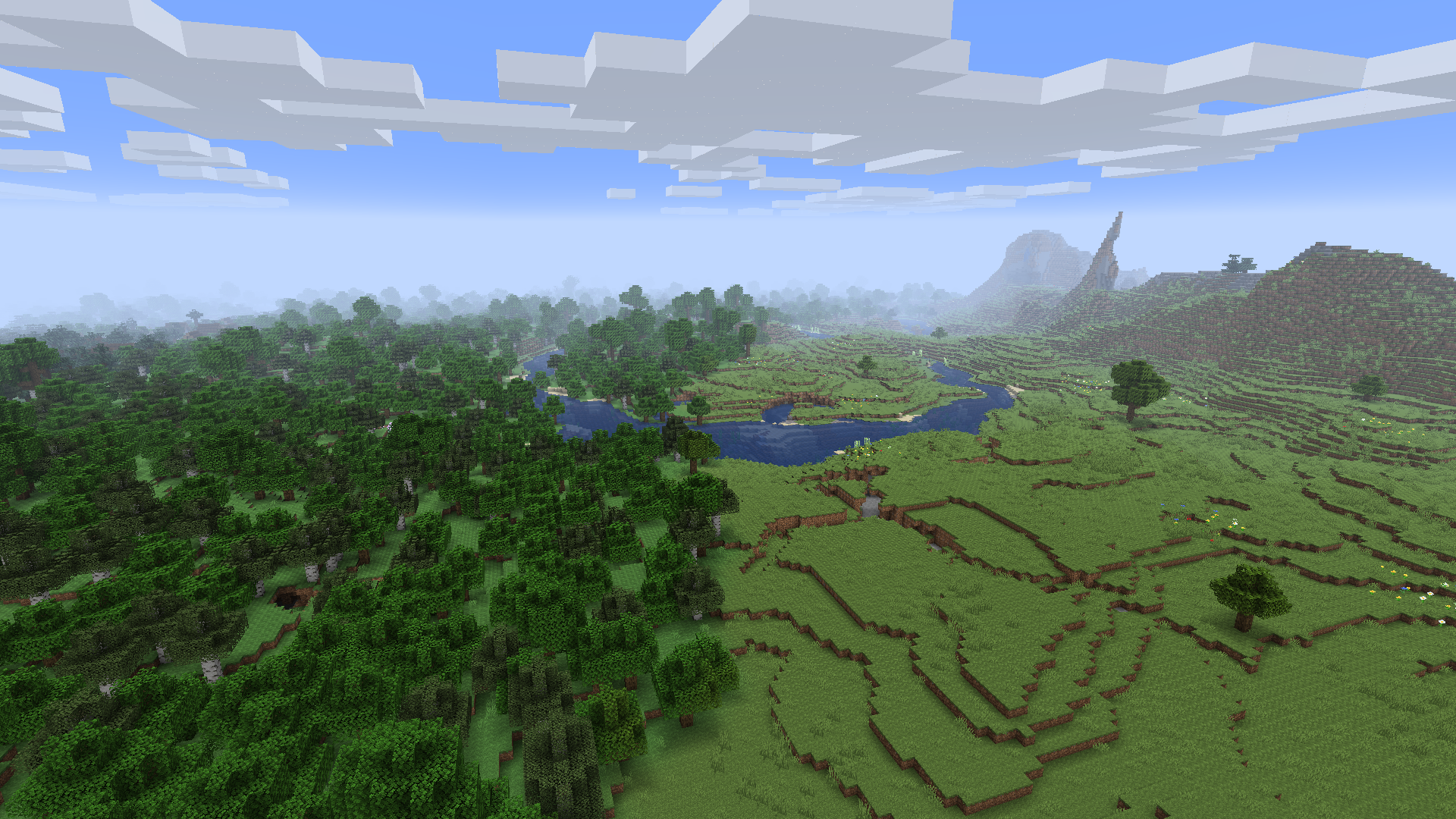
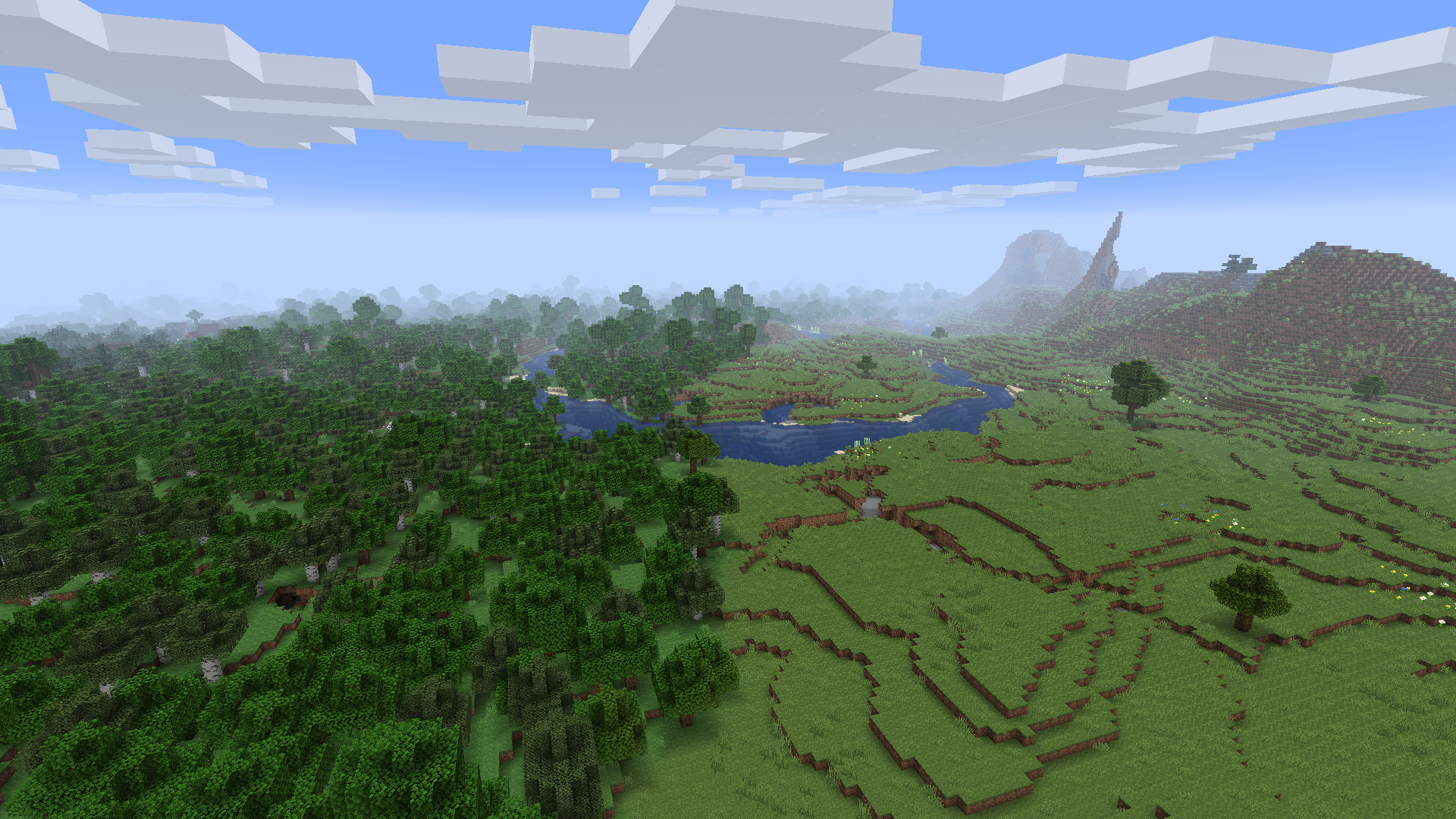
Here is a comparison of Java's normal mipmapping and Legacy Mipmaps.
Programmer ArtProgrammer Art with the TU12+ Style
Programmer Art with the TU0 to TU2 Style
Default Textures with the TU12+ Style
Default Textures with the TU0 to TU2 Style
Quick facts
- Edition: Minecraft Java
- File type: .jar
- Minecraft versions listed: 1.20.1, 1.20.2, 1.20.3
- How to install: Install the matching mod loader (Forge, Fabric or NeoForge) for your Minecraft version. → Download the .jar. → Put it in the .minecraft/mods folder and launch that loader profile.
- Where to get it: Opens on Modrinth — not every file is mirrored on our own servers.
Install steps are the general flow for this file type — How to install Minecraft Java mods & modpacks walks through it step by step.
File checked by MCModsHub
- Ships as legacy-mipmaps-1.2.2.jar — drop this file into the mods folder
- Download size: 706 KB
- Download link checked 7 Oct 2026 — working
These come from our own check of the pack file, not from the source page.