
Nether Weather
Java mod listed for Minecraft 1.21. Downloads from the MC Java Mods app on Android.
"Nether Weather" is an addition to Minecraft that aims to make the Nether feel more like a real place by introducing 3 new weather types to it. You will…
I don't know my version or loader

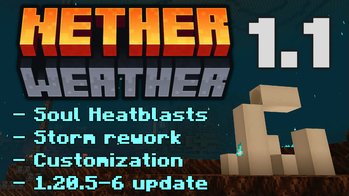


Contributors: 2D logo by Squizzle Dizzle | 3D logo by FloideN
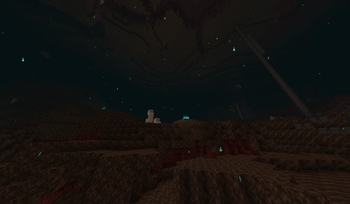
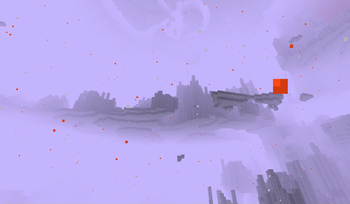
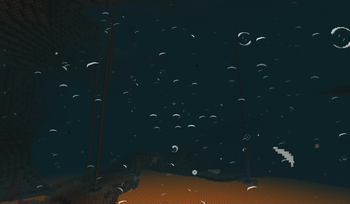
Initially part of the Overskip data pack, Nether Weather is an addition to Minecraft that aims to make the Nether feel more like a real place by introducing 3 new weather types to it. You will now encounter lavafalls, storms and heatblasts (which replace storms in the Nether Wastes) that correspond to Overworld weather events.
The lavafalls can set entities on fire, the storms can hurt them with their strong winds and heatblasts make almost any block as hot as a Magma Block. These weather events not only greatly impact the gameplay and make the Nether more exciting and deadly, but also provide more atmosphere to the dimension with sounds and particles.
Watch the video below to get the full details on how the weather works and the lore intentions behind it.
Attention! Some of the information in the video is outdated. Check the v1.1 video/changelog out for details.
- Edition: Minecraft Java
- File type: .jar
- Minecraft versions listed: 1.21.9, 1.21.10
- How to install: Install the matching mod loader (Forge, Fabric or NeoForge) for your Minecraft version. → Download the .jar. → Put it in the .minecraft/mods folder and launch that loader profile.
- Where to get it: Opens on Modrinth — not every file is mirrored on our own servers.
Install steps are the general flow for this file type — How to install Minecraft Java mods & modpacks walks through it step by step.
- Ships as netherweather-1.1.5.jar — drop this file into the mods folder
- Download size: 102 KB
- Download link checked 7 Oct 2026 — working
These come from our own check of the pack file, not from the source page.