Colorful Trims
I don't know my version or loader

Information
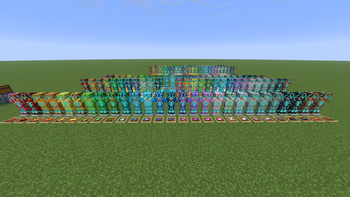
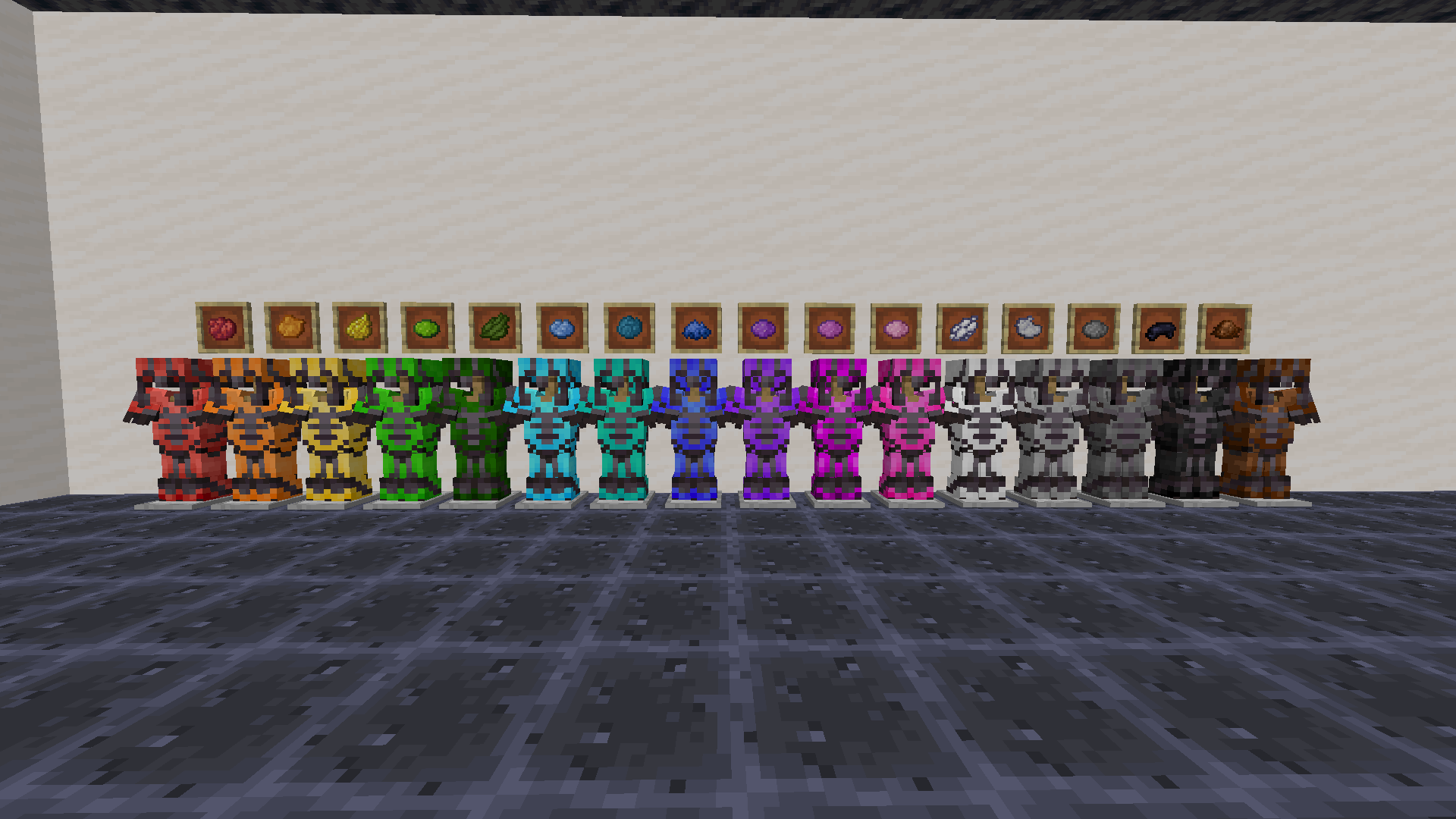
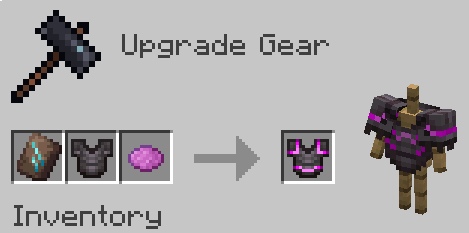
Use any dye along with trims to customize your armor. This works with all trims and armor like how you would do it with any other material.
You need the resource pack in order for you to see the custom armor trims. Without it you would see the missing texture texture. If something doesn't work check the FAQ below. If you find any bugs you can report them to my discord server.
1.21.5+ Note
In order to be able to trim items, you may need to drop them on the ground first.


Want the trims to glow? Use my other pack, Emissive Trims!
FAQ
Q: Why does it have a red X over the smithing table when trying to craft it?
A: Drop the dye on the ground, pick it up, and try it again. If that doesnt work restart the server. If neither of those worked report it in the discord
Q: Why can't I put the dye in the smithing table?
A: If it still doesn't work make sure you have installed the datapack correctly. If you are sure you did then report it in the discord
Q: Why do all the dye recipes not work?
A: You have to restart your world/server/realm. It should then work after you do that
Q: I get a missing texture when trying to use this how do I fix it?
A: Make sure to download the resourcepack
Q: Where can I download the resourcepack?
A: Those who click the big download button at the top of the screen are only prompted to download the datapack and not the resourcepack. Modrinth does not show both of them in that menu. You instead have to go to the versions tab.
First you have to go to the versions tab

Then you go to the version you want

Then underneath the datapack download is the resourcepack download

How to install
On the server / singleplayer install the datapack and enable it. Restart the server afterwards for the smithing table to work.
On the client equip the resource pack in order to see the textures. This is required to do.
You could also just use the mod on both the client and server
- Edition: Minecraft Java
- File type: .jar
- Minecraft versions listed: 1.21.11, 26.1, 26.1.1
- How to install: Install the matching mod loader (Forge, Fabric or NeoForge) for your Minecraft version. → Download the .jar. → Put it in the .minecraft/mods folder and launch that loader profile.
- Where to get it: Opens on Modrinth — not every file is mirrored on our own servers.
Install steps are the general flow for this file type — How to install Minecraft Java mods & modpacks walks through it step by step.
- Ships as colorful-trims-1.10.1.jar — drop this file into the mods folder
- Download size: 418 KB
- Download link checked 27 Aug 2026 — working
These come from our own check of the pack file, not from the source page.