
Pyrofrost
Java mod listed for Minecraft 1.20. Downloads from the MC Java Mods app on Android.
A temperature mod for Minecraft that isn't extremely tedious to deal with, while still adding difficulty to the game.
⬇ Download on Modrinth

Pyrofrost is a temperature mod that is built to not be extremely tedious to deal with while still presenting challenges to the player's survival experience.
Unlike mods like Tough as Nails, Temperature is built to slowly transition into your environment's temperature rather than quickly transitioning to it.
Pyrofrost also features a wetness system to add an extra level of difficulty to gameplay.
This is but one of the many changes Pyrofrost provides to create an immersive temperature system.
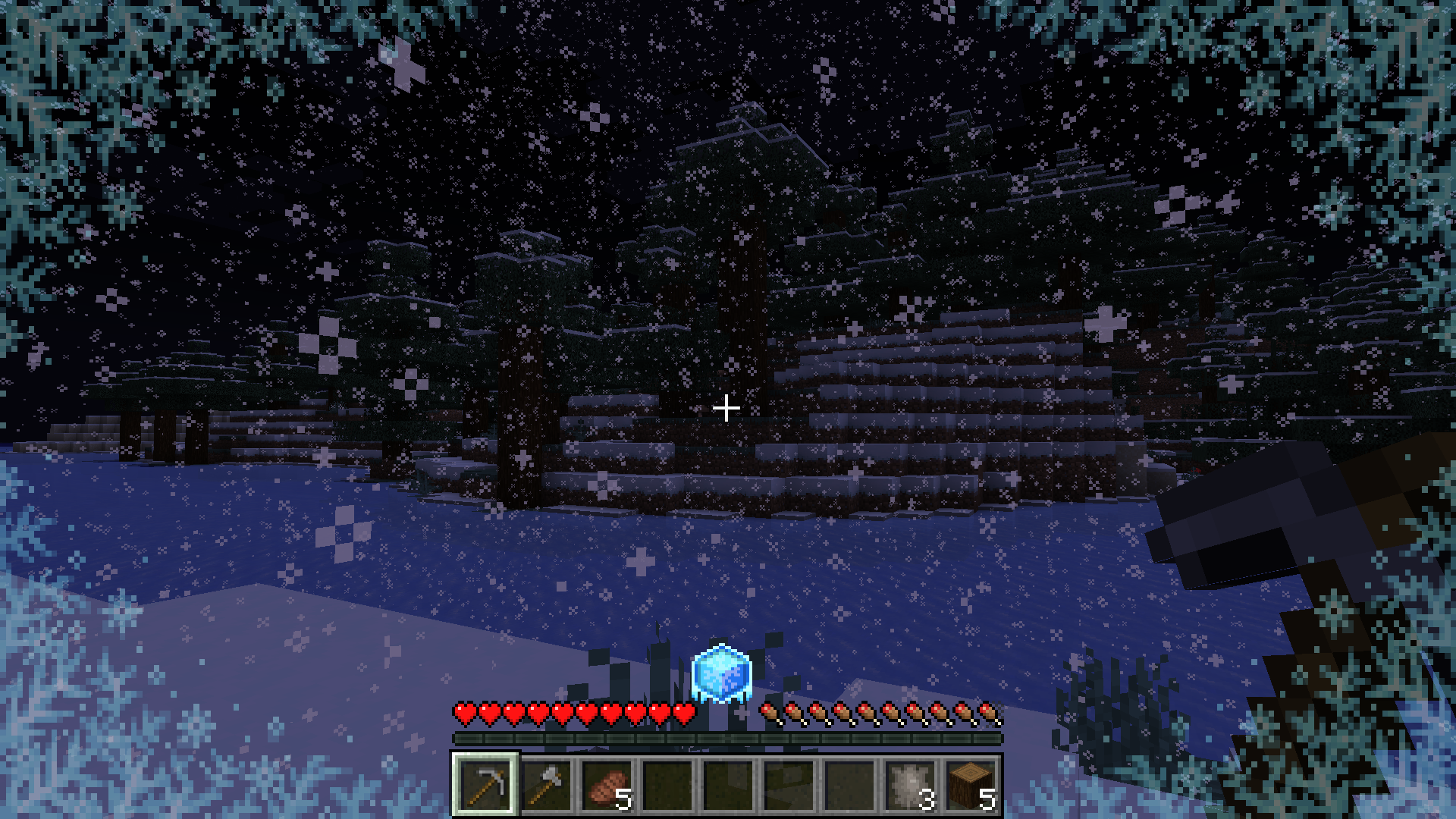

- Wolf Fur Armor

Wolf Fur Armor is a new type of armor used to provide insulation against cold environments. It can be crafted using the new Wolf Pelt item
which is obtained by killing wolves.
item
which is obtained by killing wolves. - Netherite Armor
Netherite Armor has been enhanced with a new heat resistance ability. This is useful for traversing hot environments such as The Nether. - Ice Pack

Ice Packs provide an early game method of traversing through hot environments, they cool down the environment around you until the ice completely melts making it safer to travel in hotter areas. You can use it by placing it in your offhand. - Thermometor

The Thermometor measures your current body temperature and your environment's temperature. This only works if it is within your hotbar.

Pyrofrost works great with the following mods:
- Dehydration
- The player will lose water faster if the environment is really hot
- Fabric Seasons
- The environment's temperature will change depending on the current season
This mod is discontinued and will not support any future updates as better mods exist out there
- Edition: Minecraft Java
- File type: .jar
- Minecraft versions listed: 1.20, 1.20.1
- How to install: Install the matching mod loader (Forge, Fabric or NeoForge) for your Minecraft version. → Download the .jar. → Put it in the .minecraft/mods folder and launch that loader profile.
- Where to get it: Opens on Modrinth — not every file is mirrored on our own servers.
Install steps are the general flow for this file type — How to install Minecraft Java mods & modpacks walks through it step by step.
- Ships as pyrofrost-1.0.1.jar — drop this file into the mods folder
- Download size: 169 KB
- Download link checked 7 Oct 2026 — working
These come from our own check of the pack file, not from the source page.