
Extended ItemView (EIV)
Java mod listed for Minecraft 26.x. Downloads from the MC Java Mods app on Android.
⬇ Download on Modrinth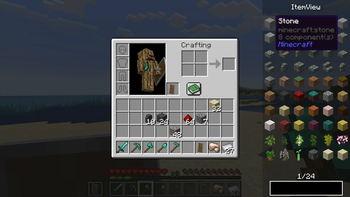
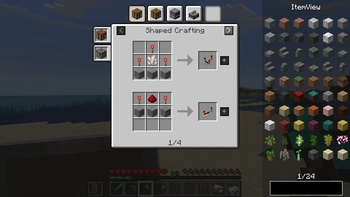


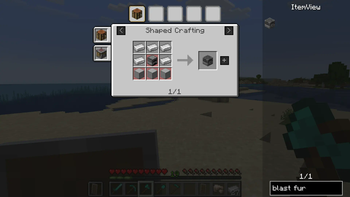
Extended ItemView
A mod all around simplifying your life by showing you the recipes you need! :D
NOW WITH CHAT RECIPES!
In the newest versions of EIV (6.1.0+1.21.11 and beyond), you can share recipes with your friends by clicking on the share button located beside a recipe in the view screen. Shared recipes are displayed in chat and are fully interactive!
Supported Functions
Currently supported functions are:
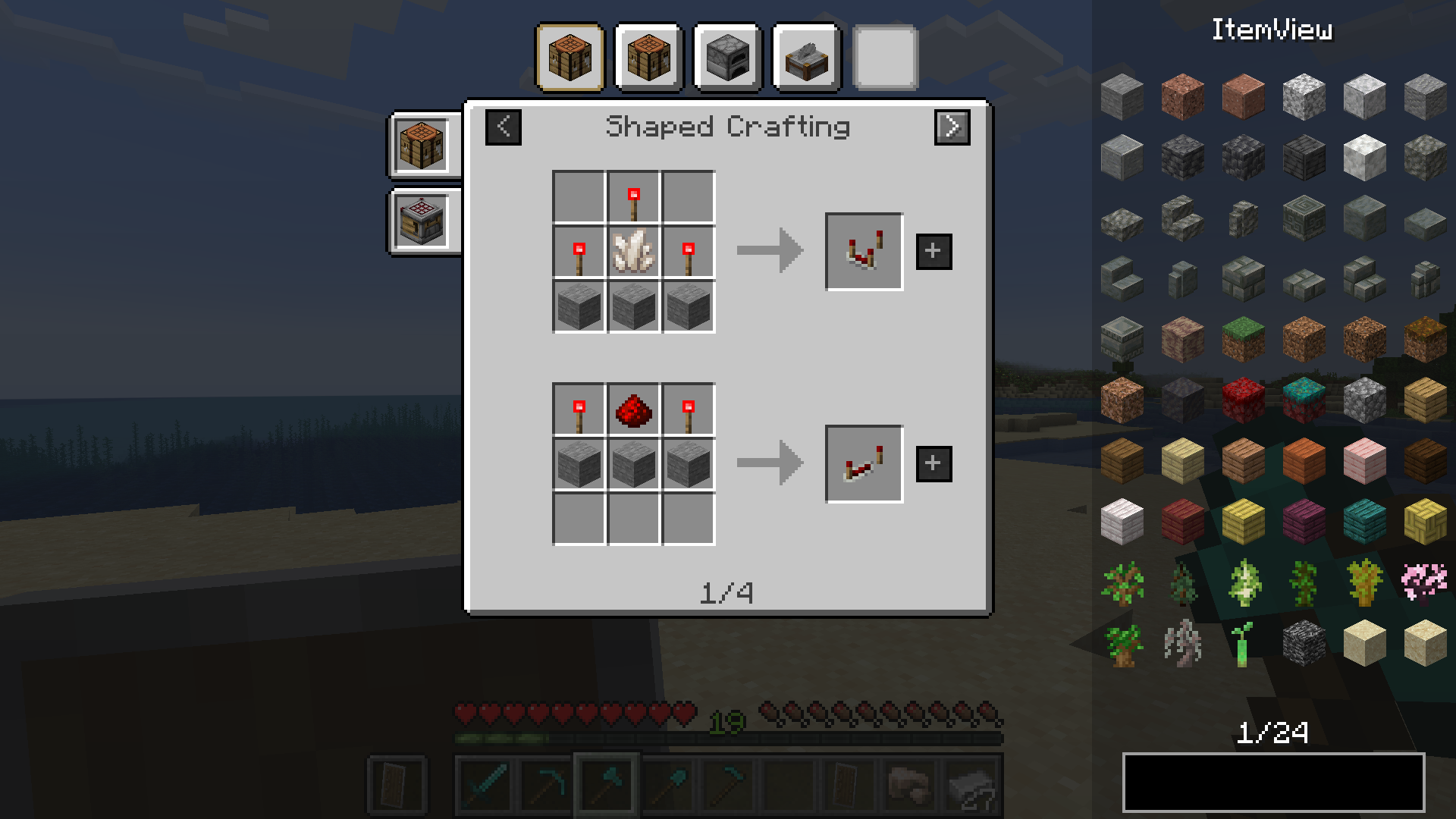
- recipe viewing
- bookmarking items
- item-transfer (fast-move items in crafting gui)
- hiding/showing overlay
- item highlighting (double-click on searchbar)
- cheatmode
- recipe sharing (+ displayed in the chat)
NOTE: Must be installed on both the client and server
This mod also comes with an easy to use API. More info on the github page.
Native supported recipes
- shaped crafting
- shapeless crafting
- smelting
- blasting
- smoking
- stonecutting
- campfire cooking
- smithing
- burning
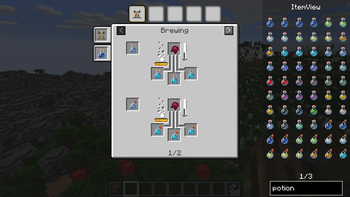
- brewing
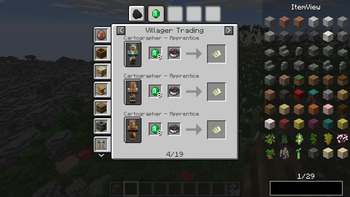
- villager trading
- entity loot
Cheatmode
By holding the cheatmode keybind (by default left-alt) while clicking on items in the overlay you can cheat them if you have sufficient permission (Admin).
- Scroll to change count
- Middle-Click to instantly change count to max stack size
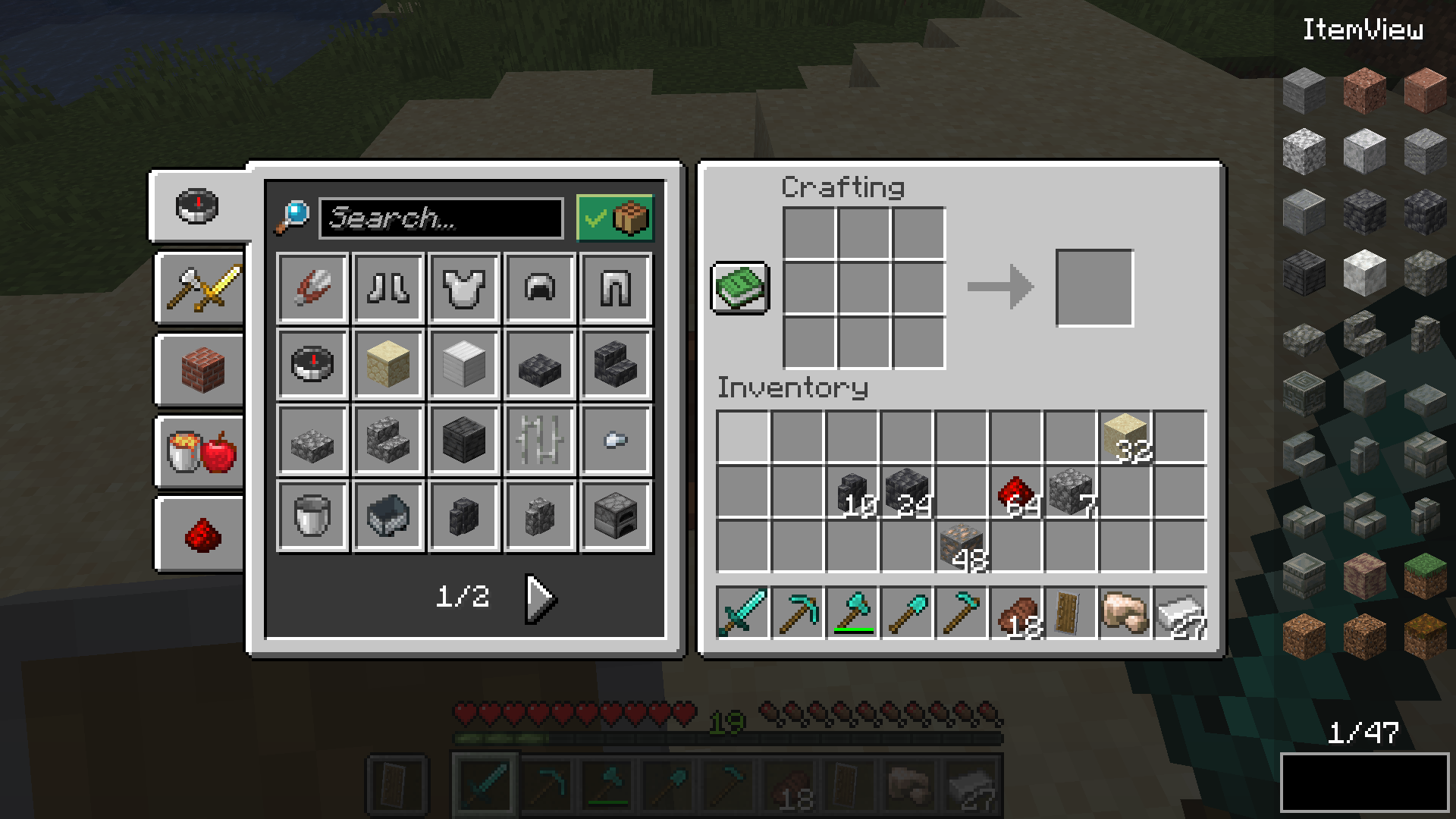
Dynamic Resizing
Change between two different resize modes and make EIV fit exactly to your personal preferences
Wrap
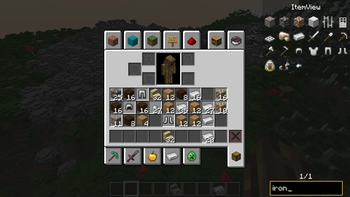
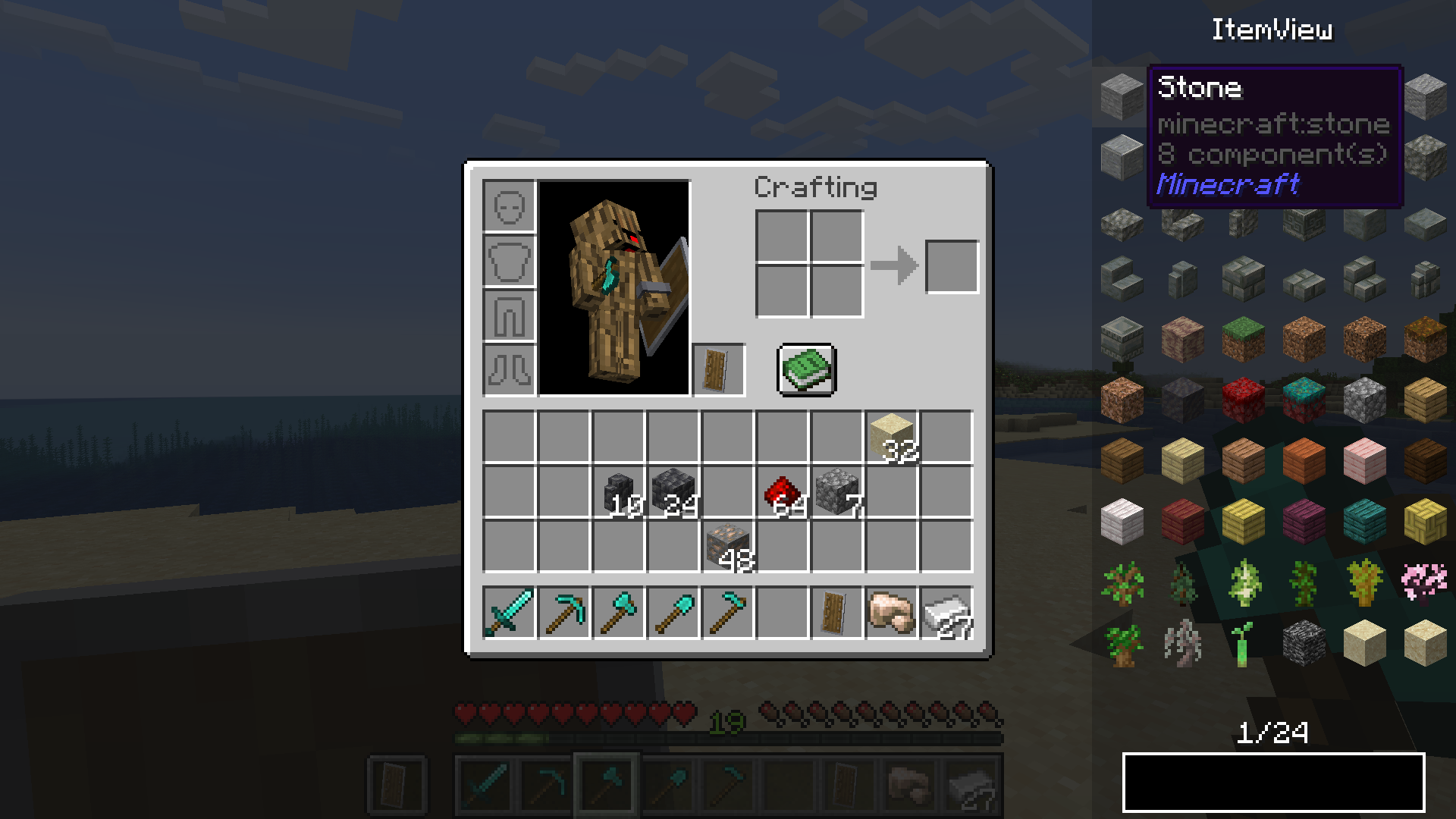
- Overlay-Items wrap around UI elements (e.g. potion effects, recipe book, ...)
Cut
- The overlay width becomes smaller when there's not enough space for items
Item Overlay
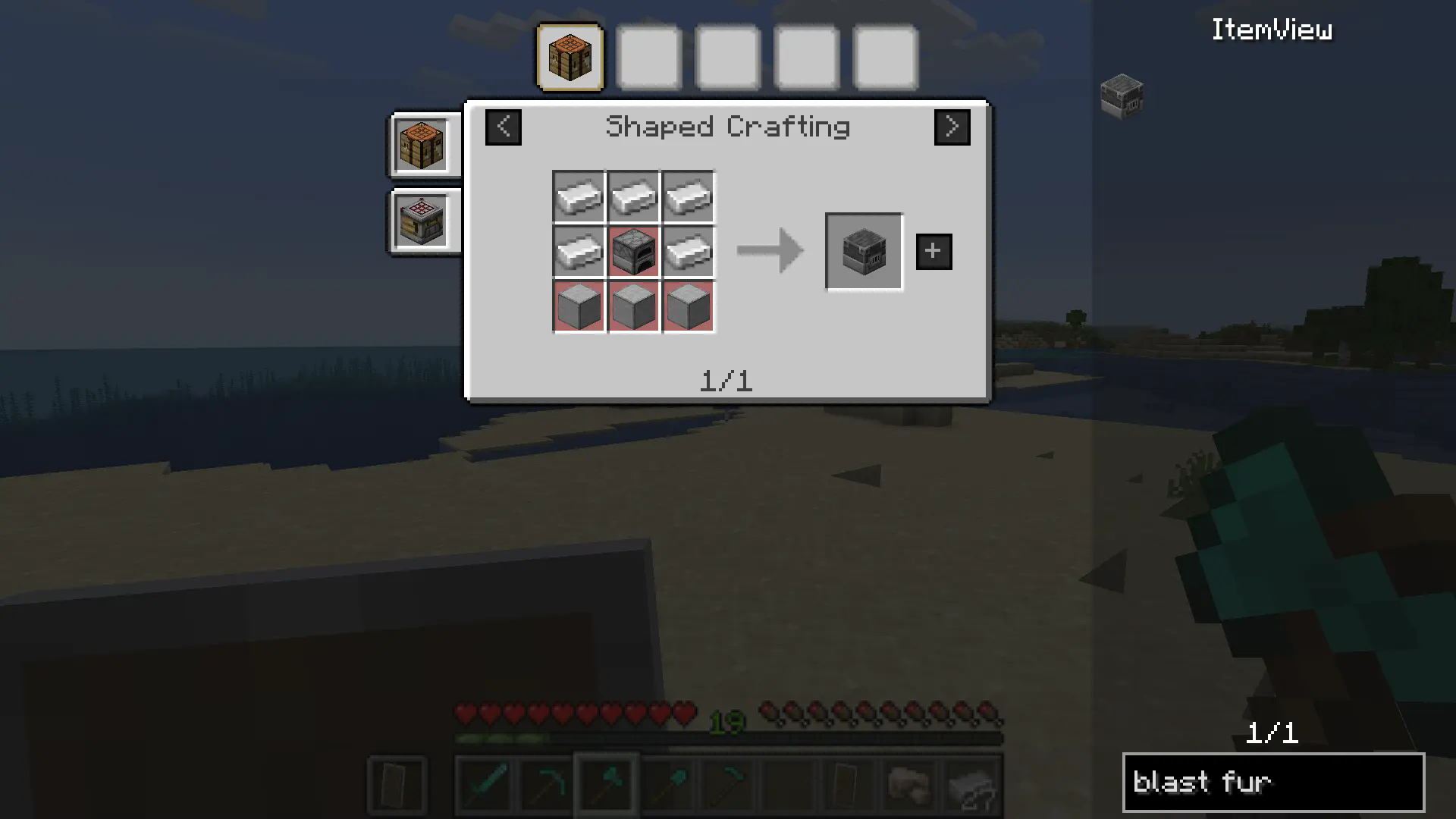
Crafting Recipes
Tag support
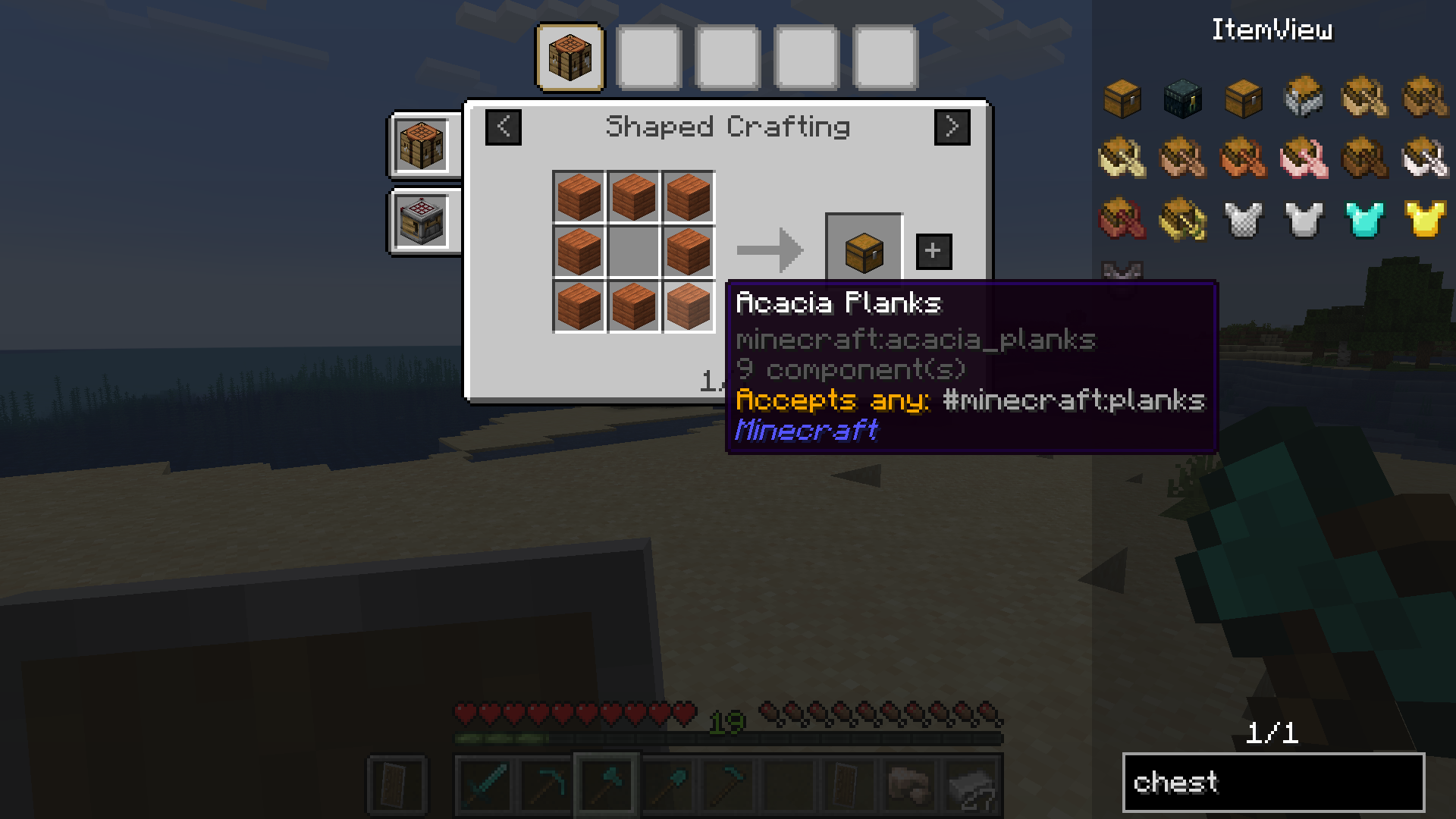
Ingredient highlighting
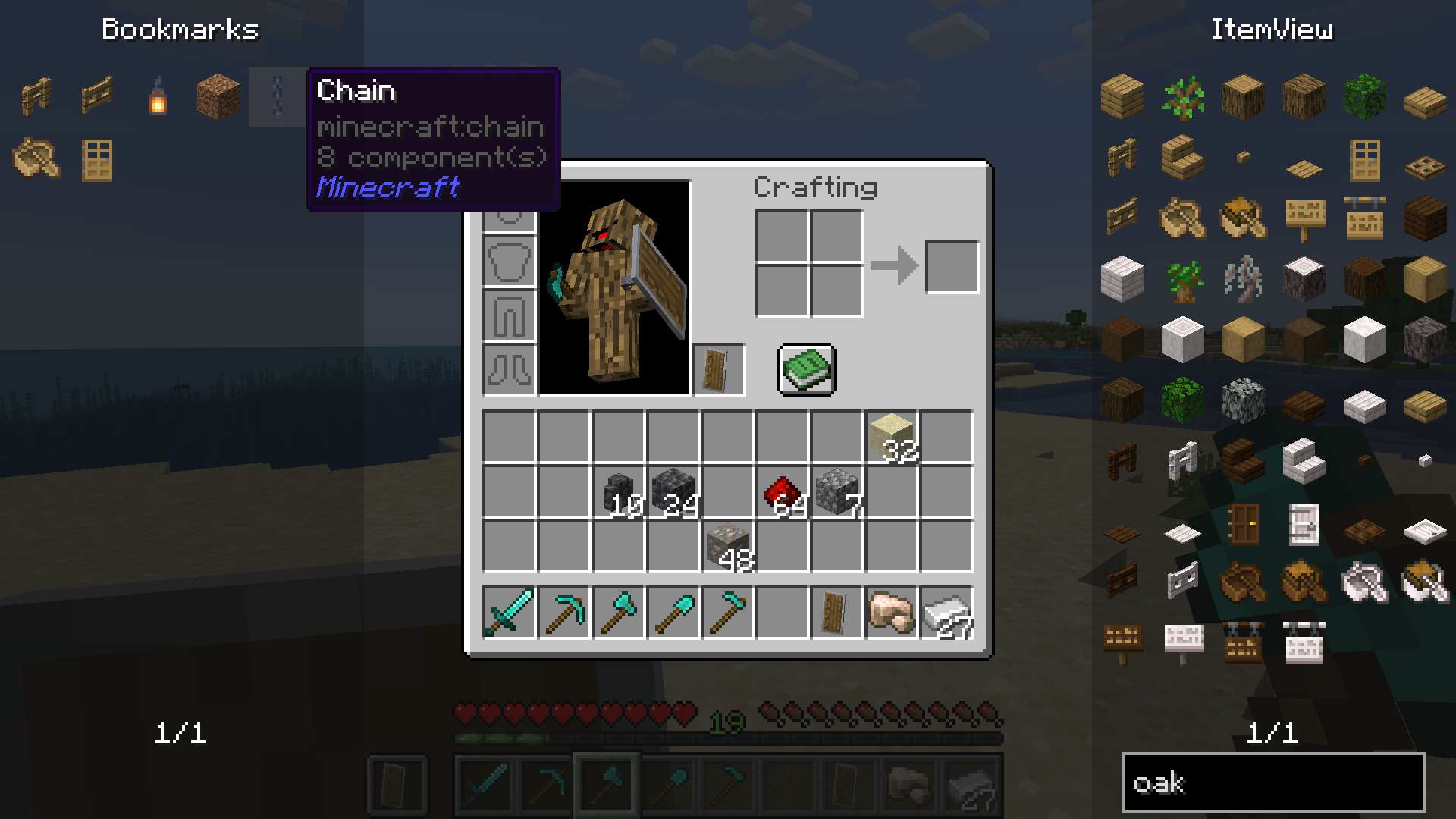
 Bookmarks
Bookmarks
Dynamic Resizing
- Edition: Minecraft Java
- File type: .jar
- Minecraft version listed: 26.1.2
- How to install: Install the matching mod loader (Forge, Fabric or NeoForge) for your Minecraft version. → Download the .jar. → Put it in the .minecraft/mods folder and launch that loader profile.
- Where to get it: Opens on Modrinth — not every file is mirrored on our own servers.
Install steps are the general flow for this file type — How to install Minecraft Java mods & modpacks walks through it step by step.
- Ships as eiv-fabric-8.0.0+26.1.2.jar — drop this file into the mods folder
- Download size: 725 KB
- Download link checked 7 Oct 2026 — working
These come from our own check of the pack file, not from the source page.