







Active Versions: 1.21.1

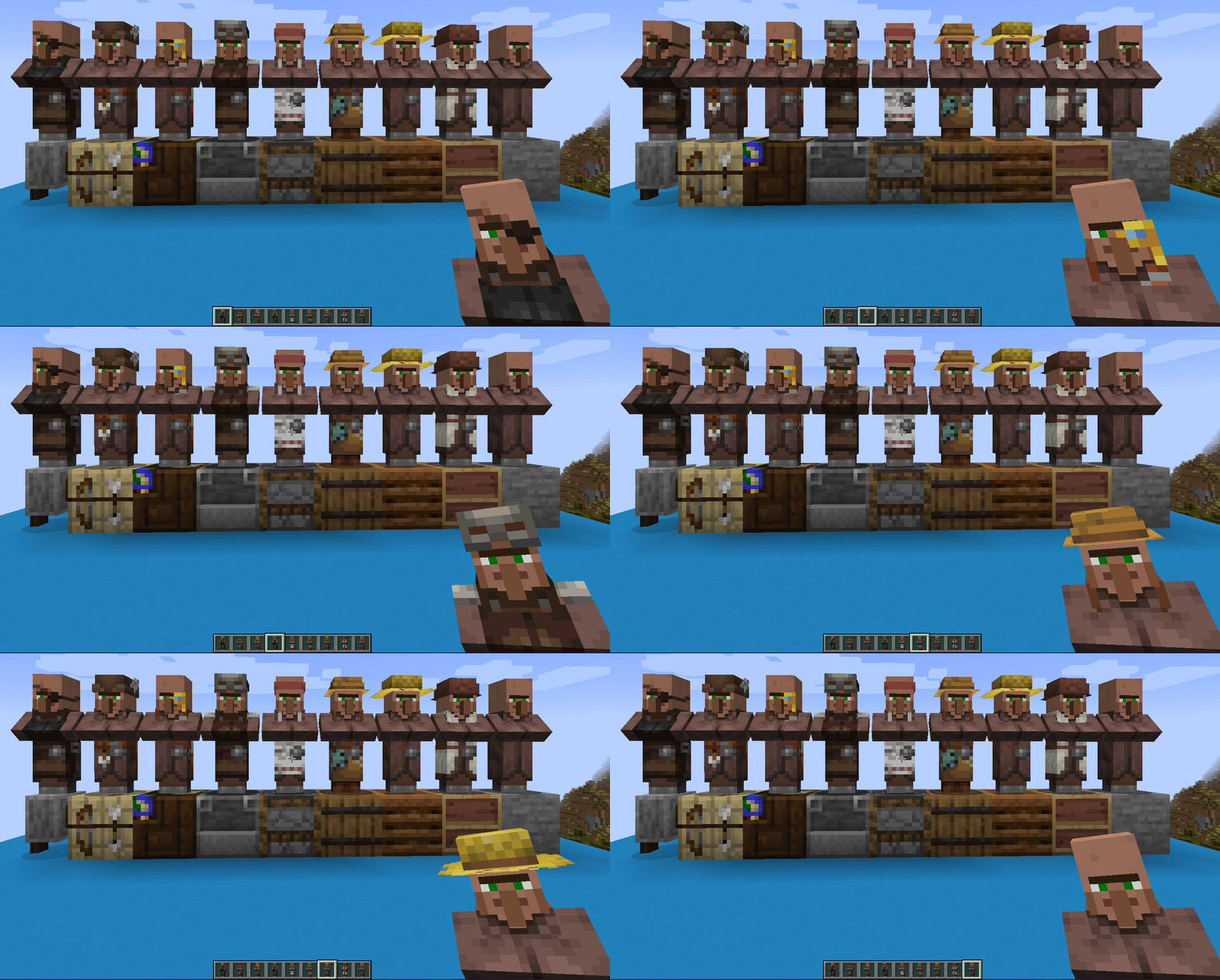
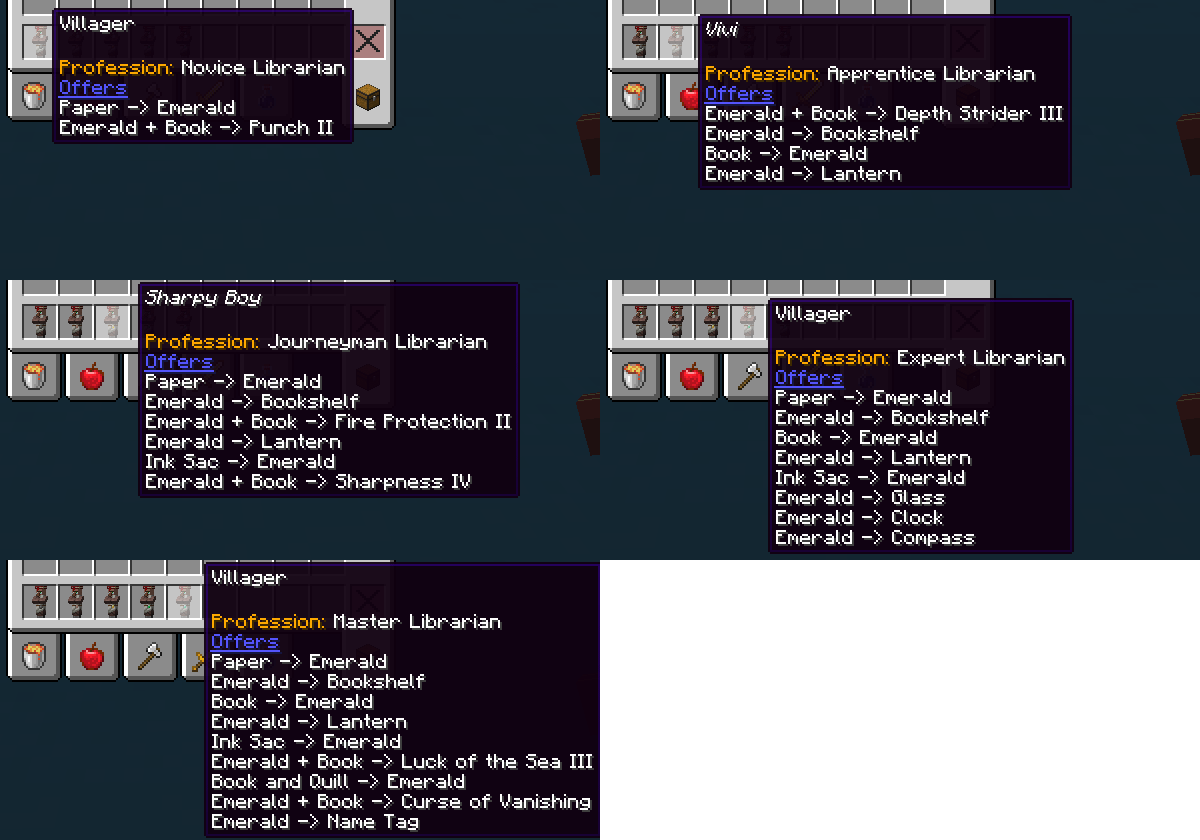
This mod gives you the ability to pick up Villagers, keep them as Items and place them back where you want. They will remember their job, level, trades and name.
- They can be picked up by either sneak + right-click or with a key shortcut. (default: G)
- Villagers that are sleeping, dead or more then 4 blocks away can't be picked up.
- Picking up a Villagers cost experience. (default: 2 x Villager Job Level)
- Trade directly from the inventory.
- Baby Villagers can't be picked up by default. (configurable)
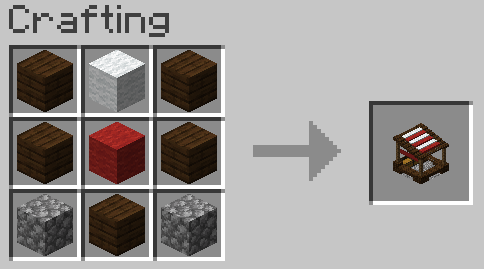
- Trader
- Villagers can be placed in this block.
- Right-click with a Villager Item (picked up villager) to place it in the Trader.
- Sneak + Right-click with empty hand to remove the villager from the Trader.
- Workstations can be placed in this block.
- Right-click with a workstation to place it in the Trader.
- Sneak + Right-click with empty hand to remove the workstation from the Trader.
- Removing the workstation requires the removal of the Villager first.
- Trade!
- Right-click with empty hand to open the trade screen.
- Villagers will only refresh their trades if the Trade has the correct workstation for their profession.
- Villagers can be placed in this block.
- Auto Trader
- Automated version of the Trader Block
- Accepts input from the top
- Outputs from the bottom
- Breeder
- Breeds to villagers
- Accepts valid foods from the top
- Outputs from the bottom
- Incubator
- Safely grows Villagers
- Accepts baby Villagers from the top
- Outputs from the bottom
- Healer
- Applies Zombie conversion to Villagers
- Accepts Villagers from the top
- Accepts Weakness Potions and Golden Apples from the sides
- Outputs from the bottom
All features can be disabled/changed in config.

MCA Reborn is no longer officially supported as of 2.0.
Quick facts
- Edition: Minecraft Java
- File type: .jar
- Minecraft version listed: 1.21.1
- How to install: Install the matching mod loader (Forge, Fabric or NeoForge) for your Minecraft version. → Download the .jar. → Put it in the .minecraft/mods folder and launch that loader profile.
- Where to get it: Opens on Modrinth — not every file is mirrored on our own servers.
Install steps are the general flow for this file type — How to install Minecraft Java mods & modpacks walks through it step by step.
Verified by MCModsHub
- Ships as PickableVillagers-3.3.4+1.21.1-fabric.jar — drop this file into the mods folder
- Download size: 418 KB
- Download link checked 27 Aug 2026 — working
These come from our own check of the pack file, not from the source page.