
Client+
Java modpack listed for Minecraft 26.x. Downloads from the MC Java Mods app on Android.
⬇ Download on Modrinth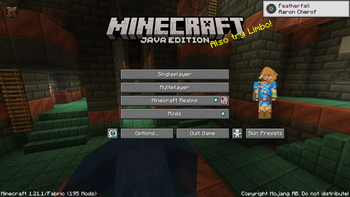
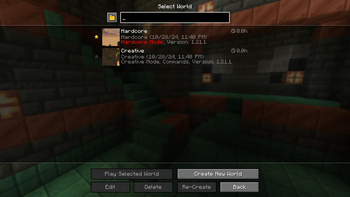
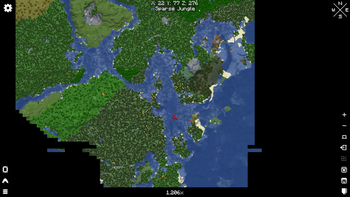
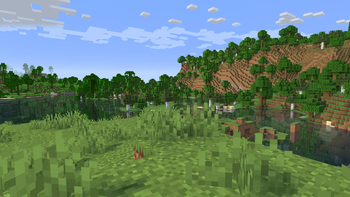
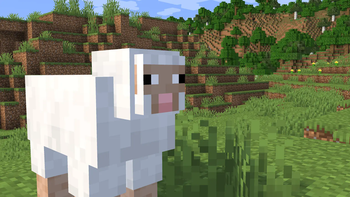

Client+⠀ made with Packrinth
A Minecraft modpack focused on improving vanilla Minecraft on the client-side. Enjoy a better Minecraft anywhere, in singleplayer or multiplayer!
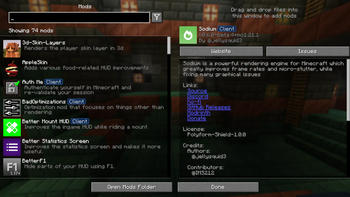
This modpack provides the best performance mods, allowing you to enjoy Minecraft without worrying about your FPS. These mods include Sodium, Immediately Fast, Lithium and Ferrite Core.
Not only that, mods that improve gameplay are also included, specifically on the client-side. For example: Mouse Tweaks and Client Sort both allow you to organize and streamline the inventory, without interrupting vanilla gameplay. But the best part is that they are completely client-side!
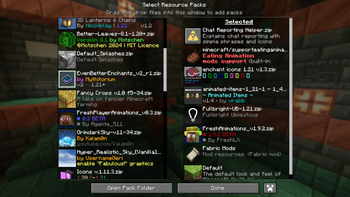
Client+ ships with all the resource packs and shaders you'll ever need, even with some resource packs enabled out of the box. Redstone Tweaks, Connected Textures and Fullbright UB all improve Minecraft and are available in this modpack. As for shaders, Complementary Shaders Reinmagined/Unbound, BSL Shaders, Solas Shader and more are included.
Note: a few mods are (partially) server-side or require a server with the same mod (such as Simple Voice Chat). They are still included because they can be very useful in singleplayer (with the integrated server) or are very well known and installed on a lot of servers.
Mod information
All the mods, resource packs and shaders have been carefully selected. If you have an issue of any kinds, or if you have recommendations or feature requests, feel free to open an issue on GitHub. Client+ aims to improve the modern versions of Minecraft, so older versions won't be updated as much. Alpha and beta versions are released so that you can enjoy Client+ as early as possible, however, please note that a number of mods may not be available due to them not being updated (yet).
What is included in this modpack?Apart from that, we also include various Vanilla Tweaks resource packs:
- Edition: Minecraft Java
- File type: .jar
- Minecraft version listed: 26.1.2
- How to install: Install the matching mod loader (Forge, Fabric or NeoForge) for your Minecraft version. → Download the .jar. → Put it in the .minecraft/mods folder and launch that loader profile.
- Where to get it: Opens on Modrinth — not every file is mirrored on our own servers.
Install steps are the general flow for this file type — How to install Minecraft Java mods & modpacks walks through it step by step.
- Downloads as Client+_1.1.0+26.1.2.mrpack
- Download size: 274 KB
- Download link checked 25 Oct 2026 — working
These come from our own check of the pack file, not from the source page.