
Cauldron Dyeing
I don't know my version or loader
Cauldron Dyeing
This mod adds Bedrock's ability to dye leather armor or leather horse armor with cauldrons to Java Edition.
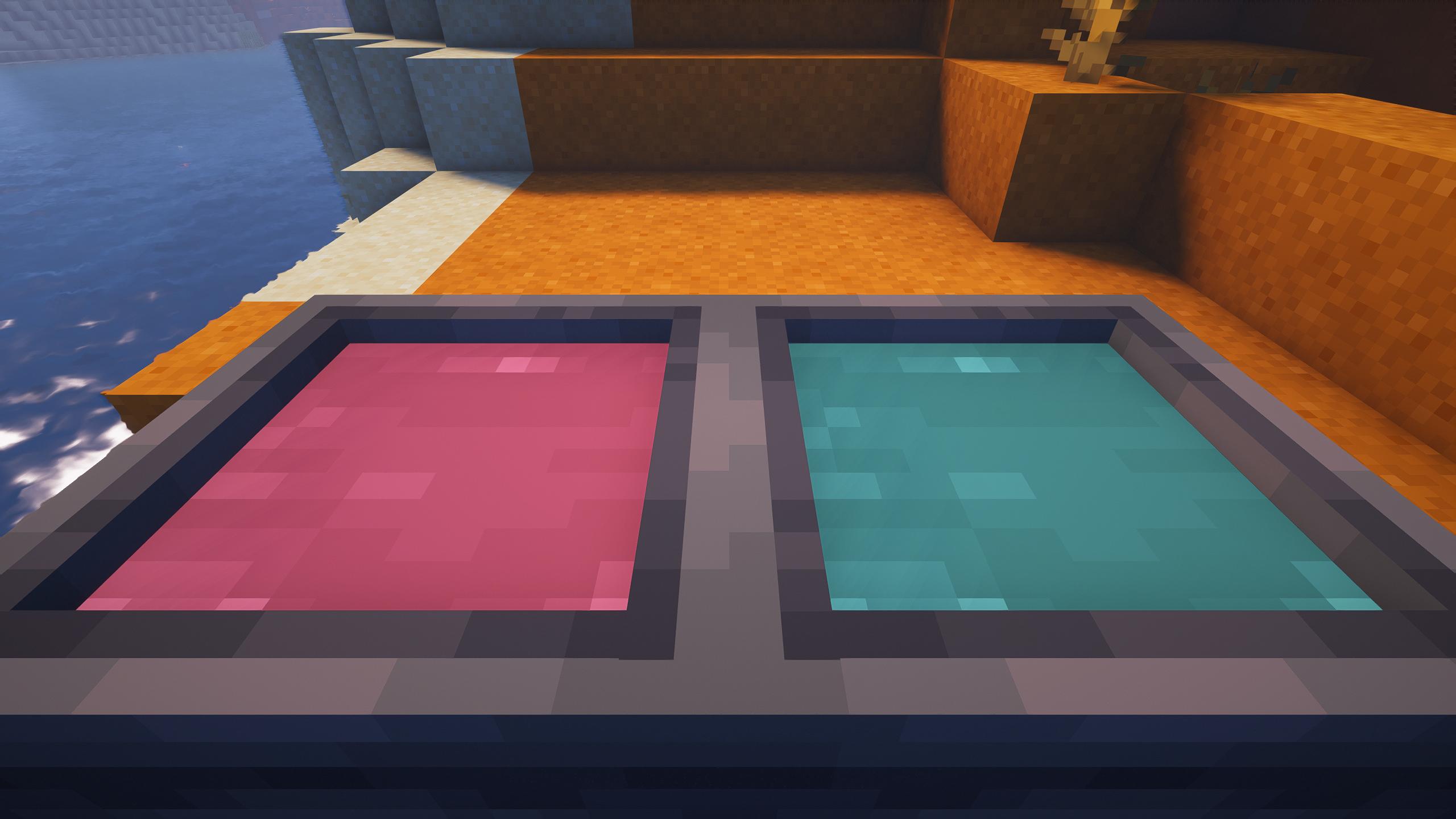
The usage is the same as in Bedrock, using dye on a cauldron with water will color the water, adding dye multiple times will blend the dyes same as in a crafting table. When you use a dyeable item on the cauldron, it will add the current color in the cauldron to the item. Using a water bucket on a cauldron with dyed water will reset the color.
Using a dyed item on an un-dyed water cauldron will still remove its color.
Installation
Make sure you have the latest version of Fabric Loader or Quilt Loader installed. To install, just drag the mod jar into your mods folder along with either FAPI or QFAPI.
Compatibility
Cauldron Dyeing is ensured to be compatible with (Quilted) Fabric API, CaffeineMC mods, and Iris, if any incompatibility is found please report it on the issue tracker.
Note: The current method of displaying dyed water is not compatible with shaders that customize water color such as Complementary's Realistic-ish and RTX-ish settings.
Issues
Report any bugs, crashes, or other issues that may arise on the issue tracker.
- Edition: Minecraft Java
- File type: .jar
- Minecraft versions listed: 1.20.3, 1.20.4
- How to install: Install the matching mod loader (Forge, Fabric or NeoForge) for your Minecraft version. → Download the .jar. → Put it in the .minecraft/mods folder and launch that loader profile.
- Where to get it: Opens on Modrinth — not every file is mirrored on our own servers.
Install steps are the general flow for this file type — How to install Minecraft Java mods & modpacks walks through it step by step.
- Ships as cauldron-dyeing-1.0.12.jar — drop this file into the mods folder
- Download size: 32 KB
- Download link checked 17 Sept 2026 — working
These come from our own check of the pack file, not from the source page.