
PvP Legacy Utils
Java mod listed for Minecraft 1.21. Downloads from the MC Java Mods app on Android.
I don't know my version or loader
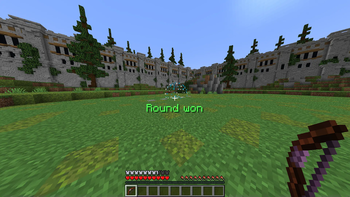
PvP Legacy Utils
This mod is NOT affiliated with PvP Legacy. Please do NOT ask them for support on this mod.
This is a mod that provides additional client-side features on the server PvP Legacy.
List of features:
- General
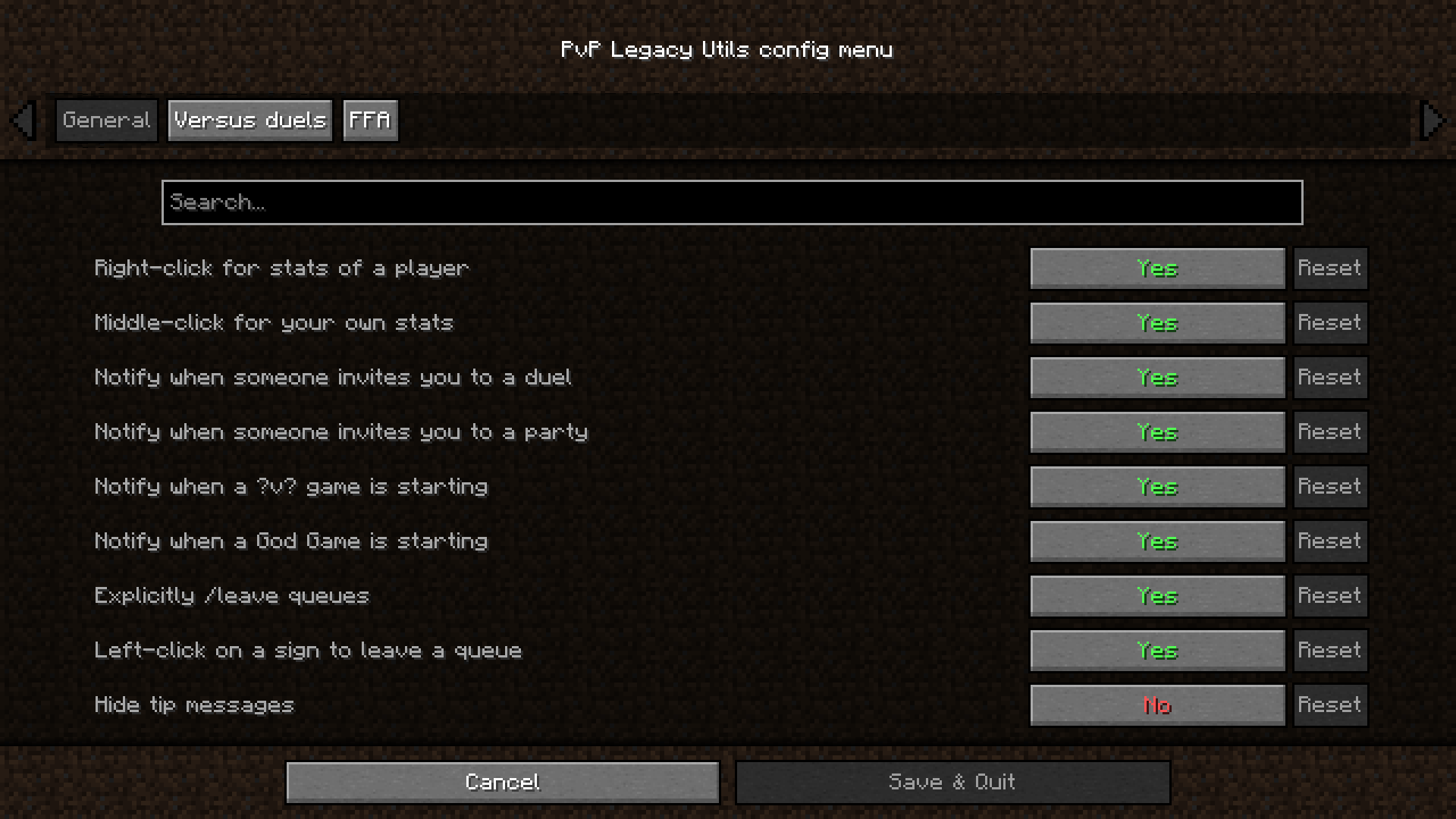
- Right-click a player in the lobby for their stats
- Middle-click in the lobby for your own stats. Internally uses the Pick Block functionality, which is middle-click by default. Make sure you have Pick Block bound to a key.
- Notify when someone invites you to a duel
- Notify when someone invites you to a party
- Notify when a ?v? game is about to start
- Notify when a God Game is about to start
- Explicitly
/leavequeues. Make it not possible to leave the current queue by right-clicking another sign. You can still do it by sneak-right-clicking on a sign, to check a kit of a sign, or to re-queue in another sign - Left-click the sign to leave the queue
- Hide tips
- Versus duels
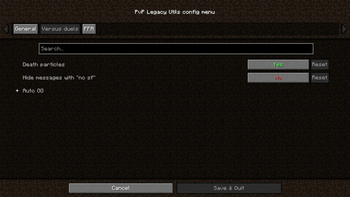
- Death particles
- Hide messages with "no sf"
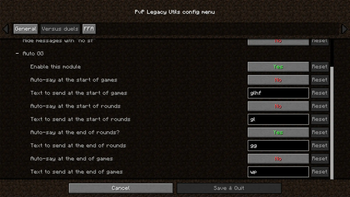
- Various Auto GG options (Start of game, round. End of round, game. Toggles and text changes.)
- FFA
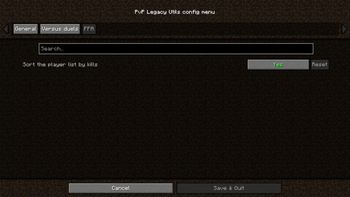
- Sort the player list by kills
More features to come!
I accept donations with gratitude on my Boosty page as one time donations and subscriptions. Subscribers get access to extra mods.
Donations will help me maintain and make new mods more consistently. Thank you!

Dependencies & Incompatibilities
The mod requires Fabric API to work.
For configuration, you need Mod Menu and Cloth Config. Though, the mod will work without them.
I have not discovered any incompatibilities yet.
Credits
Icon by the Pufferfish Praise Parliament discord server.
Huge thanks to enjarai and jacg for their mod, Shared Resources, because a lot of code has been borrowed from it, with their permission, to make this mod possible to have one jar file for all 1.19 minor versions.
And a shout-out to all my friends that helped me test this mod!
- Edition: Minecraft Java
- File type: .jar
- Minecraft versions listed: 1.21.9, 1.21.10
- How to install: Install the matching mod loader (Forge, Fabric or NeoForge) for your Minecraft version. → Download the .jar. → Put it in the .minecraft/mods folder and launch that loader profile.
- Where to get it: Opens on Modrinth — not every file is mirrored on our own servers.
Install steps are the general flow for this file type — How to install Minecraft Java mods & modpacks walks through it step by step.
- Ships as pvplegacyutils-1.2.0.jar — drop this file into the mods folder
- Download size: 44 KB
- Download link checked 7 Oct 2026 — working
These come from our own check of the pack file, not from the source page.