
Sleepless
Java mod listed for Minecraft 1.21. Downloads from the MC Java Mods app on Android.
I don't know my version or loader
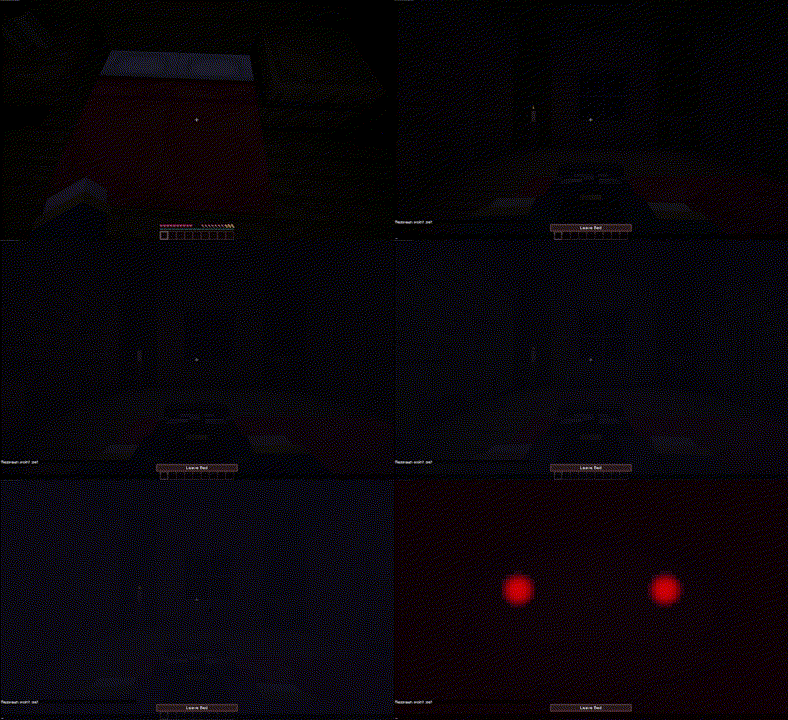
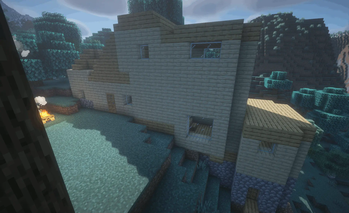
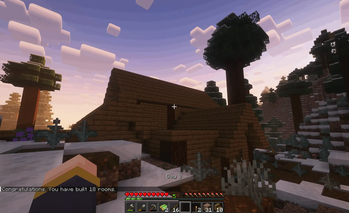

Minecraft: Java Edition - Sleepless Datapack and Mod
Synopsis:
Sleepless, originally made for TheLibrarianYT, is a gameplay-changing datapack to make your Minecraft experience a little more challenging. An entity is hunting you every night, and remembers every room you sleep in. It knows when you leave the house, and will search for you if you don't have a bed to sleep in before sunrise.
The rules are simple; Don't sleep in the same room twice, and have a new room built before dawn. For the first three days, you'll be allowed to stay up to get a bed and build your house, as well as the first few rooms of many for you to sleep in. After the three days are up, you are no longer allowed the luxury of staying up all night. From then on, the sun peeking over the horizon shall be your enemy. If you don't have a safe bed by morning, something... horrible will happen.
This was the very first released project by Stasis Entertainment. Whether you're using it for your hardcore world, using the ready-made modpack, or adding it to your own modpack, we hope you enjoy the experience.
Links


Come join us on Discord! We can help answer any questions you have, or you can just hang out with our amazing community!
Tips/FAQ
Config
Use the command /function #sleepless:config to open the config in-game. This works with both the mod and the datapack. Out of game, you will need the DATAPACK (not the mod), and modify the file at sleepless:data/functions/config/default.mcfunction BEFORE loading the world. If you've already loaded a world, modify "force_default.mcfunction" at the same location and use the reset button in the in-game config (accessed above).
How does it work
The pack marks every bed that you place, regardless of if you sleep in it or not. Every morning, every single placed bed becomes unsafe, and must be moved to a new "room". In reality, the new "room" can be anywhere that is greater than about 5 blocks away from the previous position. If you are not next to a new bed by sunrise, the entity will find you.
The datapack has a separate required resourcepack, found here: https://modrinth.com/resourcepack/sleepless-resourcepack
Check out the Librarian: https://www.youtube.com/watch?v=yDCrRzz2PkY
- Edition: Minecraft Java
- File type: .jar
- Minecraft versions listed: 1.21, 1.21.1, 1.21.2
- How to install: Install the matching mod loader (Forge, Fabric or NeoForge) for your Minecraft version. → Download the .jar. → Put it in the .minecraft/mods folder and launch that loader profile.
- Where to get it: Opens on Modrinth — not every file is mirrored on our own servers.
Install steps are the general flow for this file type — How to install Minecraft Java mods & modpacks walks through it step by step.
- Ships as sleepless-datapack-1.1.0+datapack.jar — drop this file into the mods folder
- Download size: 2.2 MB
- Download link checked 7 Oct 2026 — working
These come from our own check of the pack file, not from the source page.