
Chai's Inventory Sorter
Java mod listed for Minecraft 1.20. Downloads from the MC Java Mods app on Android.
I don't know my version or loader
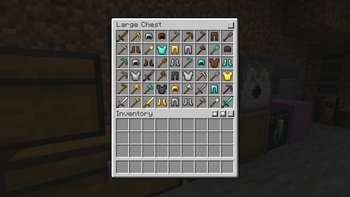
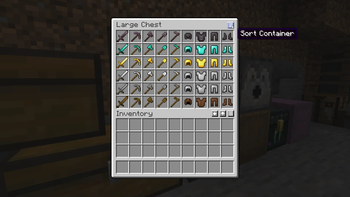
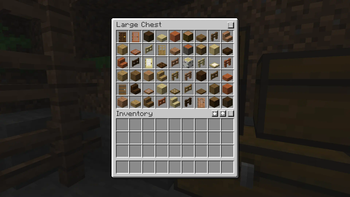
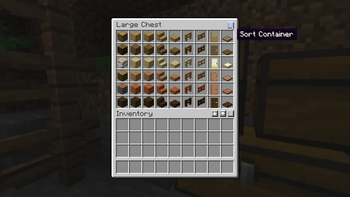
Chai's Inventory Sorter
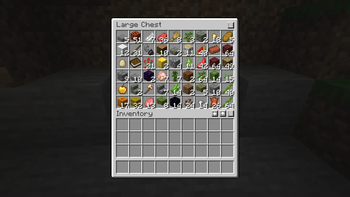
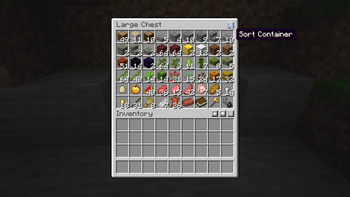
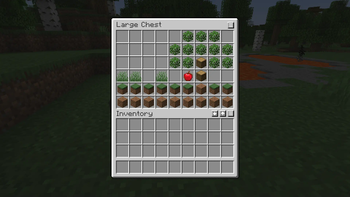
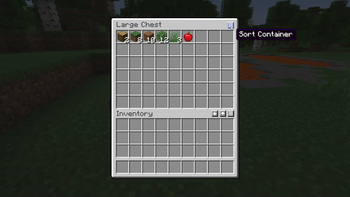
Chai's Inventory Sorter is an inventory sorter mod (wow!) that complements the vanilla UI. It not only lets you sort your inventories, but it also lets you perform a couple of handy inventory management shortcuts, like restock, quick stack, loot all, and deposit all. It comes with a great default sorting config, but you can change it up to your liking with its powerful tag-based sorting.
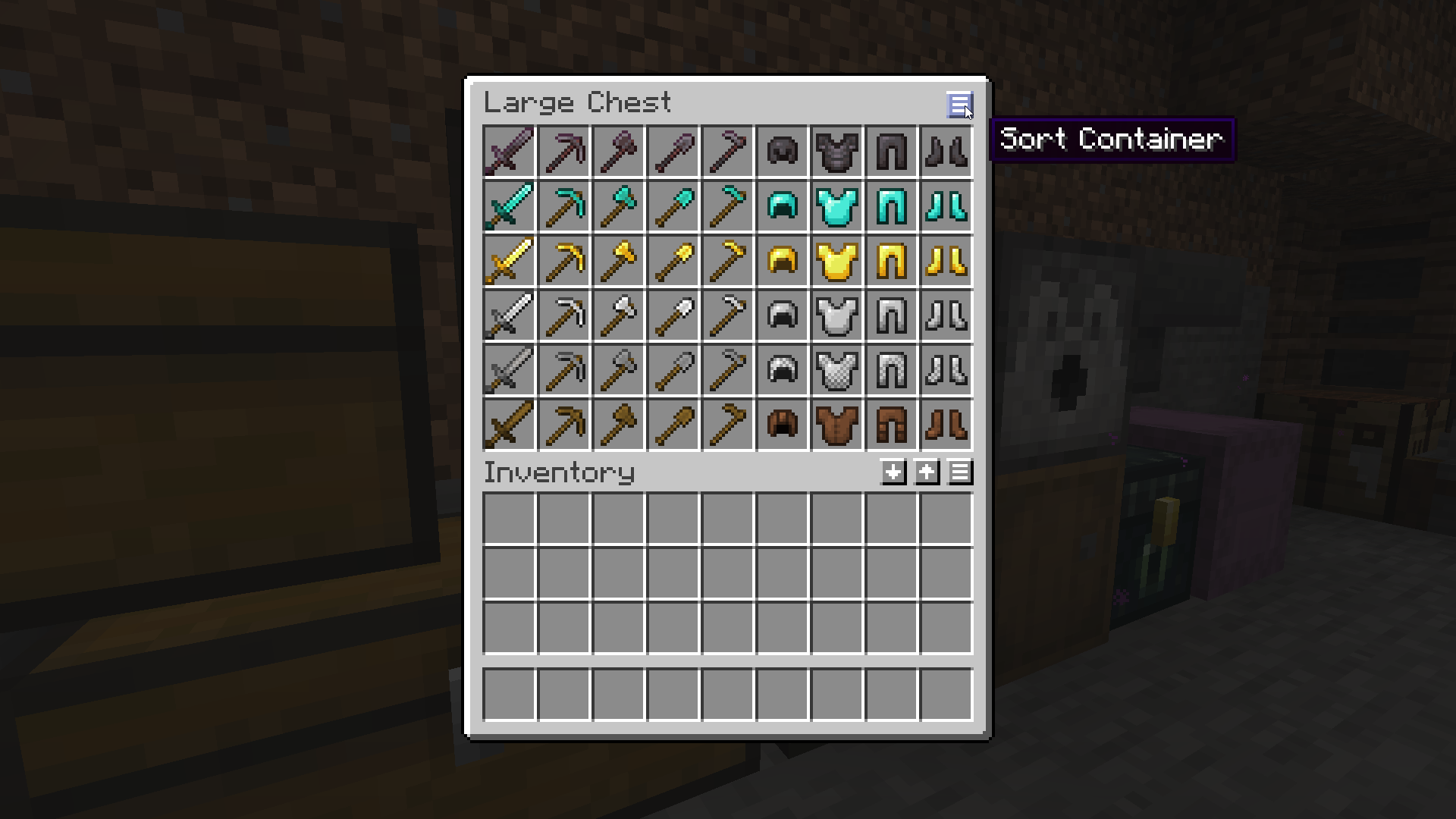
Usage
- Press the sort inventory or sort container buttons to sort your inventory or the container.
- Press the restock button to refill your stacks from the opened container.
- Press the quick stack button to move stacks from your inventory that already exist in the container.
- Hold shift and hover over the restock or quick stack buttons to access the loot all and deposit all buttons that will take or deposit all items.
Configuration
The mod can be configured to sequentially sort inventories using the following options.
blocksSorts blocks firstitemsSorts items firststackablesSorts stackables items firstunstackablesSorts unstackables items firstitem/namespaced:idSorts the specific item firstitem_tag/namespaced:idSorts items that match the item tag firstblock_tag/namespaced:idSorts blocks that match the block tag firstitem_group/namespaced:idSorts items from the item group firstitem_group_order/namespaced:idSorts items according to their order in the item groupcountSorts larger stacks firstdamageSorts less damaged items first
Item Groups
Here is a list of the default item groups in Minecraft. Mods may add their own creative inventory item groups that you can sort by.
minecraft:building_blocksminecraft:colored_blockedminecraft:natural_blocksminecraft:functional_blocksminecraft:redstone_blocksminecraft:tools_and_utilitiesminecraft:combatminecraft:food_and_drinksminecraft:ingredientsminecraft:spawn_eggsminecraft:search
Built-in Item Tags
This mod adds a few item tags that may be helpful for sorting inventories.
sort:combatContains swords, bows, tridents, and shieldssort:toolsContains pickaxes, axes, shovels, and hoessort:armorContains helmets, chestplates, leggings, and bootssort:wood_equipmentContains all wood equipmentsort:leather_equipmentContains all leather equipmentsort:stone_equipmentContains all stone equipmentsort:chainmail_equipmentContains all chainmail equipmentsort:iron_equipmentContains all iron equipmentsort:golden_equipmentContains all golden equipmentsort:diamond_equipmentContains all diamond equipmentsort:netherite_equipmentContains all netherite equipment
Supported Languages
- Brazilian Portuguese (Kett)
- Chilean Spanish (Mudkip)
- English
- Russian (teshich)
- Simplified Chinese (Wudji)
- Ukrainian (teshich)
Supported Mods
- Edition: Minecraft Java
- File type: .jar
- Minecraft versions listed: 1.20, 1.20.1
- How to install: Install the matching mod loader (Forge, Fabric or NeoForge) for your Minecraft version. → Download the .jar. → Put it in the .minecraft/mods folder and launch that loader profile.
- Where to get it: Opens on Modrinth — not every file is mirrored on our own servers.
Install steps are the general flow for this file type — How to install Minecraft Java mods & modpacks walks through it step by step.
- Ships as inventory_sort-1.2.4+1.20.jar — drop this file into the mods folder
- Download size: 59 KB
- Download link checked 7 Oct 2026 — working
These come from our own check of the pack file, not from the source page.