Fresh Moves
Java resource pack listed for Minecraft 1.21. File opened and checked on 22 Sep 2026; downloads from the MC Java Mods app on Android.
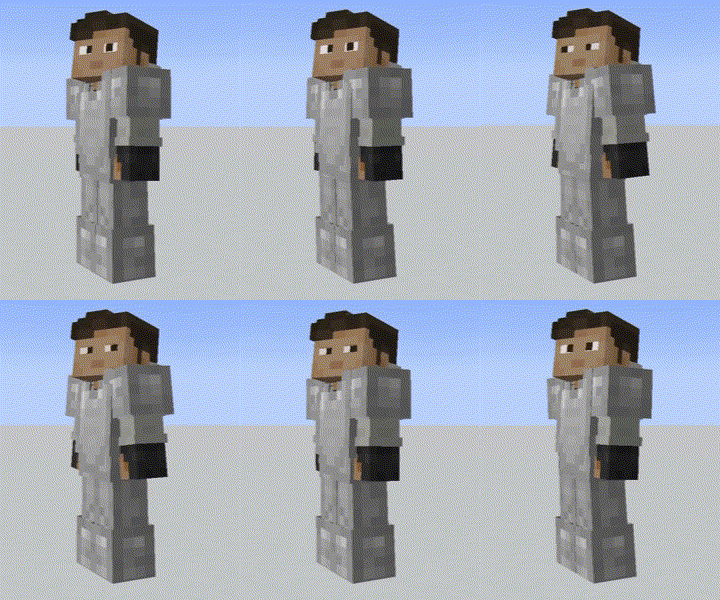
This is EMF Player Animation resource pack. Gives fancy animations to the player entity. Compatible with animations from other mods. Like Quark's emotes…
I don't know my version or loader




You need the LATEST versions Entity Model Features (+v2.0.2), Entity Texture Features (+v6.0.1) to use this pack. This are client-side mods that are available for both Forge and Fabric
OPTIFINE DOESN'T SUPPORT PLAYER CUSTOM MODELS ...yet, just in case
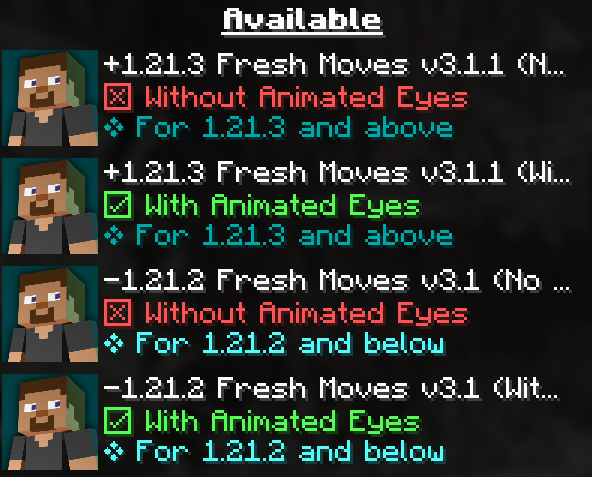
Be sure to use the right version of this pack (For Animated Eyes and Minecraft Version)
Check this tutorial and the new face feaures added in v3.0 in this made by Laynce.
To fix Black eyes follow this quick guide ↓. For a video demonstration go to this page in the wiki of the resourcepack.
Fix Black Eyes · IthanMendoza/Fresh-Moves Wiki (github.com)
If you want your hand to stop moving in the first person perspective. Go to this page in the wiki to disable it.
Fix Moving 1st Person Hand · IthanMendoza/Fresh-Moves Wiki (github.com)
For this mod to work you have to activate this features in the EMF and ETF settings:
SpoilerFirst go to resourcepacks
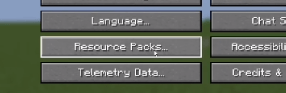
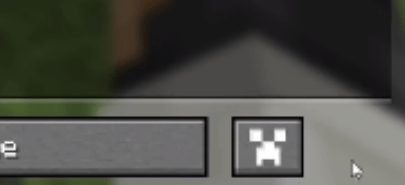
The click in this button (ETF and EMF settings)
Click in textures
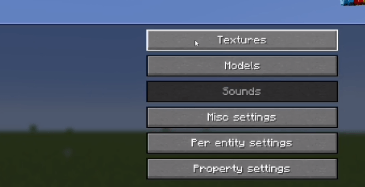
Click on player skin settings
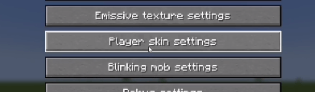
And activate the option that says "Allow skin transparency" and set it to "All skins"
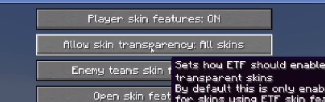
Go back to the mod settings and click on models
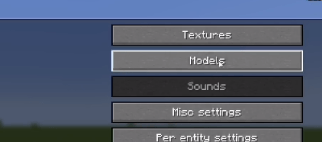
Go to Options and Fixes
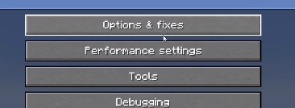
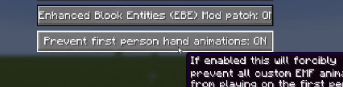
And finally set to On the option that says "Prevent first person hand animation"
To animate the eyes go to the Fresh Moves wiki. TLDR you must add extra pixels to your skin and upload that modified skin. The positions of those extra pixels are in the wiki. All supported eyes are there. Here are some examples in real skins.
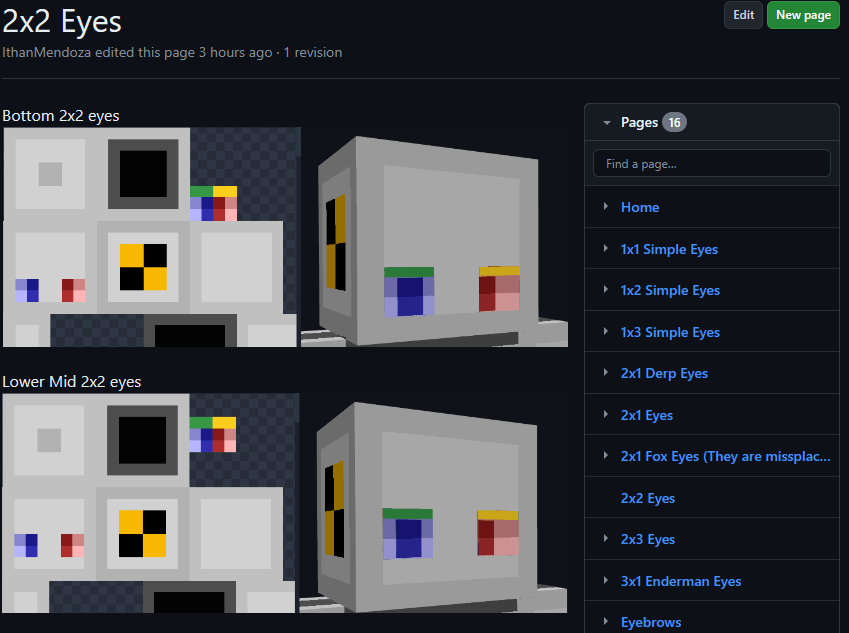
Here are some examples of things you must get in the end in your skin.png. This result must be used as your skin. If other people have these extra pixels on their skin, you will be able to see their animated eyes in multiplayer.
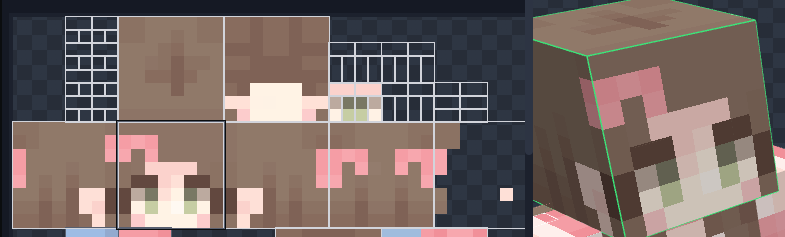
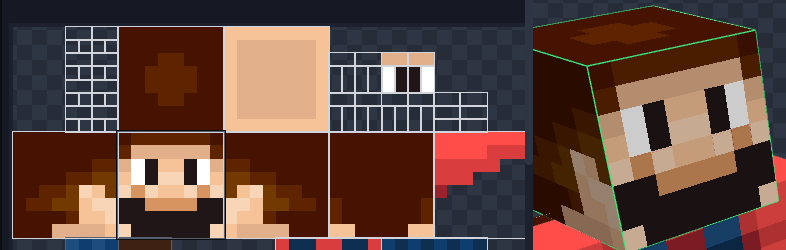
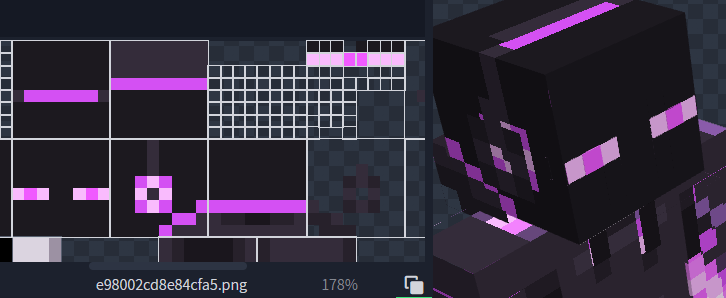
May look like there is some part missing the eyewhites but in game the eyewhites expand to their normal size. Notice that it has the eyebrows at the third position.
The version of this pack with animated eyes (Expressive Fresh Moves.zip) will also have the extra pixels on the default Minecraft skins (Steve, Alex, Makena, Efe, Noor, Kai, Ari, Sunny, and Zuri) as an example. ****
Features in Fresh Moves: -This resource pack overhauls the idle, walking and swimming animation and gives some othe details to the player.
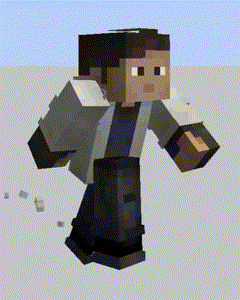
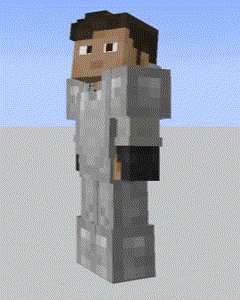
This resource pack has been made with special compatibility for Parcool, Quark's emotes, Not Enought Animations, Amendments and Real Camera mod. Other mods' animations may work. The resource pack doesn't overwrite the arms animations at all so animations on them should play as normal. For Parcool we recommend dissabling the "Fast Running" and "Fast Swimming" animators in the configuration menu (Use "Configured" for that) Animations/Animators.
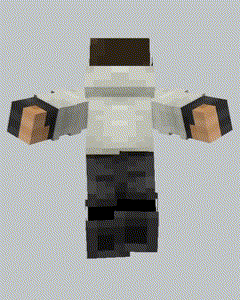
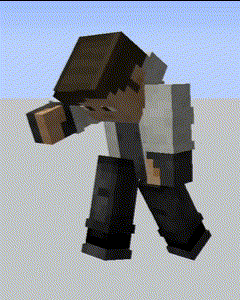
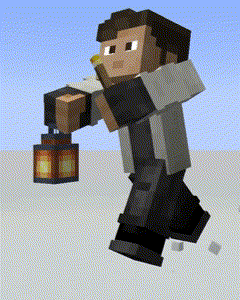
The latest version also comes with fixes for Sleep Tight's sleeping position.
This pack is also available in Curse Forge and Planet Minecraft.
Here are some tutorials for different languages:
Credits:
FreshLX: Creator of Fresh Animations resourcepack. The pillager, enderman and villager animations of the Fresh Animations pack were used as the base of this pack.
Ithan: Animation editor and responsible for the extensive eye support and other facial features compatibility.
Traben: Creator of ETF and ETM and the custom player models feature. He helped me a lot in the creation of the pack
BoZo-Xo2 & CoolRanchChris: Creators of the original Fresh Player Animations resourcepack (The pack where Fresh Moves is made from) and members of the Traben's discord server
TrasTick: Mantains the Curseforge and Planet Minecraft pages.
Laynce: Creator of the video tutorial for Fresh Moves
Fresh Player and other Player Animation packs can be found in the Traben's discord server in the etf-emf-pack-list channel. Be sure to take a look.
- Edition: Minecraft Java
- File type: .zip (resource pack)
- Minecraft versions listed: 1.21.3, 1.21.4
- How to install: Download the .zip resource pack — do not unzip it. → Put it in .minecraft/resourcepacks. → Enable it in Options → Resource Packs.
- Where to get it: Opens on Modrinth — not every file is mirrored on our own servers.
Install steps are the general flow for this file type — How to install Minecraft Java resource packs walks through it step by step.
- Downloads as +1.21.3 Fresh Moves v3.1.1 (With Animated Eyes).zip
- Download size: 267 KB
- Download link checked 4 Nov 2026 — working
These come from our own check of the pack file, not from the source page.