
Component Viewer
Component Viewer is a mod for Minecraft Java Edition that allows you to view and copy components of any item stack.
⬇ Download on Modrinth
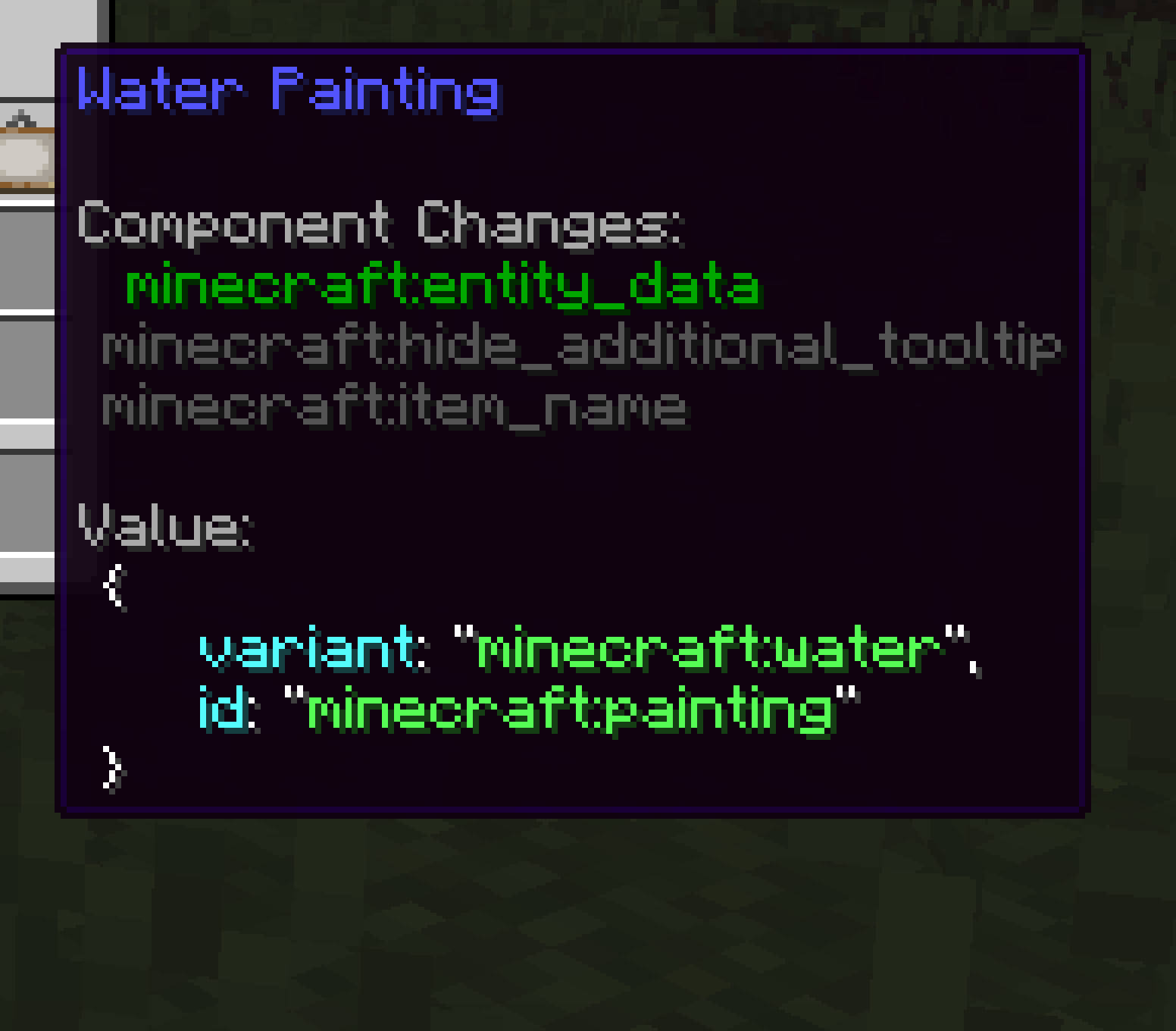
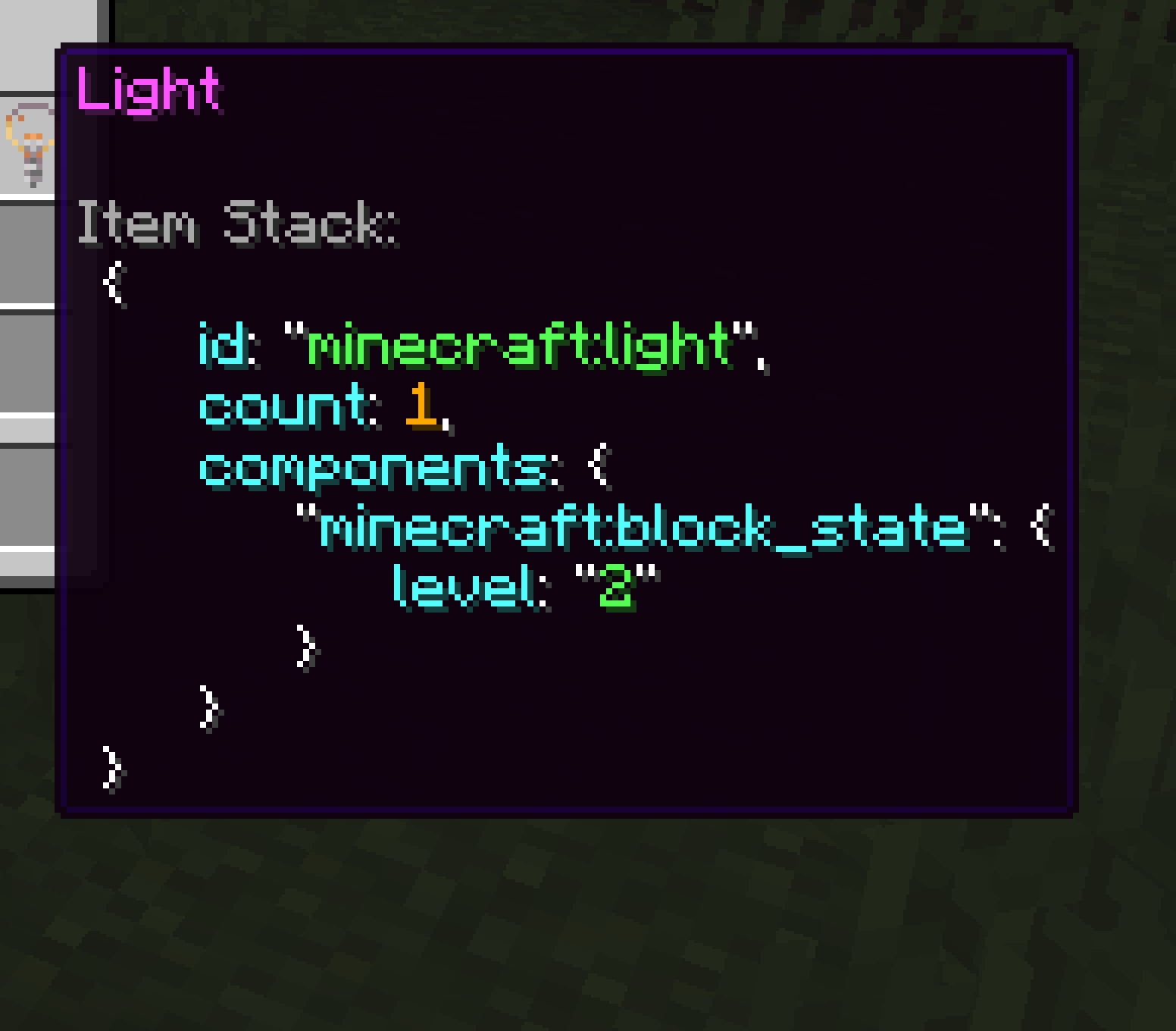


🗒️ Description
Component Viewer is a mod for Minecraft Java Edition that allows you to view and copy components of any item stack. This mod is configurable out of the box by pressing J. If tooltips become extensively large, you can use a mod like Tooltip Scroll or just copy the data to a separate text file. Fabric API is required when using Fabric or Quilt.
I'm running a survey to better understand how people are using this mod. I want to collect ideas to improve this mod based on your feedback. I takes a few minutes and I would appreciate it: Google Form (last updated: July 26, 2026)
Thank you! :D
✨ Features
- Client-side only
- View individual components or the item stack data in tooltips
- Copy component values or item stack data to the clipboard
- Nicely formatted data in e.g. SNBT or JSON
- Configurable without needing to install additional mods
⌨️ Default Controls
- Hold
ALTto display components - While holding
ALT:- Tap
DOWNto switch to the next component - Tap
UPto switch to the previous component - Or scroll with your mouse wheel to select any component
- Tap
- Press
CTRL+Cto copy component data - Press
Jto open the config screen
🚀 Example

🌍 Languages
Component Viewer is translated by people like you ❤️
If you want to help translate Component Viewer into whatever language you like, take a look at the contributing guidelines.
Translation Progress (Latest Version)
The progress below might not be 100% accurate all the time.
- English
- Simplified Chinese (100%)
- by 4tubborn
- by xFoxty
- Ukrainian (98%)
- by StarmanMine142
🔍 Useful Resources
- 🐛 Issues: For reporting bugs or suggesting features
- 📝 Changelog: Keep track of all notable changes made to the mod
- 🌱 Contributing: How to contribute?
Component Viewer is officially distributed through Modrinth and GitHub only!
- Edition: Minecraft Java
- File type: .jar
- Minecraft version listed: 26.2
- How to install: Install the matching mod loader (Forge, Fabric or NeoForge) for your Minecraft version. → Download the .jar. → Put it in the .minecraft/mods folder and launch that loader profile.
- Where to get it: Opens on Modrinth — not every file is mirrored on our own servers.
Install steps are the general flow for this file type — How to install Minecraft Java mods & modpacks walks through it step by step.
- Ships as componentviewer-fabric-1.3.5+26.2.jar — drop this file into the mods folder
- Download size: 173 KB
- Download link checked 27 Aug 2026 — working
These come from our own check of the pack file, not from the source page.