
Streetscape
Java mod listed for Minecraft 1.21. Downloads from the MC Java Mods app on Android.
⬇ Download on Modrinth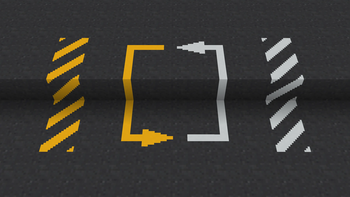
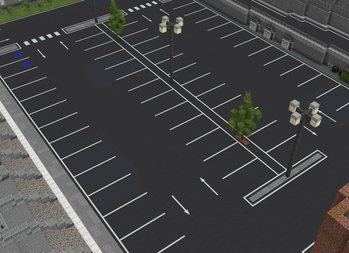

About
Ever wanted to build proper roads in Minecraft but got tired of pretending gray concrete and diorite stairs to look like real painted lines? Streetscape is exactly what you need!
Originally started as a simple resource pack, Streetscape has been completely rebuilt from the ground up into a full mod for all your road building needs.
Features
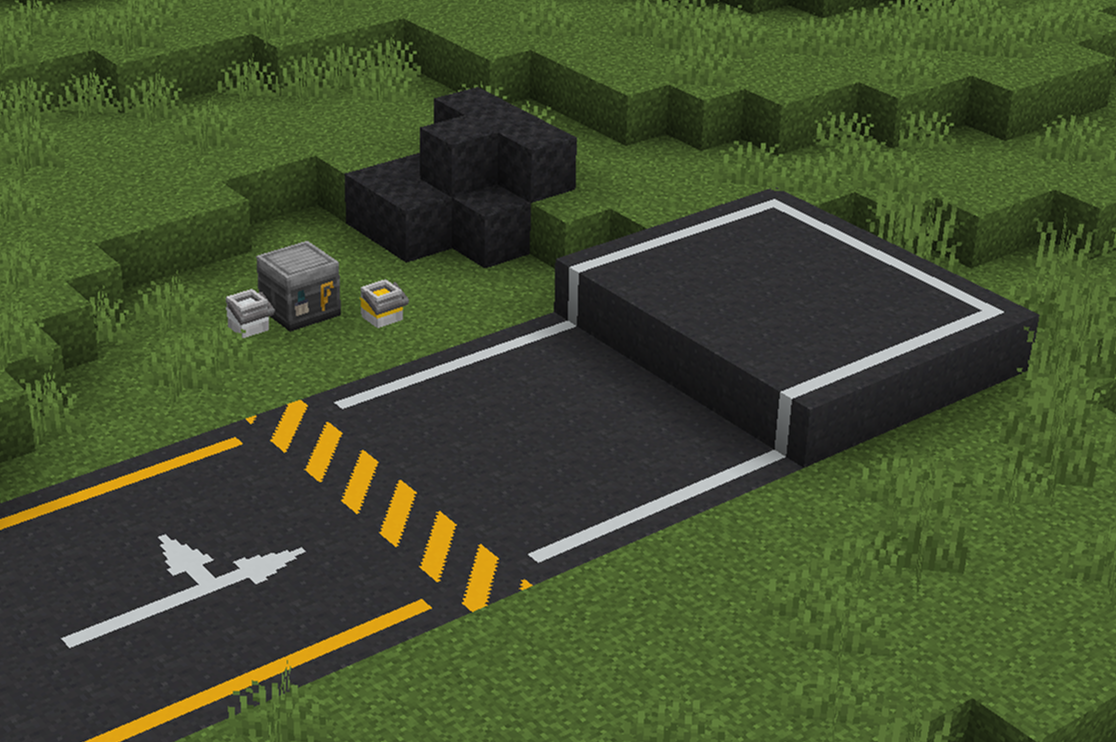
Asphalt: The foundation of any good city. Mix sand, gravel, and coal (or charcoal) to craft an Asphalt Mix, then smelt it down in a furnace to make solid Asphalt blocks.
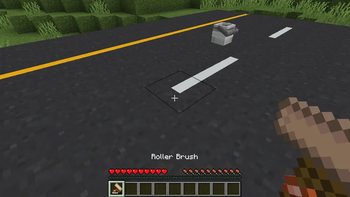
Road Marking Painting: Use a Roller Brush to manually paint markings directly on asphalt blocks. Place Paint Buckets down to dip your roller, or hold a bucket in your offhand to refill paint on the go.
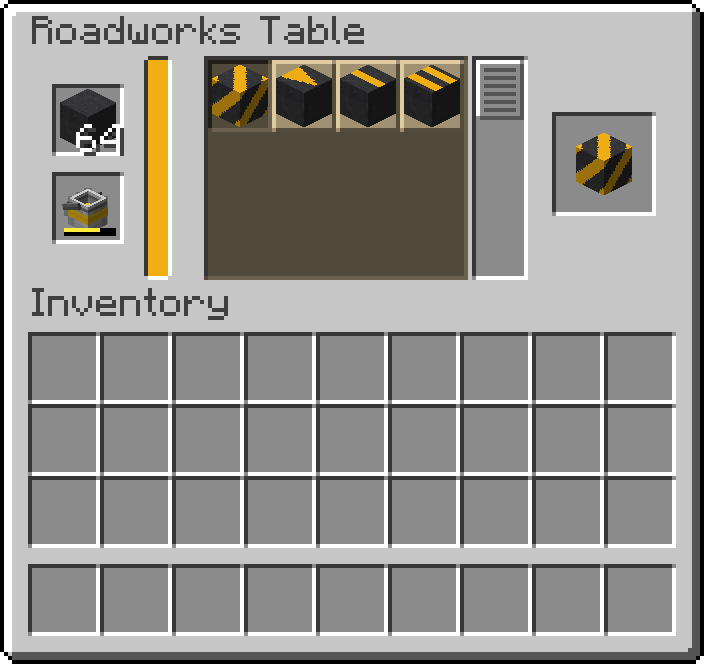
Roadworks Table: Need to make road markings in bulk? Use the Roadworks Table! Insert a Paint Bucket to fill the table's internal paint reservoir, then pick the exact markings you want to make.
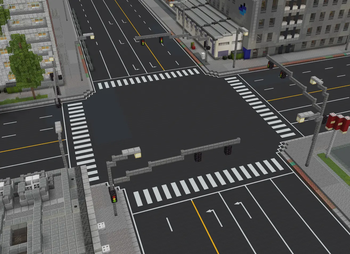
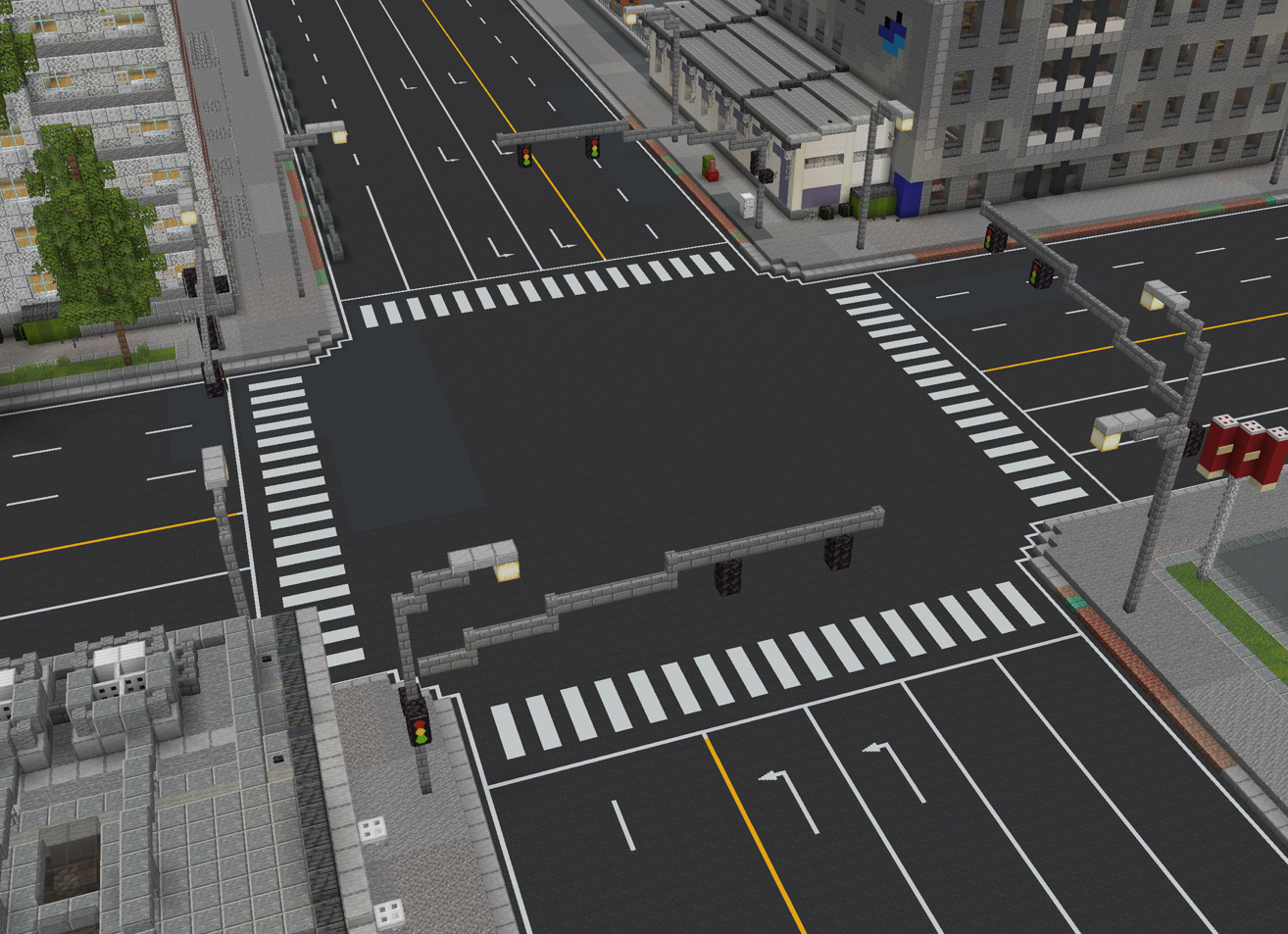
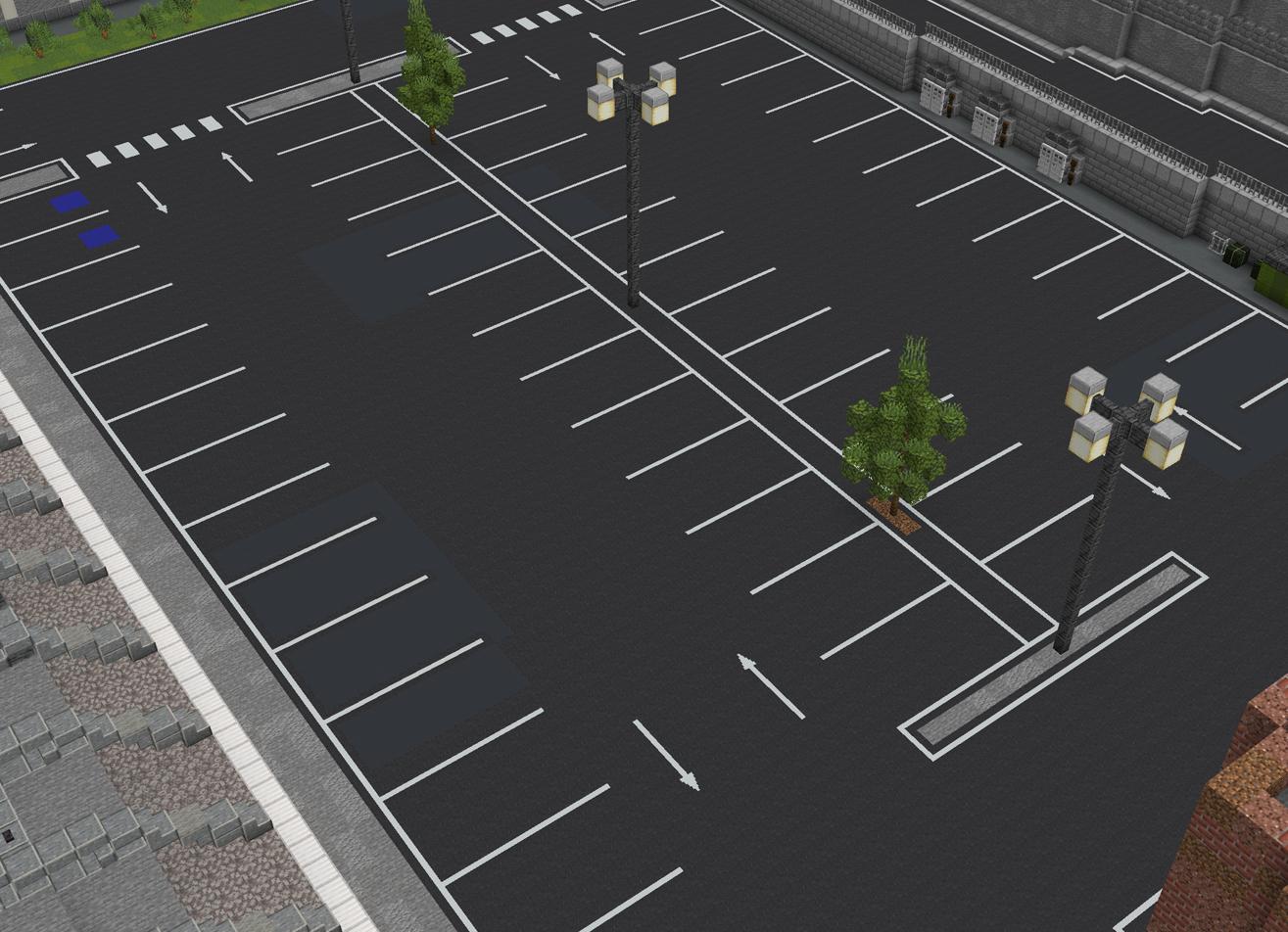
Connected Textures: No more puzzle-piece placing! Line markings will automatically connect to adjacent blocks to form seamless corners and intersections.
Showcase
Support & Links
Found a bug or have a suggestion?
Feel free to include Streetscape in your modpacks!
- Edition: Minecraft Java
- File type: .jar
- Minecraft version listed: 1.21.1
- How to install: Install the matching mod loader (Forge, Fabric or NeoForge) for your Minecraft version. → Download the .jar. → Put it in the .minecraft/mods folder and launch that loader profile.
- Where to get it: Opens on Modrinth — not every file is mirrored on our own servers.
Install steps are the general flow for this file type — How to install Minecraft Java mods & modpacks walks through it step by step.
- Ships as streetscape-0.2.0-1.21.1.jar — drop this file into the mods folder
- Download size: 241 KB
- Download link checked 24 Oct 2026 — working
These come from our own check of the pack file, not from the source page.