
This is an auxiliary mod that integrates various practical functions into a hotkey. It is a pure client and highly configurable mod. The default hotkey is LAlt.
Features
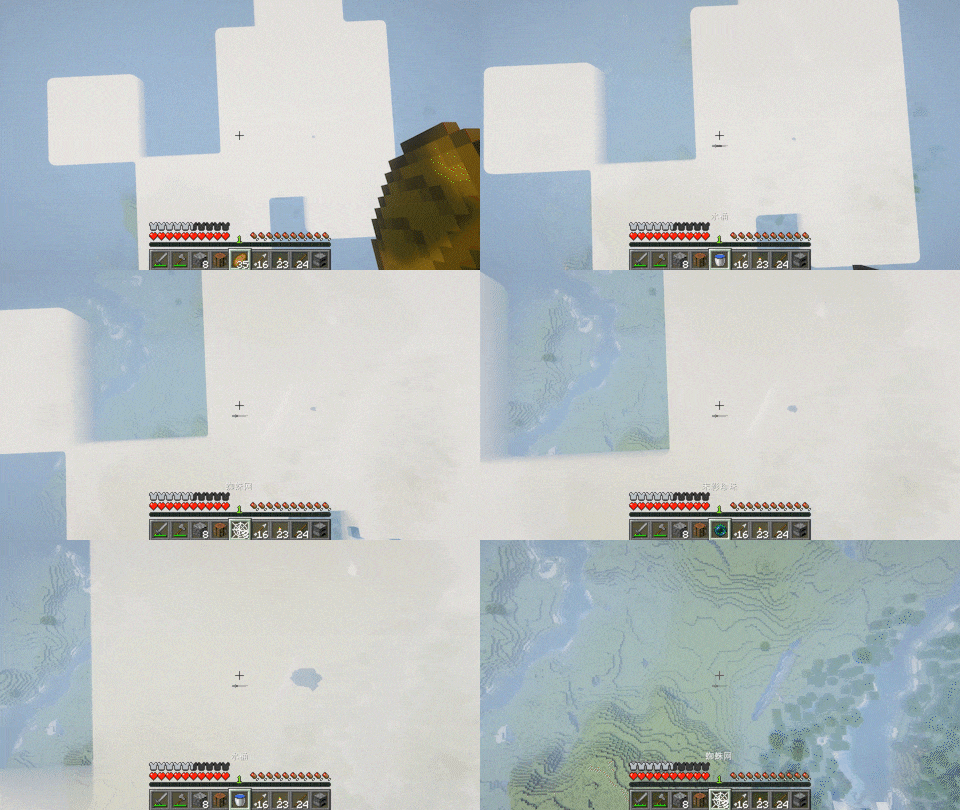
Self-rescue
When you fall from a height, look down and press the hotkey to quickly switch items that can reduce damage to the main hand. If there are multiple such items, you can continuously press the hotkey to switch.
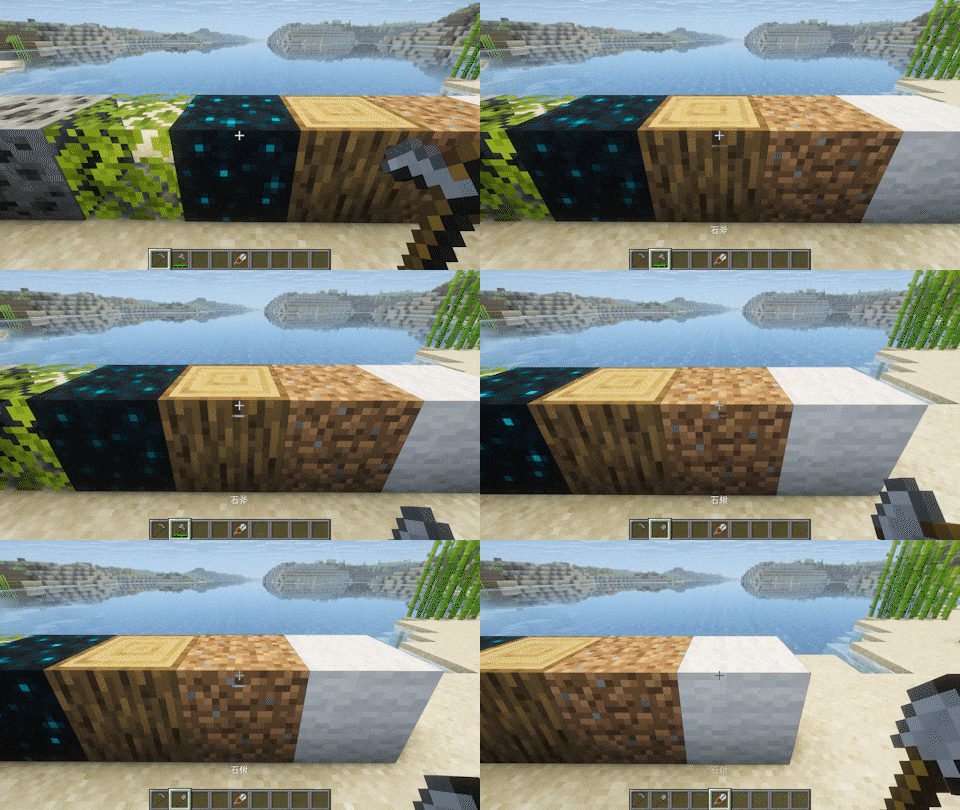
Mining
When visually inspecting a block, pressing the hotkey can quickly switch to the appropriate tool.
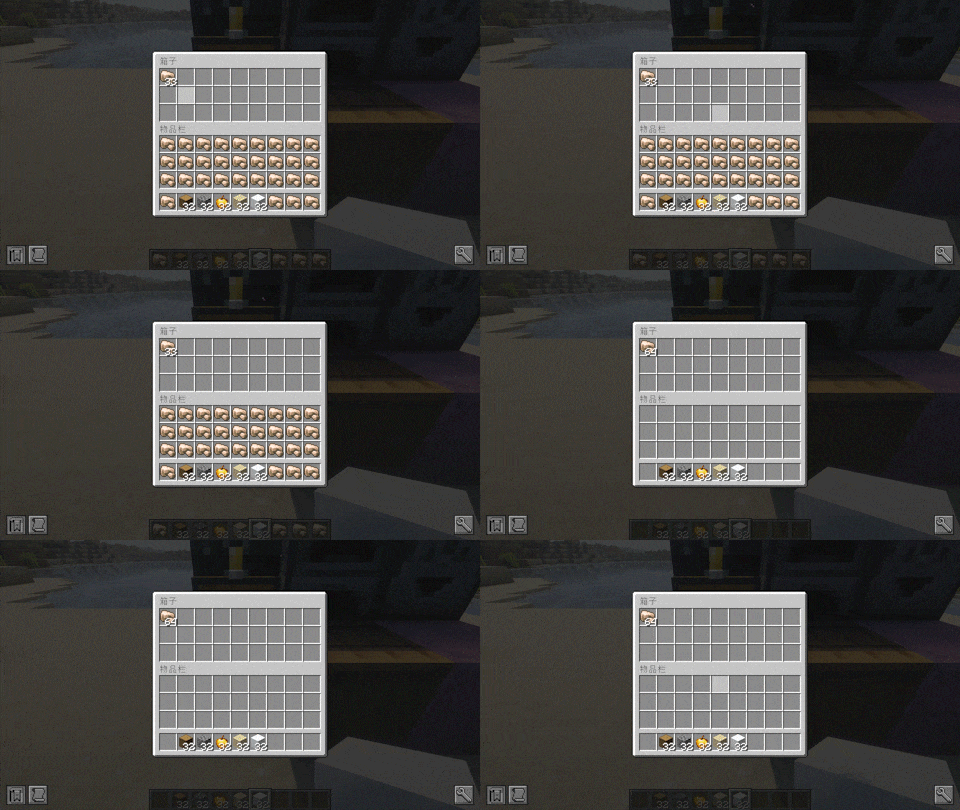
Storage
When aiming or opening a container, pressing the hotkey can quickly transfer the same items from the backpack to the container.
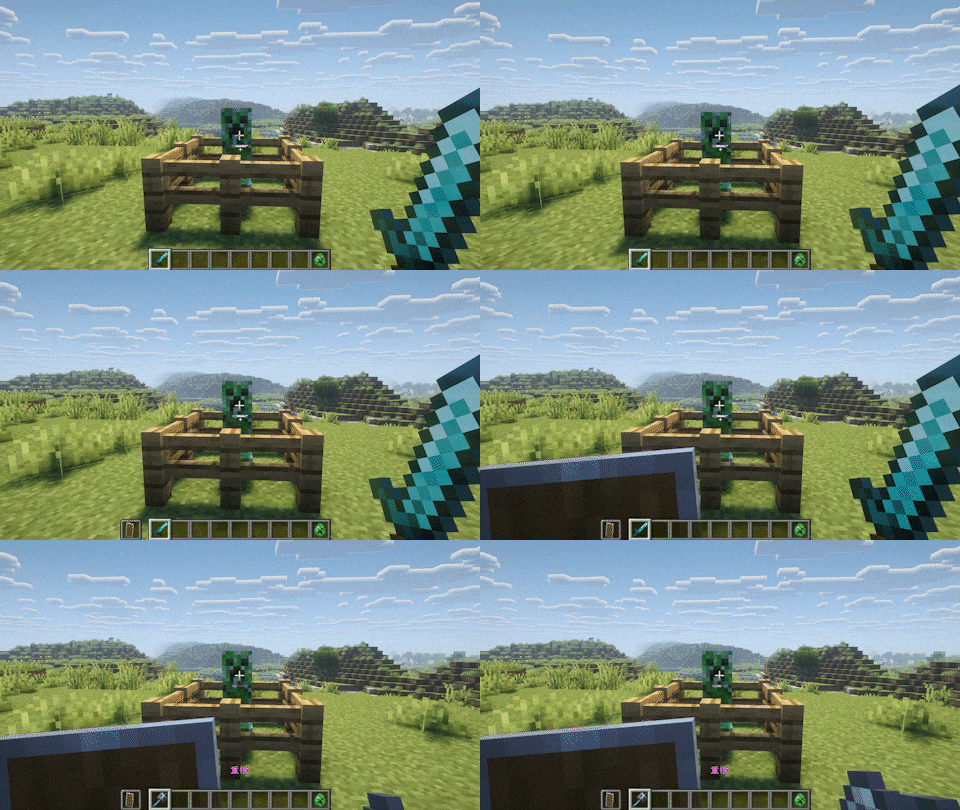
Combat
When aiming at a creature, press the hotkey to quickly switch weapons to the main hand and shields to the secondary hand. If the distance is far, it will switch to a ranged weapon. If the health value is low and there is an undying totem in the backpack, the undying totem will be switched to the secondary hand.
Interaction
When aiming at a specific block, pressing the hotkey will switch to items that can be pre interactive. This needs to be added in the configuration beforehand.
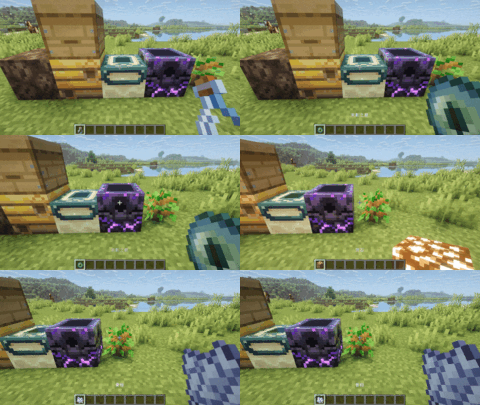
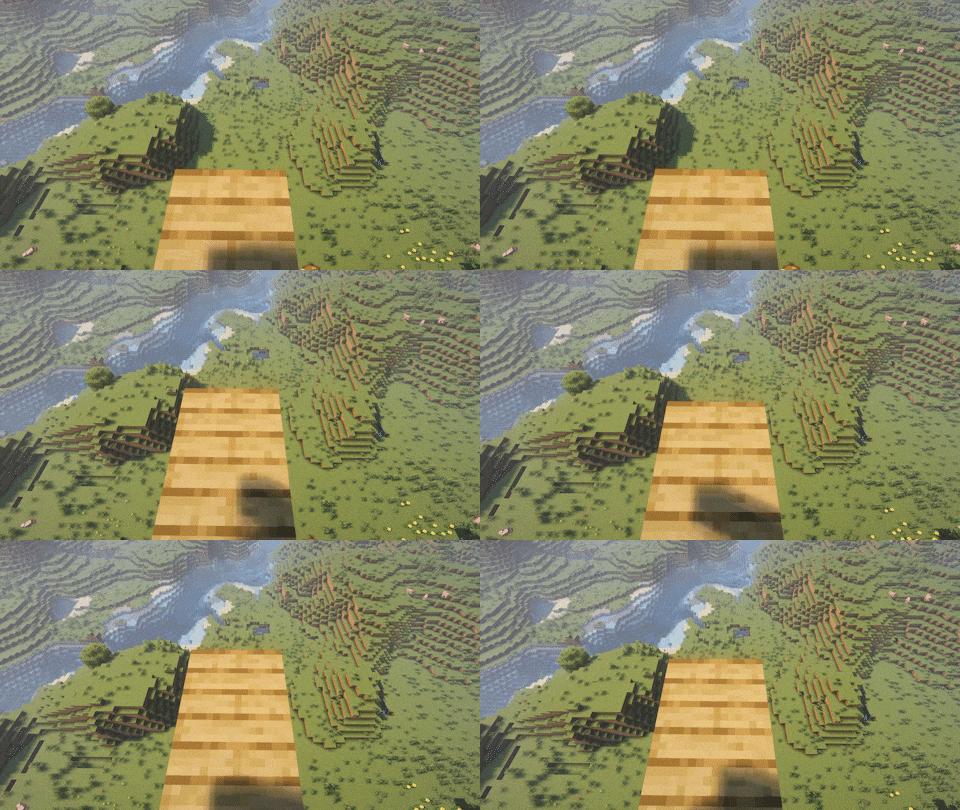
Placement
When holding the block and aiming at the air, pressing the shortcut key will automatically place the block in the nearest available position.
- Edition: Minecraft Java
- File type: .jar
- Minecraft version listed: 1.21.11
- How to install: Install the matching mod loader (Forge, Fabric or NeoForge) for your Minecraft version. → Download the .jar. → Put it in the .minecraft/mods folder and launch that loader profile.
- Where to get it: Opens on Modrinth — not every file is mirrored on our own servers.
Install steps are the general flow for this file type — How to install Minecraft Java mods & modpacks walks through it step by step.
- Ships as universalhotkey-1.0.2-1.21.11.jar — drop this file into the mods folder
- Download size: 52 KB
- Download link checked 13 Sept 2026 — working
These come from our own check of the pack file, not from the source page.