
Wither Skull Dupe
Java mod listed for Minecraft 1.21–24.x. Downloads from the MC Java Mods app on Android.
I don't know my version or loader
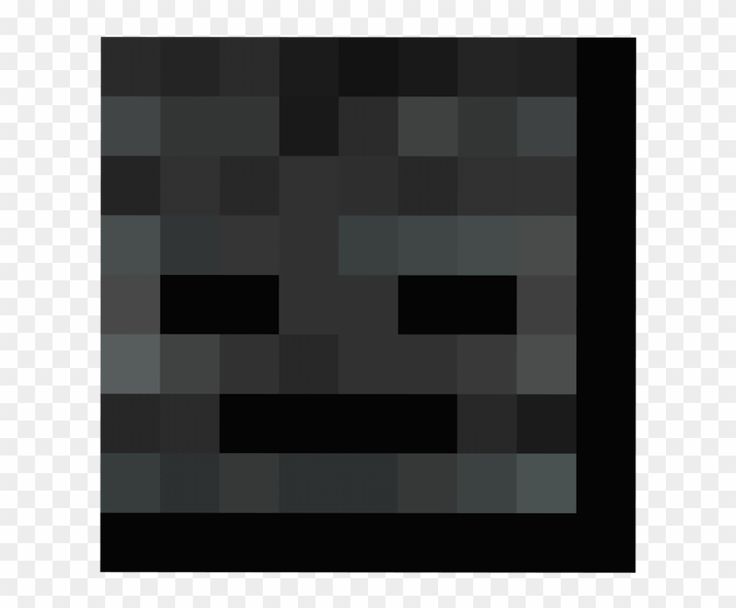
Dupe Wither Skeleton Skulls using a simple custom recipe!
This datapack is designed for players who simply don’t want to spend hours grinding skull drops. It makes progressing toward beacons and summoning the Wither much more accessible, while still keeping gameplay fair and survival-friendly.
✨ Features 🧩 Simple custom crafting recipe ⏩ Easy to get materials to ease the grind 🧭 Works great for servers and singleplayer worlds 🔁 No command spam or performance impact 🎮 Keeps survival gameplay meaningful while reducing grind ⚠️ Compatibility Note: If Minecraft shows this datapack as incompatible, don’t worry — it still works perfectly on all supported versions. This is only a version warning and does not affect functionality.
🧾 Recipe 7x diamonds 1x coal block 1x wither skull
📥 Installation: 🗂️ Datapack Method (Vanilla / Servers) Download the .zip file Open your world folder: Singleplayer: .minecraft/saves/YourWorld/ Server: your world directory Go into the datapacks folder Drag and drop the .zip file (do NOT unzip it) In-game, run:
/reload
Confirm it loaded:
/datapack list
- Edition: Minecraft Java
- File type: .jar
- Minecraft versions listed: 1.21, 1.21.1, 24w33a
- How to install: Install the matching mod loader (Forge, Fabric or NeoForge) for your Minecraft version. → Download the .jar. → Put it in the .minecraft/mods folder and launch that loader profile.
- Where to get it: Opens on Modrinth — not every file is mirrored on our own servers.
Install steps are the general flow for this file type — How to install Minecraft Java mods & modpacks walks through it step by step.
- Ships as wither-skull-dupe-1.21.2.jar — drop this file into the mods folder
- Download size: 3 KB
- Download link checked 23 Oct 2026 — working
These come from our own check of the pack file, not from the source page.