
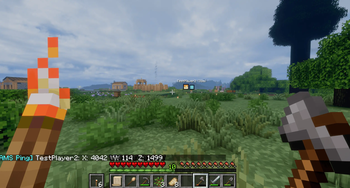
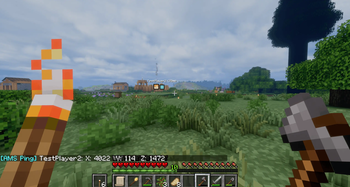
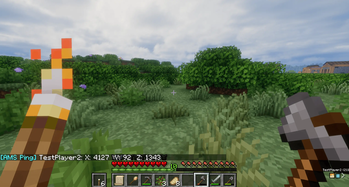
AMS Pings adds lightweight multiplayer pings to Minecraft.
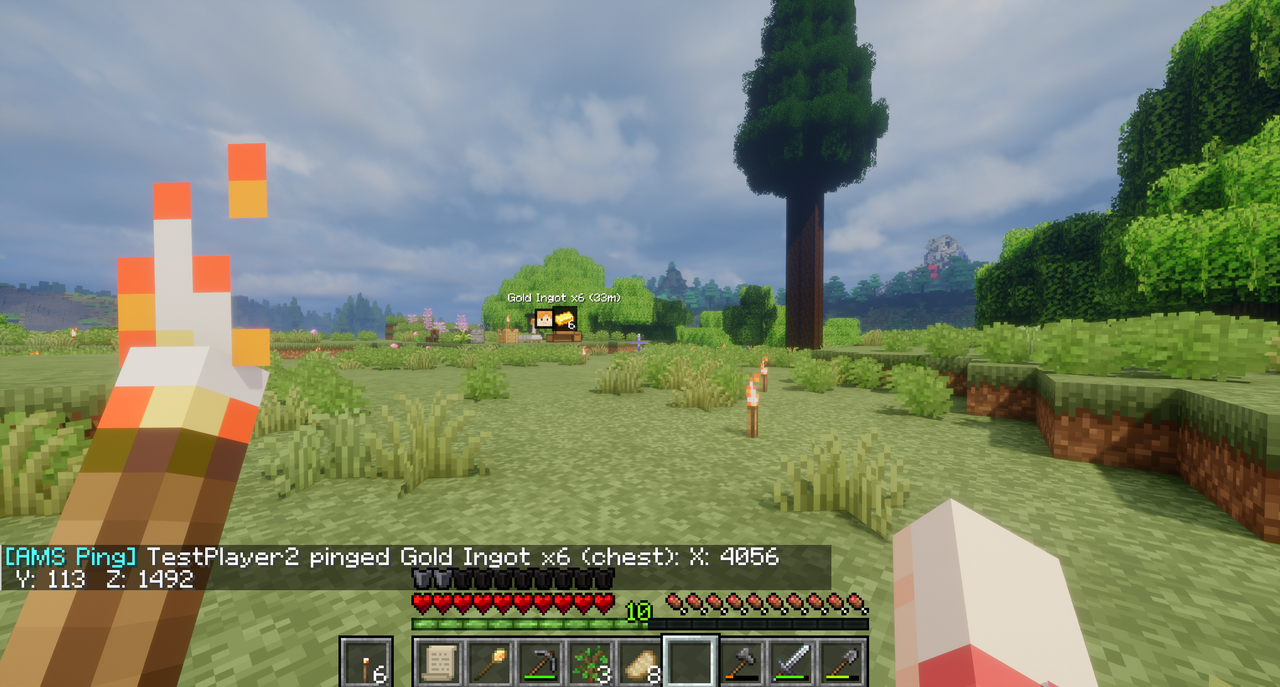
Ping your own position, point at a location in the world, or ping a hovered item from an inventory, chest, furnace, or other container. Pings show compact HUD markers with distance in meters and chat coordinates, so other players can quickly see where to go or what item was called out.
Default hotkeys:
V- ping your own location.B- ping the location you are looking at.Bwhile hovering an item in an inventory/container screen - ping that item.
Hotkeys can be changed in Options -> Controls -> Key Binds under AMS Pings.
Configuration is generated after first launch:
pingDurationMsdefault5000: how long pings stay visible.pingCooldownMsdefault5000: cooldown between pings per player.targetRangeBlocksdefault160: maximum distance for pinging the place you are looking at.markerSizedefault7: marker square size before HUD scaling.showDistancedefaulttrue: shows distance in meters.showOffscreenMarkersdefaulttrue: clamps offscreen pings to the screen edge.
Features
- Self-location pings.
- World location pings for the place you are looking at.
- Hovered item pings from inventories and containers.
- Player faces and item icons where useful.
- Distance in meters.
- Chat coordinates with
X,Y, andZ. - Offscreen edge markers.
- Configurable duration, cooldown, range, marker size, distance text, and edge markers.
Installation
Install the jar on the server and every client that should send or see pings.
Compatibility Notes
- Distant Horizons-only visual terrain may not be pingable because the mod needs an actual in-game surface to detect.
If you enjoy this mod, consider supporting my work.
- Edition: Minecraft Java
- File type: .jar
- Minecraft version listed: 1.21.1
- How to install: Install the matching mod loader (Forge, Fabric or NeoForge) for your Minecraft version. → Download the .jar. → Put it in the .minecraft/mods folder and launch that loader profile.
- Where to get it: Opens on Modrinth — not every file is mirrored on our own servers.
Install steps are the general flow for this file type — How to install Minecraft Java mods & modpacks walks through it step by step.
- Ships as ams-pings-1.0.0.jar — drop this file into the mods folder
- Download size: 2.2 MB
- Download link checked 23 Aug 2026 — working
These come from our own check of the pack file, not from the source page.