
ModsJava
Colour Unlocked
Unlocks every field that you can type in to add functionality for you to type the section symbol so that you can get colours everywhere.
⬇ Download on Modrinth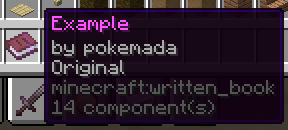
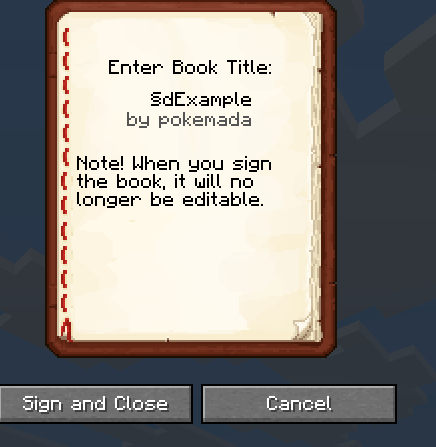

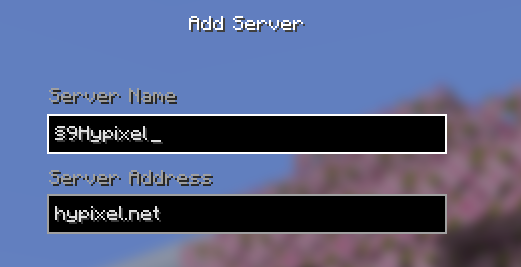
Adds the ability to type the section symbol in any field that allows it
(§)
useful for customizing your server screen or getting a coloured book name on any server that doesn't block it.
It has issues with Anvil's but works basically everywhere else and if sent in chat kicks you for Illegal Character due to it being used as the colour symbol and the game not wanting you to actually be able to use it freely.
Quick facts
- Edition: Minecraft Java
- File type: .jar
- Minecraft versions listed: 26.1, 26.1.1, 26.1.2
- How to install: Install the matching mod loader (Forge, Fabric or NeoForge) for your Minecraft version. → Download the .jar. → Put it in the .minecraft/mods folder and launch that loader profile.
- Where to get it: Opens on Modrinth — not every file is mirrored on our own servers.
Install steps are the general flow for this file type — How to install Minecraft Java mods & modpacks walks through it step by step.
Verified by MCModsHub
- Ships as ColourUnlocked.jar — drop this file into the mods folder
- Download size: 14 KB
- Download link checked 21 Aug 2026 — working
These come from our own check of the pack file, not from the source page.