
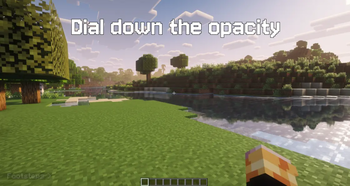
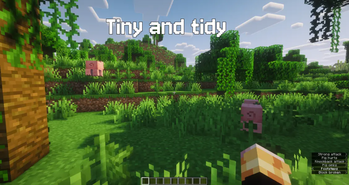
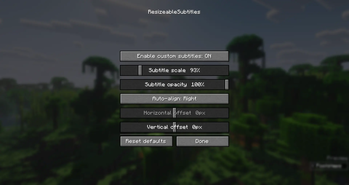

A client-side mod that gives you full control over Minecraft's subtitles. Resize them, move them anywhere on screen, and adjust their opacity — with smart auto-alignment that keeps them neatly placed no matter the scale or your resolution.
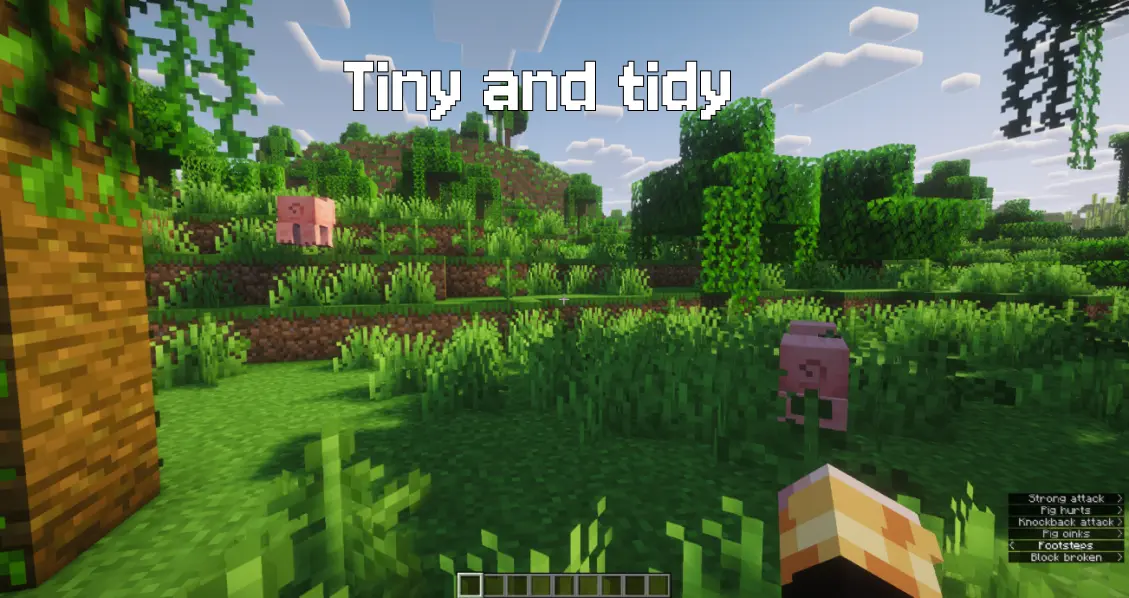
Client-side only (no server installation required). Fully compatible with singleplayer and multiplayer.
Please report any bugs, errors, or feature suggestions on Discord: https://discord.gg/4XUPywnEyE
What you can customize:
- Scale your subtitles from
50%to300%. - Opacity from
20%to100%. - Auto-align them to the right, center, or left edge — so enlarged subtitles never clip off the screen (or switch it off for fully manual placement).
- Position them freely with horizontal and vertical offsets.
- A live, scale-accurate preview shows exactly how your subtitles will look while you tweak them.
Usage:
Open the settings from the mod-list config button, the /resizeablesubtitles command, or a bindable hotkey.
Details:
- All settings are stored locally in your client folder (
config/resizeablesubtitles.json). - Requires subtitles to be enabled in Minecraft's accessibility settings (Show Subtitles).
- Fully translated into 10 languages: English, Russian, Simplified Chinese, Spanish, French, German, Japanese, Brazilian Portuguese, Korean, and Italian.
- Edition: Minecraft Java
- File type: .jar
- Minecraft version listed: 26.2
- How to install: Install the matching mod loader (Forge, Fabric or NeoForge) for your Minecraft version. → Download the .jar. → Put it in the .minecraft/mods folder and launch that loader profile.
- Where to get it: Opens on Modrinth — not every file is mirrored on our own servers.
Install steps are the general flow for this file type — How to install Minecraft Java mods & modpacks walks through it step by step.
- Ships as resizeablesubtitles-neoforge26.2-1.0.0.jar — drop this file into the mods folder
- Download size: 26 KB
- Download link checked 20 Aug 2026 — working
These come from our own check of the pack file, not from the source page.