
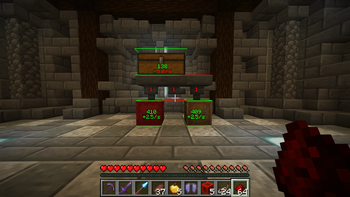
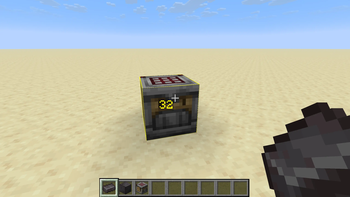
Organizing your chests can be very time-consuming, especially in the late-game. This mod fixes that. It's just as simple as pressing 'Y'.
Features
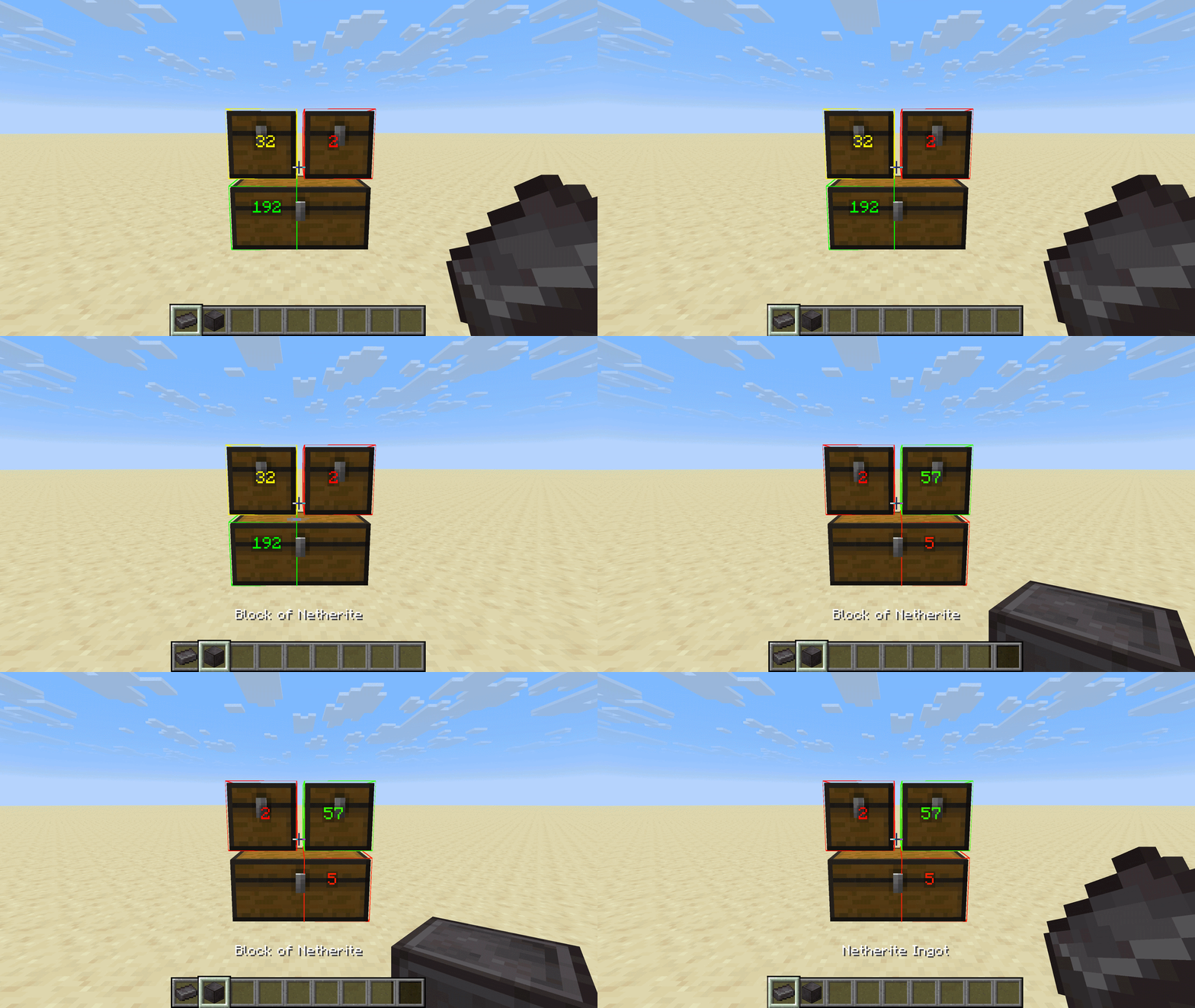
- Outlines: By holding an item and activating the keybind, all nearby chests with your held item will be outlined.
- Text: Text with the number of items will also be rendered.
- Item Deltas: Text showing the number of items flowing into or out of containers will be rendered.
- Color: The color of text and the outline will change depending on the amount of items.
- Full Support: Works on all container types in Vanilla (e.g., Chests, Barrels, Shulker Boxes, and Crafters)
- Customization: Extensive settings for customization.
Installation
Same as installing any other fabric mod.
Required Dependencies:
- Cloth Config API
- Fabric API
- Mod Menu (Not required, but highly recommended for setting access)
Multiplayer Note: If you want to play on a server or LAN with Chest Radar, it must be first installed on the server and client. If it is not installed on both the mods functionality will be disabled.
Performance
Chest Radar is lightweight. When searching for chests the mod fetches the location of any container blocks from a Chunk Registry. This method is much faster and less straining than checking every block in the search radius to see if a block is a container. Additionally, the search radius can be adjusted for better performance. There is a 10-tick delay between each search to prevent overloading and spam.
Compatibility
Chest Radar is almost always able to search for items added in other mods. Chest Radar is also compatible with optimization mods like Sodium and Iris, as well as shaders. Though as far as I know, Chest Radar cannot search in container blocks added by other mods (e.g., Tom's Simple Storage and Storage Drawers).
FAQ
Does this mod have to be installed on servers?
Yes, if you want Chest Radar to be enabled.
How much lag is there?
Almost none. There is no noticeable frame drop, freeze, or lag spike normally. It requires dozens of players actively running a search at the same time for there to be any lag.
Can I include this in modpacks?
Absolutely! But only if they are published on Modrinth or Curseforge.
- Edition: Minecraft Java
- File type: .jar
- Minecraft version listed: 1.21.11
- How to install: Install the matching mod loader (Forge, Fabric or NeoForge) for your Minecraft version. → Download the .jar. → Put it in the .minecraft/mods folder and launch that loader profile.
- Where to get it: Opens on Modrinth — not every file is mirrored on our own servers.
Install steps are the general flow for this file type — How to install Minecraft Java mods & modpacks walks through it step by step.
- Ships as chestradar-1.1.1.jar — drop this file into the mods folder
- Download size: 369 KB
- Download link checked 21 Aug 2026 — working
These come from our own check of the pack file, not from the source page.