
Xerca's Building Blocks
Java mod listed for Minecraft 1.21. Downloads from the MC Java Mods app on Android.
Decorative and functional blocks including carved wood variants, terracotta tiles, rope, bookcase, straw and leather blocks
⬇ Download on Modrinth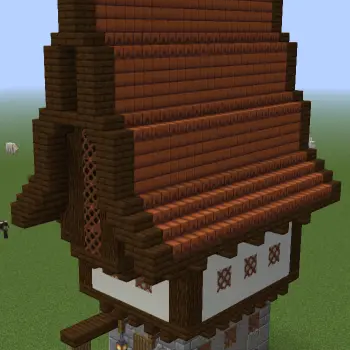
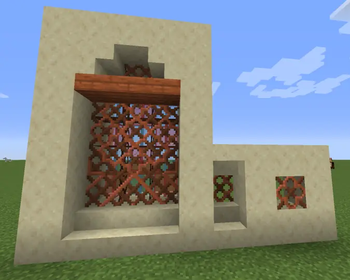
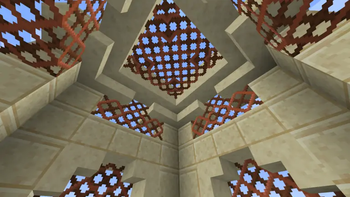
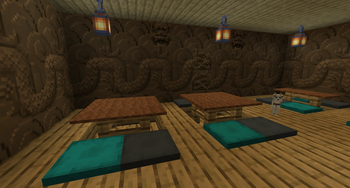
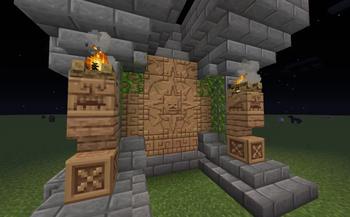
This mod various blocks to expand your block pallette, as well as some with functionality.
Carved Wood
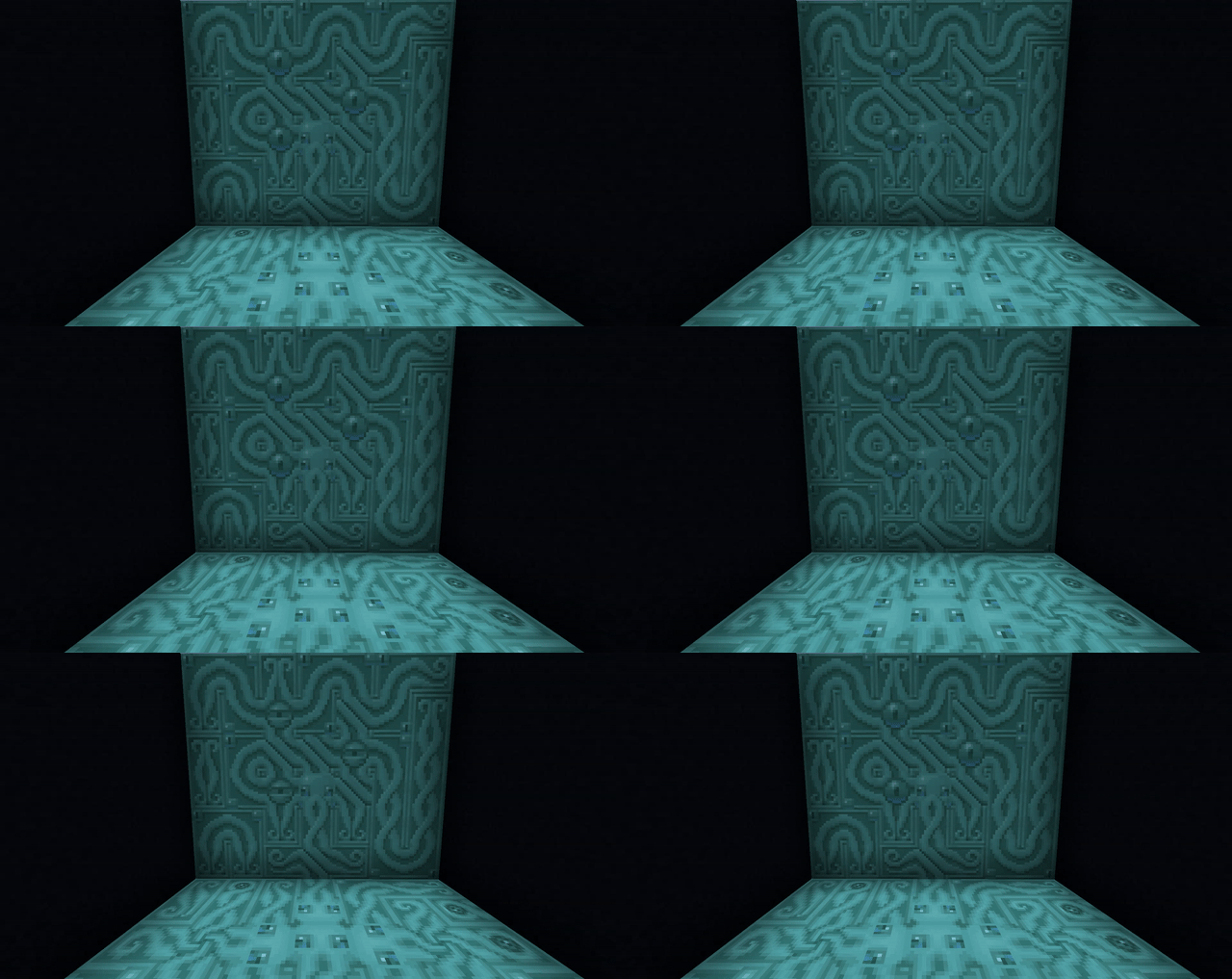
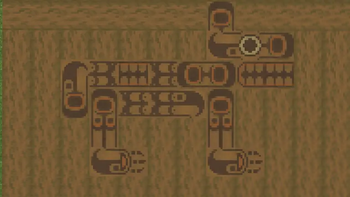
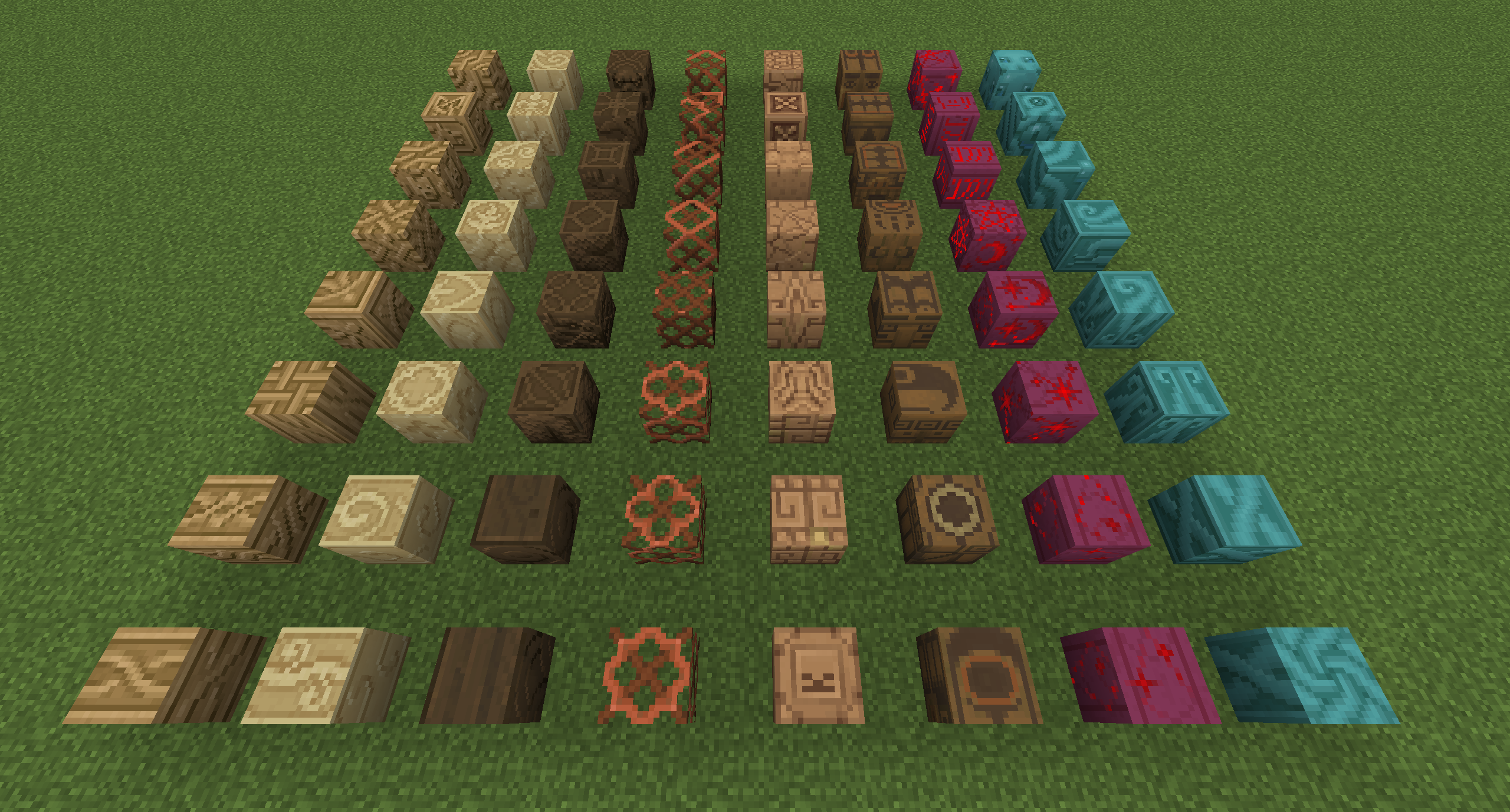
Craft a Carving Bench and carve all kinds of logs into 8 unique variants each with a different cultural style! The patterns are interconnecting vertically and horizontally, so go ham with expressing your creativity in building.


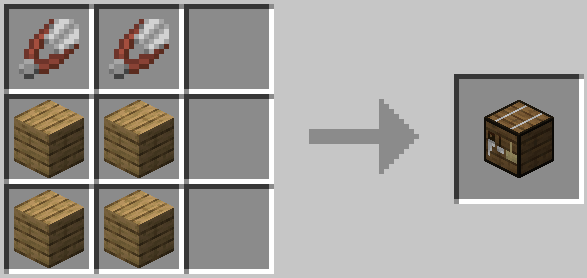
Carving Bench recipe:
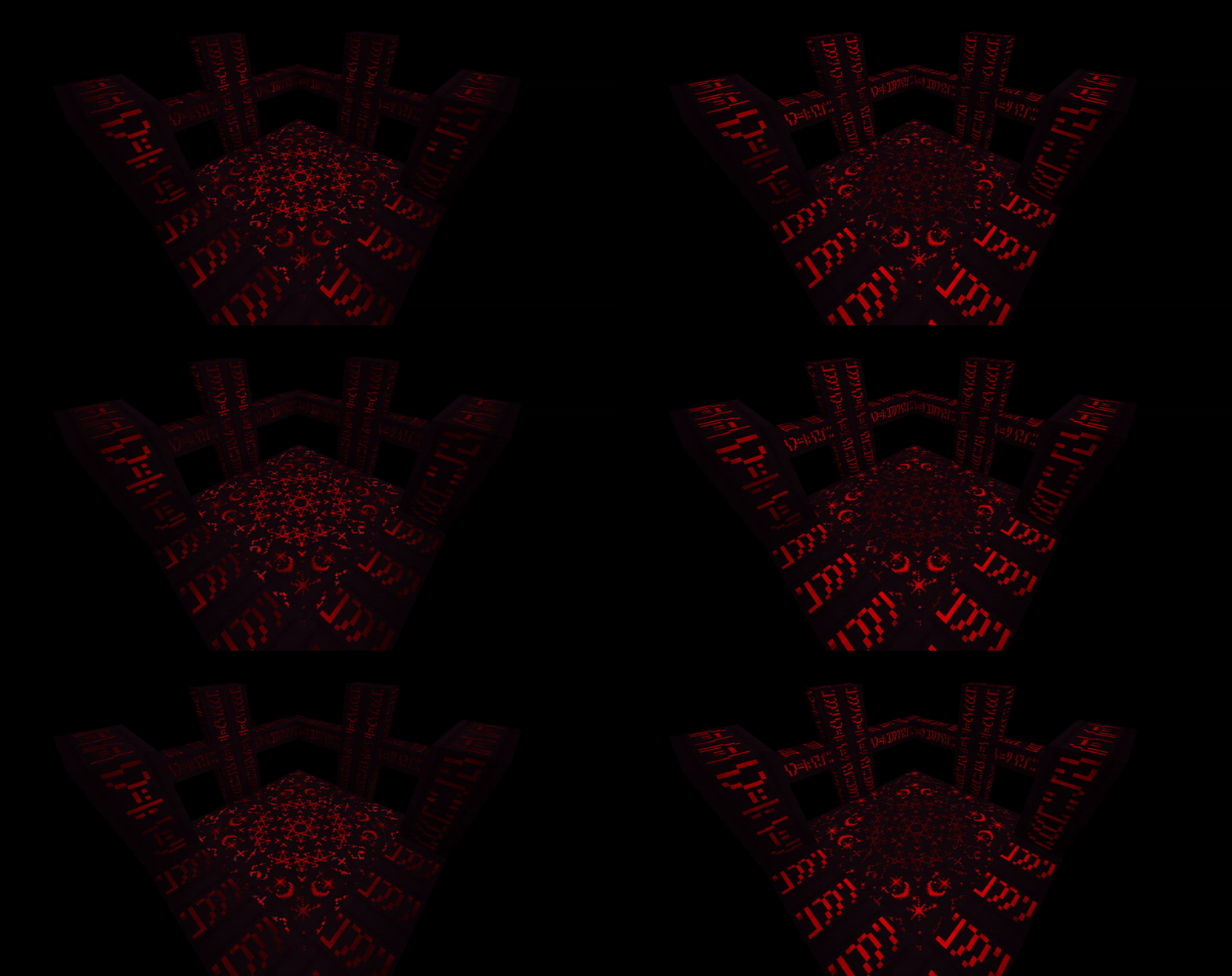
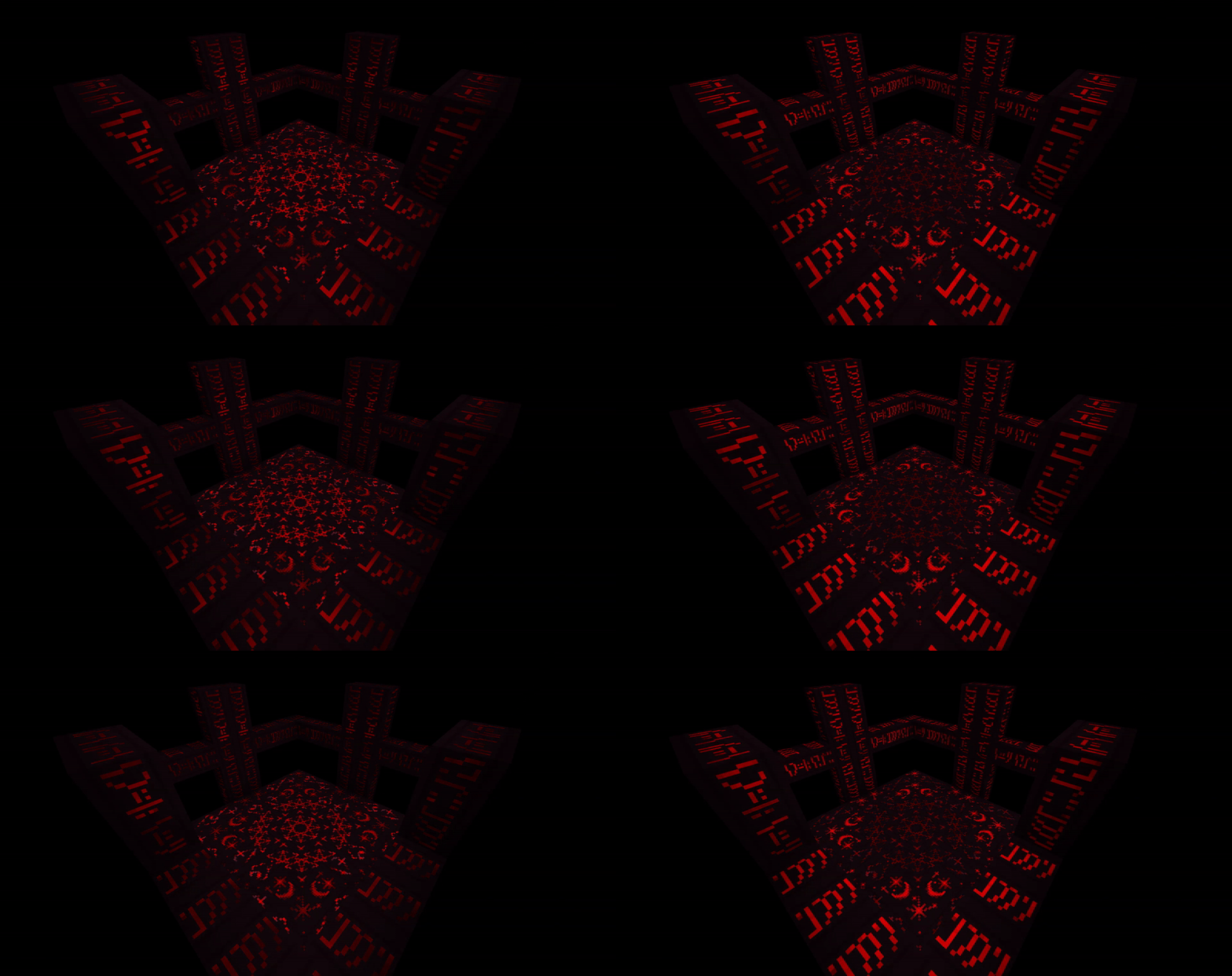
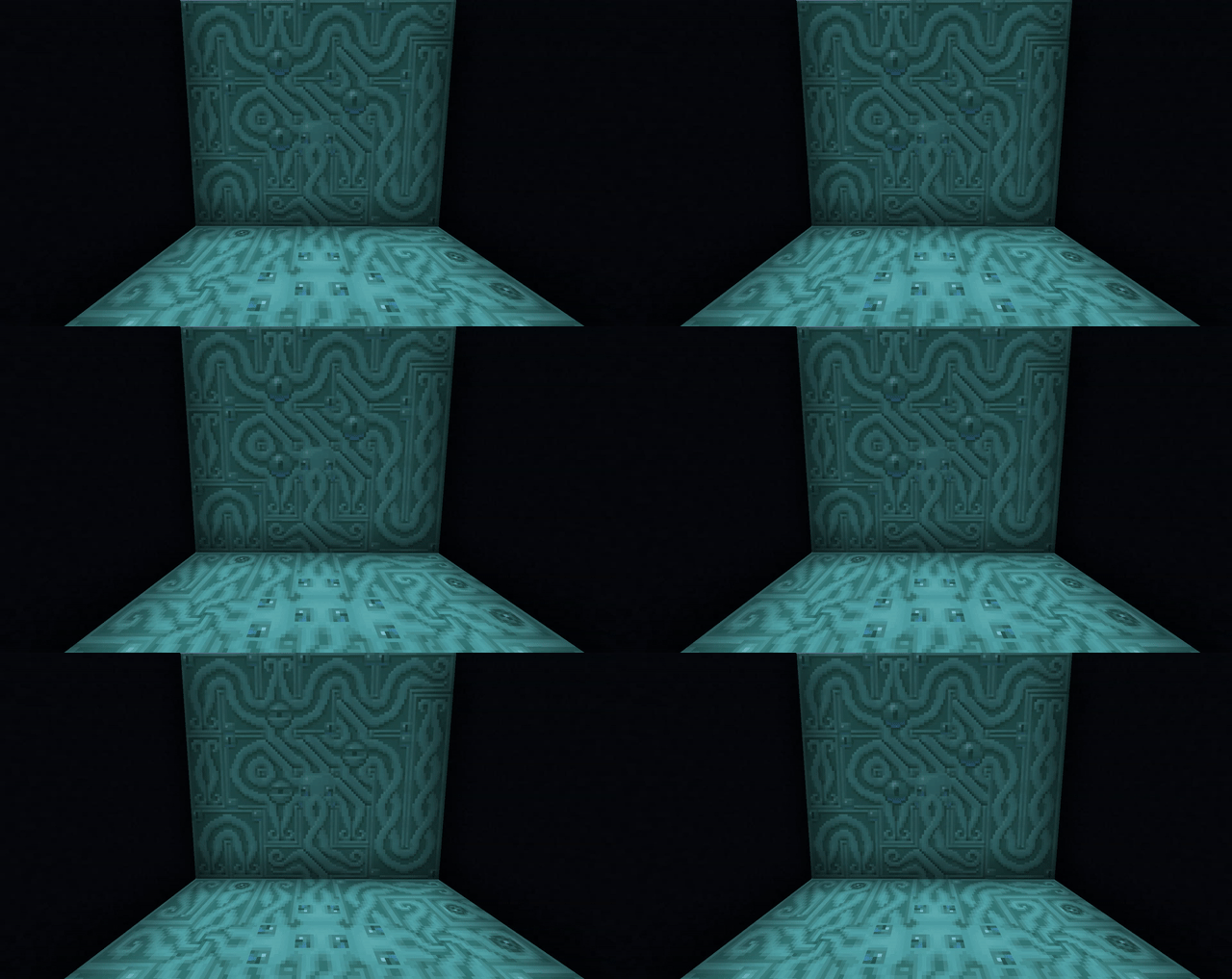
Nether carved stems each have a special effect. Carved Crimson Stems glow in the dark with a waving animation and Carved Warped Stems move eerily.
Terracotta Tiles
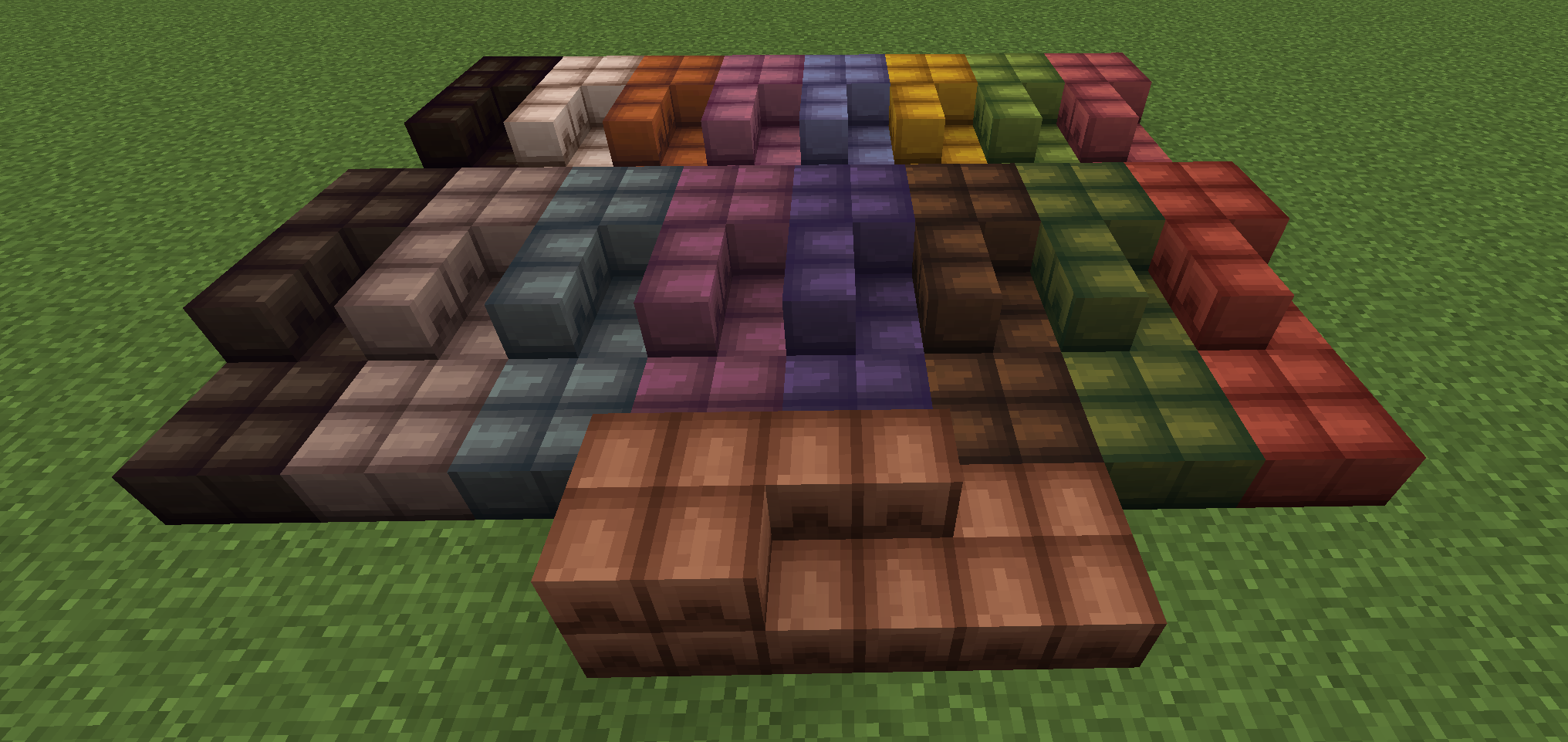
Good for roofing, flooring, and anywhere else you may want terracotta colored tiling. Use a Stonecutter to cut Terracotta blocks into Terracotta Tiles.

Rope
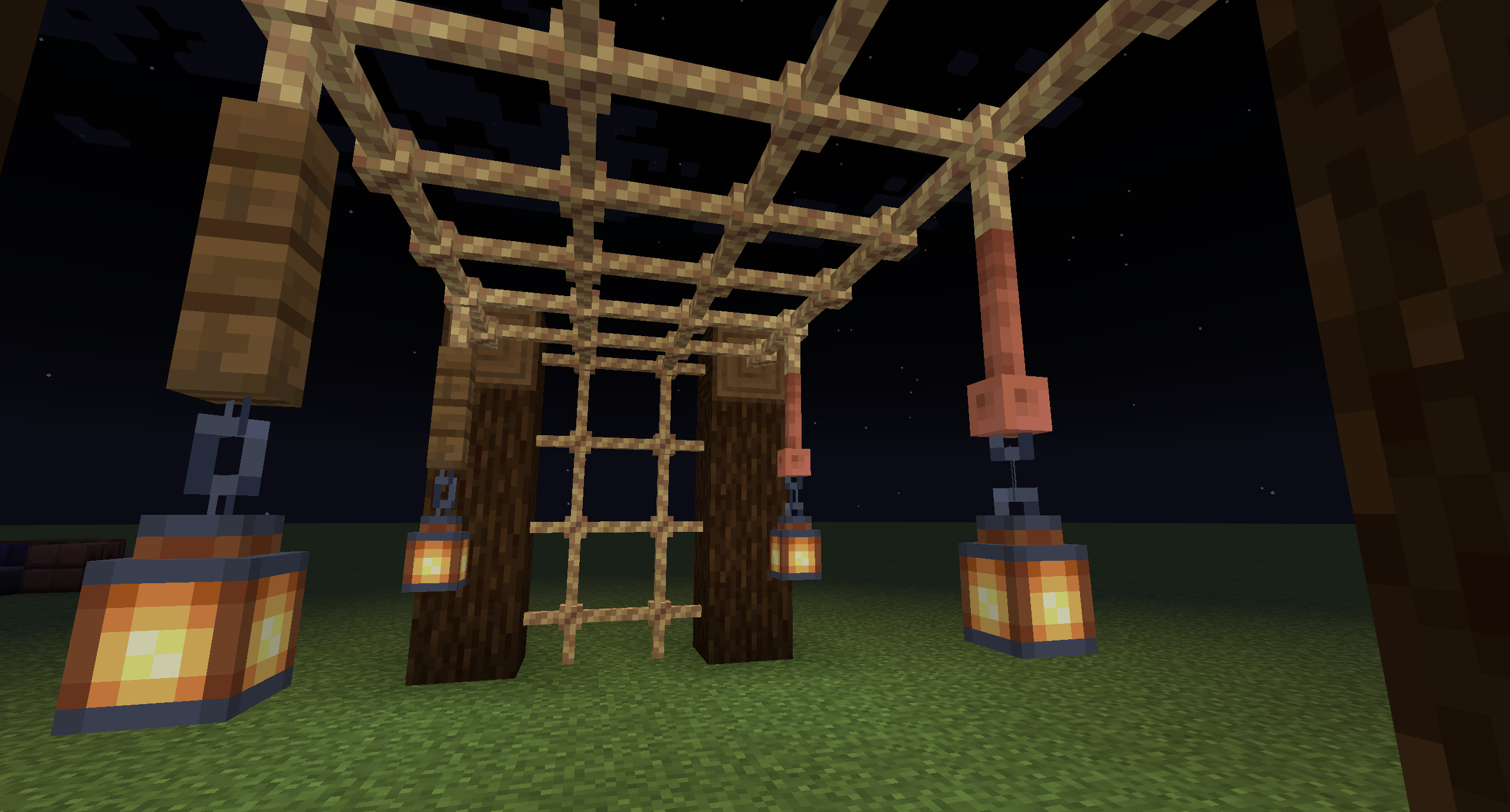
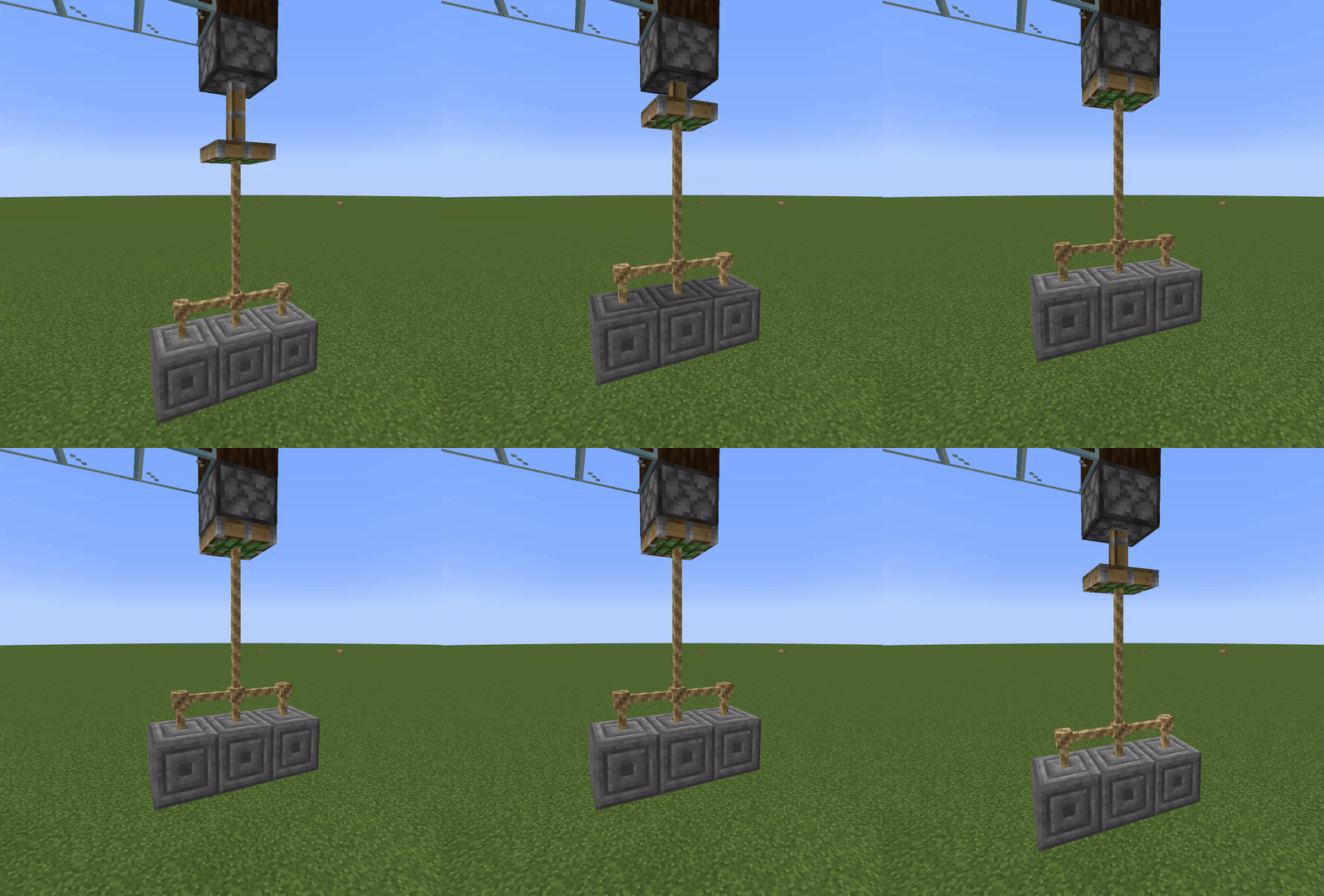
Rope is both a decorative and functional block that connects to itself and any other block that has a face it can connect to. You can climb the rope and use it to pull blocks with sticky pistons.
Bookcase
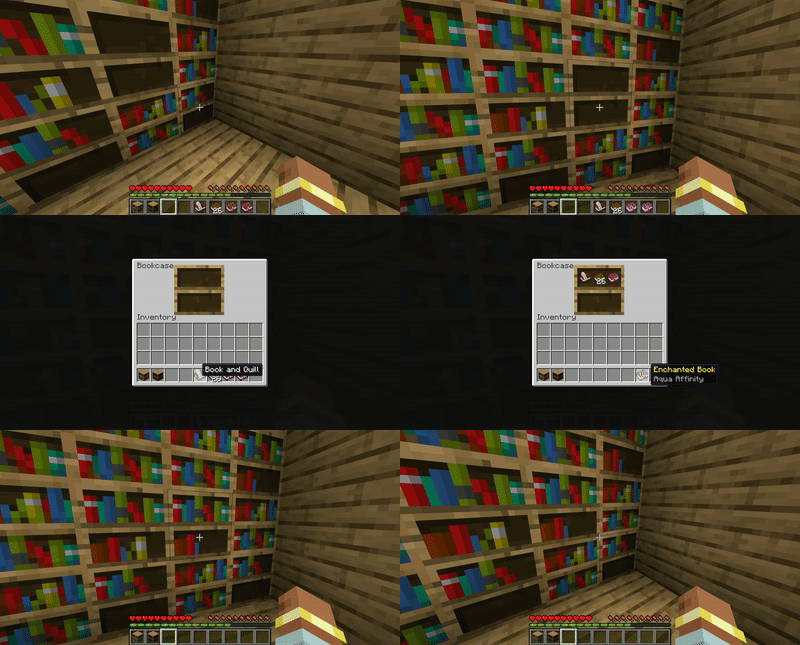
Bookcase is the Bookshelf's functional brother. It was more special before Chiseled Bookshelf was a thing, but it is still useful because it has the same look as Bookshelf when it is full. It can only store books and bookish items. It works with Redstone Comparators to give off a signal based on fullness.
Leather & Straw Blocks
These are simple blocks you can use to store leather and sugar canes more efficiently, and as building materials. Straw works as a tatami style texture as well.

Note
In older versions, this mod used to be a part of XercaMod before it was split.
Credits:
Credits to LuchadorMickey for the graphics and design.
Credits to chechnyacool488 for the Russian translation.
Credits to junshengxie for the Chinese translation.
- Edition: Minecraft Java
- File type: .jar
- Minecraft version listed: 1.21.1
- How to install: Install the matching mod loader (Forge, Fabric or NeoForge) for your Minecraft version. → Download the .jar. → Put it in the .minecraft/mods folder and launch that loader profile.
- Where to get it: Opens on Modrinth — not every file is mirrored on our own servers.
Install steps are the general flow for this file type — How to install Minecraft Java mods & modpacks walks through it step by step.
- Ships as xercablocks-neoforge-1.21.1-1.0.0.jar — drop this file into the mods folder
- Download size: 1.2 MB
- Download link checked 23 Oct 2026 — working
These come from our own check of the pack file, not from the source page.