Laboratory XI | Minecraft Texture Packs
Bedrock texture pack listed for Minecraft 1.18. File opened and checked on 29 Sep 2026; installs from the MC Bedrock Mods app on Android.
⬇ Download

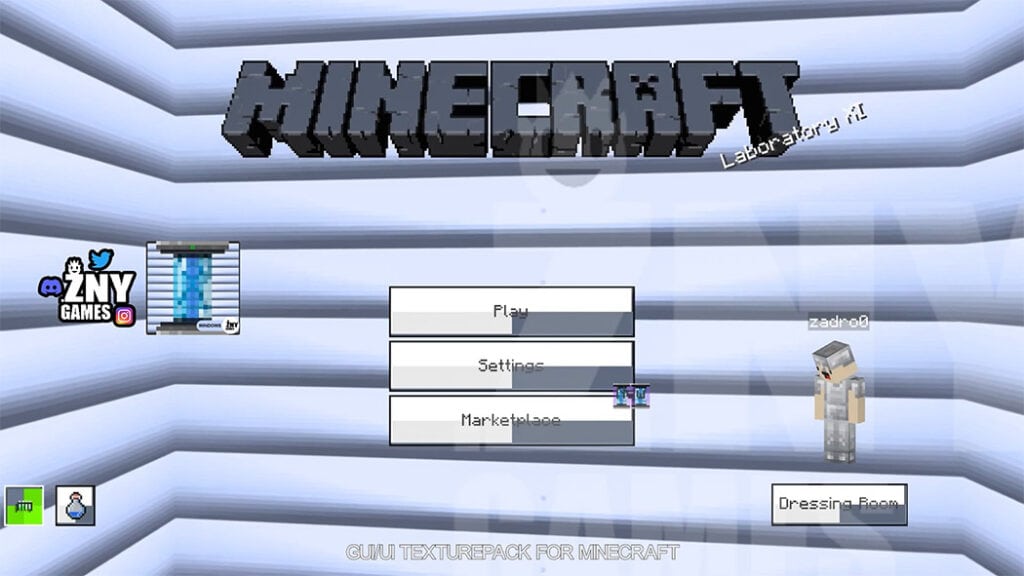
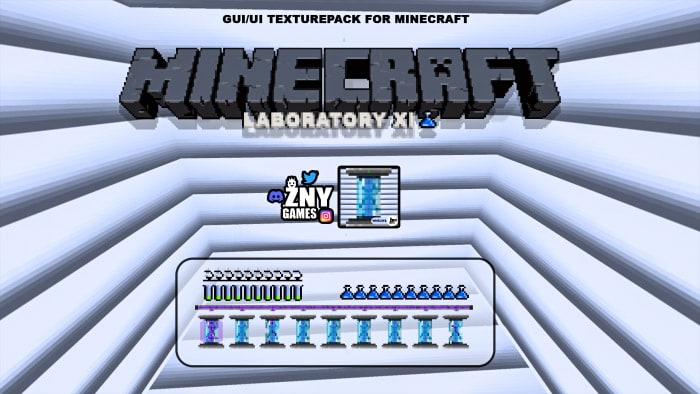
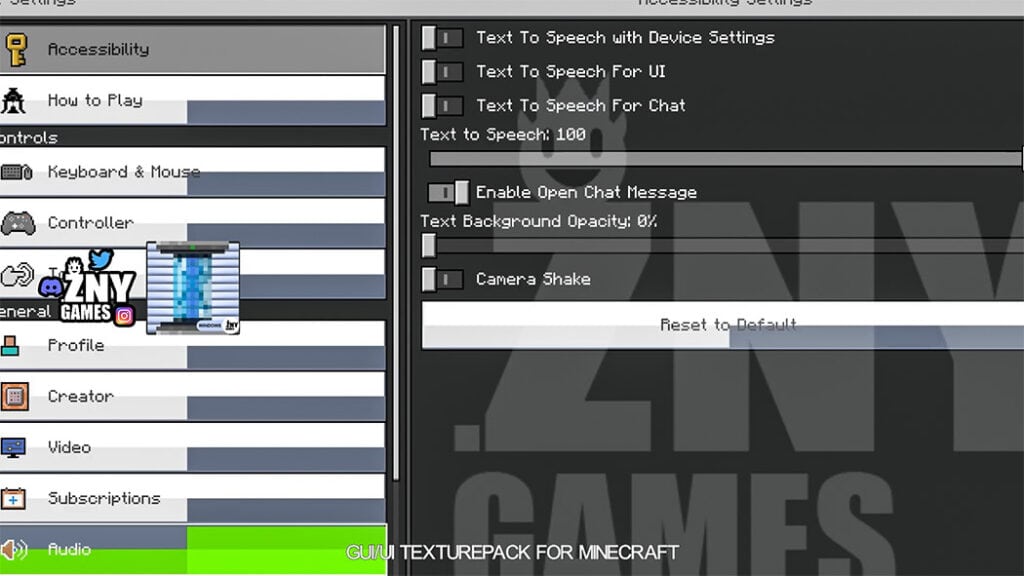
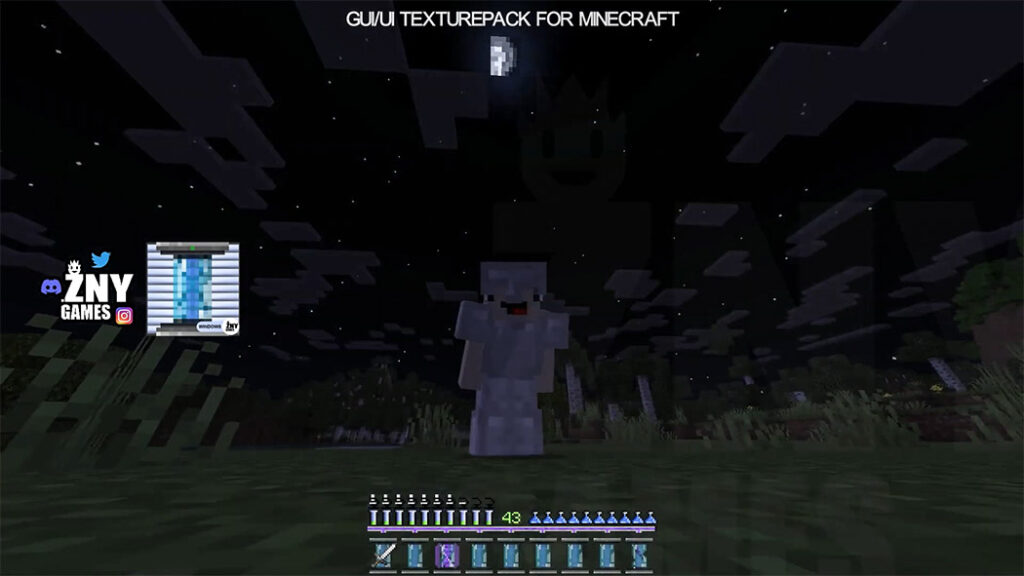

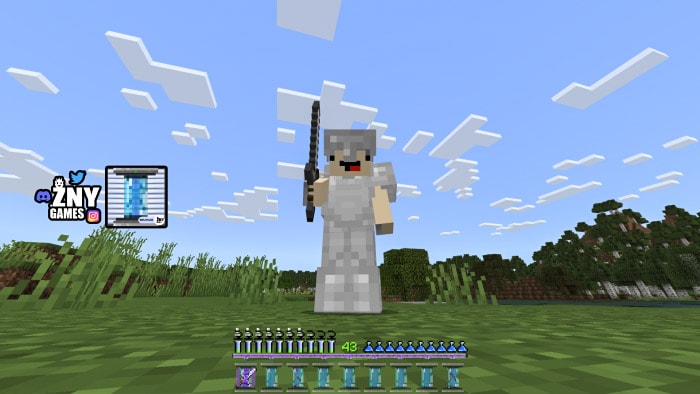
Hello, a new Minecraft Texture Packs has been released. Laboratory XI is a new texture pack for Minecraft.
This pack modifies the game’s appearance. There will be a new hub, startscreen, and buttons available. Below is some further information. I hope you find it enjoyable.
Thank you – zadro0
Cre: zadro0 / znygames (Youtube, Twitter)
Laboratory XI
LABORATORY 🥼| ZNYGAMES
🥼🥼🧪🥼🥼🧪🧪🥼🥼🥼🥼🧪🥼🥼🥼🥼🥼🧪🥼
🥼🥼🧪🥼🥼🧪🧪🥼🥼🥼🥼🧪🥼🥼🥼🥼🥼🧪🥼
LABORATORY 🥼 is a Minecraft GUI/UI Texture Pack.
It is compatible with the Minecraft WINDOWS Edition.
To get a new Minecraft GUI/UI, download the .mcpack file.
Some Texture packs for Minecraft PE you can check in Mcpeaddons.com:
🛈INFO
If you like the Texture Pack🐱💻 SUBSCRIBE:
(っ^▿^)۶🍸🌟🍺٩(˘◡˘ )
🥼🥼🧪🥼🥼🧪🧪🥼🥼🥼🥼🧪🥼🥼🥼🥼🥼🧪🥼
🥼🥼🧪🥼🥼🧪🧪🥼🥼🥼🥼🧪🥼🥼🥼🥼🥼🧪🥼
🌐 LAST GUI-TEXTURE-PACK: >>> BUBBLE 🔵 <<<
Check out, the last GUI/ UI TEXTURE PACK by ZNYGAMES
🥼🥼🧪🥼🥼🧪🧪🥼🥼🥼🥼🧪🥼🥼🥼🥼🥼🧪🥼
🐱🚀 THX! |ZNYGAME

Installation
Installation GLOBAL
- Download the Texture-Pack.
- Double click on it.
- Go to settings.
- Scroll down to Global Resources.
- Activate the pack.

- Edition: Minecraft Bedrock
- File type: .mcpack
- How to install: Download the .mcpack. → Open it — Minecraft imports it under Resource Packs. → Activate it in Global Resources, or for one world under Resource Packs → Available.
- Where to get it: In MCModsHub, or directly above on this page.
Install steps are the general flow for this file type — How to install Minecraft Bedrock texture packs walks through it step by step.
- Pack type: .mcpack — a single pack
- Manifest requires Minecraft 1.18.0 or newer
- Complete pack — everything it depends on is inside the file
- Download size: 210 KB
- Download link checked 17 Jun 2026 — working
- Mirrored on our own servers — the download does not depend on the original host
These come from our own check of the pack file, not from the source page.