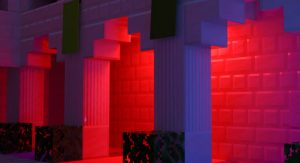
Lumen RTX Beta 3 (MinecraftRTX TexturePack)
Bedrock texture pack listed for Minecraft 1.16. File opened and checked on 27 Sep 2026; installs from the MC Bedrock Mods app on Android.
⬇ Download
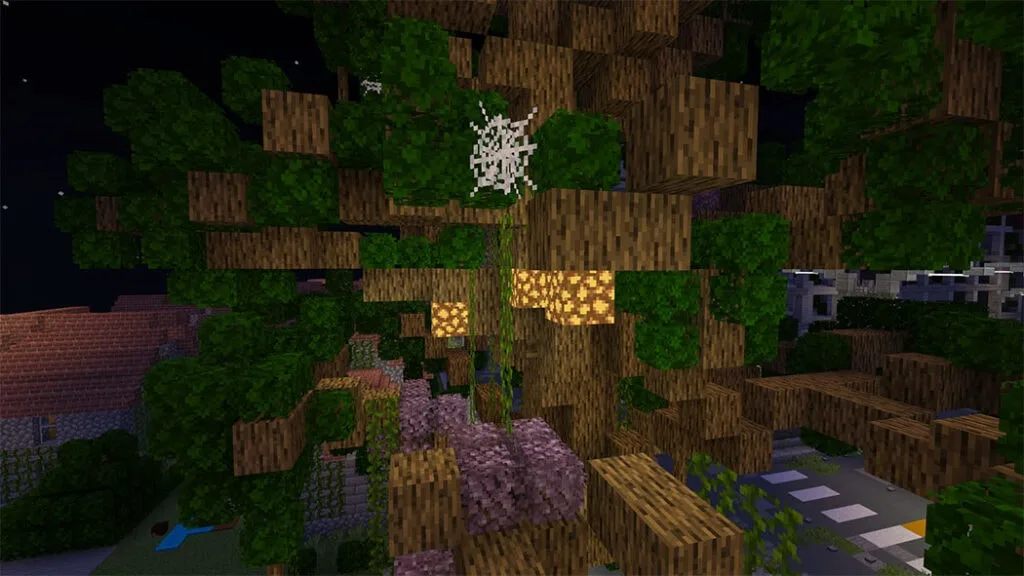
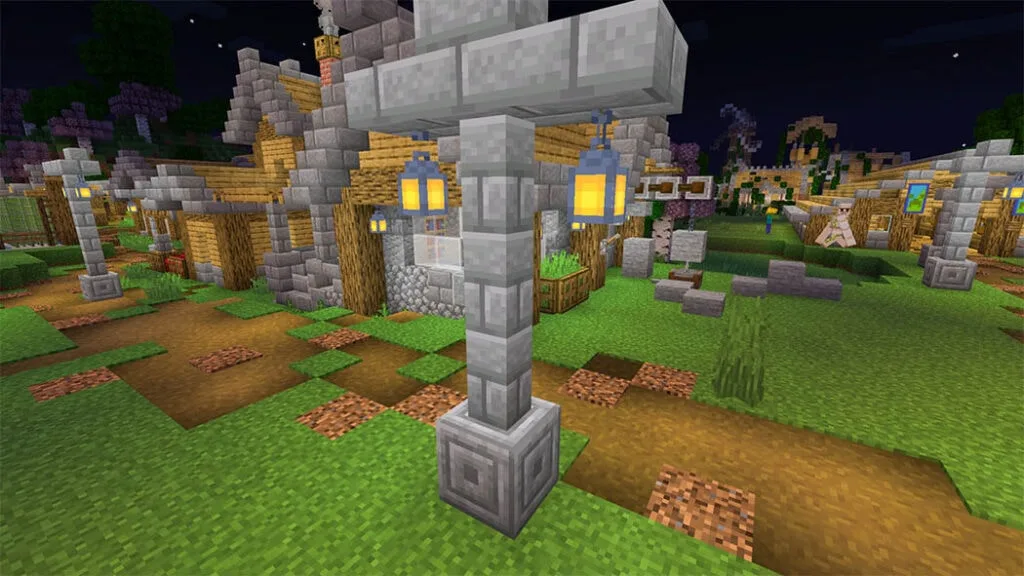
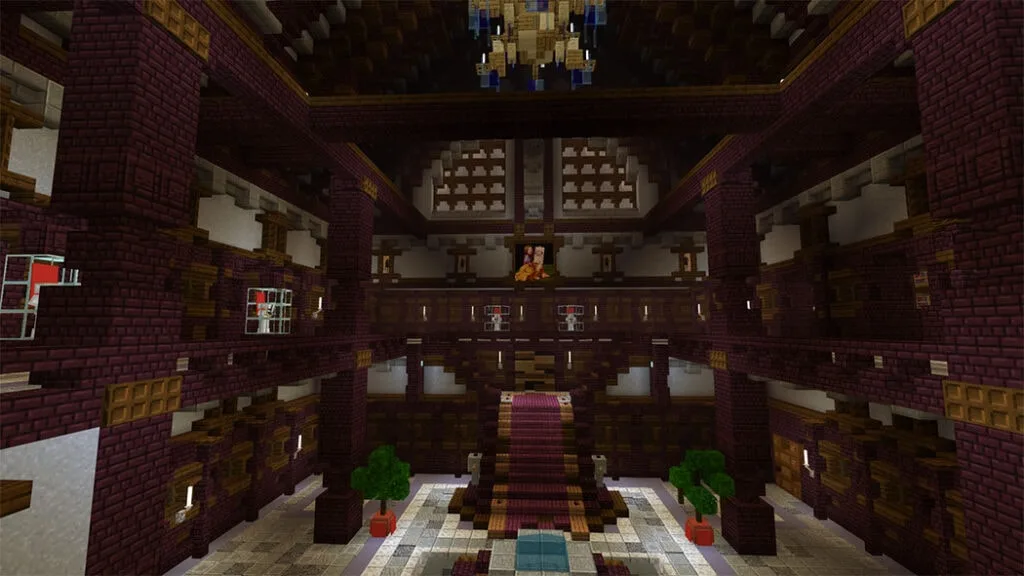
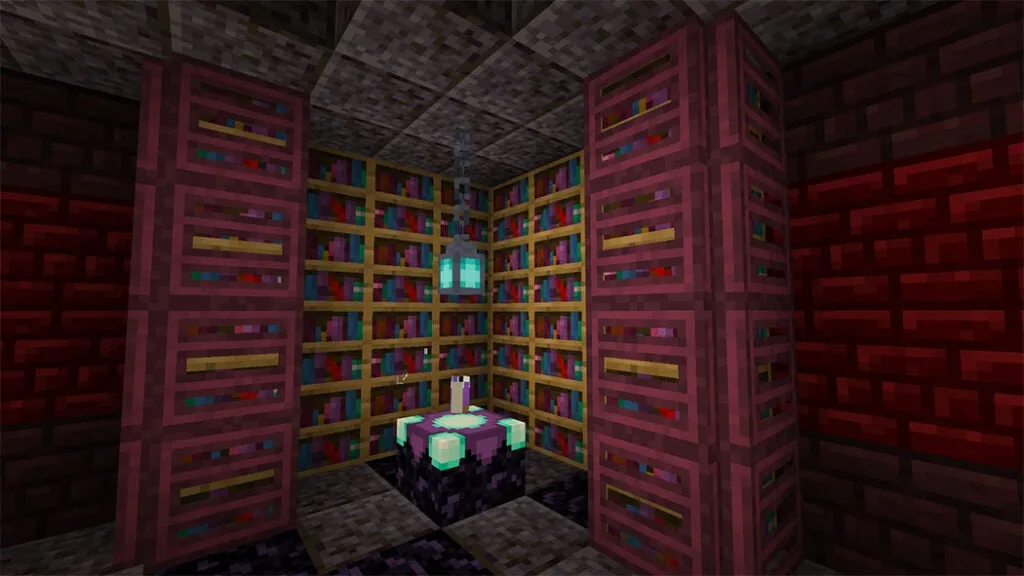
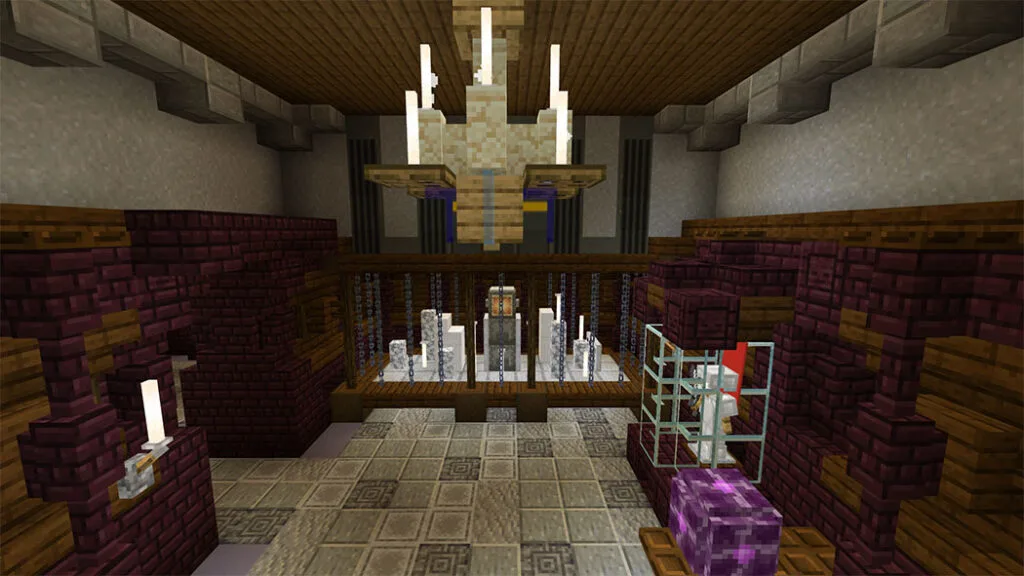
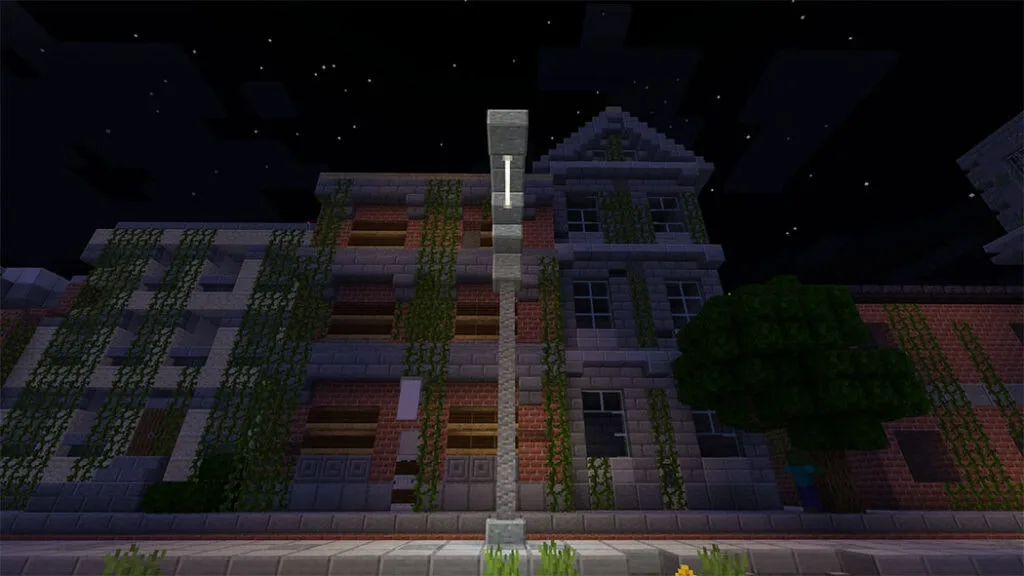
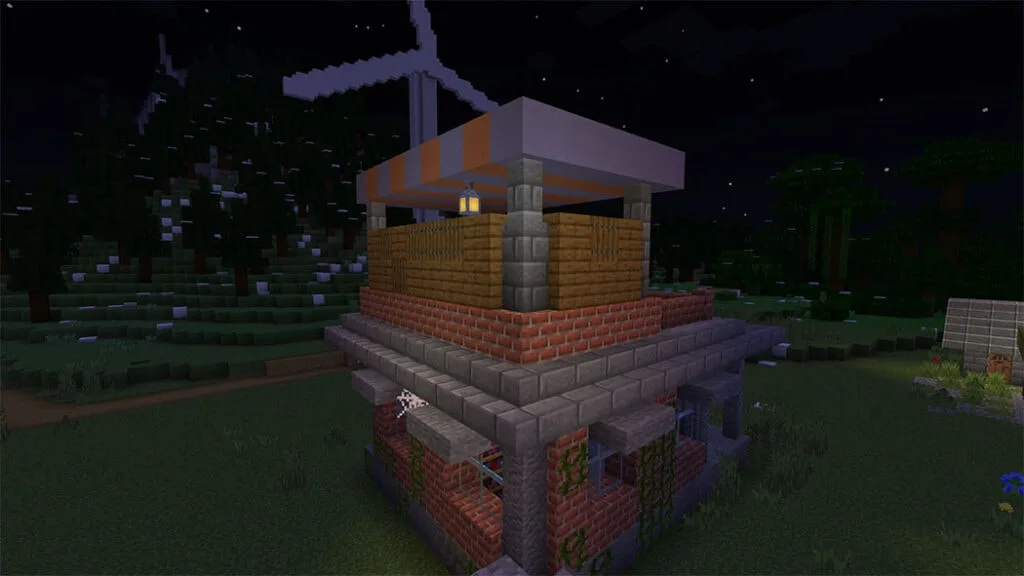
Lumen RTX is a beta version of an altered vanilla resource pack. It strives to improve vanilla textures in a variety of ways, and when combined with pbr, the distinctive fog creates an incredible experience. This pack and (Kelly’sRTX) have their own discord server! Kelly The Dragon’s RTX Discord Server (https://discord.gg/f4fpgBBzwY) is where you can keep up with LumenRTX’s progress.
Cre: Alegzzis
Lumen RTX
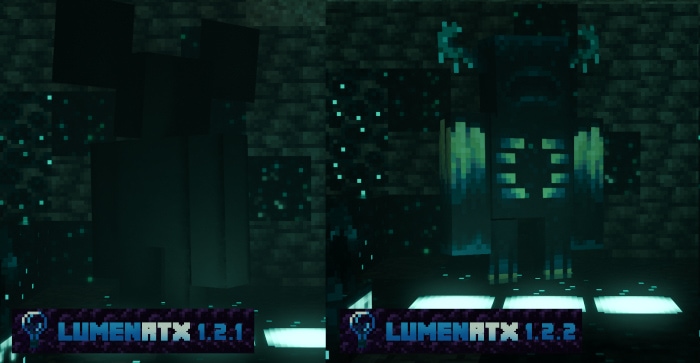
I developed a pbr with Lumen RTX that is simple and balanced in convexity, yet diverse in roughness and material differences. Vanilla Textury was tweaked to improve the visual and gameplay experience. A crucial feature is that I followed Kelly’s RTX; if you’re looking for a Vanilla Experience RTX texturepack, you should check out Kelly’s work!
Presentation by LumenRT
(Some of the screenshots have modified the light angle and increased the amount of fog, but not all of them, and they are otherwise identical)
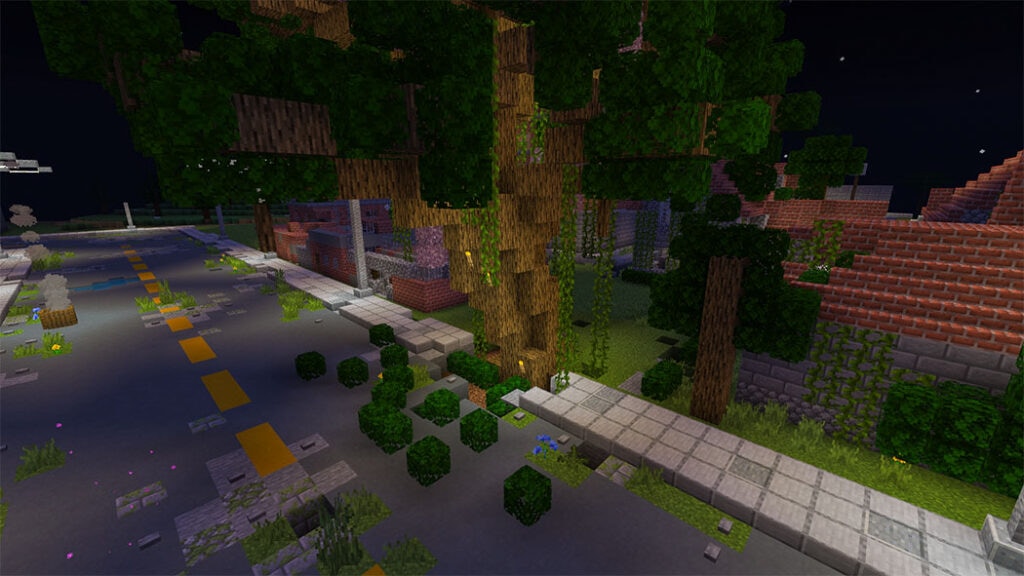
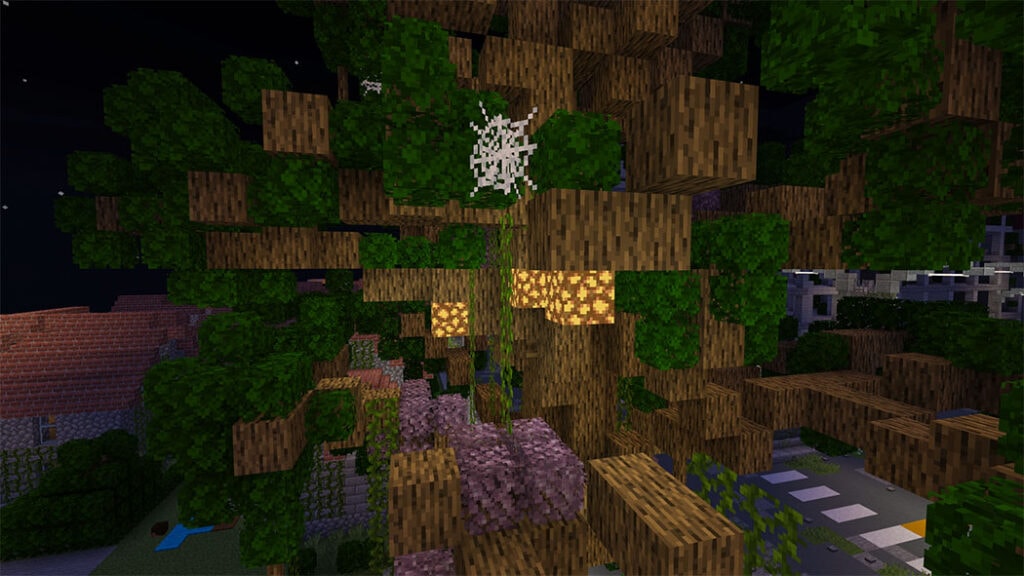
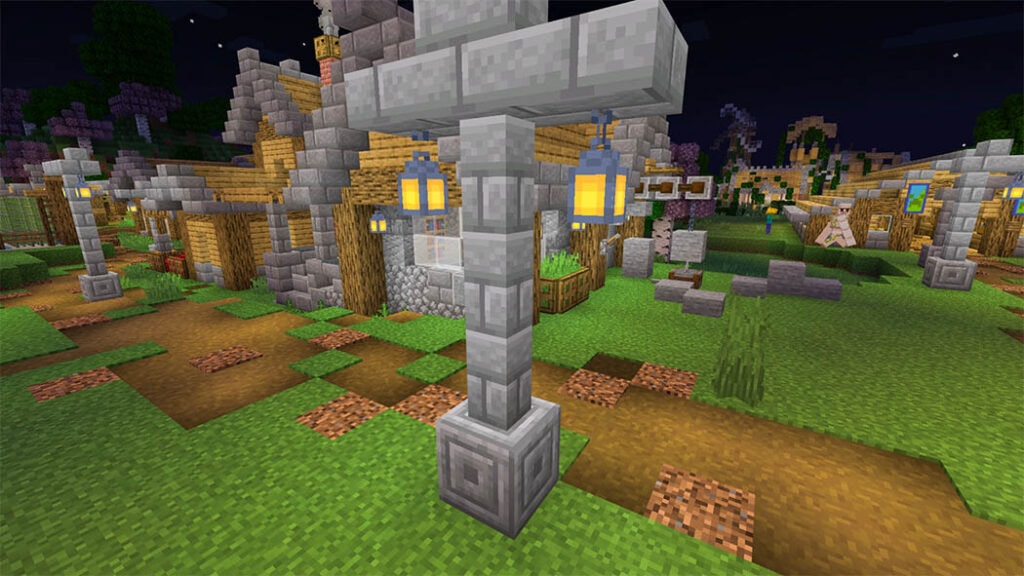
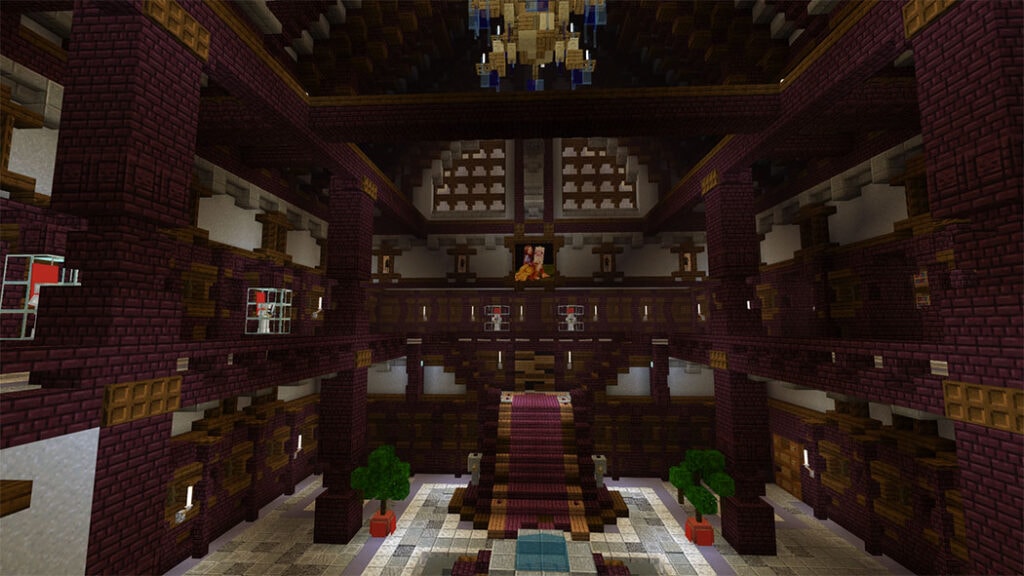
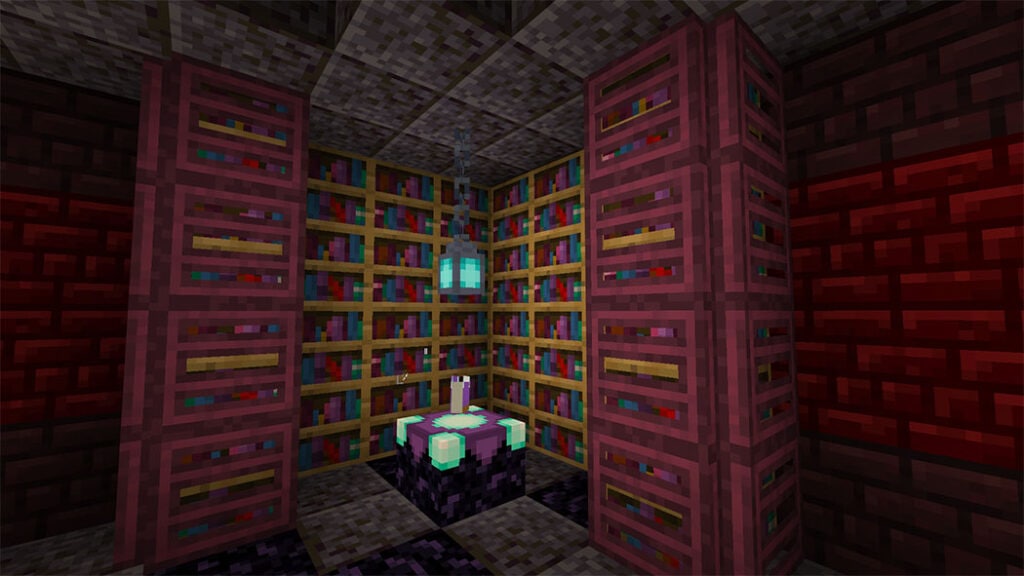
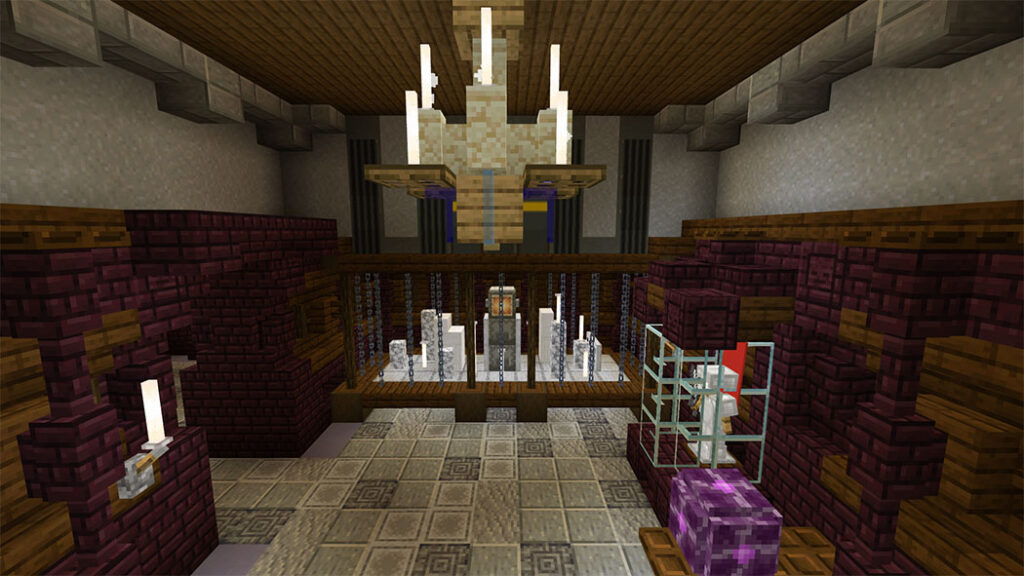
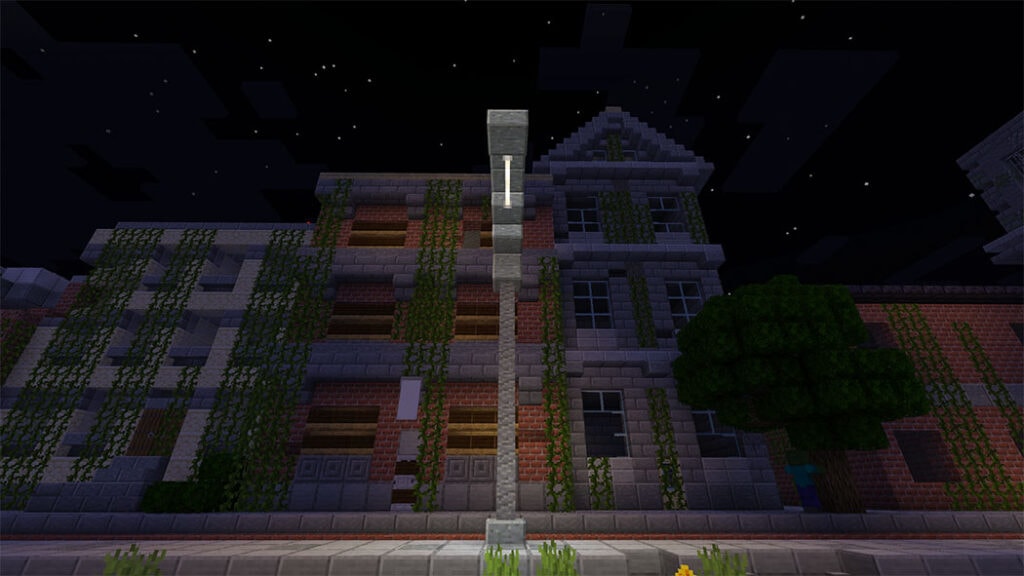
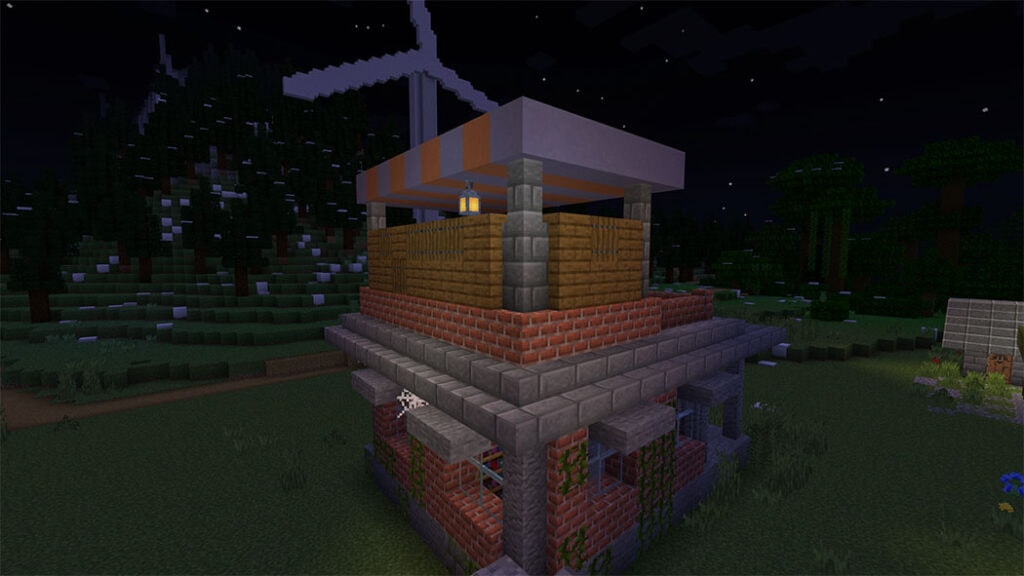
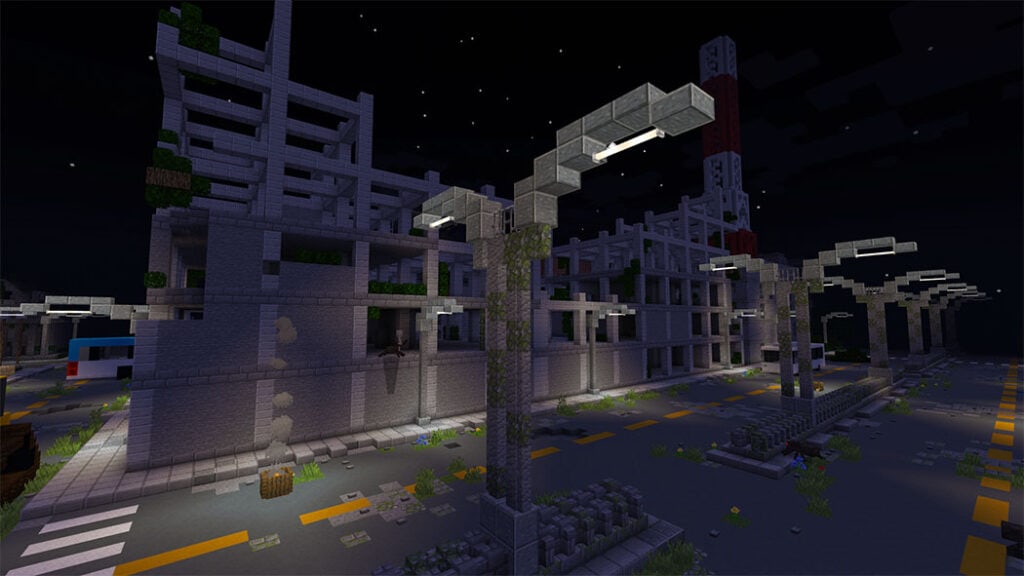
LumenRTX has several add-ons that change the game visually and give the texturepack customizable
Vanilla Grass add-on
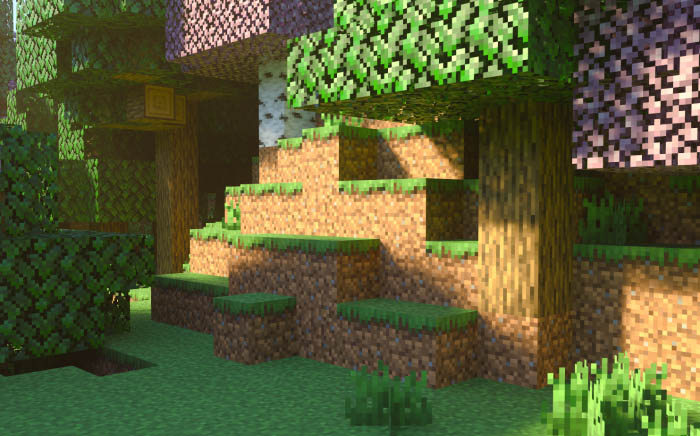
Clear water add-on

Bright Light Sources
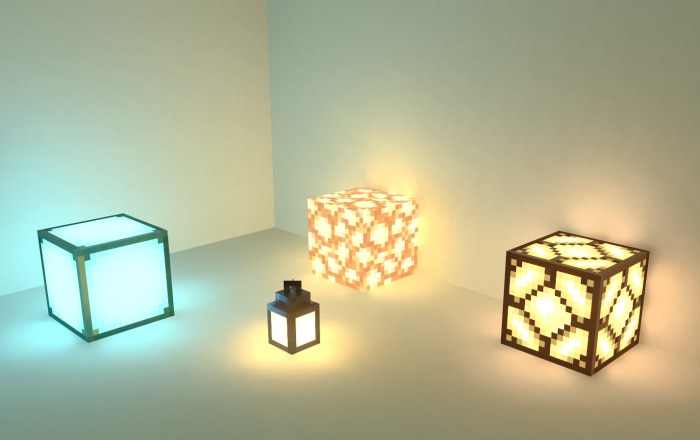
Glowing Ores

LumenRTX also fixes a lot of bugs


Some Texture Minecraft PE you can check in Mcpeaddons.com:
⚠IMPORTANT STUFF⚠
LumenRTX is Beta and many blocks may not contain PBR yet, if you find any bug in currently added blocks or have any suggestions join kelly’sRTX server and advise me on the appropriate channel
While creating, I was inspired by two Add-on / TexturePack:
- Hirx’s “3D Items – v4 ”
- Fused Bolt “Better Foliage Addon 2.0”
| Changelog |
| Lumen RTX Beta 3.0 Changelog: -redone heightmaps -added pbr to some new blocks -improved fog -improved sky color -improved nether fog -improved nether blocks |
Thank you so much for letting me implement something similar
Installation
- Requirements:
- Ray Tracing capable graphics card (Nvidia RTX 20/30+ or AMD RX 6000+)
- Minecraft Bedrock Windows 10/11 (1.16.200+)
- To make sure this pack will work perfectly, please consider Minecraft Patched Download

Download Lumen RTX 2.0 (MinecraftRTX TexturePack) or HERE (Backup Link)
- Edition: Minecraft Bedrock
- File type: .mcpack
- How to install: Download the .mcpack. → Open it — Minecraft imports it under Resource Packs. → Activate it in Global Resources, or for one world under Resource Packs → Available.
- Where to get it: In MCModsHub, or directly above on this page.
Install steps are the general flow for this file type — How to install Minecraft Bedrock texture packs walks through it step by step.
- Pack type: .mcaddon — behaviour and resource pack in one file
- Manifest requires Minecraft 1.16.200 or newer
- Complete pack — everything it depends on is inside the file
- Download size: 7.0 MB
- Download link checked 17 Jun 2026 — working
- Mirrored on our own servers — the download does not depend on the original host
These come from our own check of the pack file, not from the source page.