![KNZ UI V2 [1.21+] | Minecraft Texture Packs](https://mcpeaddons.com/wp-content/uploads/2025/02/KNZ-UI-V2-feature-300x141.png)
Texture packsBedrock
KNZ UI V2 [1.21+] | Minecraft Texture Packs
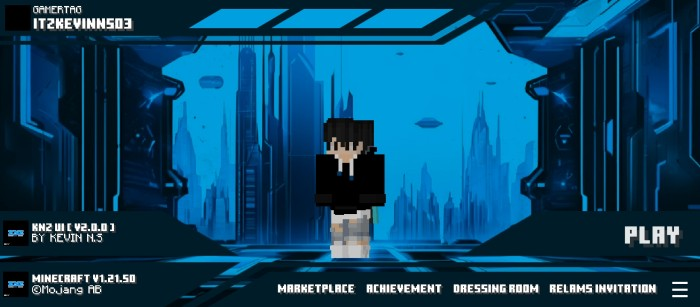
Tired of the same old Minecraft look? Want a smoother and more enjoyable gameplay experience? This pack offers three exclusive themes and functional…
⬇ DownloadOpen in MCModsHubGet it on Google Play →Tired of the same old Minecraft look? Want a smoother and more enjoyable gameplay experience? This pack offers three exclusive themes and functional enhancements to upgrade your adventure. Give it a try—you might just love it!
Cre: Kevin N.S (Youtube)
KNZ UI
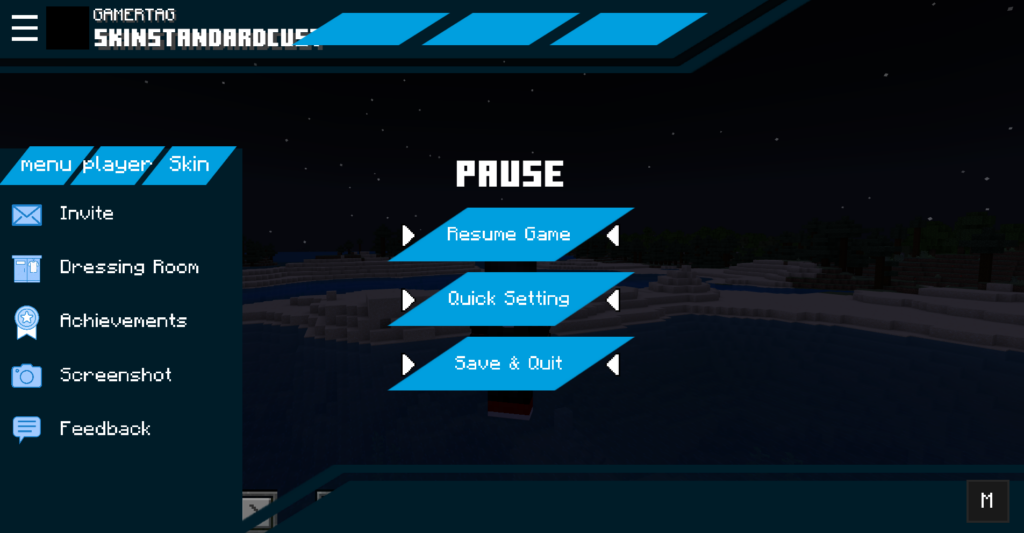
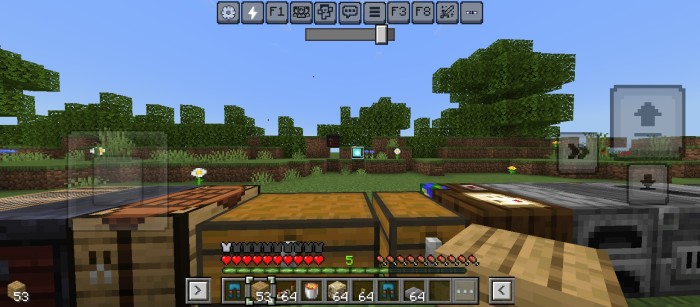
- 3 Themes
- F5 Button
- Chat Autocomplete
- Debug screen
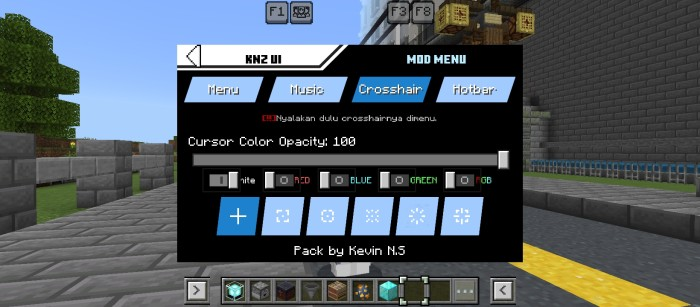
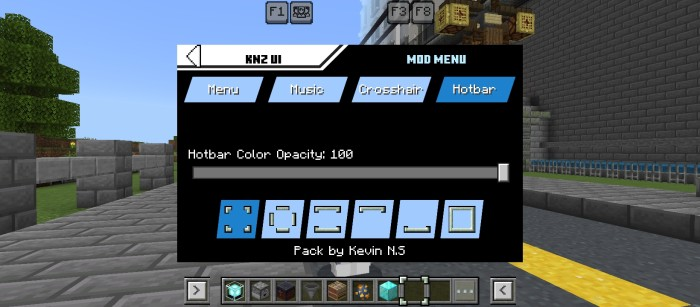
- Custom Crosshair
- Custom selected hotbar
- Rgb xp bar
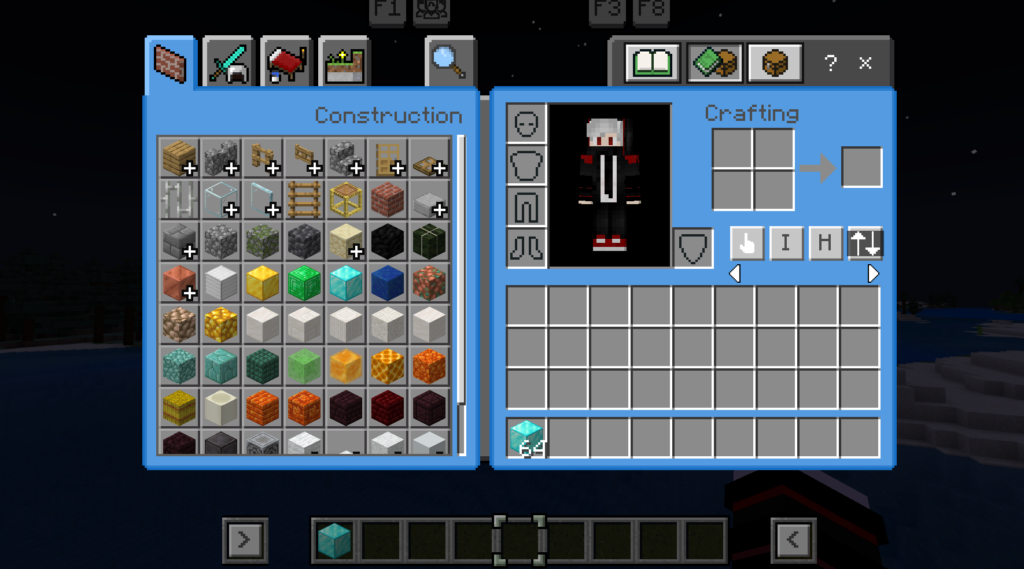
- Inventory HUD
- Mod menu
- Quick loot
- Drop all
- Drop One
- Quick container
- Player list tab
- and others
Downloads

Download KNZ UI .mcpack
or here (backup link)
💨 More Minecraft Texture Packs you might like:
Verified by MCModsHub
- Pack type: .mcpack — a single pack
- Manifest requires Minecraft 1.20.40 or newer
- Complete pack — everything it depends on is inside the file
- Download link checked 17 Jun 2026 — working
- Mirrored on our own servers — the download does not depend on the original host
These come from our own check of the pack file, not from the source page.
Explore more