Nostalgia Craft Texture Pack for Minecraft Bedrock 26.50
Restores Minecraft's alpha-era visuals and sounds on Bedrock, recreating brighter colors and legacy textures for a nostalgic gameplay experience.
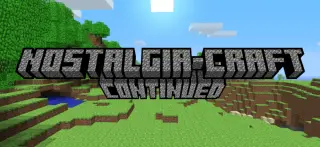
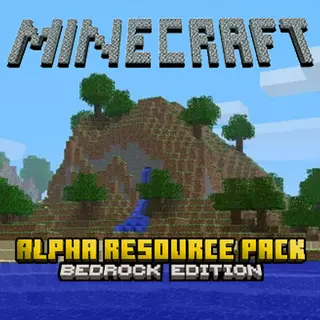
⬇ DownloadThis texture pack recreates the design from Minecraft's alpha era. It provides brighter colours and legacy textures, and restores classic sounds so you can experience how Minecraft looked and sounded in 2010.
(The original Nostalgia-Craft was made by 2XMM2.)
Nostalgia-Craft: Java Edition page: https://www.minecraftforum.net/forums/mapping-and-modding-java-edition/resource-packs/1229392-nostalgia-craft
Recommended: turn off Smooth Lighting for the maximum effect.
Screenshots
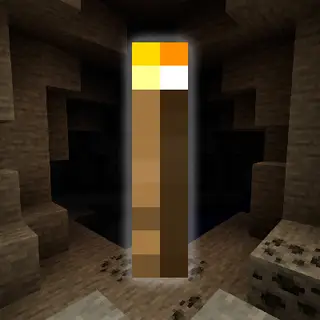
Alpha-style Preview
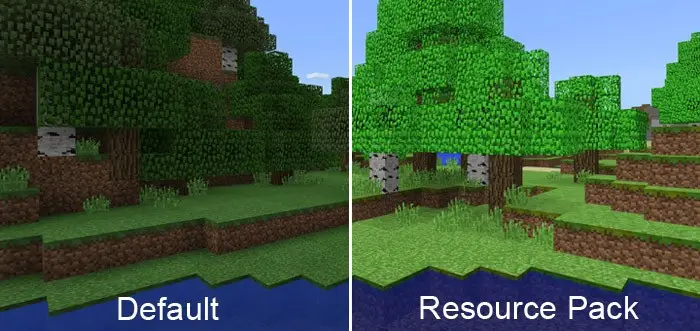
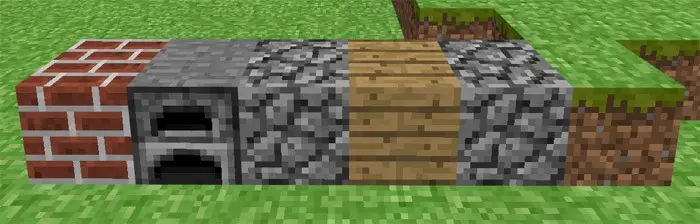
Minecraft Alpha
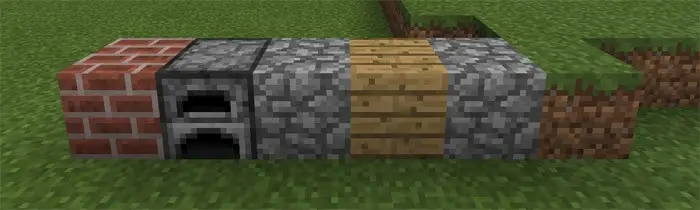
Minecraft Today (Outdated)
Credits
- Nostalgia-Craft was originally made by 2XMM2 for Java Edition.
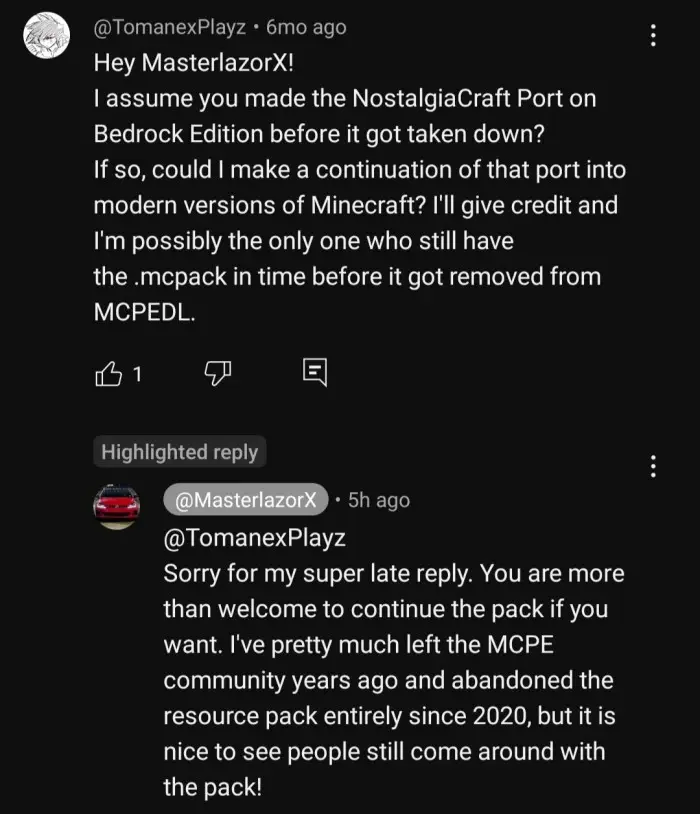
- Nostalgia-Craft Bedrock port was originally made by MasterlazorX.
- This submission is a fork of MasterlazorX's Bedrock port, updated for newer Minecraft versions.
- I am aware the original MCPEDL page for Nostalgia-Craft was terminated; I wanted to bring this pack back and update it as best as I can.
- Edition: Minecraft Bedrock
- File type: .mcpack
- How to install: Download the .mcpack. → Open it — Minecraft imports it under Resource Packs. → Activate it in Global Resources, or for one world under Resource Packs → Available.
- Where to get it: In MCModsHub, or directly above on this page.
Install steps are the general flow for this file type — How to install Minecraft Bedrock texture packs walks through it step by step.
- Pack type: .mcpack — a single pack
- Manifest requires Minecraft 1.2.6 or newer
- Complete pack — everything it depends on is inside the file
- Download link checked 18 Jun 2026 — working
- Mirrored on our own servers — the download does not depend on the original host
These come from our own check of the pack file, not from the source page.