Semi-Realistic Texture Pack for Minecraft Bedrock 26.40
Bedrock texture pack listed for Minecraft 26.x. Installs from the MC Bedrock Mods app on Android.
Semi-Realistic texture pack adds sun rays, compressed skies, new stone and ore textures, custom ambience, and quick world settings for experimental worlds.
⬇ DownloadSemi-realistic changelog
Fixes
The first version included very large sky textures (6+ MB each) which made some phones slow when loading worlds. I compressed those large textures and reduced the total size from ~76 MB to ~24 MB to improve loading performance.
Additions
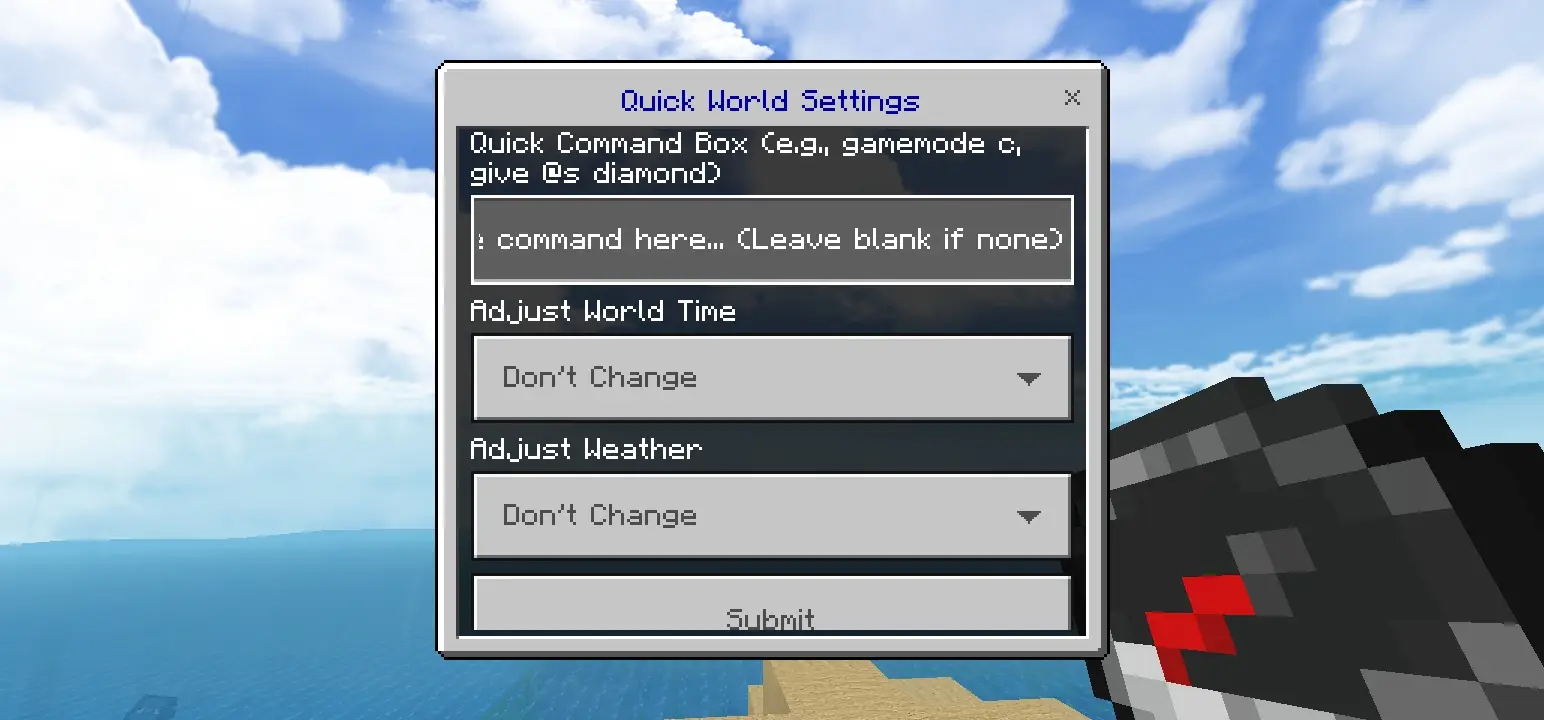
Quick world settings: When entering a world with experimental features enabled, this addon gives you a compass. Right-click or use the compass to open the quick world settings menu.
Atmospheric: Added sun rays and improved shadows across biomes. Note: sun rays work on mid-to-high-end devices that support "Vibrant Visuals". If you don't see sun rays, try enabling Vibrant Visuals in world graphics and reload your world.
Custom ambience: Added ambient sounds such as an underwater scuba-like sound while swimming and additional biome ambience sounds.
Texture changes
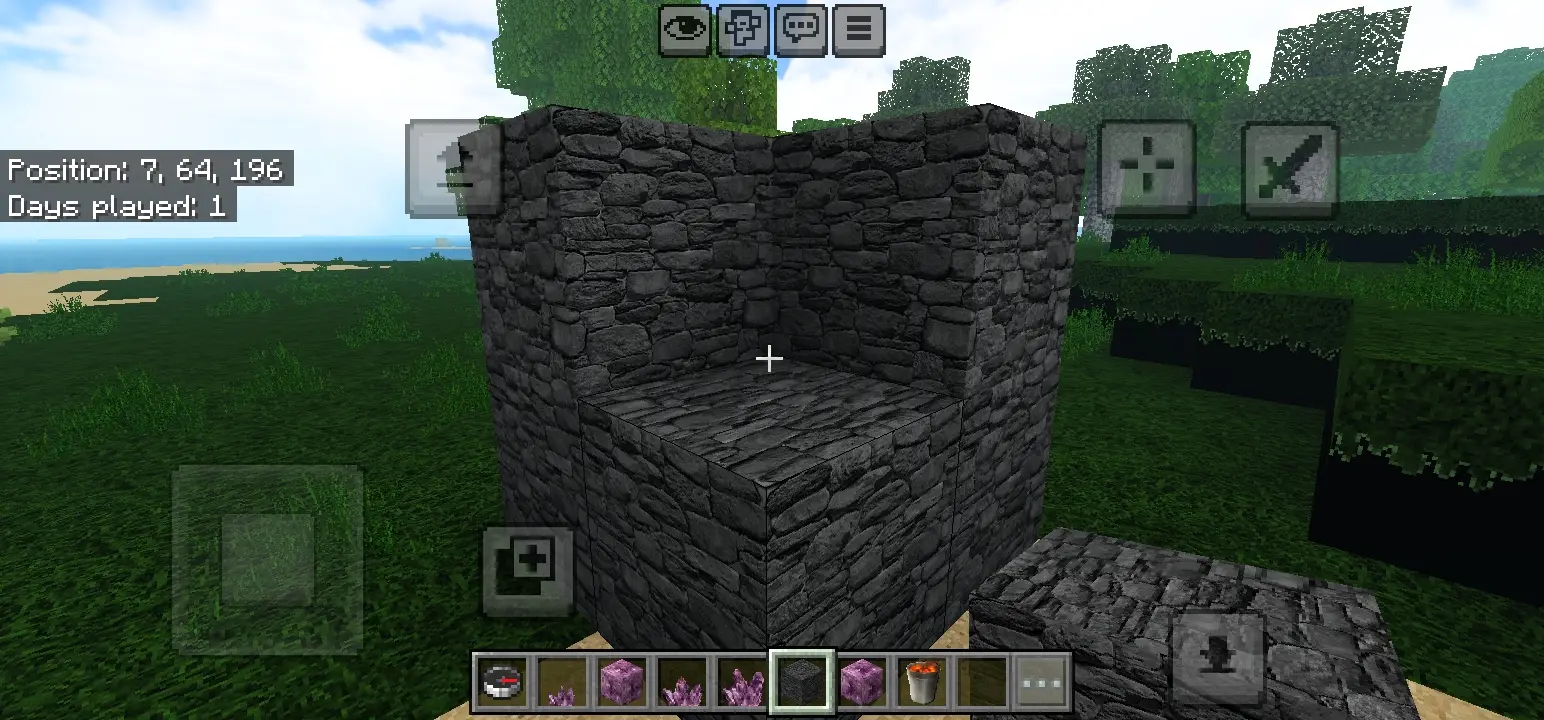
- Stone
- Cobblestone
- Ores
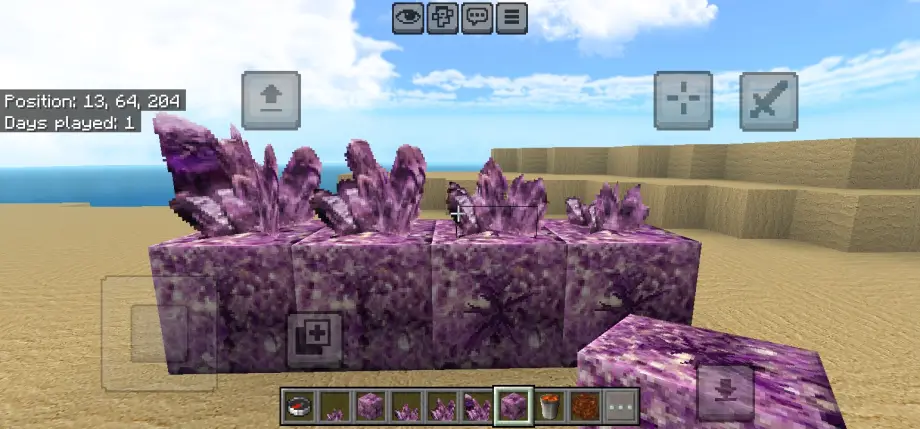
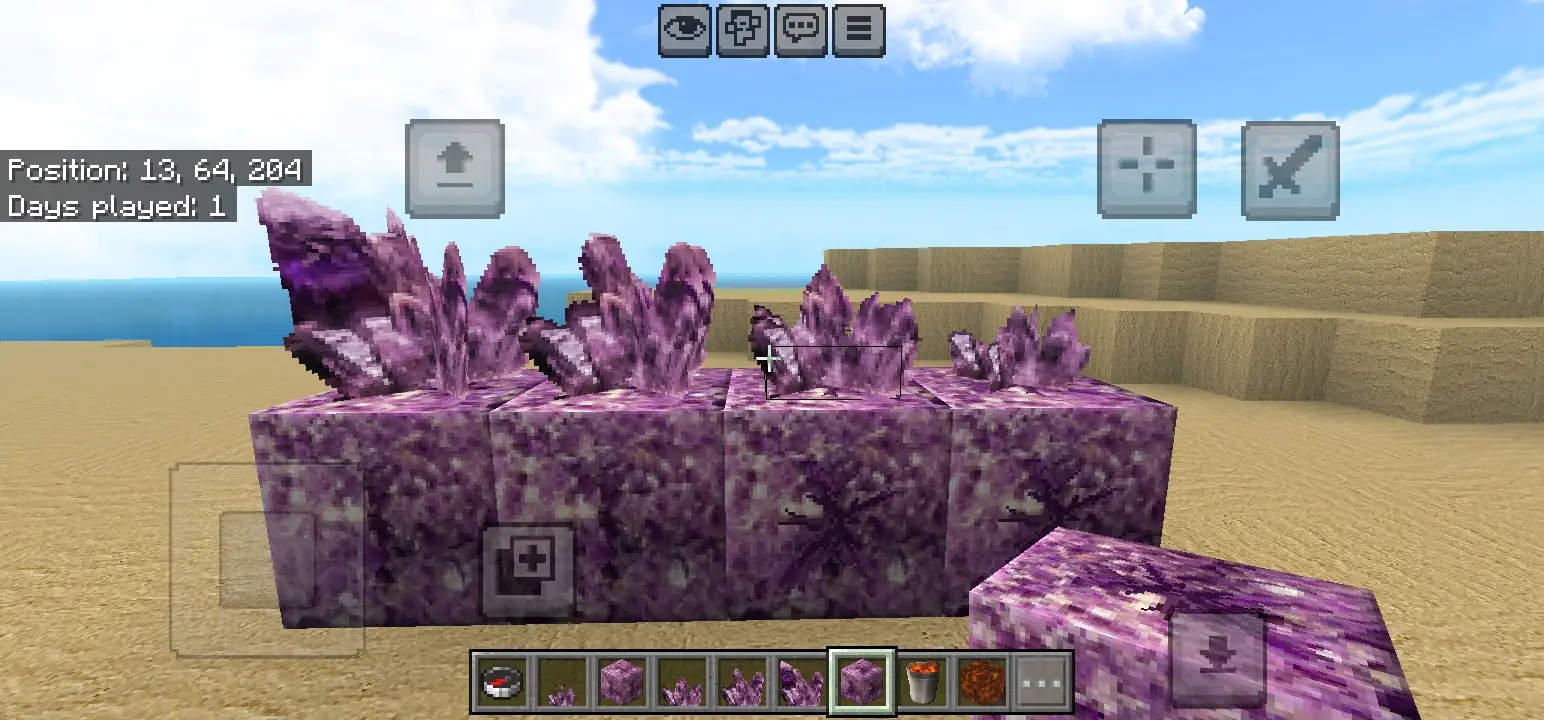
- Amethyst: budding amethyst now progresses to amethyst cluster
- Mycelium
- Ice, Blue Ice, Packed Ice
- Snow, Powdered Snow
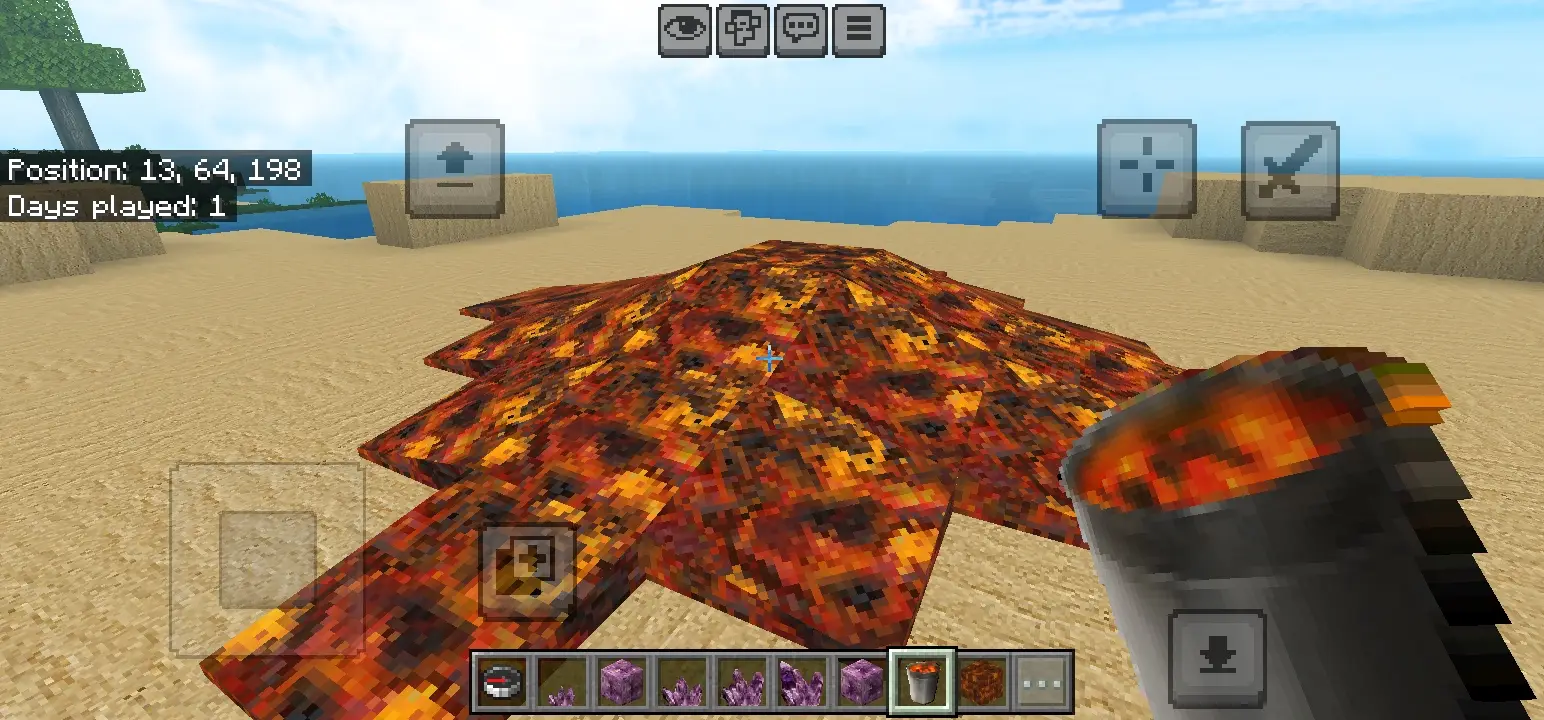
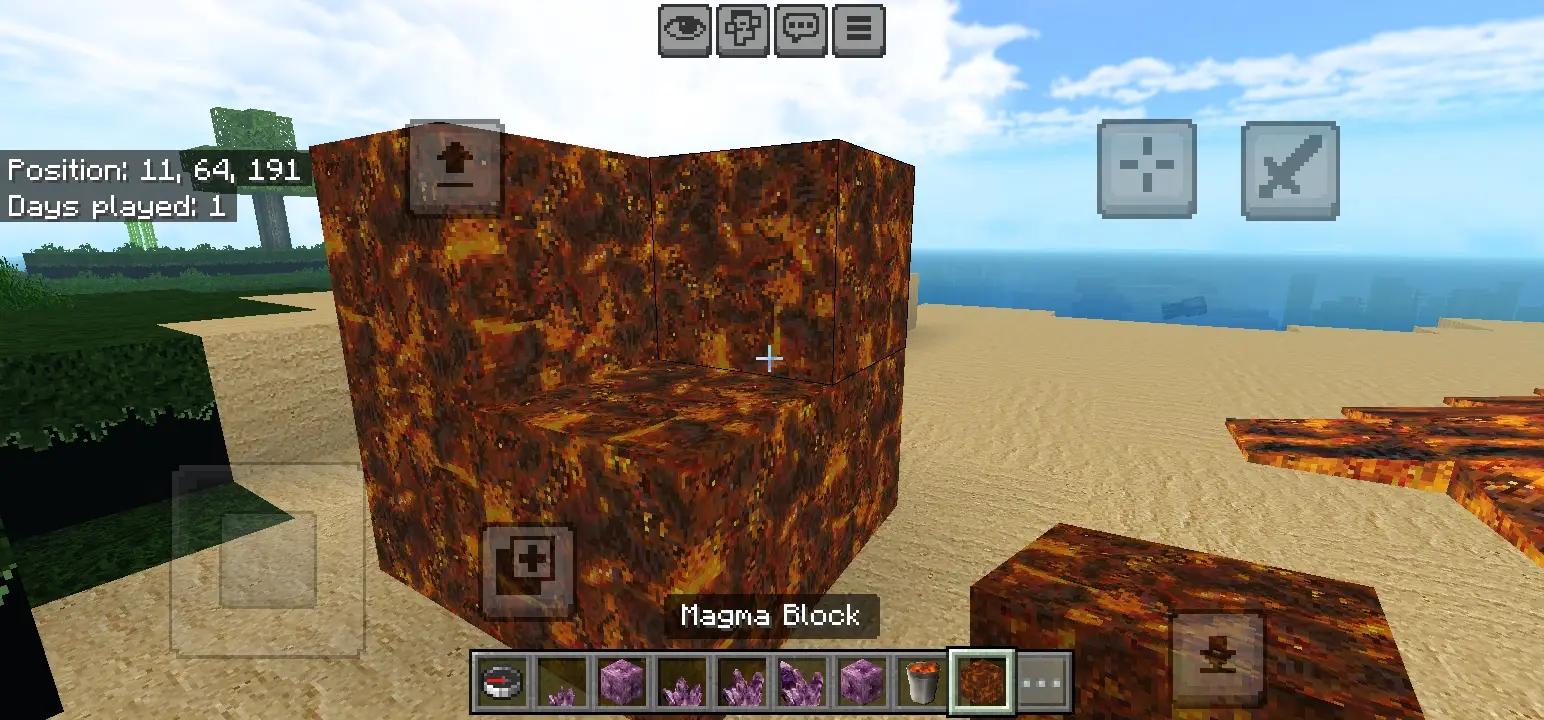
- Lava: visual changes and reanimated look
- Magma Block: looks similar to lava — watch your step 😅
Note: If achievements are enabled, Quick World Settings & Falling Trees may not be available. Enable experimental features to access Quick World Settings and Falling Trees, but keep in mind experimental features are not achievement-friendly. Some blocks and items are not yet included — please wait for future updates.
Have fun 😊.
- Edition: Minecraft Bedrock
- File type: .mcpack
- How to install: Download the .mcpack. → Open it — Minecraft imports it under Resource Packs. → Activate it in Global Resources, or for one world under Resource Packs → Available.
- Where to get it: In MCModsHub, or directly above on this page.
Install steps are the general flow for this file type — How to install Minecraft Bedrock texture packs walks through it step by step.
- Pack type: .mcaddon
- Manifest requires Minecraft 1.26.20 or newer
- Ships one half — this pack asks for another pack that is not included
- Download link checked 18 Jun 2026 — working
- Mirrored on our own servers — the download does not depend on the original host
These come from our own check of the pack file, not from the source page.