Texture packsBedrock
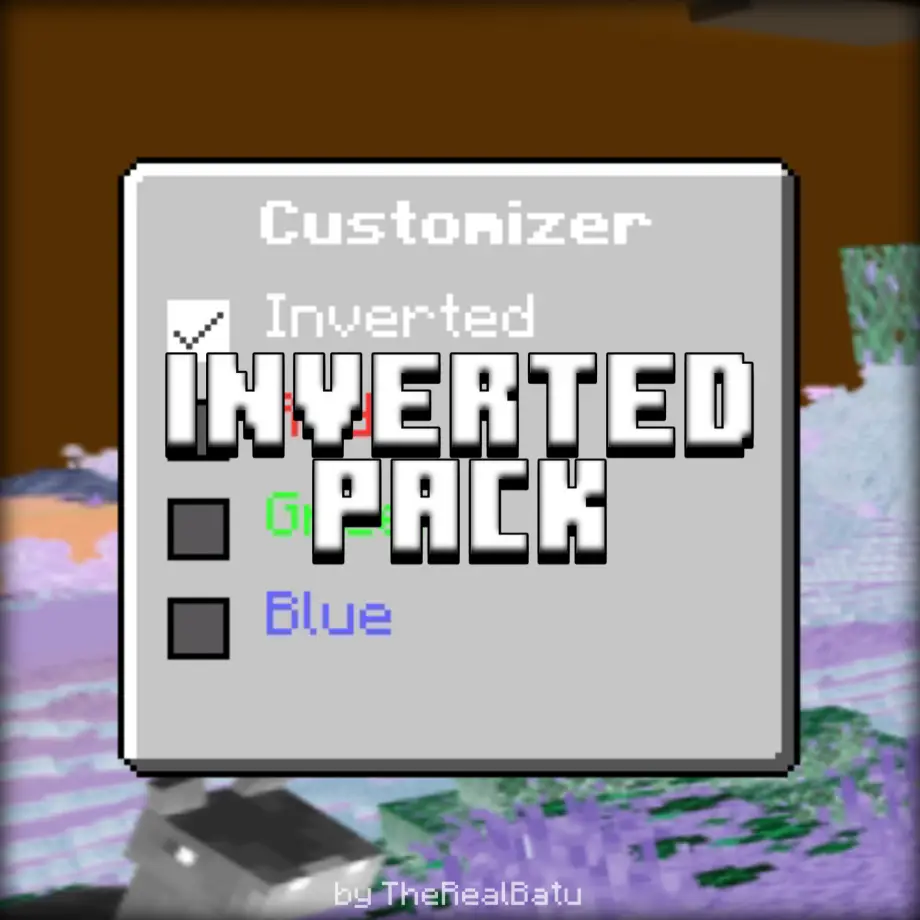
Inverted Pack for Minecraft Bedrock 26.20
Bedrock texture pack listed for Minecraft 1.21. File opened and checked on 1 Oct 2026; installs from the MC Bedrock Mods app on Android.
⬇ DownloadInvert your game's colors with Inverted Pack — three subpacks (Default, Inverted, Customizer) and a draggable side panel for live visual customization.
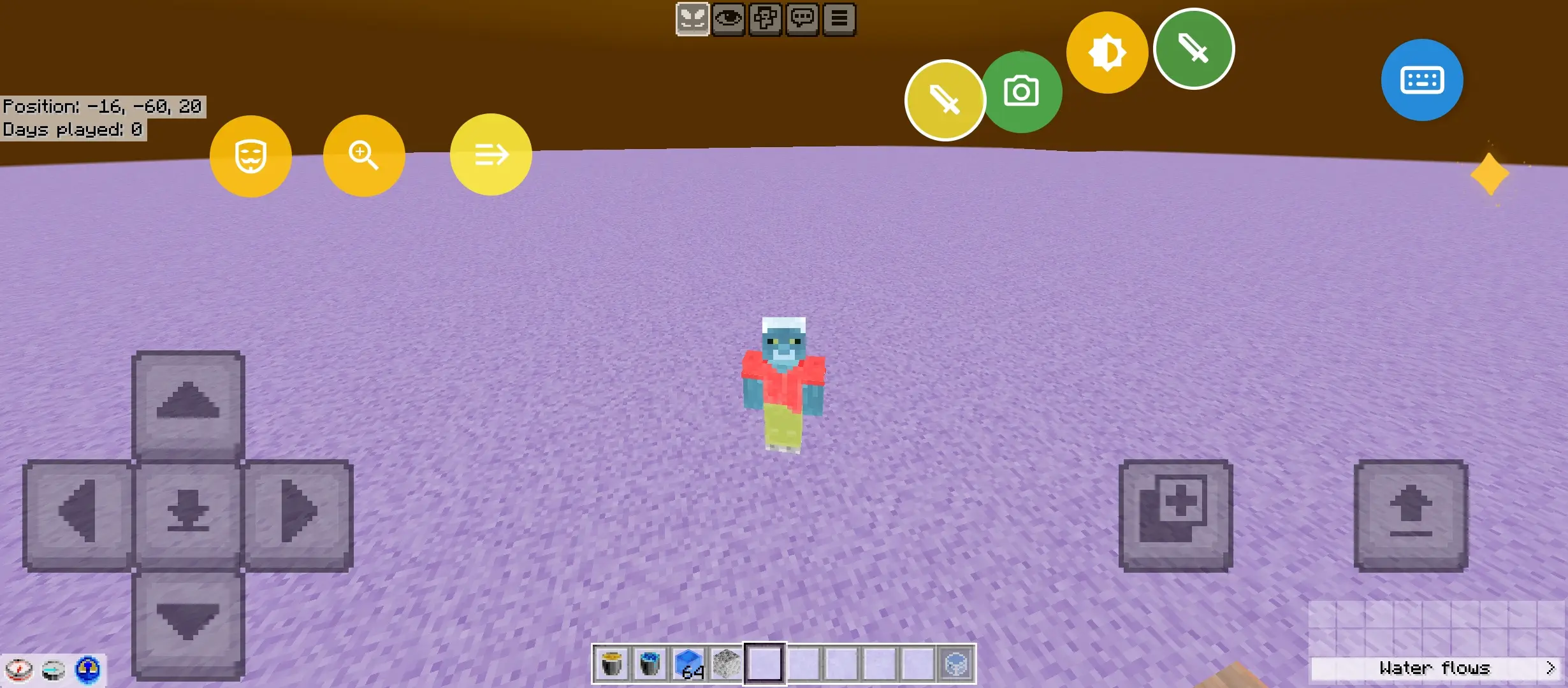
(Note: I test this pack with Ambient)
𝗜𝗻𝘃𝗲𝗿𝘁𝗲𝗱 𝗣𝗮𝗰𝗸
𝗦𝘂𝗯𝗽𝗮𝗰𝗸𝘀
- 𝗗𝗲𝗳𝗮𝘂𝗹𝘁 (𝗡𝗼𝘁𝗵𝗶𝗻𝗴)
- 𝗜𝗻𝘃𝗲𝗿𝘁𝗲𝗱
- 𝗖𝘂𝘀𝘁𝗼𝗺𝗶𝘇𝗲𝗿 (𝘄𝗶𝘁𝗵 𝗱𝗿𝗮𝗴𝗴𝗮𝗯𝗹𝗲 𝘀𝗶𝗱𝗲 𝗽𝗮𝗻𝗲𝗹 𝘂𝗶)
(Note: You can't hide the side panel)
Thanks to my friend, he help me created the codes🥹✨
Quick facts
- Edition: Minecraft Bedrock
- File type: .mcpack
- How to install: Download the .mcpack. → Open it — Minecraft imports it under Resource Packs. → Activate it in Global Resources, or for one world under Resource Packs → Available.
- Where to get it: In MCModsHub, or directly above on this page.
Install steps are the general flow for this file type — How to install Minecraft Bedrock texture packs walks through it step by step.
File checked by MCModsHub
- Pack type: .mcpack — a single pack
- Manifest requires Minecraft 1.21.0 or newer
- Complete pack — everything it depends on is inside the file
- Download link checked 18 Jun 2026 — working
- Mirrored on our own servers — the download does not depend on the original host
These come from our own check of the pack file, not from the source page.