Vanilla Raytraced | Minecraft PE Texture Packs
Minecraft Bedrock texture pack. Download on the author's site.
⬇ Download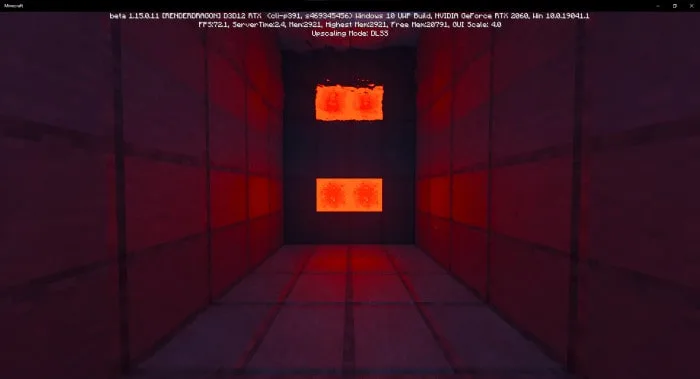
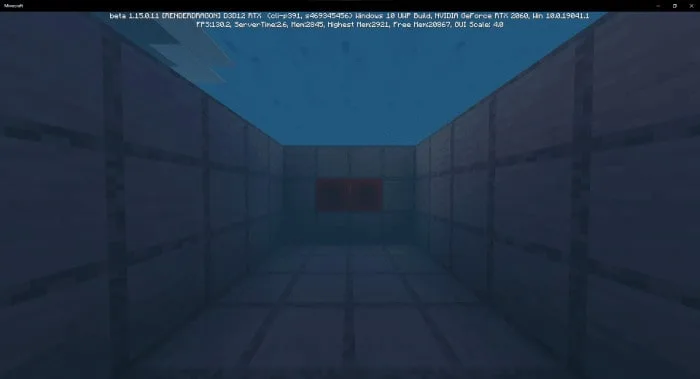
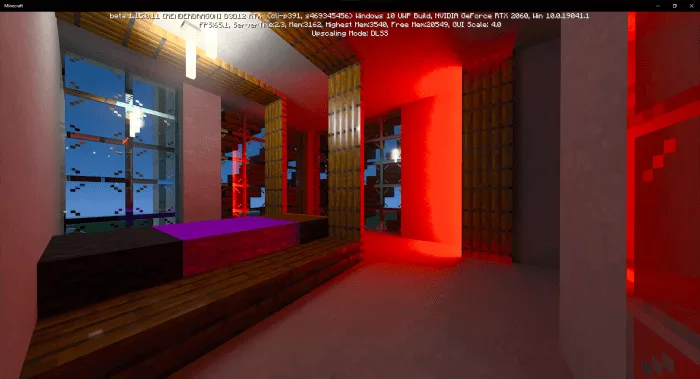
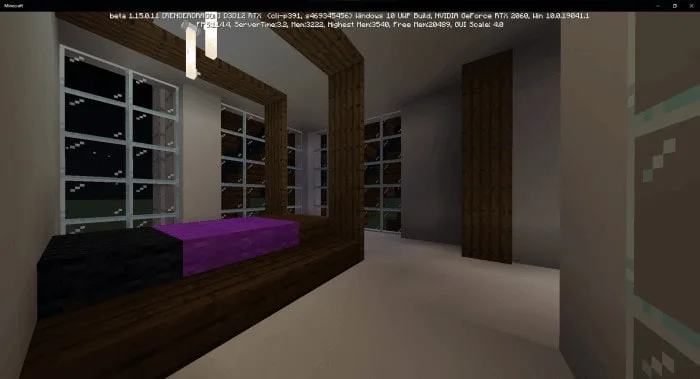
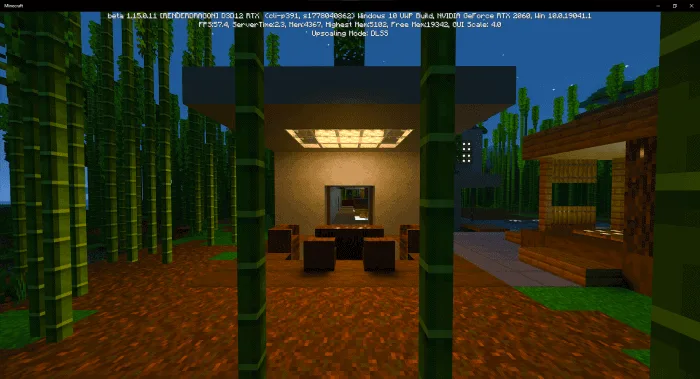
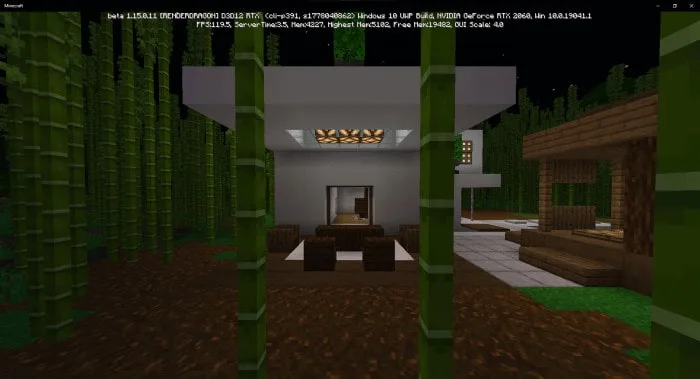
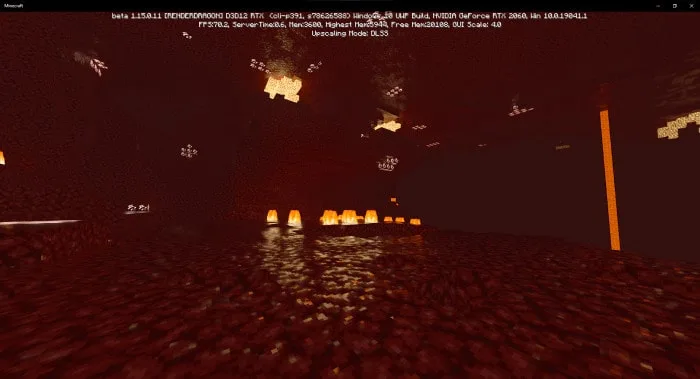
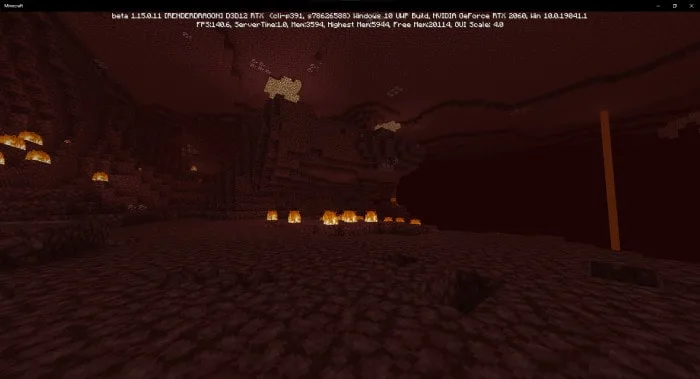
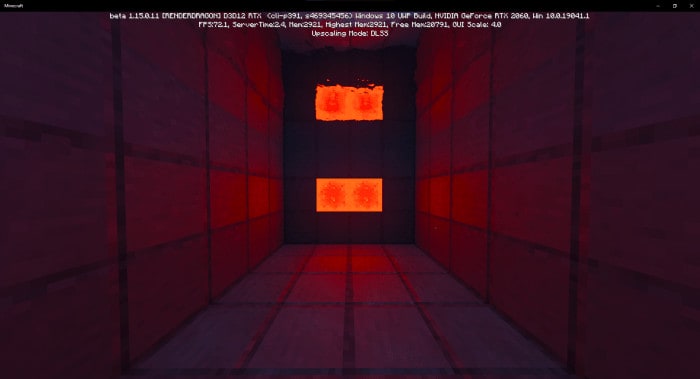
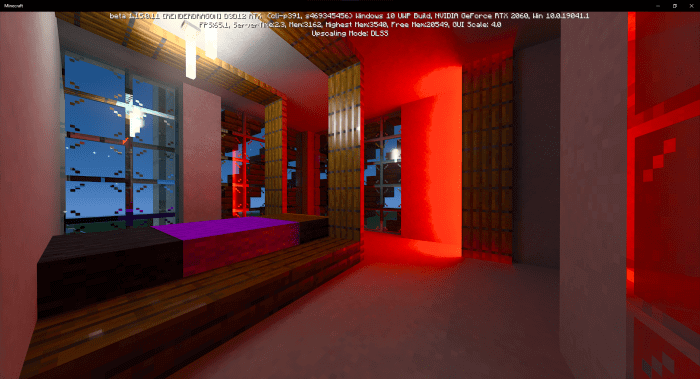
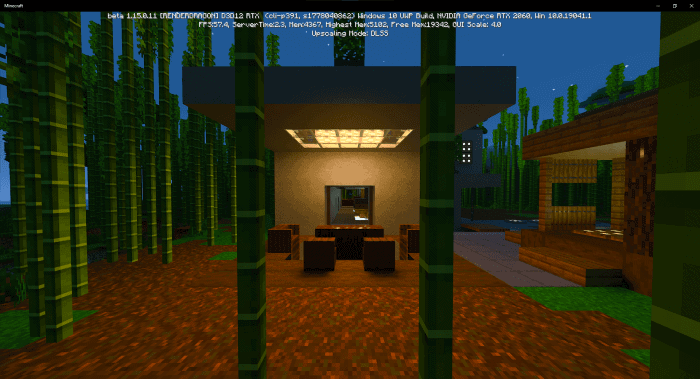
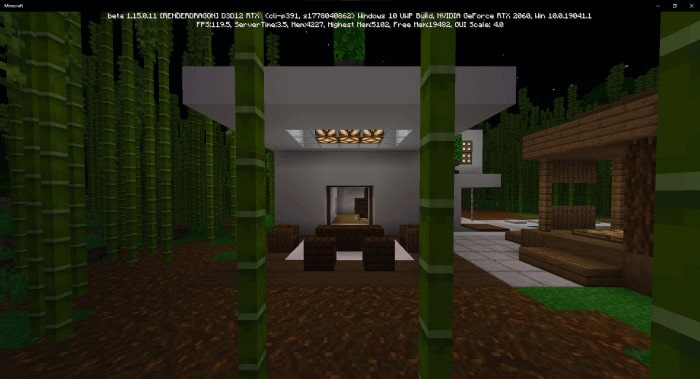
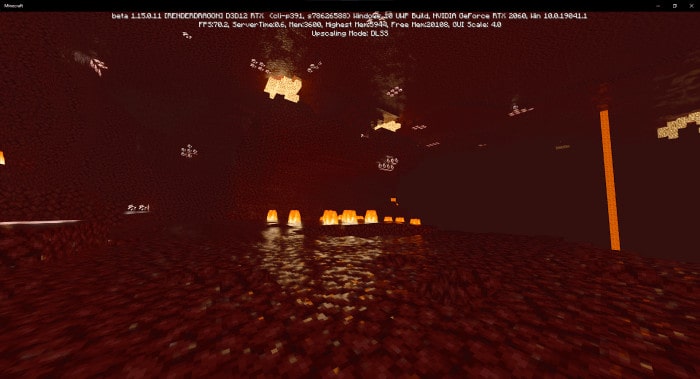
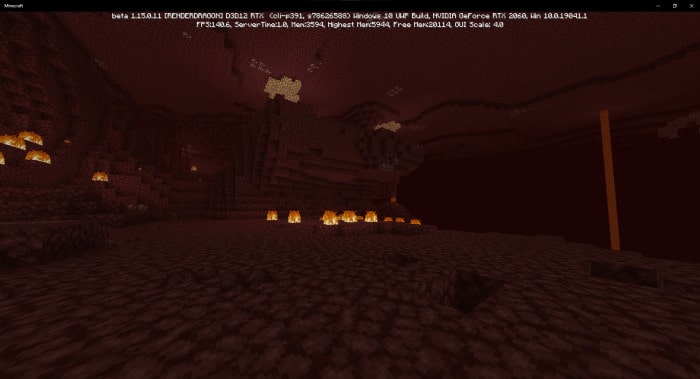
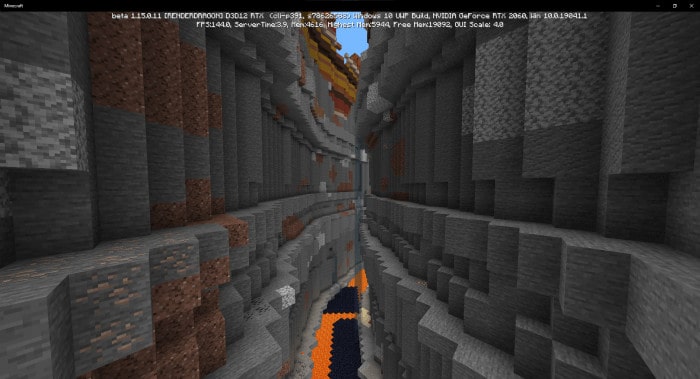
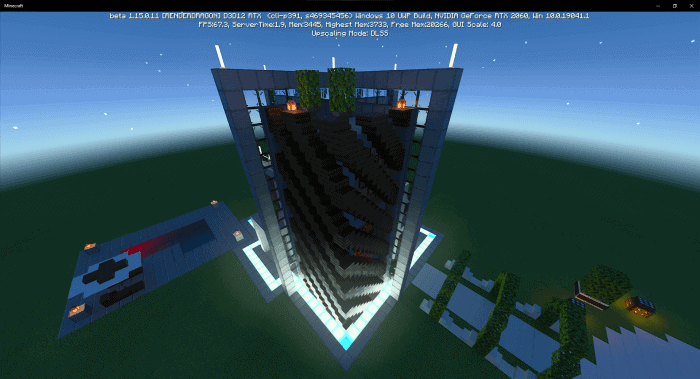
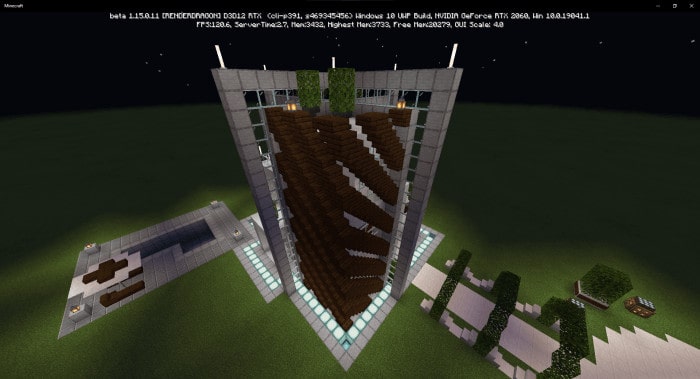
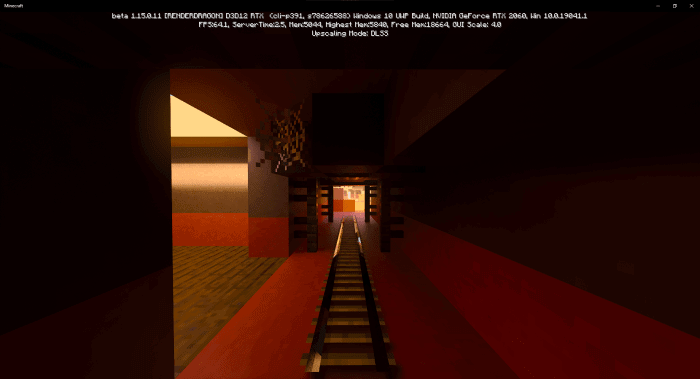
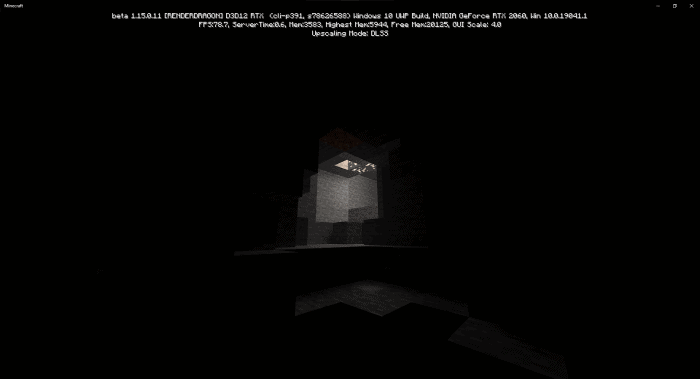
Vanilla Raytraced adds PBR resources to Minecraft. It provides reflections, roughness, emissive light to your world with the same original look as Minecraft, but better.
PBR = Physically Based Renderer.
This resource pack only works on NVIDIA RTX cards on Minecraft Bedrock Windows 10 Edition (RTX Beta Branch).
Creator: MazeWave
Vanilla Raytraced
QUESTIONS AND ANSWERS:
Q: From who is the normal map texture?
A: Most of the textures of the normal maps are from a Java Edition pack – “Vanilla-Normal-Renewed-1.12” by Poudingue
Q: Will you update the texture pack to a newer version?
A: Of course I will.
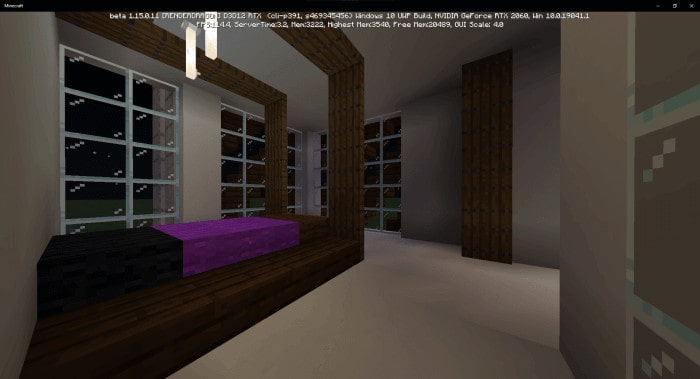
Screenshots:




- Choose version / Download source (Github)
- Download texture pack 1.0 (.mcpack)
- The official website
- Mirror Addon
- Clean Glass Addon
More texture packs are below for users:
- Edition: Minecraft Bedrock
- File type: .mcpack
- How to install: Download the .mcpack. → Open it — Minecraft imports it under Resource Packs. → Activate it in Global Resources, or for one world under Resource Packs → Available.
- Where to get it: Opens on the file's original source — not every file is mirrored on our own servers.
Install steps are the general flow for this file type — How to install Minecraft Bedrock texture packs walks through it step by step.
Vanilla Raytraced | Minecraft PE Texture Packs is a free Minecraft Bedrock texture pack. Download it and open it directly in the game.