MapsBedrock
Ju-on Hospital Horror
Bedrock map listed for Minecraft 1.19. Installs from the MC Bedrock Mods app on Android.
Ju-on Hospital Horror immerses the player in the atmosphere of Japanese horror. Exploring an abandoned hospital, you must search for keys, pull levers and…
⬇ Download
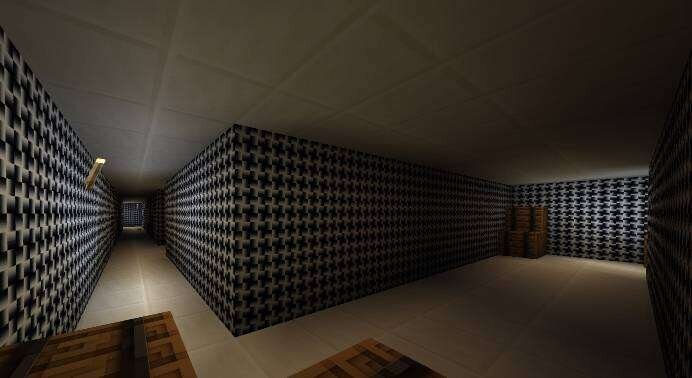
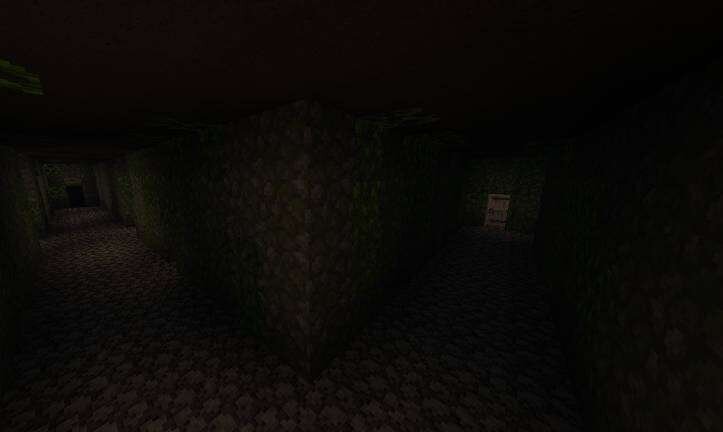


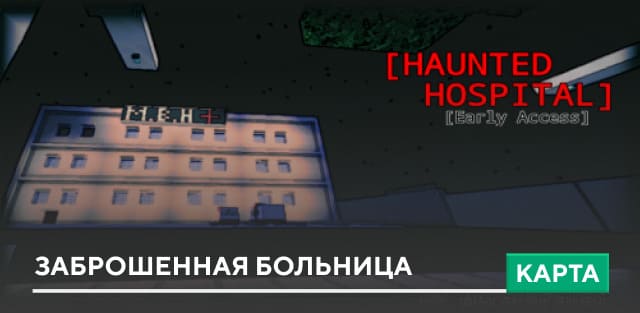
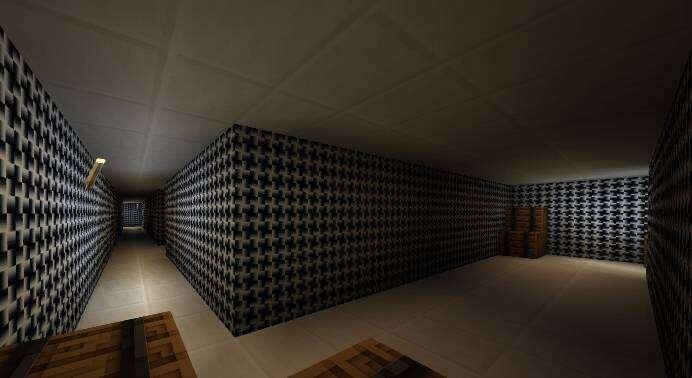
Карта Ju-on Hospital Horror переносит игрока в атмосферу японского ужаса. Исследуя заброшенную больницу, тебе предстоит искать ключи, включать рычаги и читать страшные заметки, чтобы продвигаться дальше. Творение предлагает множество укрытий под полом и у стен, кроме подвала, а каждая комната наполнена тревожными деталями. В MCPE такое приключение сочетает исследование и психологическое напряжение.
Ищи подсказки, найди ключи, используй рычаги и постарайся выбраться из этого ада.
Ищи подсказки, найди ключи, используй рычаги и постарайся выбраться из этого ада.
Quick facts
- Edition: Minecraft Bedrock
- File type: .mcworld
- How to install: Download the .mcworld file. → Open it — Minecraft imports it as a new world. → Find it in your Worlds list and play.
- Where to get it: In MCModsHub, or directly above on this page.
Install steps are the general flow for this file type — How to install Minecraft Bedrock maps walks through it step by step.
File checked by MCModsHub
- Pack type: .mcworld — a ready-made world
- Manifest requires Minecraft 1.19.50 or newer
- Ships one half — this pack asks for another pack that is not included
- Download size: 45.7 MB
- Download link checked 6 Jul 2026 — working
- Mirrored on our own servers — the download does not depend on the original host
These come from our own check of the pack file, not from the source page.