MapsBedrock
Steve's Training
Sometimes various addons become boring and you want to play classic Minecraft Bedrock. For this, you can visit Steve's Training map, where you need to…
⬇ Download
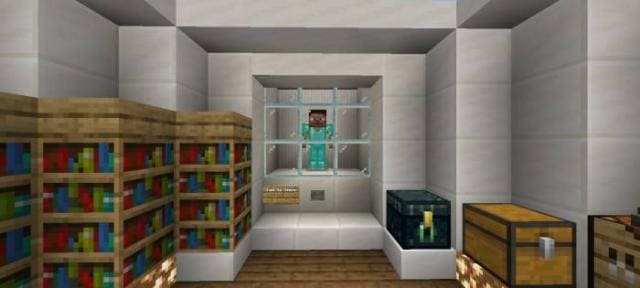
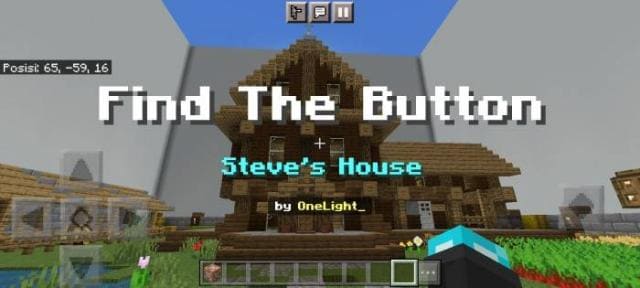
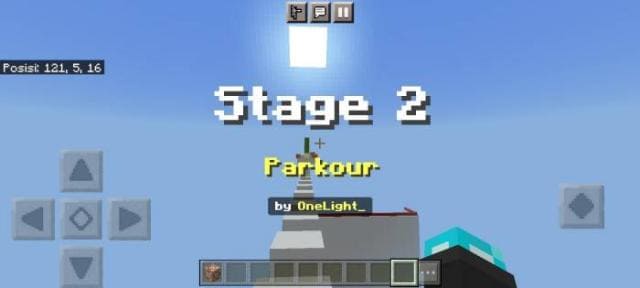
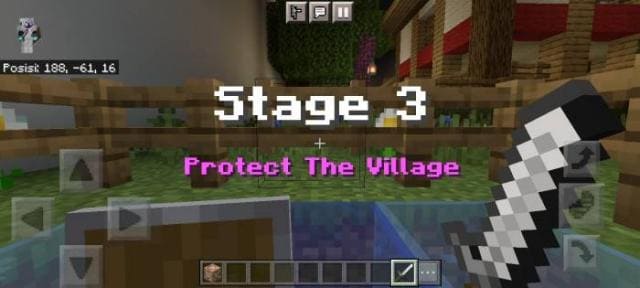
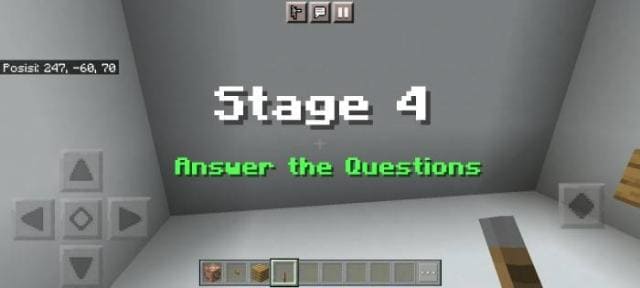
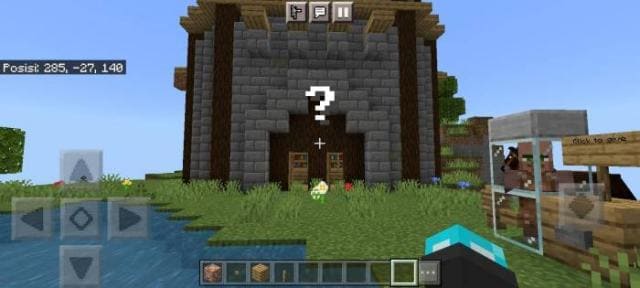
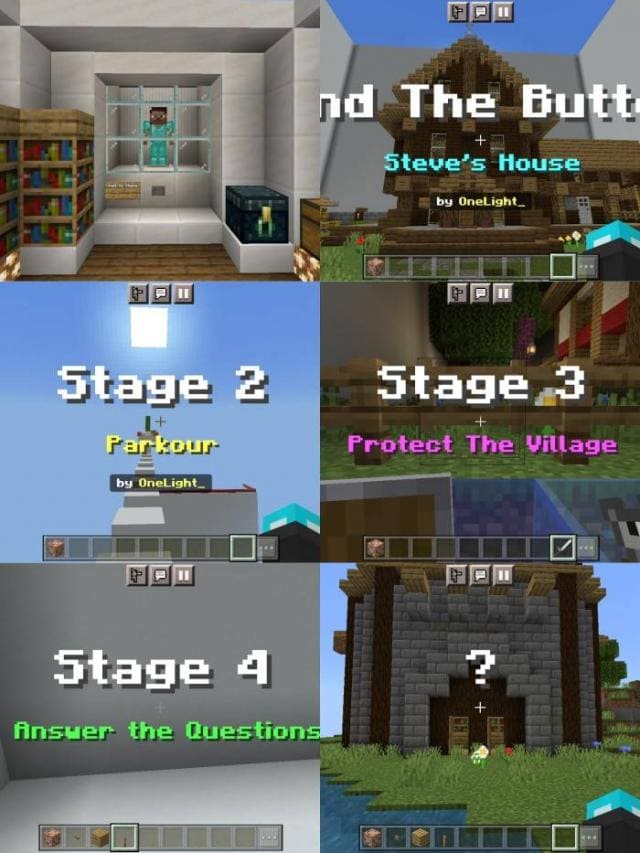
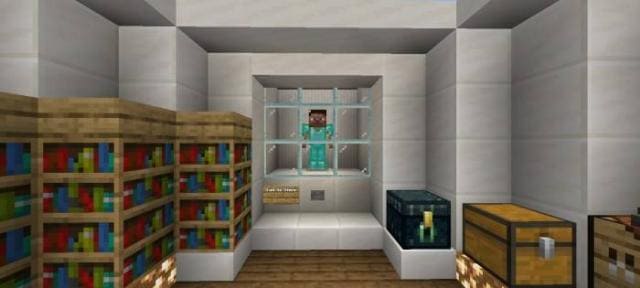
Порой различные дополнения надоедают и хочется просто сыграть в классический Minecraft Bedrock. Для этого можно оказаться на карте Steve's Training, где нужно пройти 4 уровня и еще один секретный уровень поиска кнопки. Кроме нахождения кнопок, тебе придется также решать сложные головоломки. Будет непросто, но зато до жути интересно.
Придется применить не только умственные способности, но и свое внимание, ловкость и прочие особенности.
Тебя будет обучать сам Стив, поэтому ты станешь его учеником. Пройди все уровни, что завершить учебу и стать бакалавром поиска кнопки.
Придется применить не только умственные способности, но и свое внимание, ловкость и прочие особенности.
Тебя будет обучать сам Стив, поэтому ты станешь его учеником. Пройди все уровни, что завершить учебу и стать бакалавром поиска кнопки.
Quick facts
- Edition: Minecraft Bedrock
- File type: .mcworld
- Minecraft version listed: 1.19.80
- How to install: Download the .mcworld file. → Open it — Minecraft imports it as a new world. → Find it in your Worlds list and play.
- Where to get it: In MCModsHub, or directly above on this page.
Install steps are the general flow for this file type — How to install Minecraft Bedrock maps walks through it step by step.
Verified by MCModsHub
- Pack type: .mcworld — a ready-made world
- Manifest requires Minecraft 1.8.0 or newer
- Complete pack — everything it depends on is inside the file
- Download size: 4.9 MB
- Download link checked 6 Jul 2026 — working
- Mirrored on our own servers — the download does not depend on the original host
These come from our own check of the pack file, not from the source page.