MapsBedrock
Find the Button: Random Levels Map
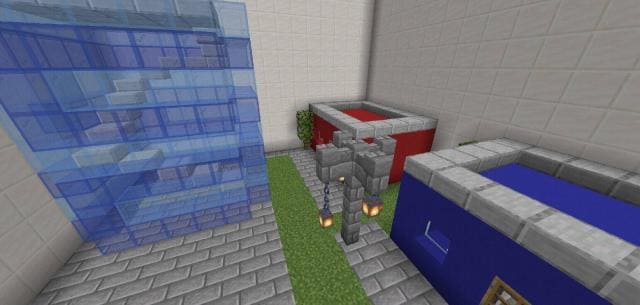
Find the Button: Random Levels map is unlike any other in this mode, according to the addon author for Minecraft. Each level will differ drastically from…
⬇ Download
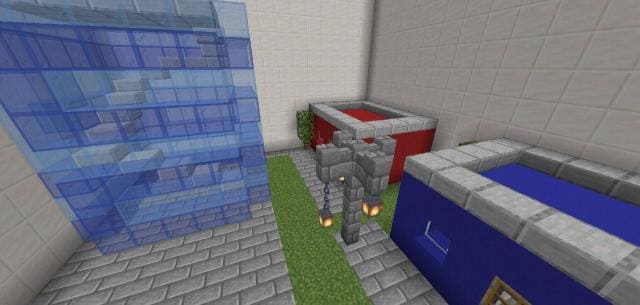
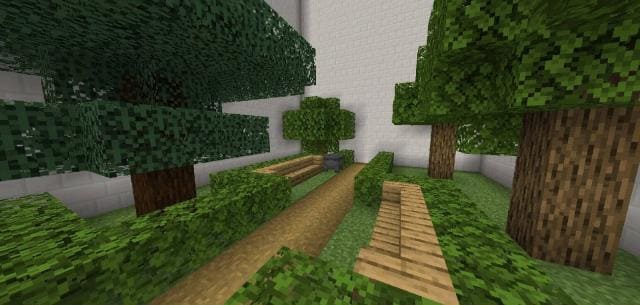

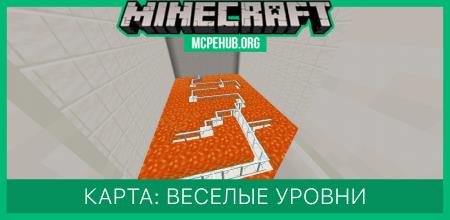
Карта Find the Button: Random Levels не похожа ни на одну другую в этом режиме, как утверждает сам автор дополнения для Майнкрафт. Каждый уровень будете разительно отличаться от предыдущего. Цель данной мини-игры: отыскать кнопку в небольших помещениях, чтобы отправится на следующий уровень. Здесь представлено всего лишь 7 уровней, но каждый из них затянет пользователей на долгое время. Автор покажет тебе настоящий профессионализм в строительстве и знания в командных блоках.
Удачной игры!
Удачной игры!
Quick facts
- Edition: Minecraft Bedrock
- File type: .mcworld
- How to install: Download the .mcworld file. → Open it — Minecraft imports it as a new world. → Find it in your Worlds list and play.
- Where to get it: In MCModsHub, or directly above on this page.
Install steps are the general flow for this file type — How to install Minecraft Bedrock maps walks through it step by step.
Verified by MCModsHub
- Pack type: .mcworld — a ready-made world
- Download size: 141 KB
- Download link checked 6 Jul 2026 — working
- Mirrored on our own servers — the download does not depend on the original host
These come from our own check of the pack file, not from the source page.