MapsBedrock
Texture Pack Tester Map
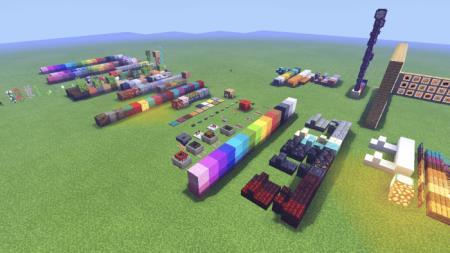
Every player who has ever applied textures knows how difficult it is to cover all blocks and items at once. You want to view all changes in the appearance…
⬇ Download
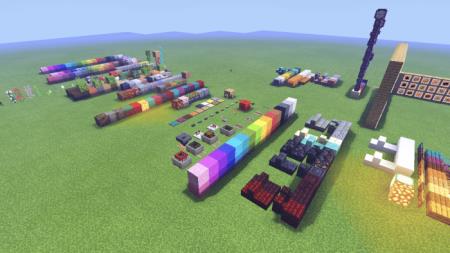
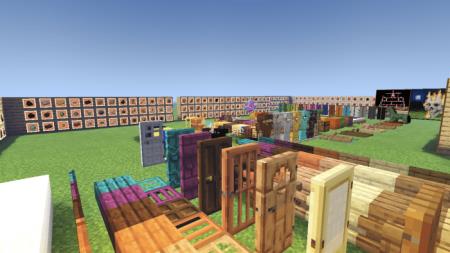

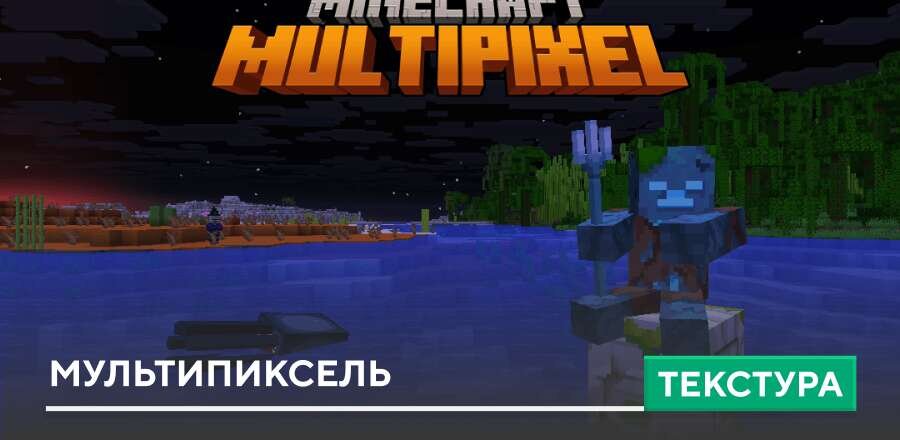
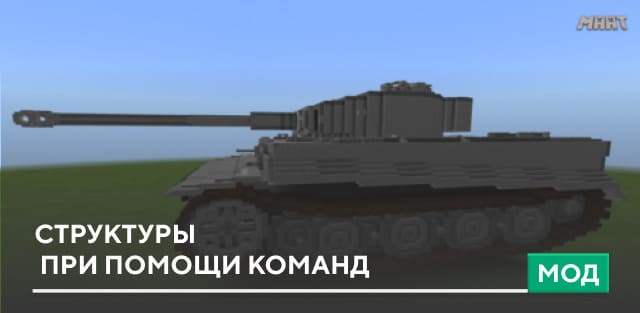
Каждый игрок, который хотя бы раз применял текстуры, знает о том, как сложно охватить все блоки и предметы за раз. Хочется просмотреть все изменения внешнего вида предметов, но для этого необходимо потратить кучу времени и сил в творческом режиме Minecraft PE. Забудьте об этом бесполезном времяпровождении, потому что существует карта Texture Pack Tester. На этой карте расположены все блоки и предметы на большой площадке. За минимальное количество времени Вы сможете осмотреть все новшества и изменения дизайна. Крайне полезная вещь для обзора новых текстур или шейдеров.
Quick facts
- Edition: Minecraft Bedrock
- File type: .mcworld
- Minecraft version listed: 1.16
- How to install: Download the .mcworld file. → Open it — Minecraft imports it as a new world. → Find it in your Worlds list and play.
- Where to get it: In MCModsHub, or directly above on this page.
Install steps are the general flow for this file type — How to install Minecraft Bedrock maps walks through it step by step.
Verified by MCModsHub
- Pack type: .mcworld — a ready-made world
- Download size: 221 KB
- Download link checked 6 Jul 2026 — working
- Mirrored on our own servers — the download does not depend on the original host
These come from our own check of the pack file, not from the source page.