MapsBedrock
7 Segment Display Driver
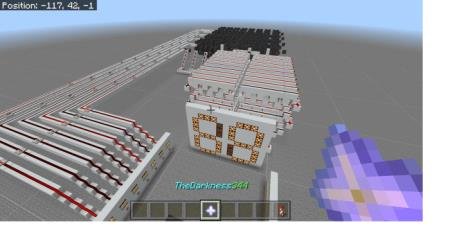
Features a large two-digit display capable of showing various numbers and functioning as a calculator. The system operates on binary code, which is…
⬇ Download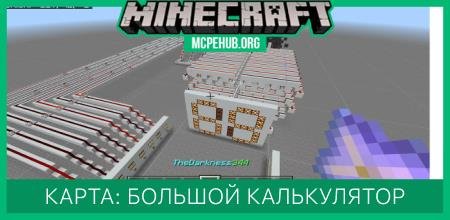
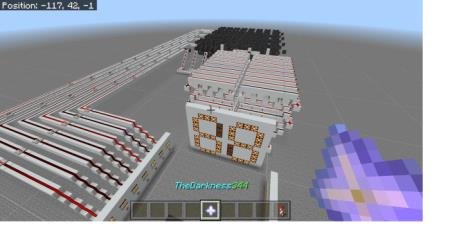
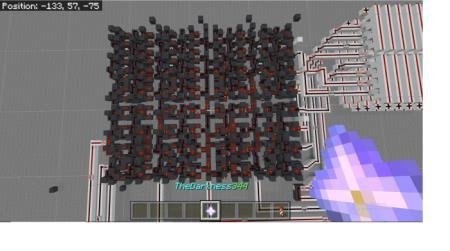
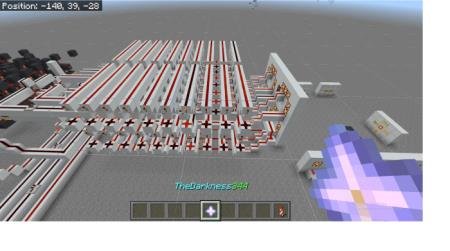

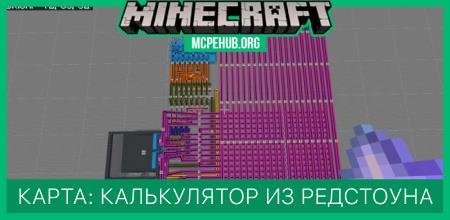
На карте 7 Segment Display Driver представлен огромный дисплей с двумя цифрами, который способен демонстрировать различные числа. Помимо этого, доступна возможность использования дисплея, как калькулятора. Система работает на двоичном коде, который затем переводится в привычный нам десятичный. Для разработки потребовалось использование огромного количества командных блоков, редстоун факелов и прочих приспособлений для механизмов Minecraft.
ТрейлерДостаочно выбрать числа и активировать соответствующие рычаги на стене рядом с дисплеем, чтобы показать цифры на экране или даже суммировать.
Трейлер
Quick facts
- Edition: Minecraft Bedrock
- File type: .mcworld
- How to install: Download the .mcworld file. → Open it — Minecraft imports it as a new world. → Find it in your Worlds list and play.
- Where to get it: In MCModsHub, or directly above on this page.
Install steps are the general flow for this file type — How to install Minecraft Bedrock maps walks through it step by step.
Verified by MCModsHub
- Pack type: .mcworld — a ready-made world
- Complete pack — everything it depends on is inside the file
- Download size: 186 KB
- Download link checked 6 Jul 2026 — working
- Mirrored on our own servers — the download does not depend on the original host
These come from our own check of the pack file, not from the source page.