MapsBedrock
Working Minecraft PE Computer
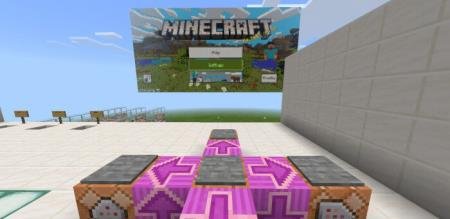
A map featuring a massive working computer monitor controlled with buttons. You can launch games and adjust settings on the computer. More features will…
⬇ Download
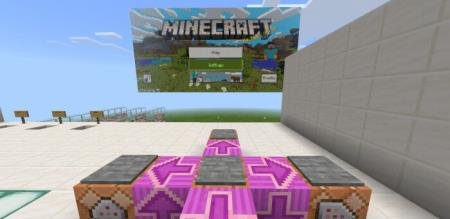
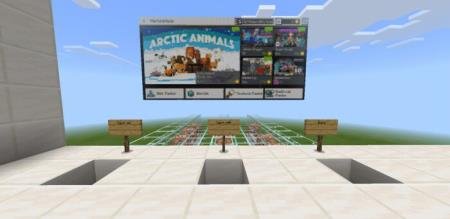
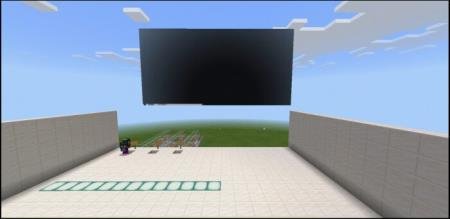
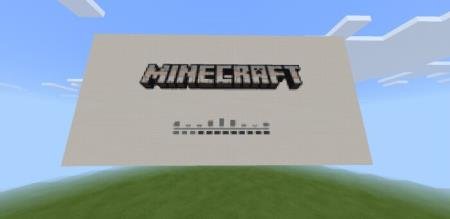

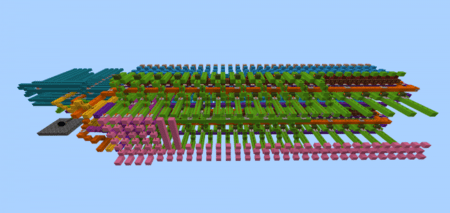
На карте Working Minecraft PE Computer представлен огромный монитор и компьютер, который работает и управляется при помощи кнопок переключения. Такого в Майнкрафт ПЕ еще не добавляли. На компьютере можно запустить любимую игру и даже переключать настройки! В будущем автор включит еще больше возможностей и функций.Сборка содержит больше 50 командных блоков, которые управляют монитором и копиями экранов. В системном меню компьютера можно отыскать:
- Маркетплейс (Торговая площадка)
- Настройки
- Игра
- Профиль
- Ожидайте новых функций
Quick facts
- Edition: Minecraft Bedrock
- File type: .mcworld
- How to install: Download the .mcworld file. → Open it — Minecraft imports it as a new world. → Find it in your Worlds list and play.
- Where to get it: In MCModsHub, or directly above on this page.
Install steps are the general flow for this file type — How to install Minecraft Bedrock maps walks through it step by step.
Verified by MCModsHub
- Pack type: .mcworld — a ready-made world
- Download size: 270 KB
- Download link checked 6 Jul 2026 — working
- Mirrored on our own servers — the download does not depend on the original host
These come from our own check of the pack file, not from the source page.