MapsBedrock
Find The Button | Colorful Edition
Minecraft Bedrock map. File opened and checked on 10 Oct 2026; installs from the MC Bedrock Mods app on Android.
Another 8 levels of an excellent puzzle that will always be popular in the Minecraft PE community. On the Find The Button | Colorful Edition map, users…
⬇ Download
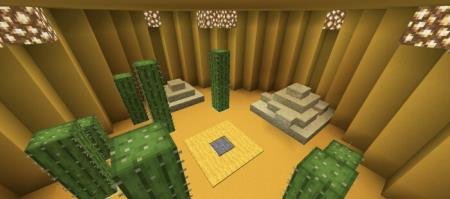
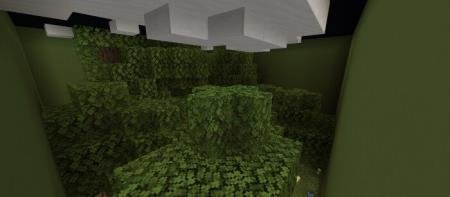
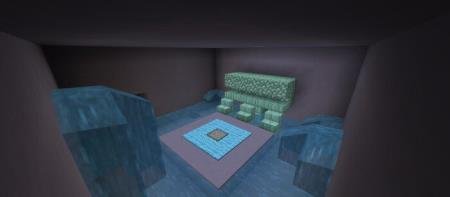
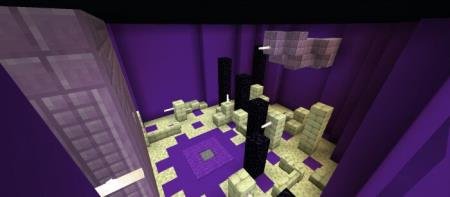

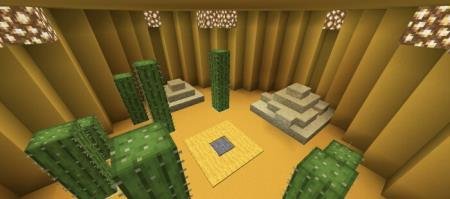
Еще 8 уровней шикарной головоломки, которая будет популярной в сообществе Minecraft PE всегда. На карте Find The Button | Colorful Edition пользователям вновь предстоит заняться поиском секретной кнопки, переводящей на следующий уровень. Отличие сборки в насыщенности цветовой палитры для каждого уровня - комнаты будут красочными и красивыми.
Всего доступно 8 уровней, в каждом из которых затеряна кнопка.
Превью карты: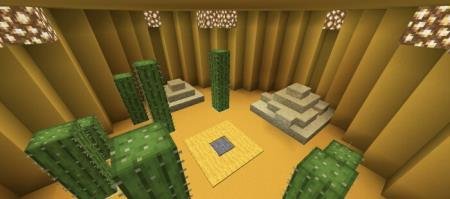
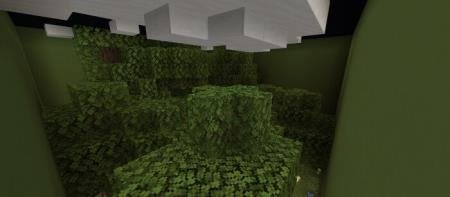
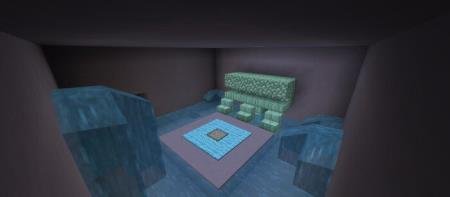
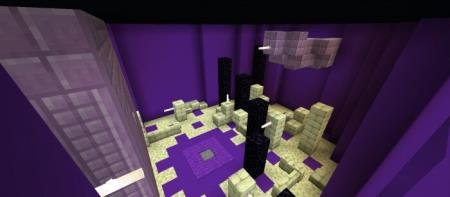 Время на прохождение: от 20 до 45 минут.
Всего доступно 8 уровней, в каждом из которых затеряна кнопка.
Превью карты:
Quick facts
- Edition: Minecraft Bedrock
- File type: .mcworld
- How to install: Download the .mcworld file. → Open it — Minecraft imports it as a new world. → Find it in your Worlds list and play.
- Where to get it: In MCModsHub, or directly above on this page.
Install steps are the general flow for this file type — How to install Minecraft Bedrock maps walks through it step by step.
File checked by MCModsHub
- Pack type: .mcworld — a ready-made world
- Download size: 350 KB
- Download link checked 6 Jul 2026 — working
- Mirrored on our own servers — the download does not depend on the original host
These come from our own check of the pack file, not from the source page.