MapsBedrock
Press the button | Ice Edition
We believe everyone is already aware of the rules for finding a button, but on the Press the button | Ice Edition map there will be complete instructions…
⬇ Download
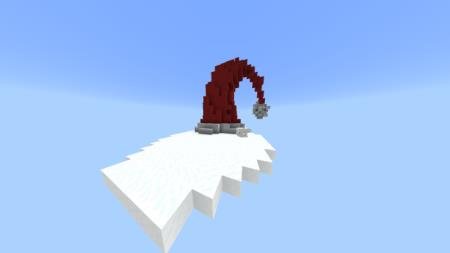
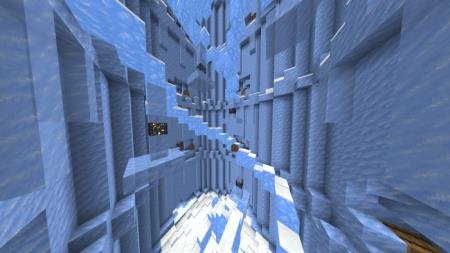

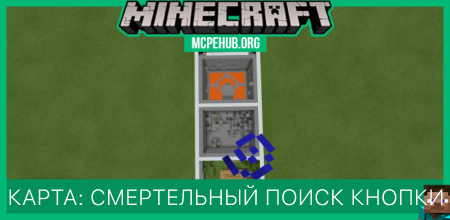
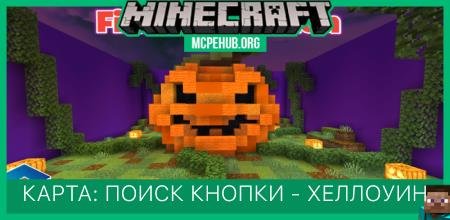
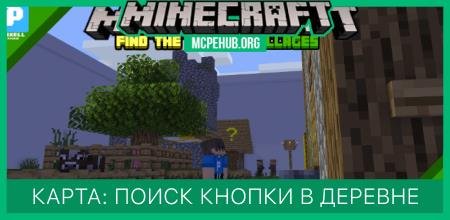
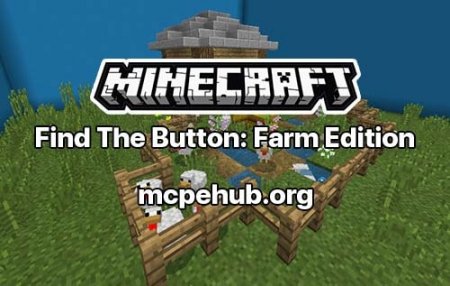
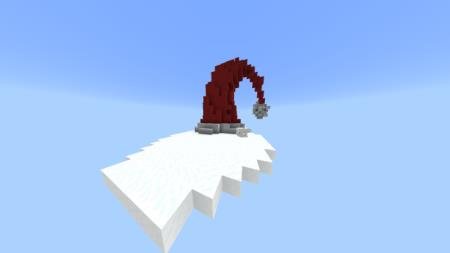
Полагаем, уже каждый осведомлен о правилах поиска кнопки, но на карте Press the button | Ice Edition будет доступна полная инструкция по тому, как играть и что делать. Но все-такие сделаем небольшой спойлер - игрокам придется отыскать кнопку и нажать на нее, чтобы перейти на следующий уровень карты в Майнкрафт.В лобби ищем кнопку и нажимаем, чтобы начать прохождение уровней. Каждая найденная кнопка будет переносить пользователя на следующий уровень карты. Основная задача - найти кнопку и не умереть за это время.Сборка проверена самим автором, поэтому смело проходите уровни.
Quick facts
- Edition: Minecraft Bedrock
- File type: .mcworld
- How to install: Download the .mcworld file. → Open it — Minecraft imports it as a new world. → Find it in your Worlds list and play.
- Where to get it: In MCModsHub, or directly above on this page.
Install steps are the general flow for this file type — How to install Minecraft Bedrock maps walks through it step by step.
Verified by MCModsHub
- Pack type: .mcworld — a ready-made world
- Manifest requires Minecraft 1.8.0 or newer
- Complete pack — everything it depends on is inside the file
- Download size: 893 KB
- Download link checked 6 Jul 2026 — working
- Mirrored on our own servers — the download does not depend on the original host
These come from our own check of the pack file, not from the source page.