MapsBedrock
Find the Button: Half Heart
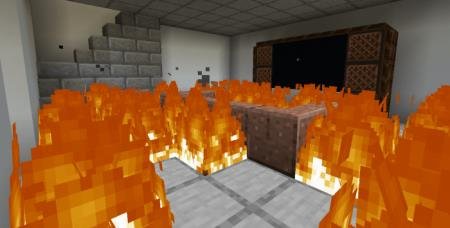
The developers of Find the Button: Half Heart came up with a brilliant idea by combining two types of Minecraft PE maps - button finding and survival with…
⬇ Download
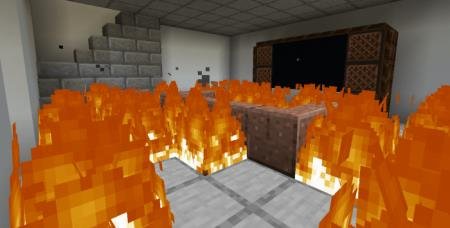
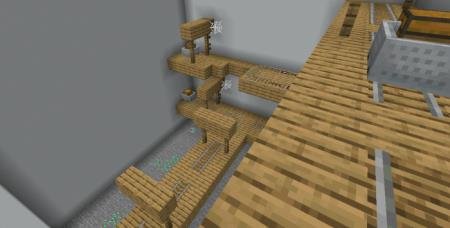

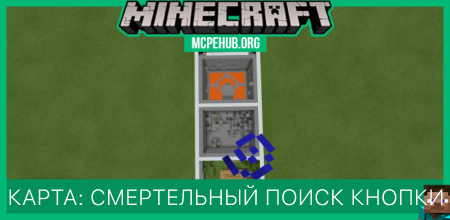
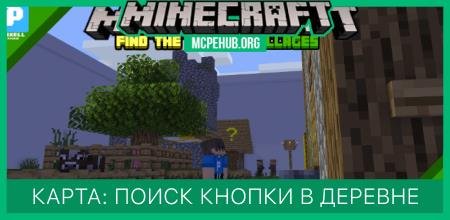
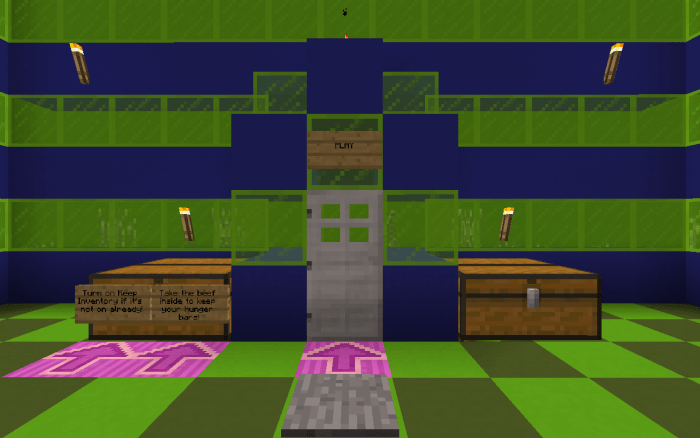
Разработчики карты Find the Button: Half Heart придумали, пожалуй, гениальную идею путем совмещения двух типов карт Майнкрафт ПЕ - поиска кнопки и выживания с половиной сердечка. Теперь поиск кнопки станет не скучным занятием, на которое тратится куча времени и нервов, а напротив, опасным и волнительным делом. Хотя пожалуй, нервы по-прежнему не будут в порядке, поскольку половина сердечка будет отлетать при каждом незначительном уроне. Создатели максимально усложнили прохождение и добавили паркур, огонь и кучу других опасностей, которые не простят игрока даже за малейшие ошибки. Поэтому если поиск кнопки был для Вас легким испытанием, то попробуйте новый уровень адреналина в этой сборке.
Quick facts
- Edition: Minecraft Bedrock
- File type: .mcworld
- How to install: Download the .mcworld file. → Open it — Minecraft imports it as a new world. → Find it in your Worlds list and play.
- Where to get it: In MCModsHub, or directly above on this page.
Install steps are the general flow for this file type — How to install Minecraft Bedrock maps walks through it step by step.
Verified by MCModsHub
- Pack type: .mcworld — a ready-made world
- Download size: 247 KB
- Download link checked 6 Jul 2026 — working
- Mirrored on our own servers — the download does not depend on the original host
These come from our own check of the pack file, not from the source page.