MapsBedrock
The Legend of Zelda: Timelines Collide
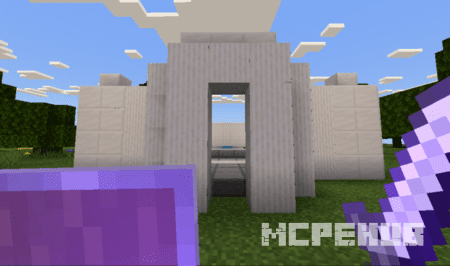
If you love The Legend of Zelda game, then be sure to download and install The Legend of Zelda: Timelines Collide map for Minecraft. Explore the area and…
⬇ Download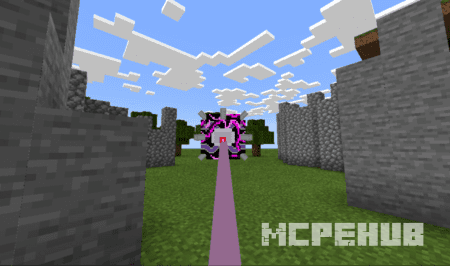
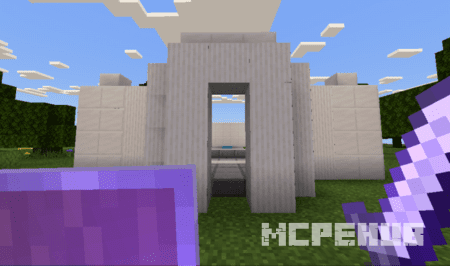
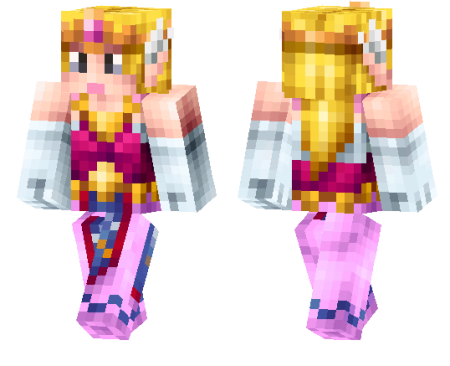
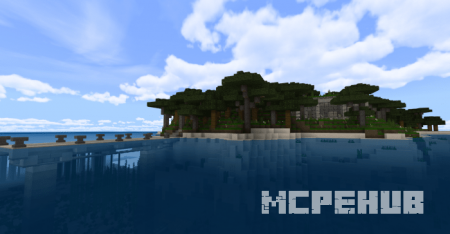
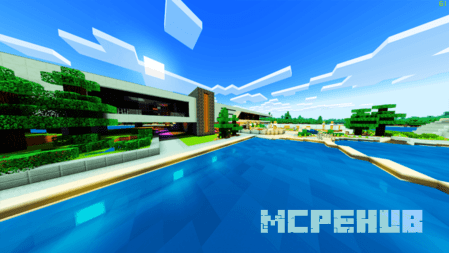
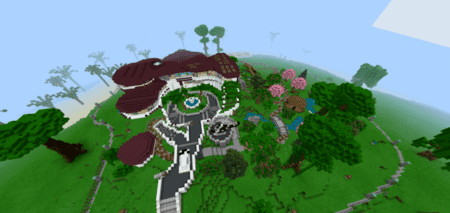
Если вы любите игру The Legend of Zelda, то обязательно скачайте и установите карту The Legend of Zelda: Timelines Collide для Minecraft. Исследуйте местность и отправляйтесь в дальнее путешествие! Стоит сказать, что в будущем планируется улучшение данной карты для Bedrock Edition.
Вы окажетесь в случайном месте на небесном острове. Оказывается, вы спали сто лет! Всё выглядит очень странно и незнакомо. Теперь вам нужно исследовать местность, взяв с собой предметы из сундука.
Вы окажетесь в случайном месте на небесном острове. Оказывается, вы спали сто лет! Всё выглядит очень странно и незнакомо. Теперь вам нужно исследовать местность, взяв с собой предметы из сундука.
Правила:
- Не стоит читить
- Не ломайте блоки (исключение - трава)
Особенности:
- Хороший лут.
- Стандартный набор текстур и звуков.
- Короткая история.
Quick facts
- Edition: Minecraft Bedrock
- File type: .mcworld
- How to install: Download the .mcworld file. → Open it — Minecraft imports it as a new world. → Find it in your Worlds list and play.
- Where to get it: In MCModsHub, or directly above on this page.
Install steps are the general flow for this file type — How to install Minecraft Bedrock maps walks through it step by step.
Verified by MCModsHub
- Pack type: .mcworld — a ready-made world
- Manifest requires Minecraft 1.2.6 or newer
- Complete pack — everything it depends on is inside the file
- Download size: 22.7 MB
- Download link checked 6 Jul 2026 — working
- Mirrored on our own servers — the download does not depend on the original host
These come from our own check of the pack file, not from the source page.