MapsBedrock
Copy The Banners
Minecraft Bedrock map. File opened and checked on 11 Oct 2026; installs from the MC Bedrock Mods app on Android.
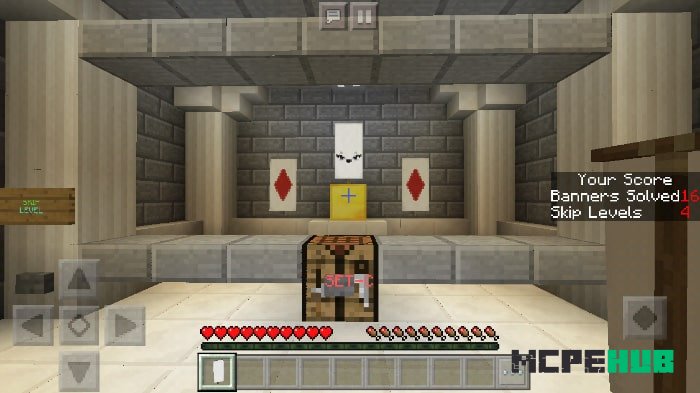
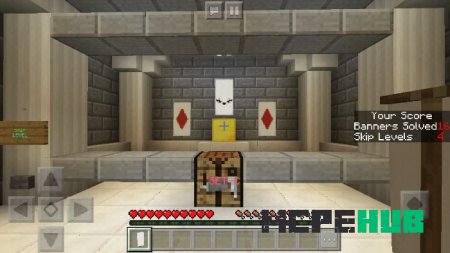
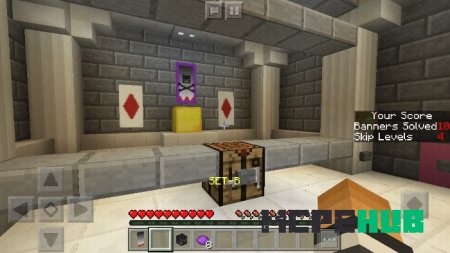
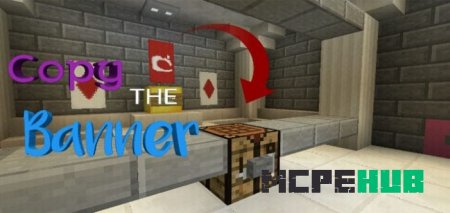
On Copy The Banners map players must accurately transfer the banner design located on gold blocks. Players will have banners and paints in their arsenal…
⬇ Download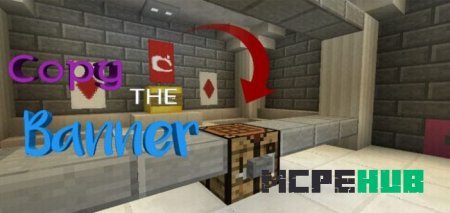
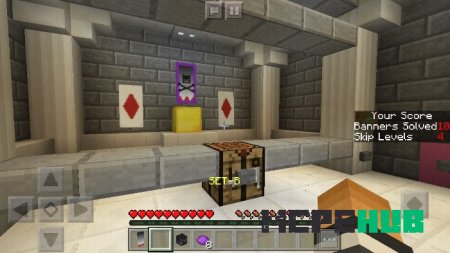
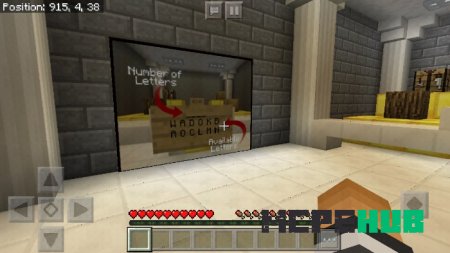
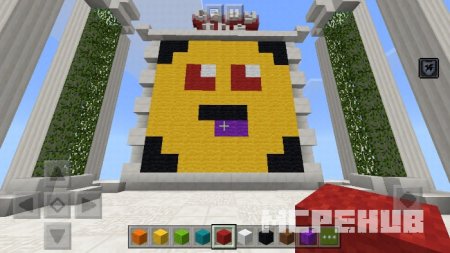
На карте Copy The Banners для Майнкрафт Бедрок игрокам необходимо точно перенести дизайн баннера, который располагается на золотых блоках. Для этого у игроков в Майнкрафт будут иметься в арсенале баннеры и краски. После завершения работы необходимо нажать на кнопку, которая укажет вам, правильно ли вы смогли перенести баннер. В случае успеха вы сможете перейти на следующий уровень. Всего существует 35 баннеров, пять из которых - тренировочные, созданные специально для ознакомления. Остальные будут намного труднее.
Особенности
- Пропуск уровня: игроки могут пропустить любой из уровней, если он кажется чересчур сложным или непроходимым. Причем оценка не будет потеряна.
- Автоматический подсчет очков: Пройдите все уровни, чтобы увидеть свой результат.
Quick facts
- Edition: Minecraft Bedrock
- File type: .mcworld
- How to install: Download the .mcworld file. → Open it — Minecraft imports it as a new world. → Find it in your Worlds list and play.
- Where to get it: In MCModsHub, or directly above on this page.
Install steps are the general flow for this file type — How to install Minecraft Bedrock maps walks through it step by step.
File checked by MCModsHub
- Pack type: .mcworld — a ready-made world
- Complete pack — everything it depends on is inside the file
- Download size: 955 KB
- Download link checked 6 Jul 2026 — working
- Mirrored on our own servers — the download does not depend on the original host
These come from our own check of the pack file, not from the source page.