MapsBedrock
Copy The Picture Map
Minecraft Bedrock map. File opened and checked on 7 Oct 2026; installs from the MC Bedrock Mods app on Android.
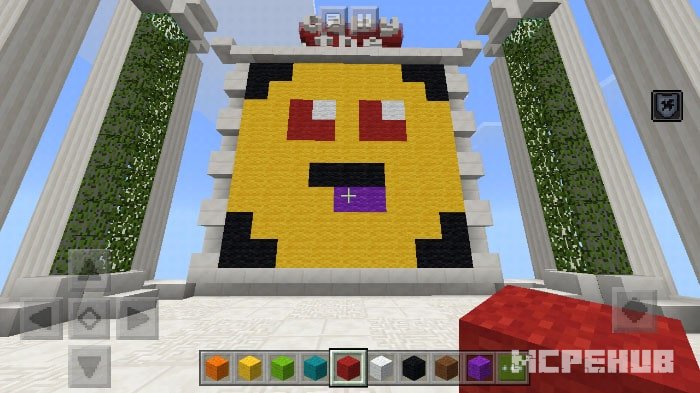
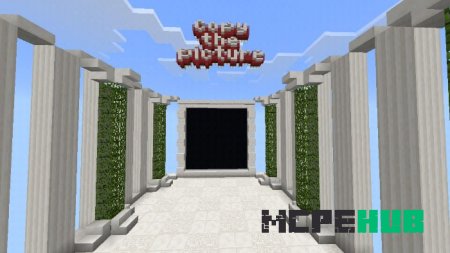
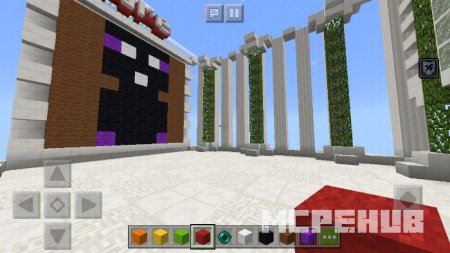
On the Copy The Picture map for Minecraft Pocket Edition, players must remember a picture that will be visible for 15 seconds and then copy it. This is…
⬇ Download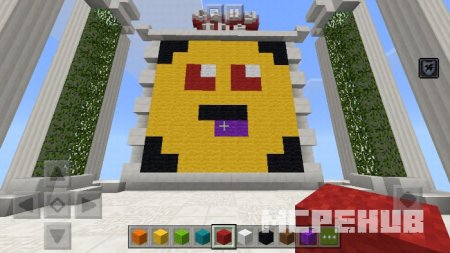
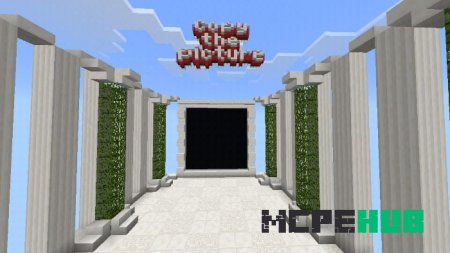
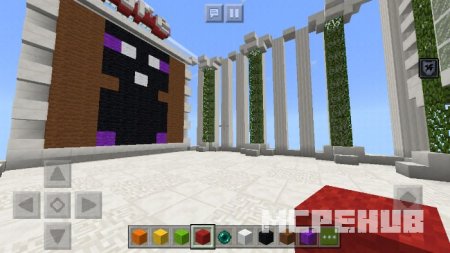
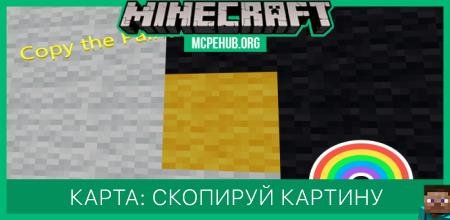

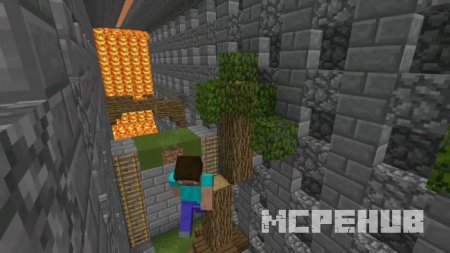
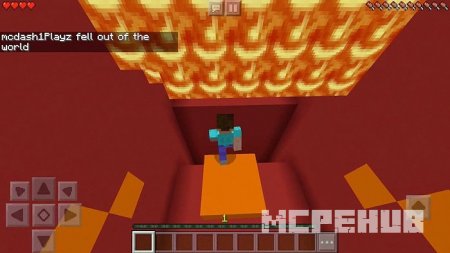
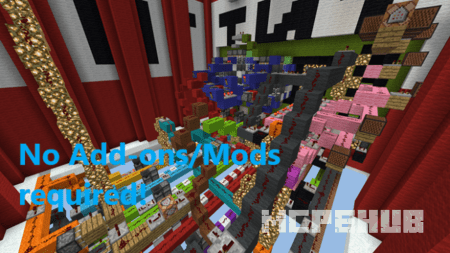
На карте Copy The Picture для Майнкрафт Покет Эдишн игрокам необходимо запомнить картинку, которая будет видна 15 секунд и после этого скопировать ее. В этом и заключается основная цель данной карты для Майнкрафт. Всего здесь имеется 10 уровней, на каждом из которых можно выбрать одну из двух степеней трудности. Вы сможете с легкостью начать игру, ведь у вас будут некоторые рекомендации и правила.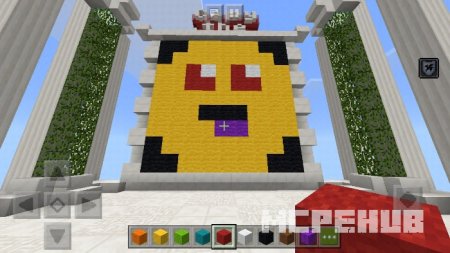
Трейлер
Quick facts
- Edition: Minecraft Bedrock
- File type: .mcworld
- How to install: Download the .mcworld file. → Open it — Minecraft imports it as a new world. → Find it in your Worlds list and play.
- Where to get it: In MCModsHub, or directly above on this page.
Install steps are the general flow for this file type — How to install Minecraft Bedrock maps walks through it step by step.
File checked by MCModsHub
- Pack type: .mcworld — a ready-made world
- Download size: 1.0 MB
- Download link checked 6 Jul 2026 — working
- Mirrored on our own servers — the download does not depend on the original host
These come from our own check of the pack file, not from the source page.