MapsBedrock
EzCraft's Red Vs Blue Map
Minecraft Bedrock map. Installs from the MC Bedrock Mods app on Android.
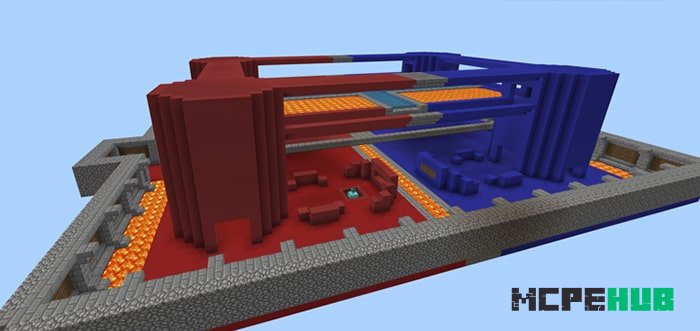
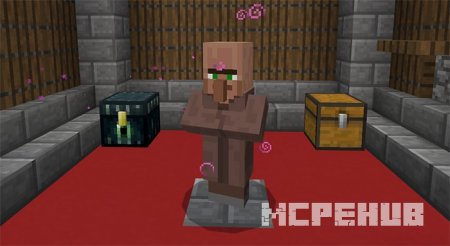
Battle for one of two teams on the EzCraft's Red Vs Blue map for Minecraft Bedrock. Before the game starts, you must choose between the red or blue team…
⬇ Download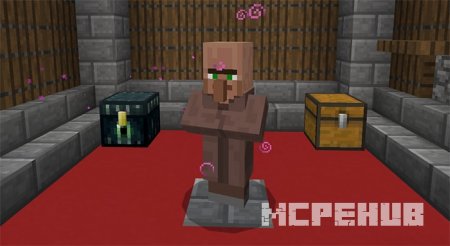
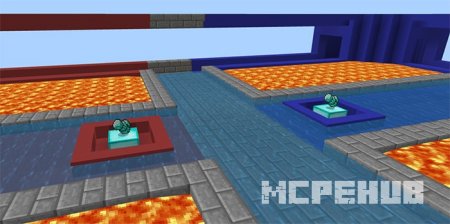
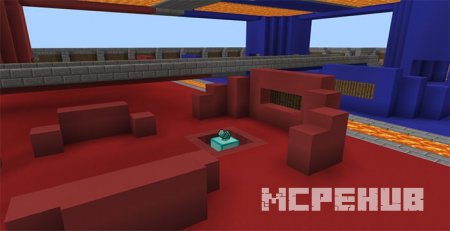
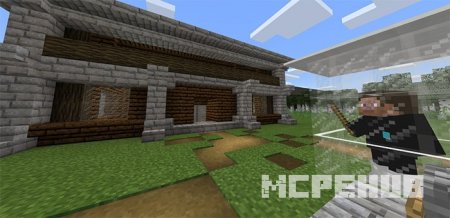
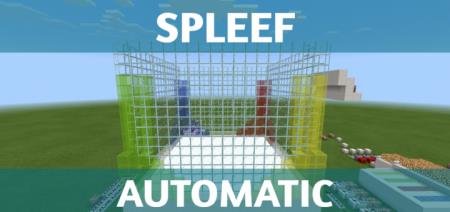
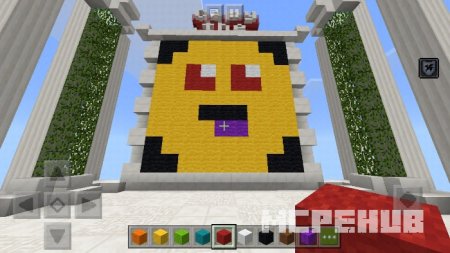
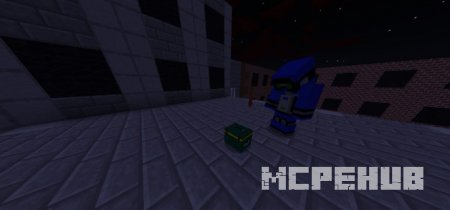
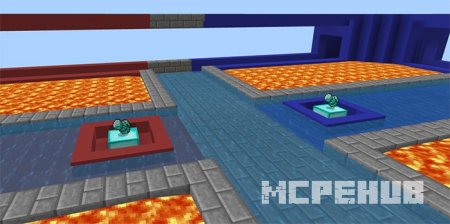
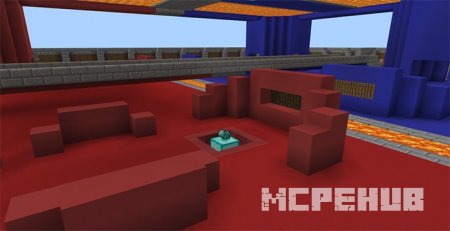
Сражайтесь за одну из двух команд на карте EzCraft’s Red Vs Blue для Minecraft Bedrock. Перед началом игры вам необходимо выбрать одну из двух команд - красную или синюю. В зависимости от этого вам будут выданы предметы и броня соответственного цвета. Это поможет легко определить врагов. Также на данной карте для Майнкрафт есть система генераторов алмазов.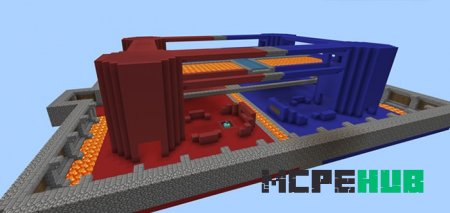
Quick facts
- Edition: Minecraft Bedrock
- File type: .mcworld
- How to install: Download the .mcworld file. → Open it — Minecraft imports it as a new world. → Find it in your Worlds list and play.
- Where to get it: In MCModsHub, or directly above on this page.
Install steps are the general flow for this file type — How to install Minecraft Bedrock maps walks through it step by step.
File checked by MCModsHub
- Pack type: .mcworld — a ready-made world
- Ships one half — this pack asks for another pack that is not included
- Download size: 518 KB
- Download link checked 6 Jul 2026 — working
- Mirrored on our own servers — the download does not depend on the original host
These come from our own check of the pack file, not from the source page.