MapsBedrock
Find The Items: Generated Structures Edition Map
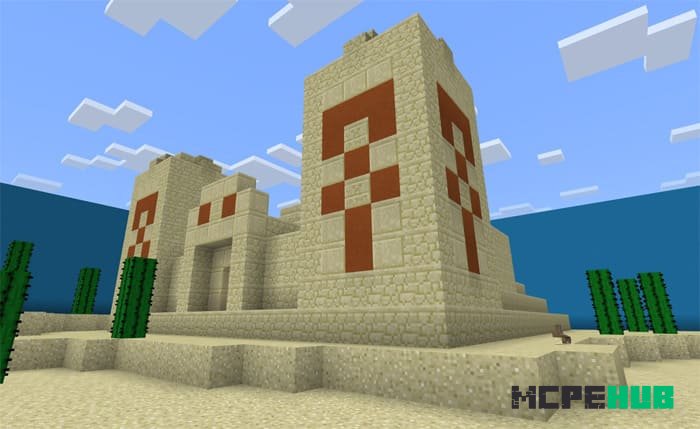
Find The Items for Minecraft PE is a type of game where the main goal is to find items. They are located in regular chests or shulker chests. Once you…
⬇ Download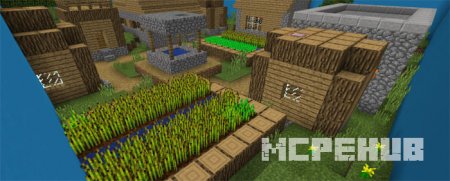
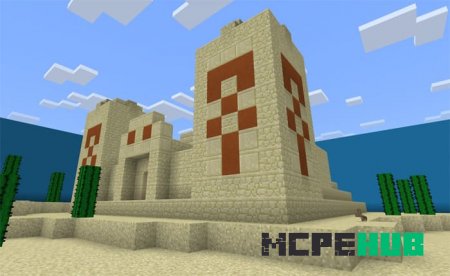
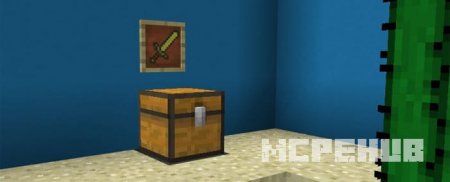
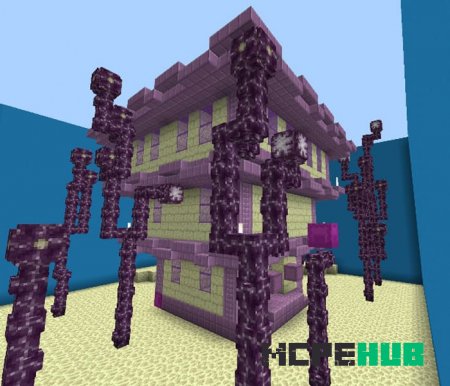
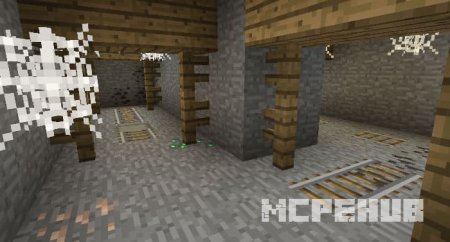
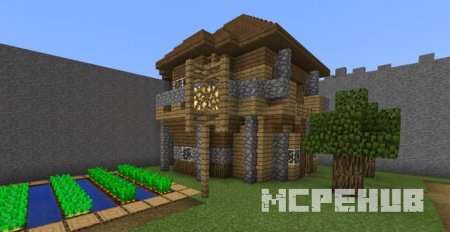
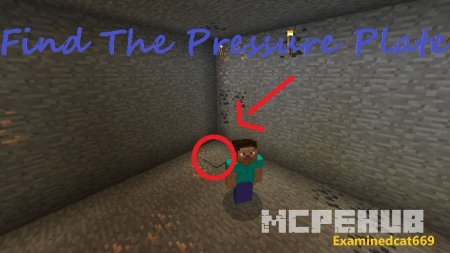
Карта Find The Items для Майнкрафт ПЕ - это своего рода игра, главной целью которой является нахождение предметов. Они расположены в обычных сундуках или в сундуках шалкера. Как только вы отыщите все необходимые предметы, вам откроется другой уровень. В каждом уровне имеются структуры, относящиеся к какому-то биому в Minecraft PE.
Для прохождения уровня вы должны найти все предметы. Причем количество предметов всегда различно.Если вы нашли предмет, то просто поместите его в сундук. И только когда вы найдете все предметы и добавите их в сундук, вы сможете перейти на следующий уровень.
Как играть?
Данная мини-игра подходит и для одиночной, и для многопользовательской игры.Для прохождения уровня вы должны найти все предметы. Причем количество предметов всегда различно.
Quick facts
- Edition: Minecraft Bedrock
- File type: .mcworld
- How to install: Download the .mcworld file. → Open it — Minecraft imports it as a new world. → Find it in your Worlds list and play.
- Where to get it: In MCModsHub, or directly above on this page.
Install steps are the general flow for this file type — How to install Minecraft Bedrock maps walks through it step by step.
Verified by MCModsHub
- Pack type: .mcworld — a ready-made world
- Download size: 412 KB
- Download link checked 6 Jul 2026 — working
- Mirrored on our own servers — the download does not depend on the original host
These come from our own check of the pack file, not from the source page.