Texture packsBedrock
Ultra Vibrant Visuals
Minecraft Bedrock texture pack. File opened and checked on 28 Sep 2026; installs from the MC Bedrock Mods app on Android.
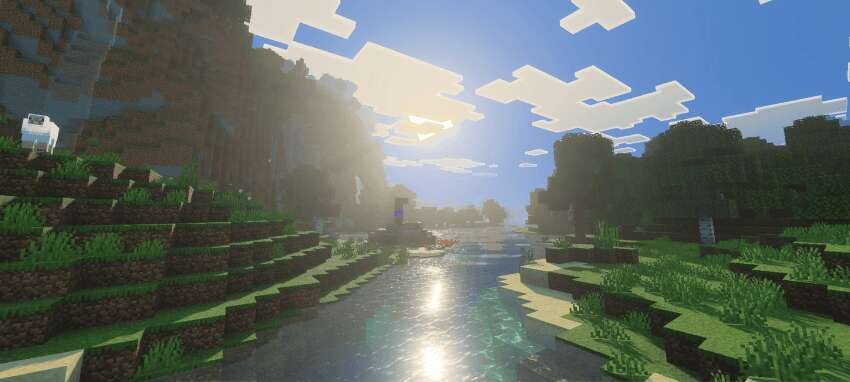
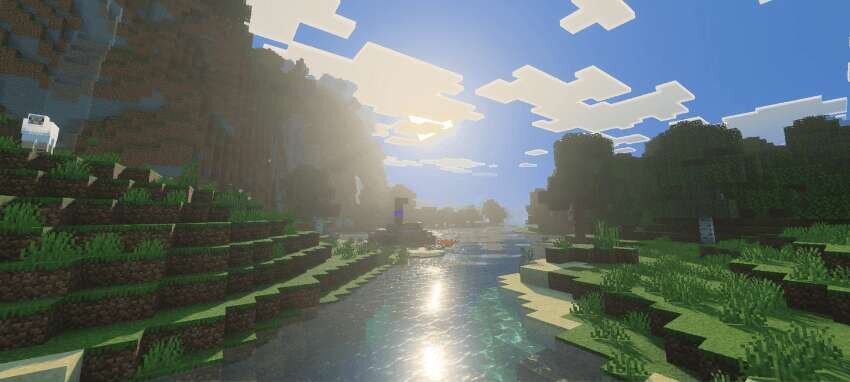
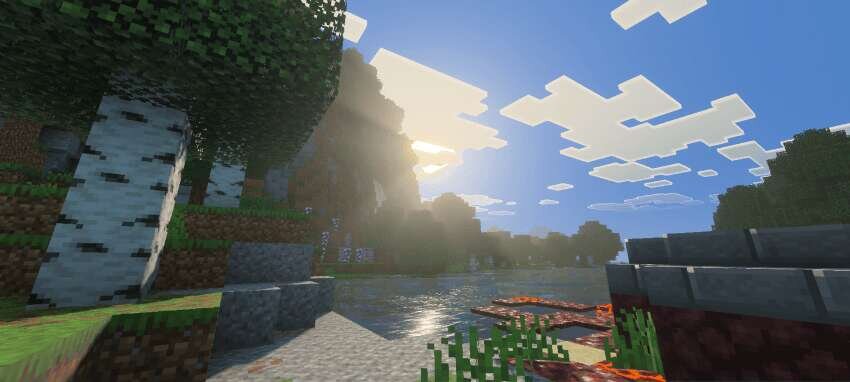
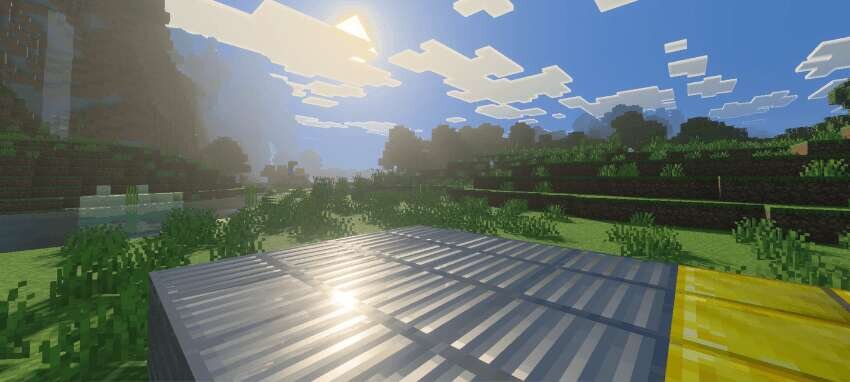
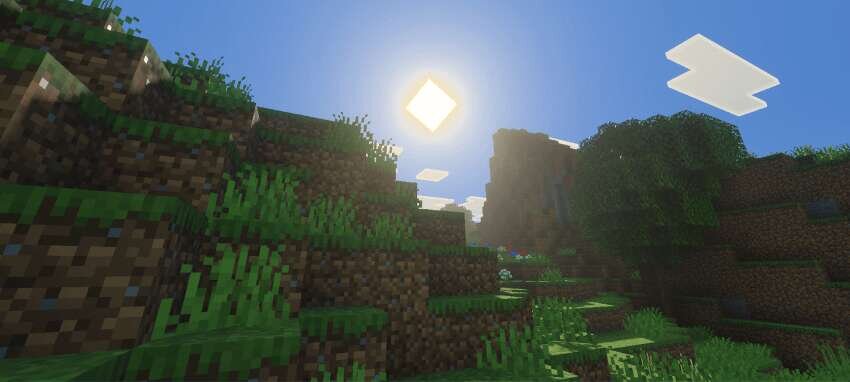
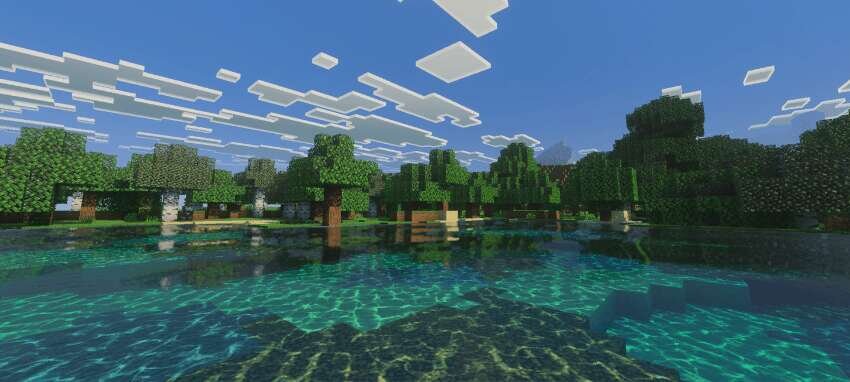
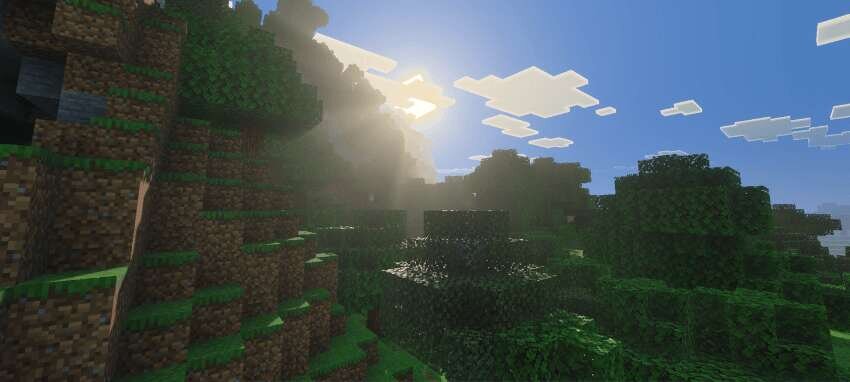
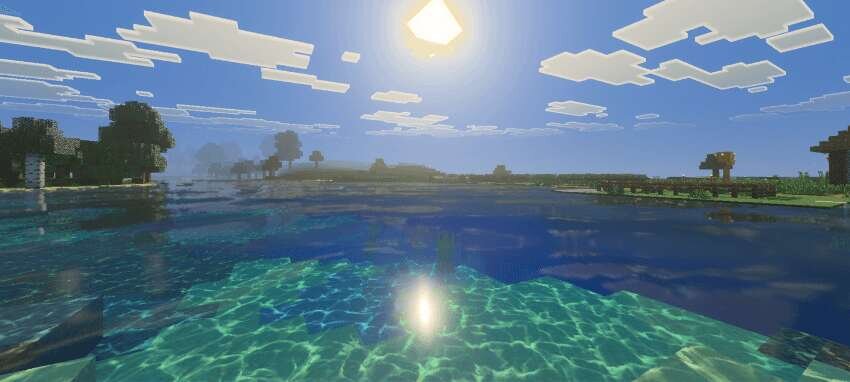
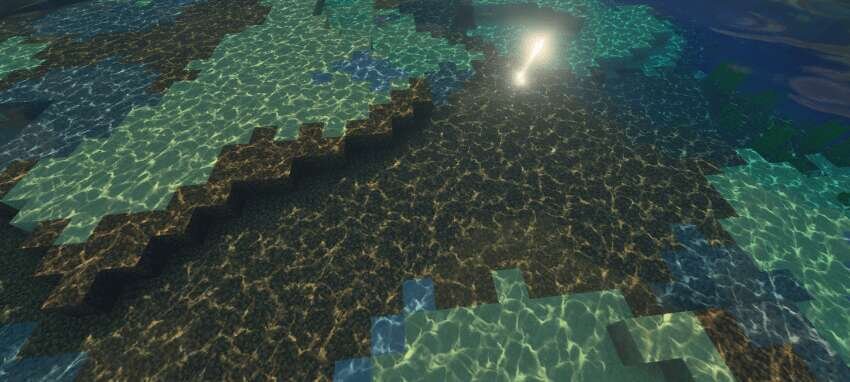
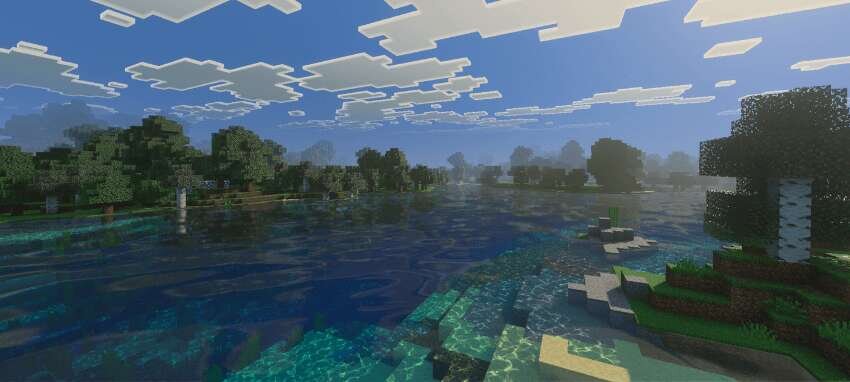
Smooth light gradients and improved atmosphere with soft color solutions. Features new night sky shades, even shadows, and natural water transparency for…
⬇ Download
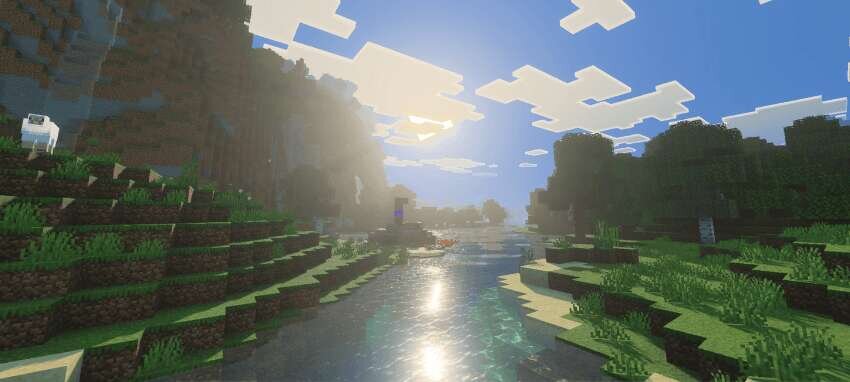
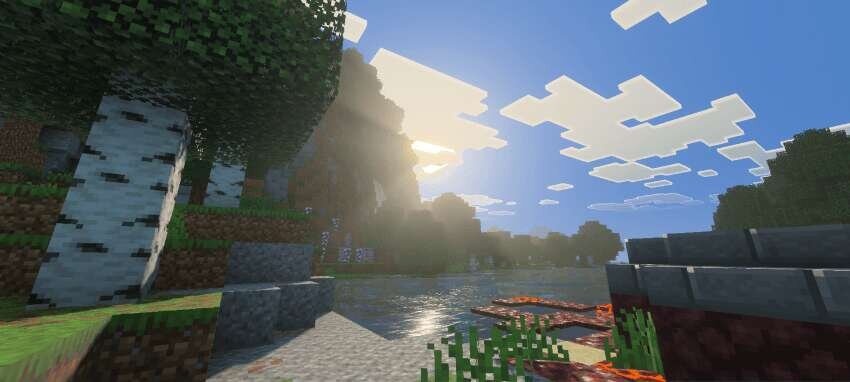
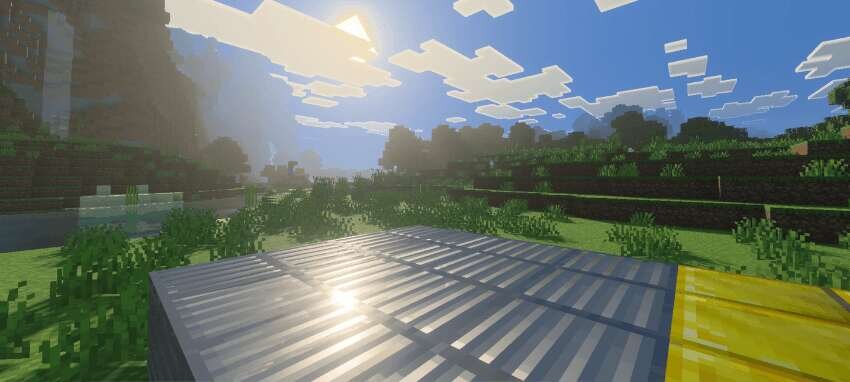
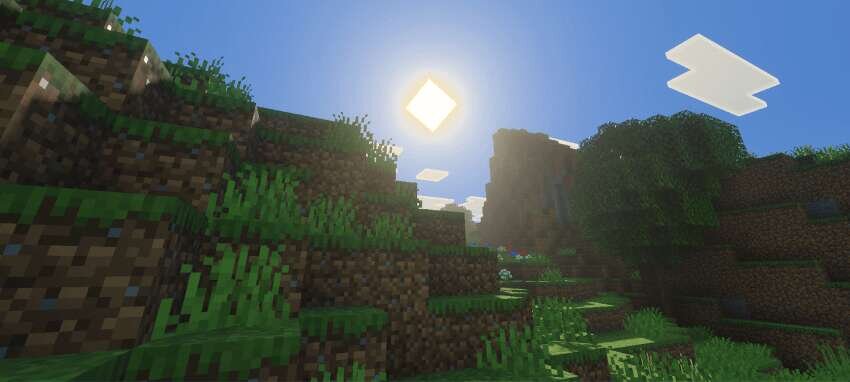
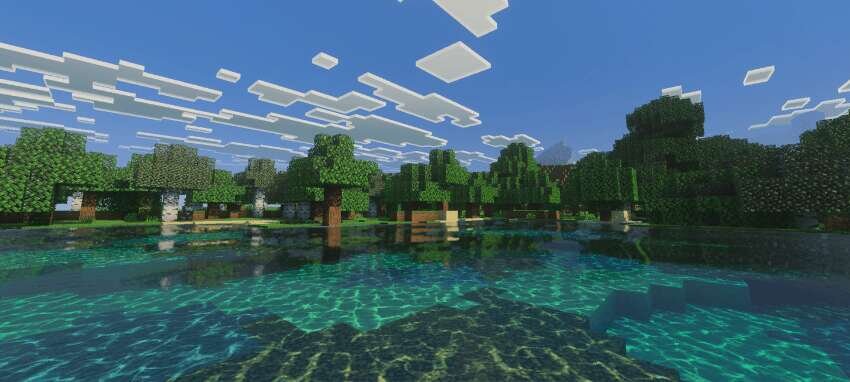
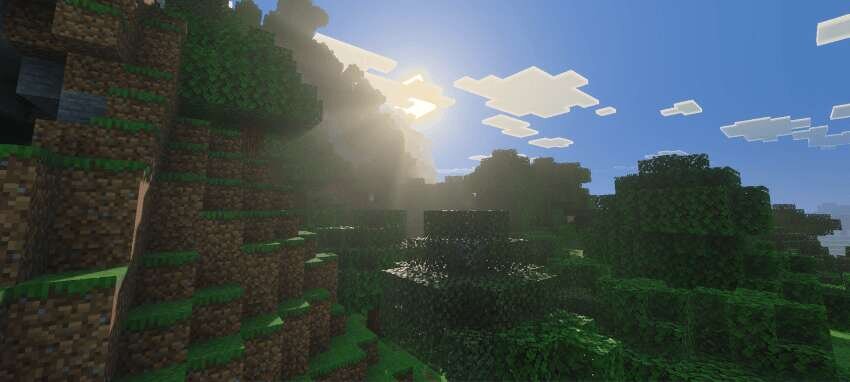
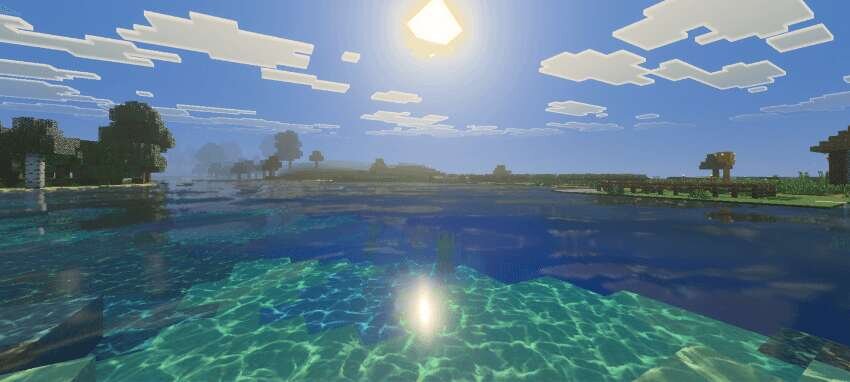
Плавные световые градации, улучшённая атмосфера и мягкие цветовые решения позволяют Ultra Vibrant Visuals менять привычное восприятие мира, делая его спокойнее и выразительнее. Ты получаешь новые оттенки ночного неба, более ровные тени и воду с естественной прозрачностью. Совмещение настроенных тонов и тщательно подобранной палитры делает текстуры отличным способом улучшить визуальную часть Майнкрафт без потери стиля игры.
Изменения в новой версии
Изменения в новой версии
- Добавили текстуры Солнца
- Добавили фазы Луны
- Добавили новые текстуры
- Исправили ошибки
- Уменьшили размер файлов
- Совместимость с новыми версиями
Quick facts
- Edition: Minecraft Bedrock
- File type: .mcpack
- How to install: Download the .mcpack. → Open it — Minecraft imports it under Resource Packs. → Activate it in Global Resources, or for one world under Resource Packs → Available.
- Where to get it: In MCModsHub, or directly above on this page.
Install steps are the general flow for this file type — How to install Minecraft Bedrock texture packs walks through it step by step.
File checked by MCModsHub
- Save it as 185400.mcaddon before opening — it downloads as .mcpack, but it is a .mcaddon pack
- Complete pack — everything it depends on is inside the file
- Download size: 8.5 MB
- Download link checked 6 Jul 2026 — working
- Mirrored on our own servers — the download does not depend on the original host
These come from our own check of the pack file, not from the source page.