Texture packsBedrock
Velmora Visuals Textures
Bedrock texture pack listed for Minecraft 1.21. File opened and checked on 28 Sep 2026; installs from the MC Bedrock Mods app on Android.
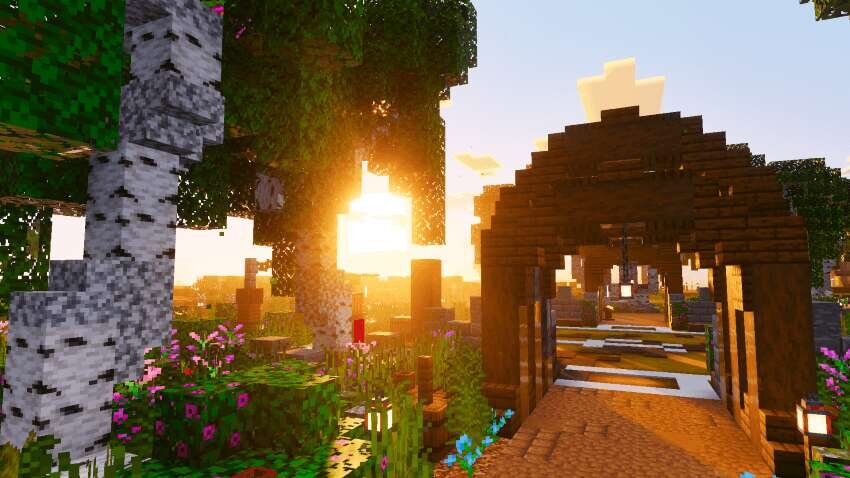
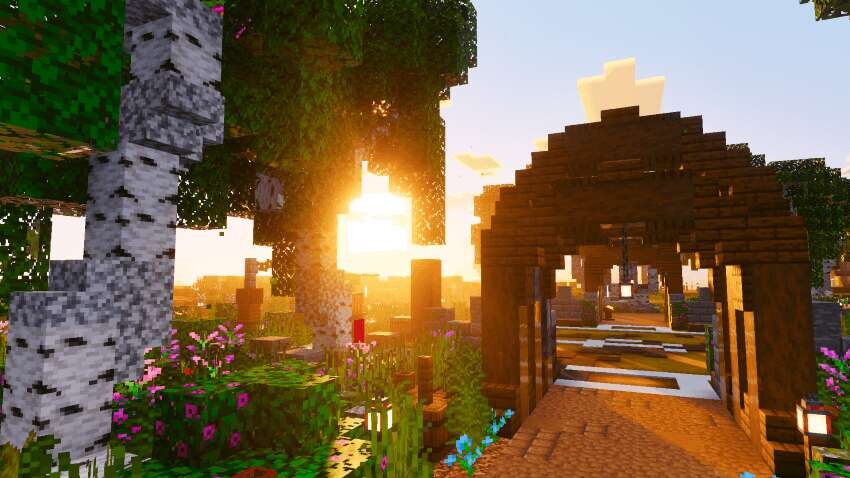
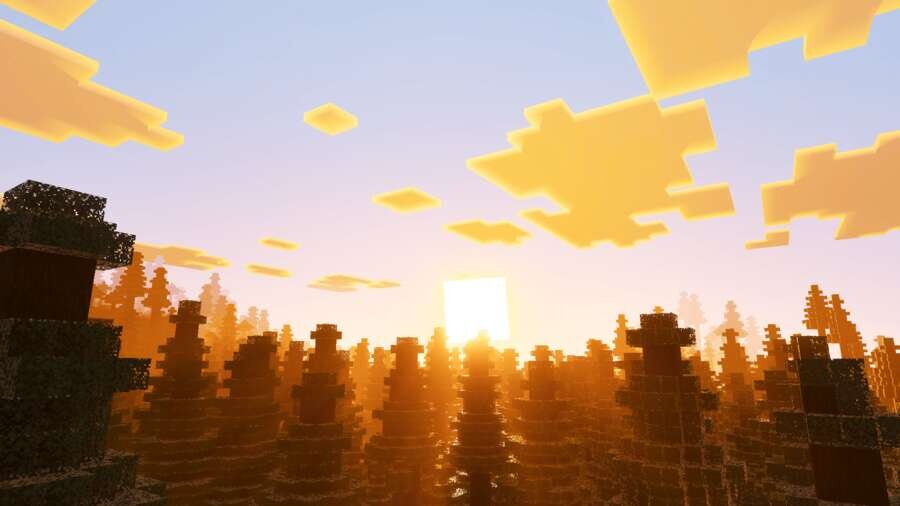
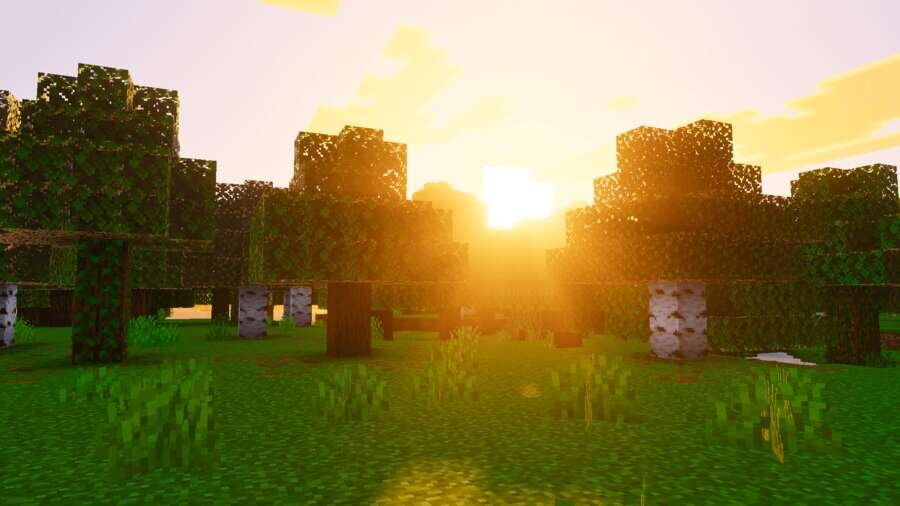
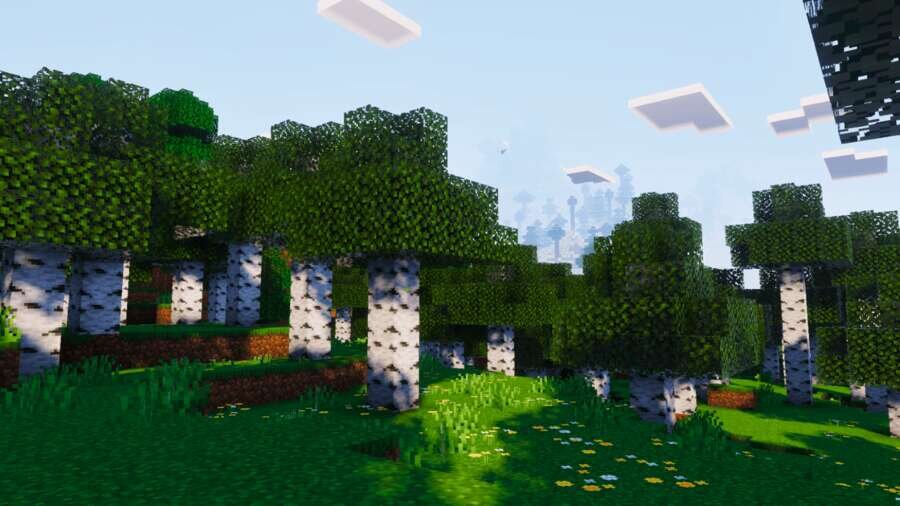
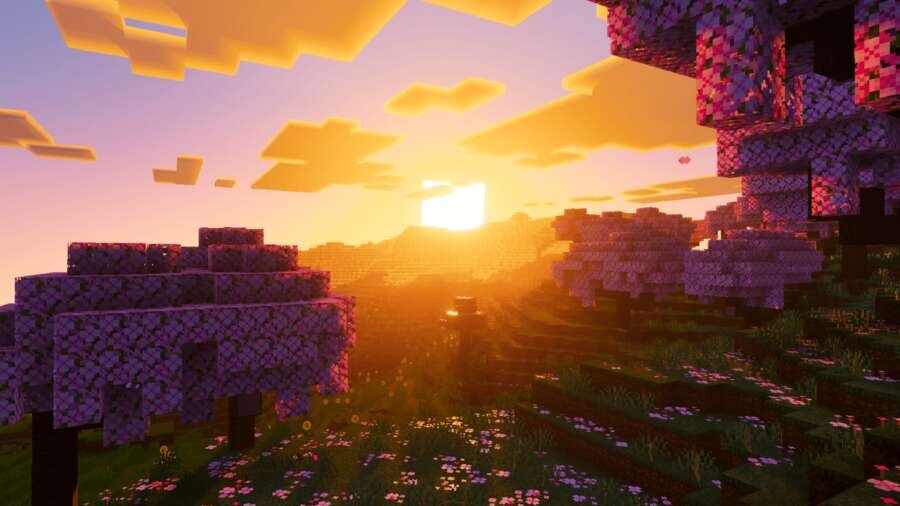
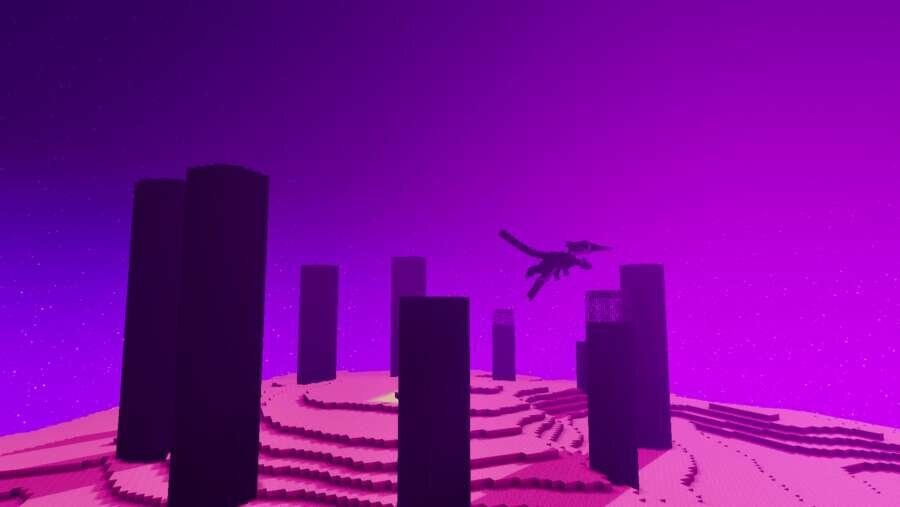
Another option to improve nature in Minecraft is offered by Velmora Visuals textures. The addon reworks lighting, color correction, fog, and sky, creating…
⬇ Download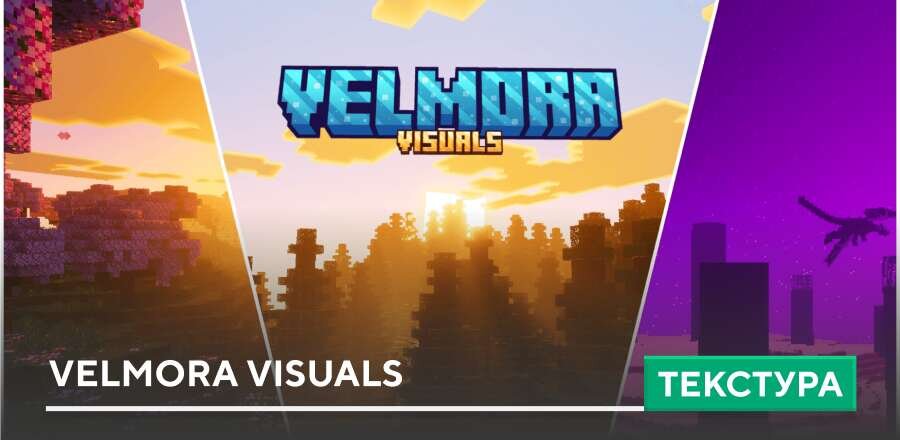
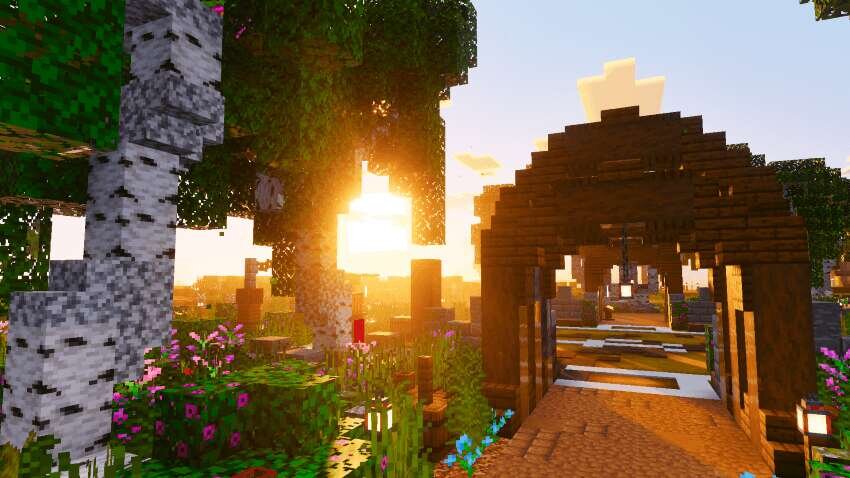
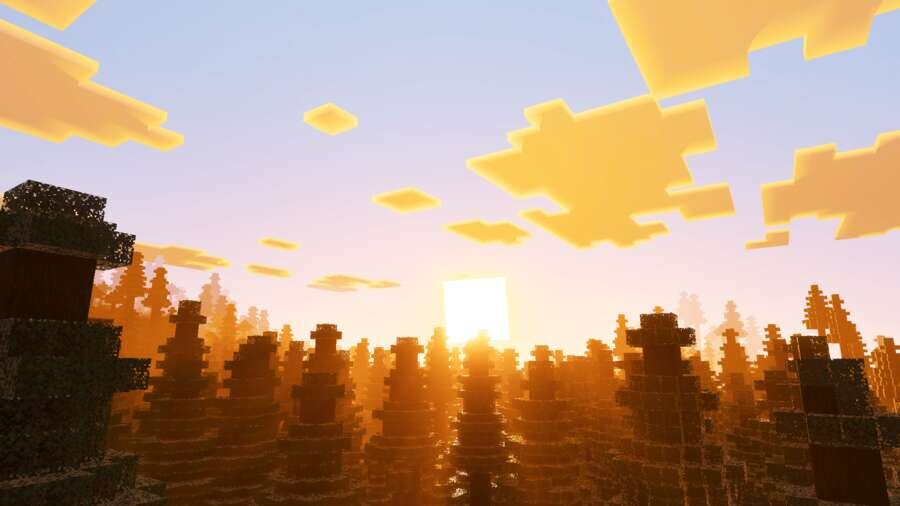
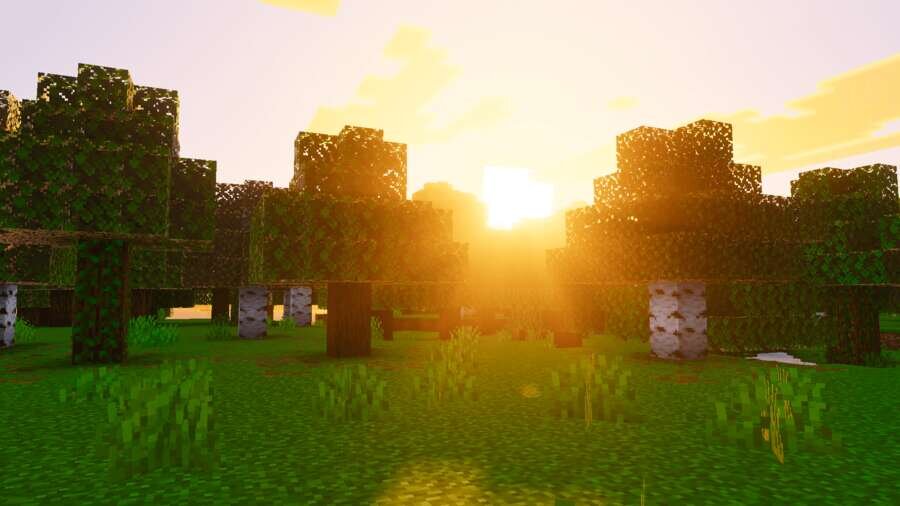
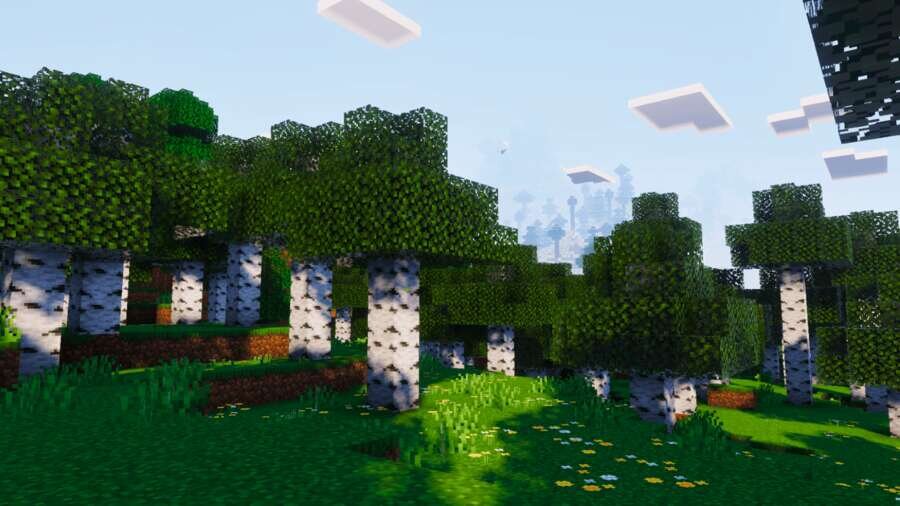
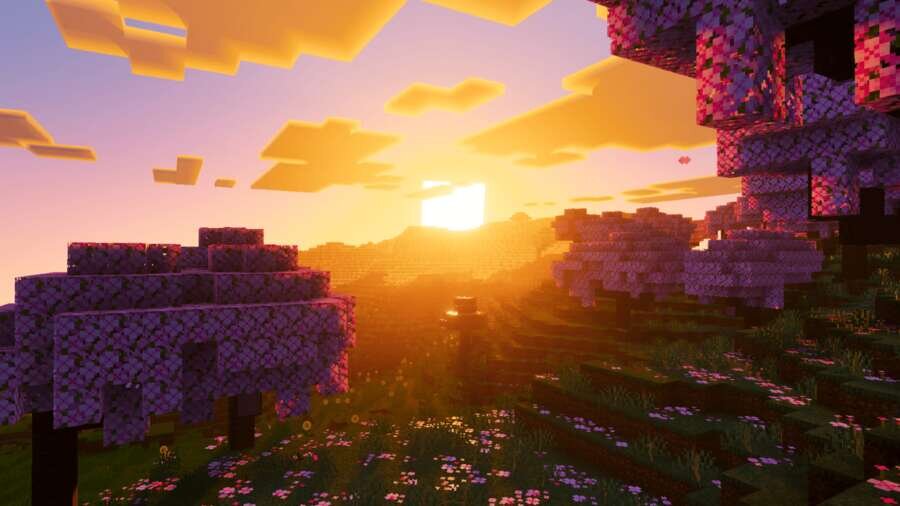
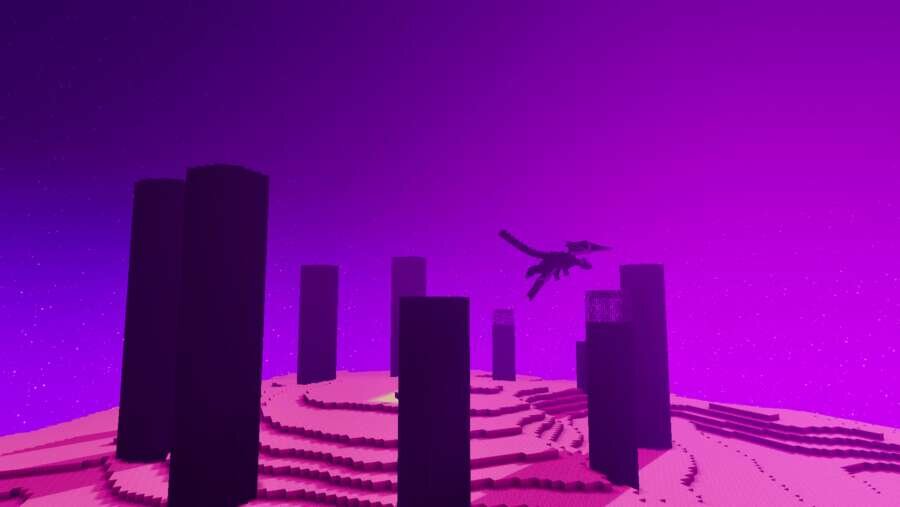

Еще один вариант улучшения природы в Майнкрафт предлагают текстуры Velmora Visuals. Дополнение перерабатывает освещение, цветокоррекцию, туман и небо, создавая уникальную атмосферу с холодными оттенками и выразительными эффектами.
В пакете используются специальные настройки для десятков биомов, а также плавные изменения освещения на протяжении всего игрового дня. Так же сборка улучшает отображение воды и анимирует растительность, делая окружающий мир более живым.
В пакете используются специальные настройки для десятков биомов, а также плавные изменения освещения на протяжении всего игрового дня. Так же сборка улучшает отображение воды и анимирует растительность, делая окружающий мир более живым.
Quick facts
- Edition: Minecraft Bedrock
- File type: .mcpack
- How to install: Download the .mcpack. → Open it — Minecraft imports it under Resource Packs. → Activate it in Global Resources, or for one world under Resource Packs → Available.
- Where to get it: In MCModsHub, or directly above on this page.
Install steps are the general flow for this file type — How to install Minecraft Bedrock texture packs walks through it step by step.
File checked by MCModsHub
- Pack type: .mcpack — a single pack
- Manifest requires Minecraft 1.21.0 or newer
- Complete pack — everything it depends on is inside the file
- Download size: 2.6 MB
- Download link checked 6 Jul 2026 — working
- Mirrored on our own servers — the download does not depend on the original host
These come from our own check of the pack file, not from the source page.