Texture packsBedrock
Hide Armor Textures
Bedrock texture pack listed for Minecraft 1.21. File opened and checked on 3 Oct 2026; installs from the MC Bedrock Mods app on Android.
Looking for textures to hide Armor in Minecraft PE? With Hide Armor addition, you can not only hide Armor but also display it whenever you want. The pack…
⬇ Download
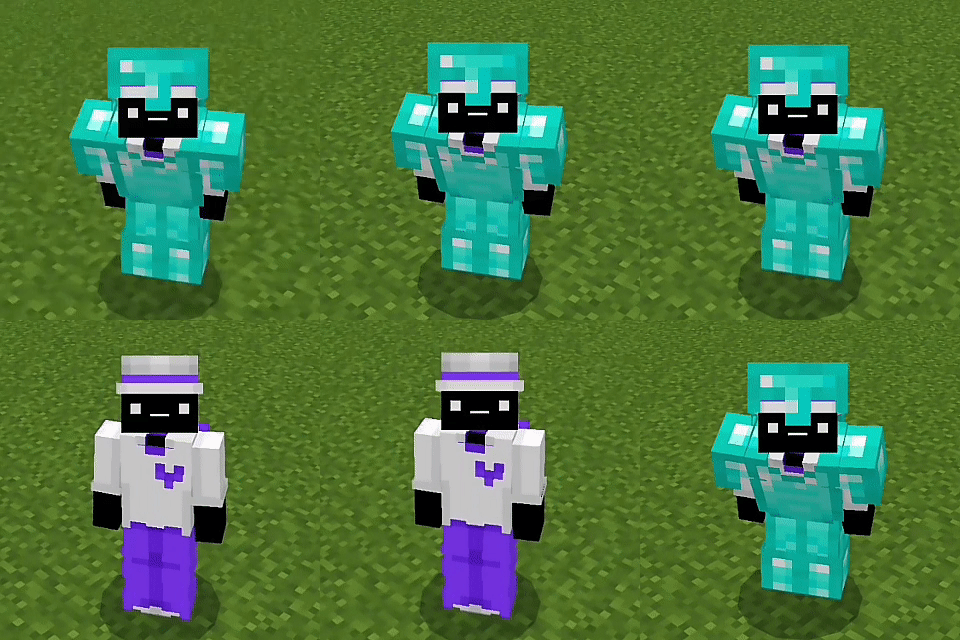

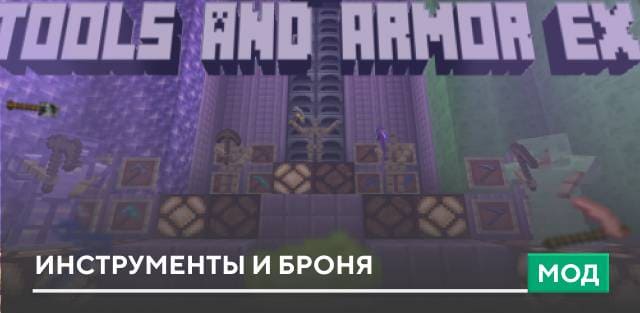
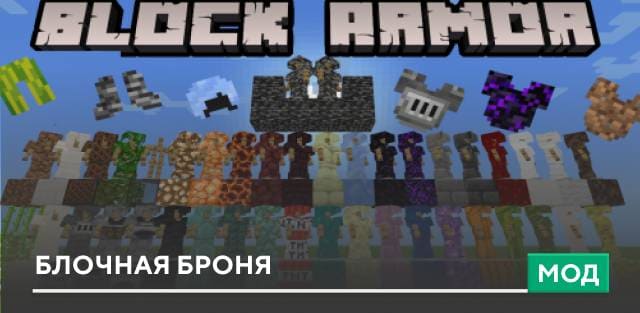
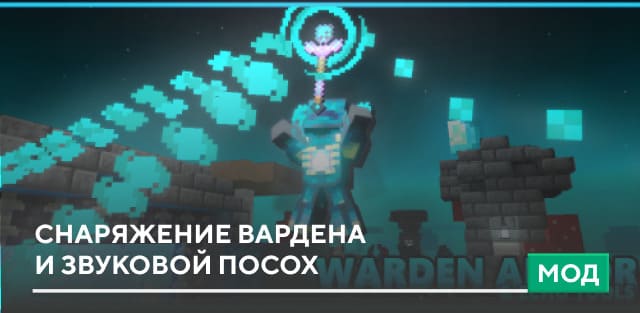
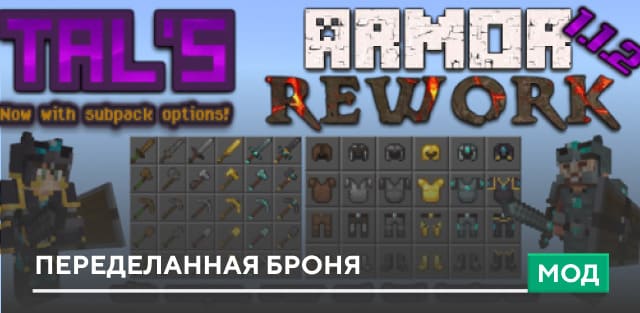
Ищешь текстуры, которые помогли тебе скрывать Броню в Minecraft PE? С помощью дополнения Hide Armor можно не просто скрывать Броню, но и отображать ее в любой момент, когда тебе этого захочется. Также сборка отличается крохотным весом файла, чтобы ты мог применять ее в любых мирах и даже серверах.
При входе в мир твои доспехи будут скрыты по умолчанию. Стоит тебе присесть, как Броня вновь окажется на твоем персонаже.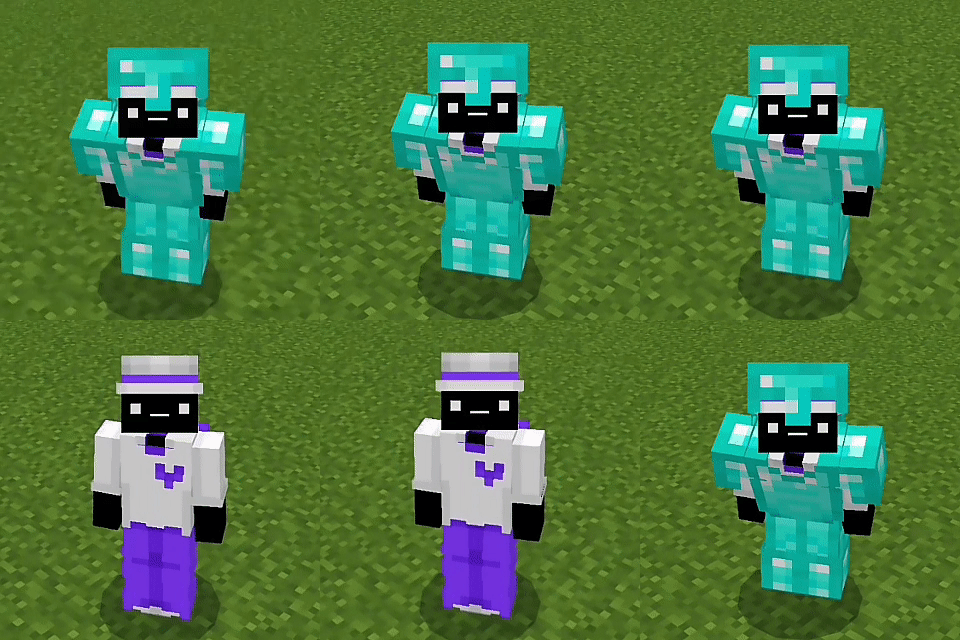
Изменения в новой версии
При входе в мир твои доспехи будут скрыты по умолчанию. Стоит тебе присесть, как Броня вновь окажется на твоем персонаже.
Изменения в новой версии
- Улучшили работу с новыми версиями
- Добавили поддержку Щита
- Улучшили ползание
- Оптимизировали дополнение
Quick facts
- Edition: Minecraft Bedrock
- File type: .mcpack
- How to install: Download the .mcpack. → Open it — Minecraft imports it under Resource Packs. → Activate it in Global Resources, or for one world under Resource Packs → Available.
- Where to get it: In MCModsHub, or directly above on this page.
Install steps are the general flow for this file type — How to install Minecraft Bedrock texture packs walks through it step by step.
File checked by MCModsHub
- Pack type: .mcpack — a single pack
- Manifest requires Minecraft 1.21.120 or newer
- Complete pack — everything it depends on is inside the file
- Download size: 89 KB
- Download link checked 6 Jul 2026 — working
- Mirrored on our own servers — the download does not depend on the original host
These come from our own check of the pack file, not from the source page.