Texture packsBedrock
Durability Display Textures
Bedrock texture pack listed for Minecraft 1.21. File opened and checked on 23 Sep 2026; installs from the MC Bedrock Mods app on Android.
While surviving in Minecraft Pocket Edition, it's hard to notice in time when a tool or armor is about to break. Durability Display textures help…
⬇ Download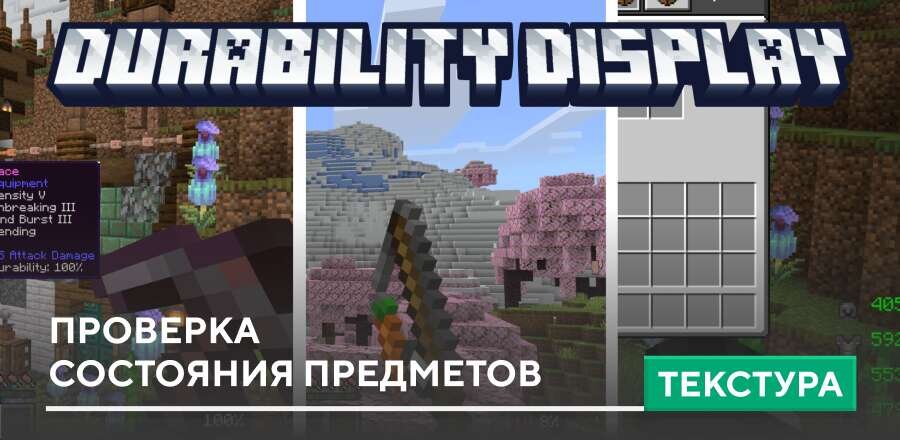
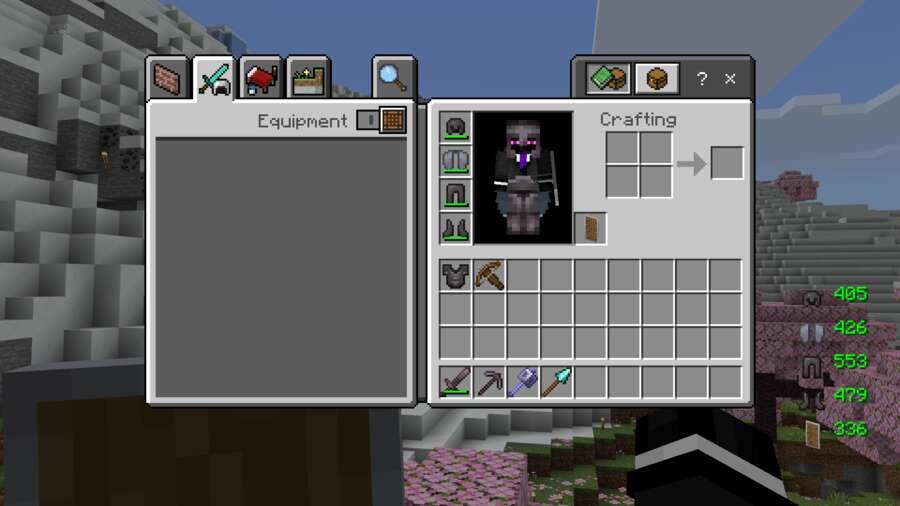
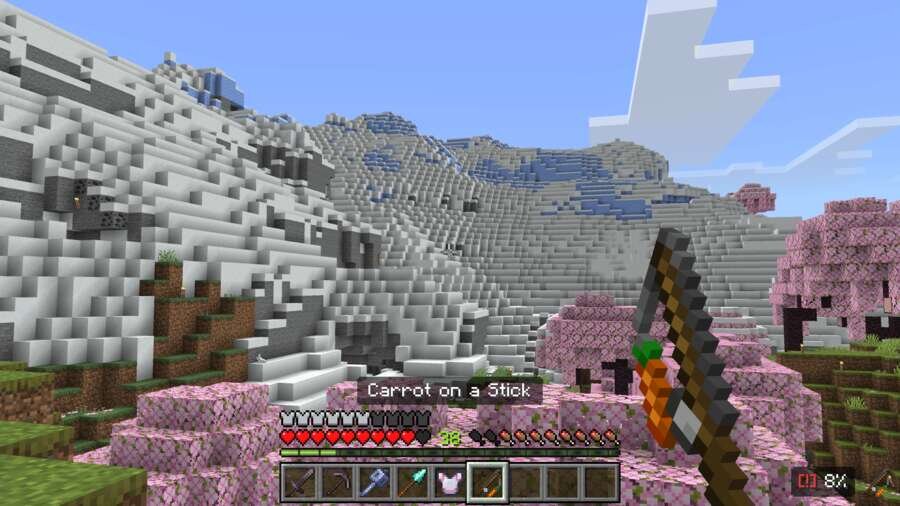
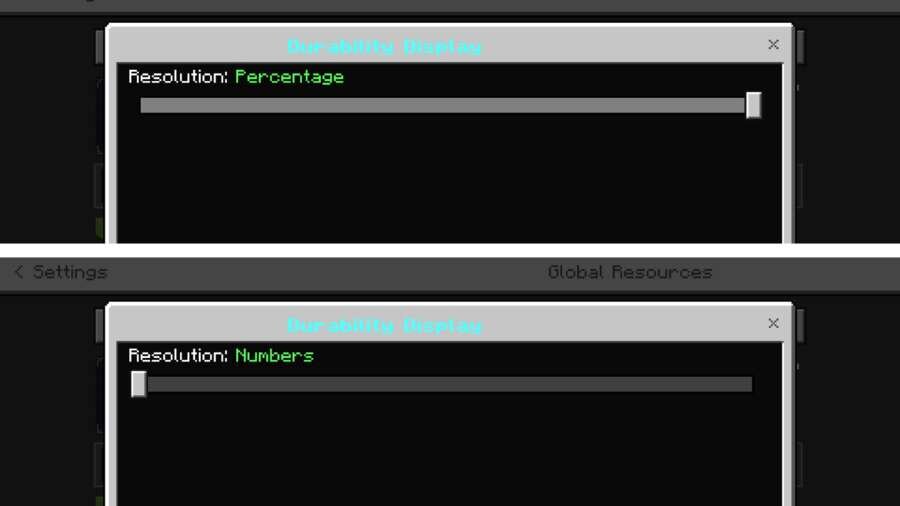
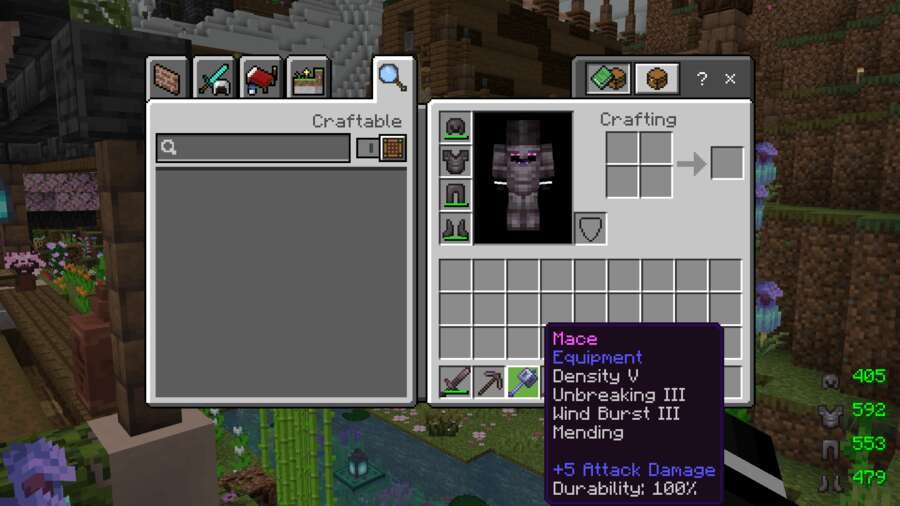


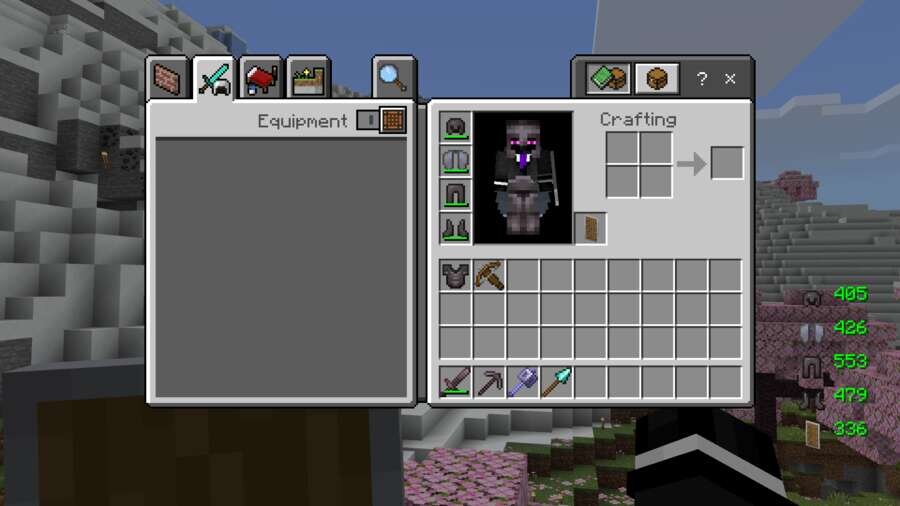
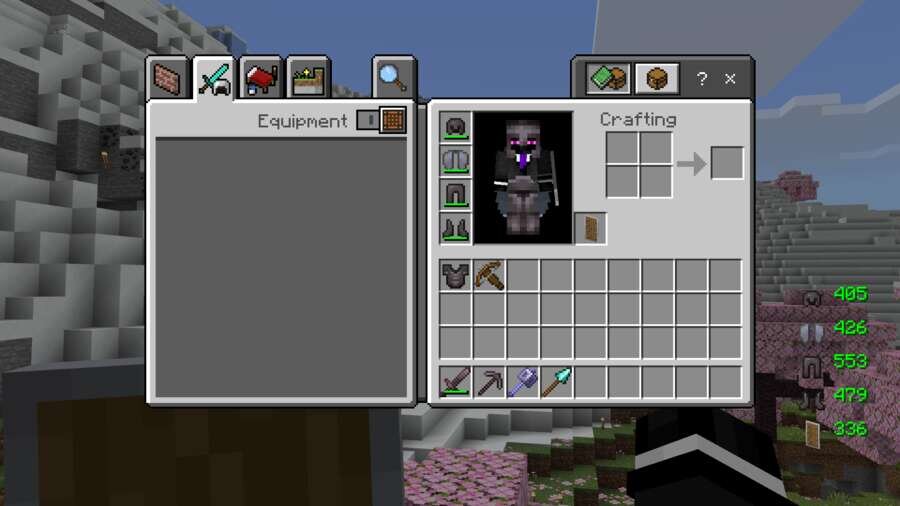
Во время выживания в Майнкрафт Покет Эдишн бывает сложно вовремя заметить, что инструмент или броня почти сломались. Текстуры Durability Display помогают постоянно контролировать состояние предметов, благодаря удобным индикаторам на экране и в инвентаре.
Дополнение показывает оставшуюся прочность в виде чисел или процентов, меняют цвет в зависимости от состояния предмета и предупреждают о критическом износе.
Изменения в новой версии
Дополнение показывает оставшуюся прочность в виде чисел или процентов, меняют цвет в зависимости от состояния предмета и предупреждают о критическом износе.
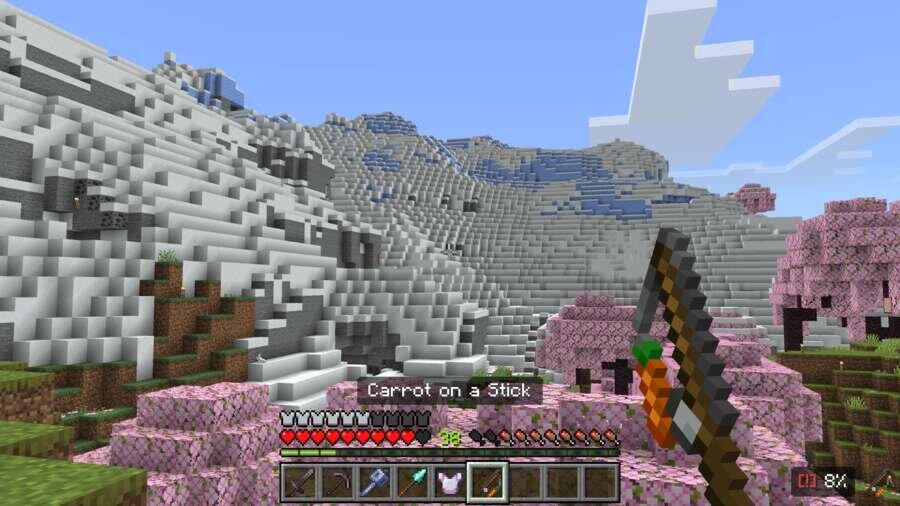
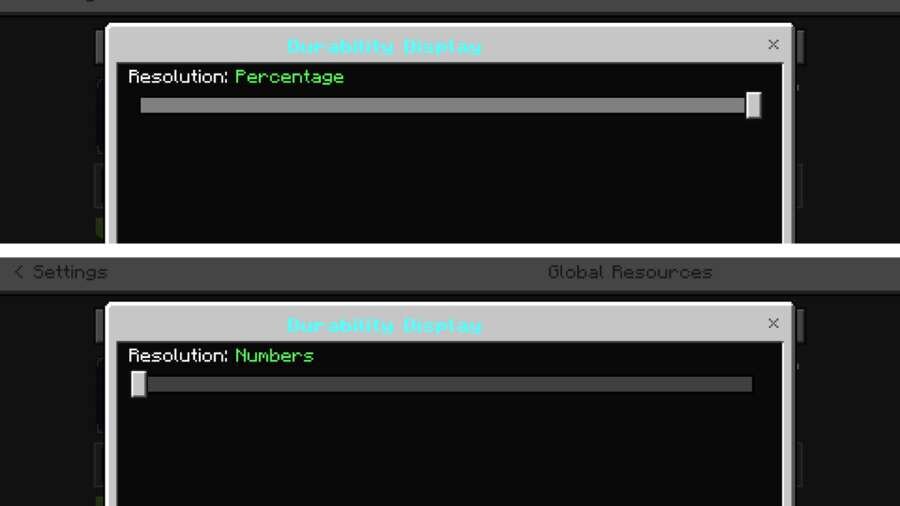
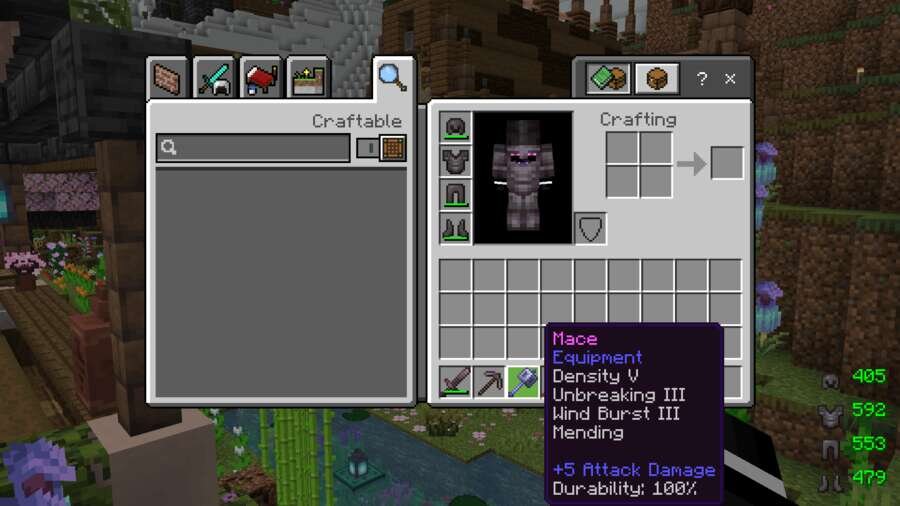
Изменения в новой версии
- Исправили ошибки
Quick facts
- Edition: Minecraft Bedrock
- File type: .mcpack
- How to install: Download the .mcpack. → Open it — Minecraft imports it under Resource Packs. → Activate it in Global Resources, or for one world under Resource Packs → Available.
- Where to get it: In MCModsHub, or directly above on this page.
Install steps are the general flow for this file type — How to install Minecraft Bedrock texture packs walks through it step by step.
File checked by MCModsHub
- Pack type: .mcpack — a single pack
- Manifest requires Minecraft 1.21.0 or newer
- Complete pack — everything it depends on is inside the file
- Download size: 602 KB
- Download link checked 6 Jul 2026 — working
- Mirrored on our own servers — the download does not depend on the original host
These come from our own check of the pack file, not from the source page.