Texture packsBedrock
Pure Optimizer Textures
Bedrock texture pack listed for Minecraft 1.16. File opened and checked on 9 Oct 2026; installs from the MC Bedrock Mods app on Android.
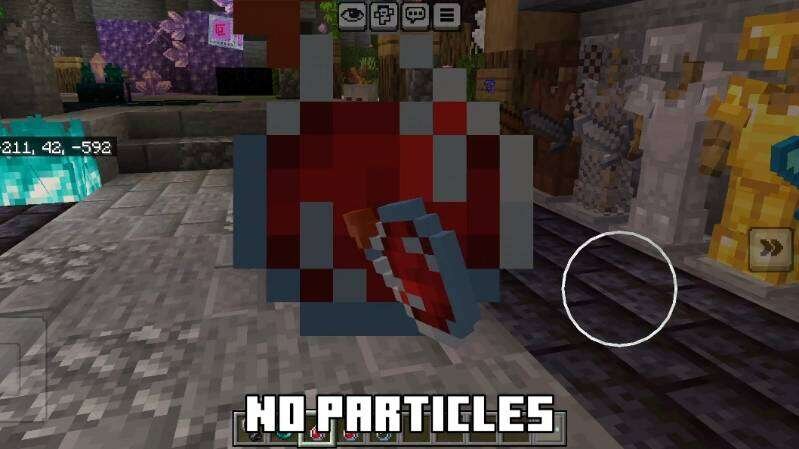
Sometimes the best graphics are stability and smoothness. Therefore, Pure Optimizer textures help achieve maximum smoothness in the game even on weak…
⬇ Download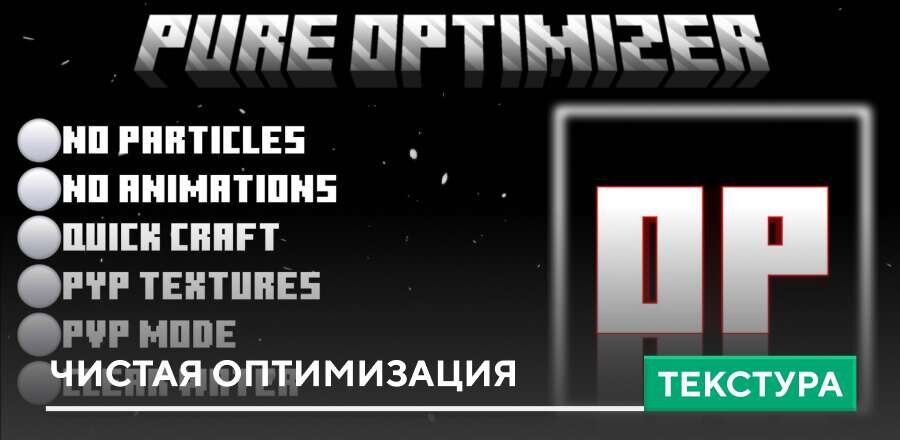
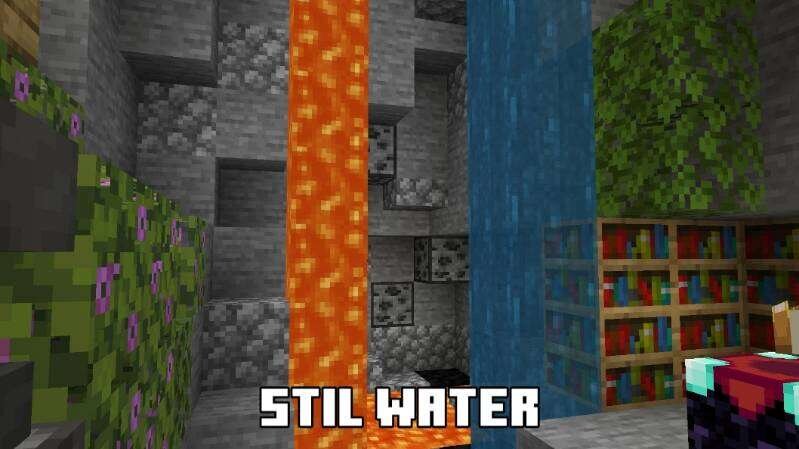
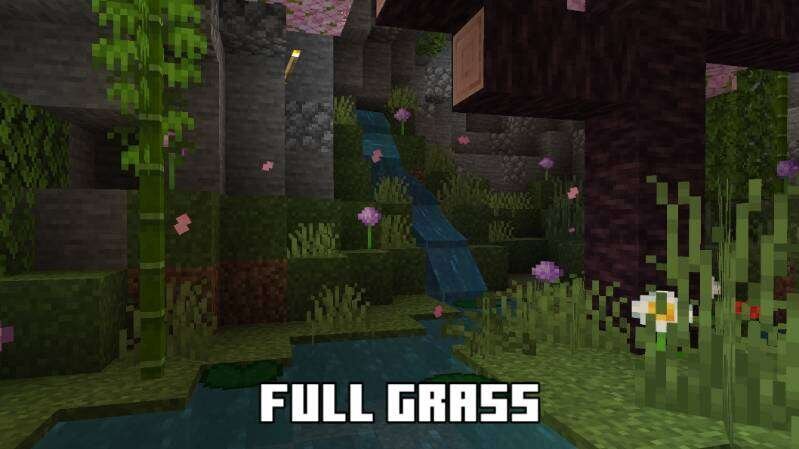
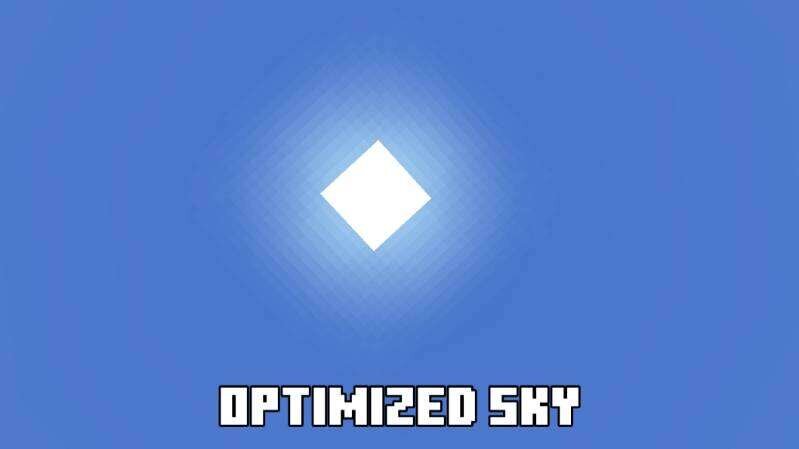
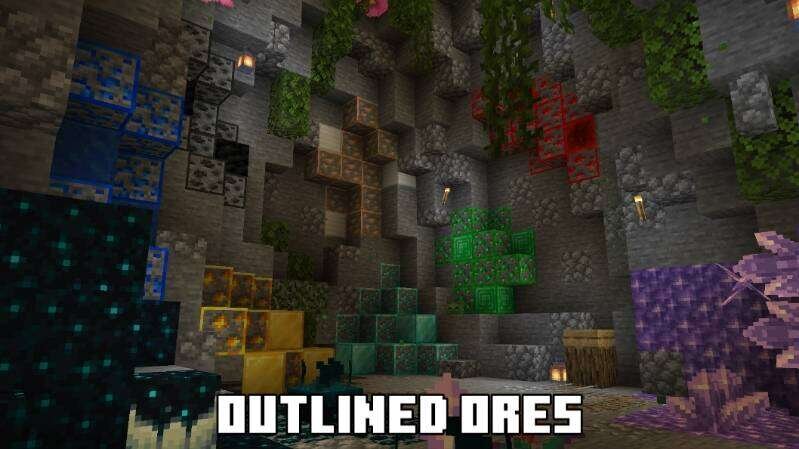
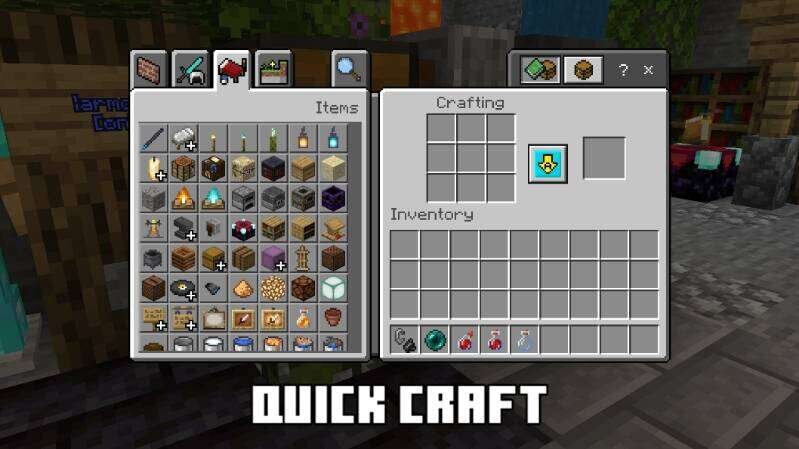
Иногда лучшая графика — это стабильность и плавность. Поэтому текстуры Pure Optimizer помогают добиться максимальной плавности в игре даже на слабых телефонах. Благодаря сниженной детализации и улучшенной обработке мира, ты сможешь наслаждаться игрой без рывков, перегрева и вылетов. Подходят для любых задач — от постройки до боя в Майнкрафт.
Сборка включает в себя множество полезных функций:
Изменения в новой версии
Сборка включает в себя множество полезных функций:
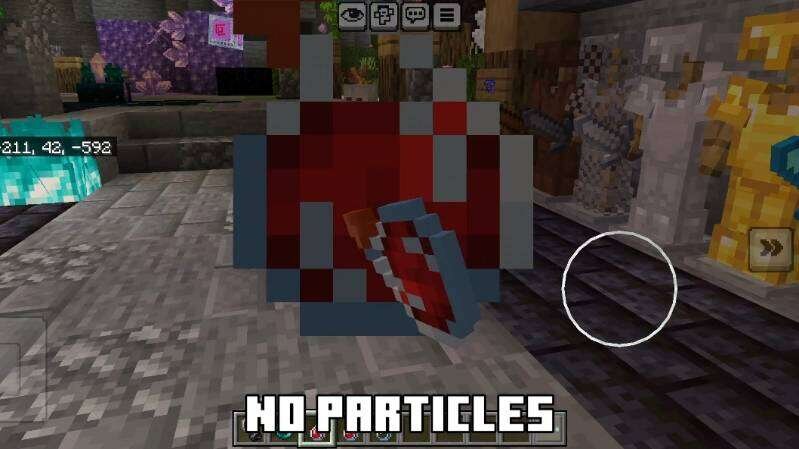
- Удаление частиц
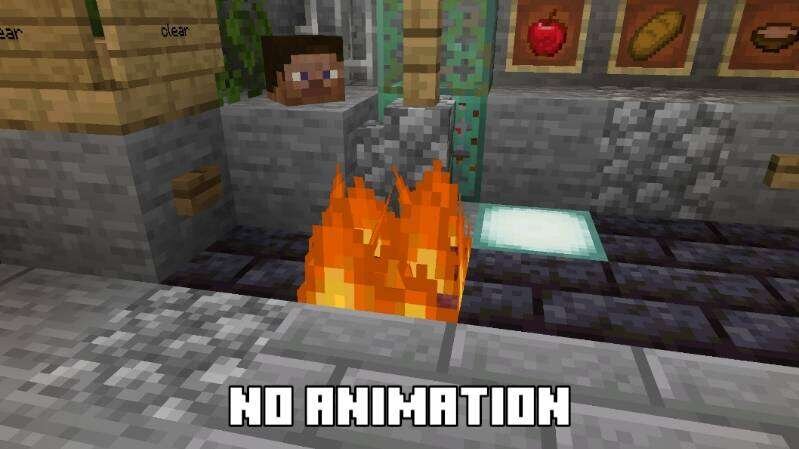
- Удаление анимаций
- Стоячая вода
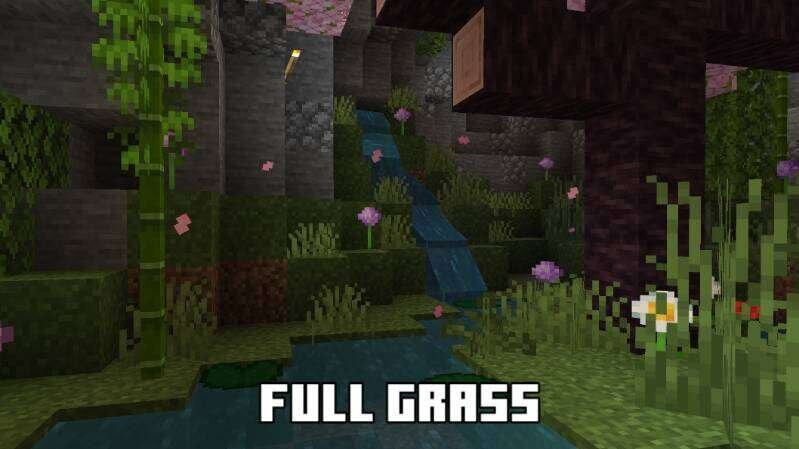
- Полная трава
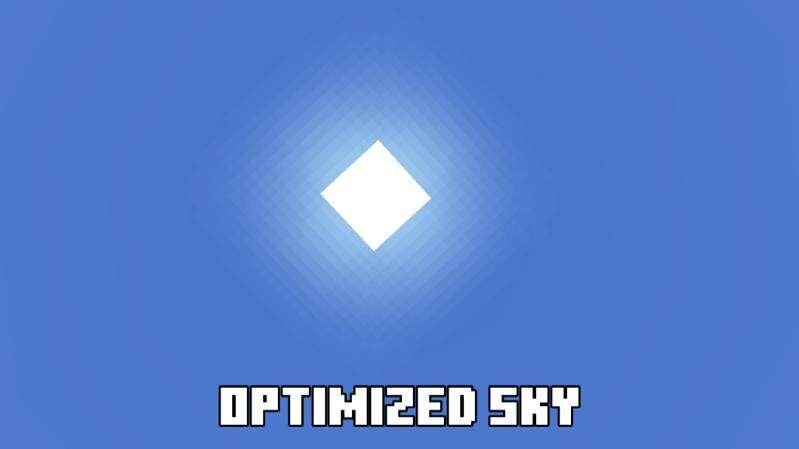
- Оптимизированное небо
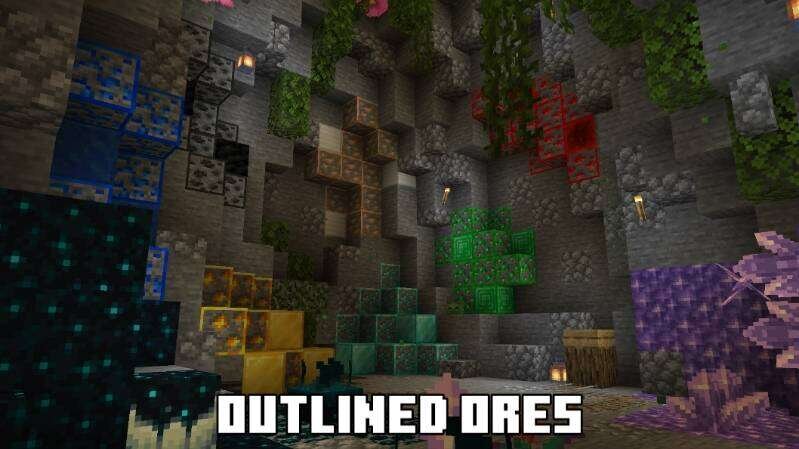
- Контур руды
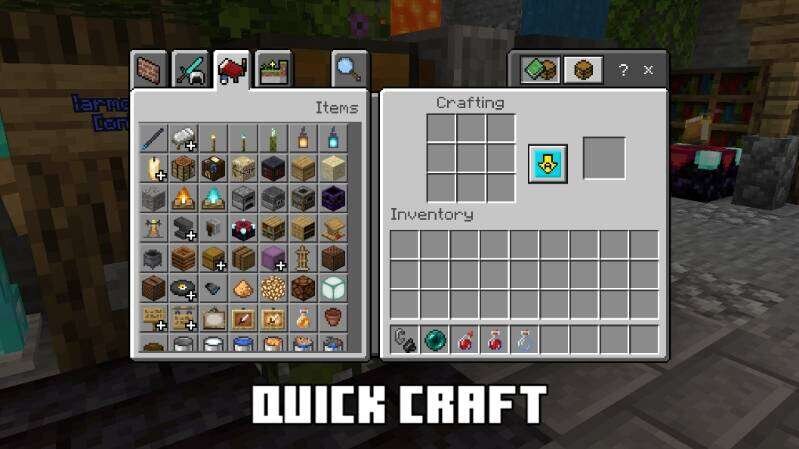
- Быстрый крафт
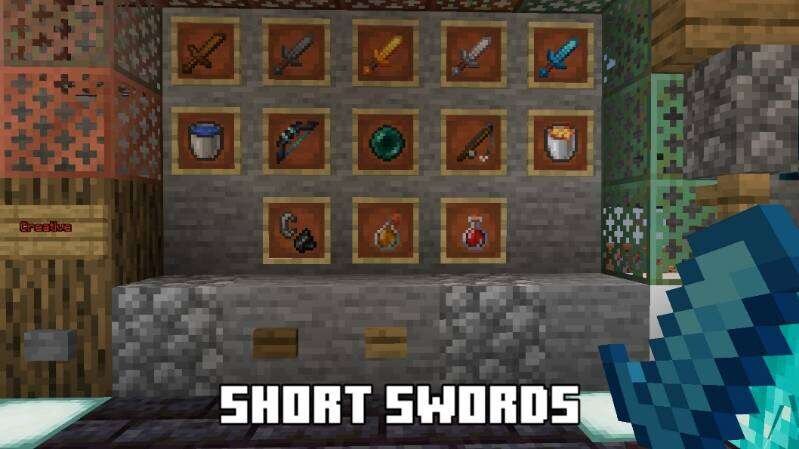
- Короткие мечи
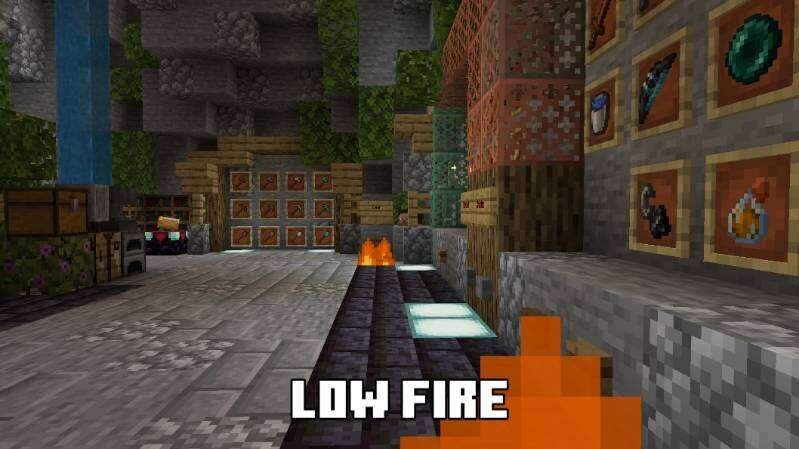
- Низкий огонь
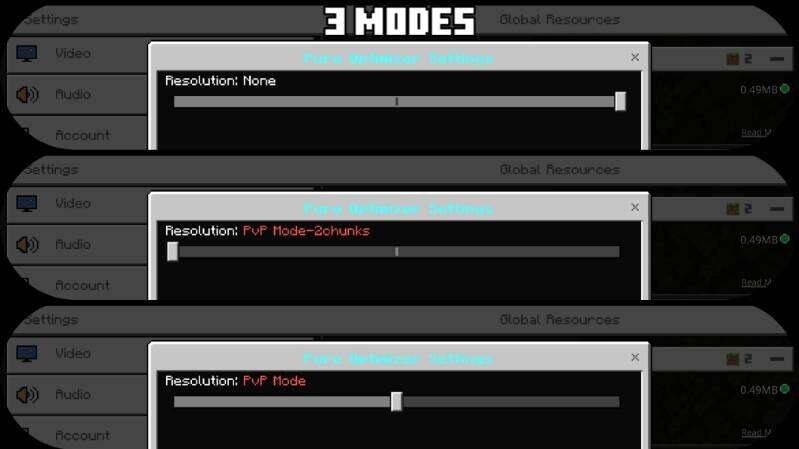
- 3 режима
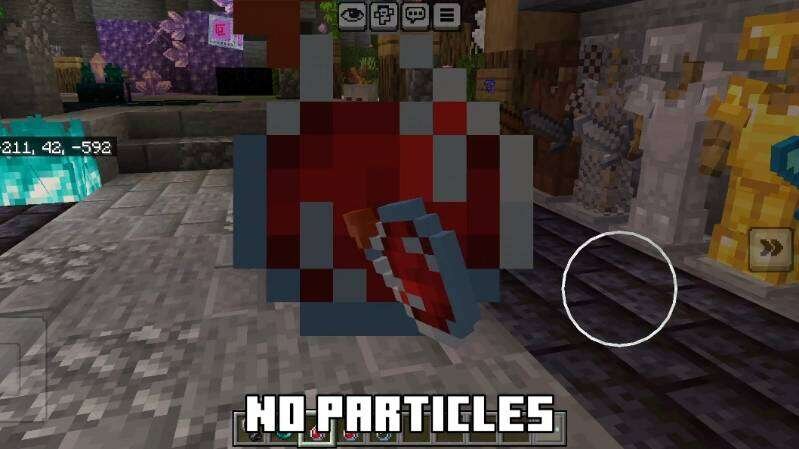
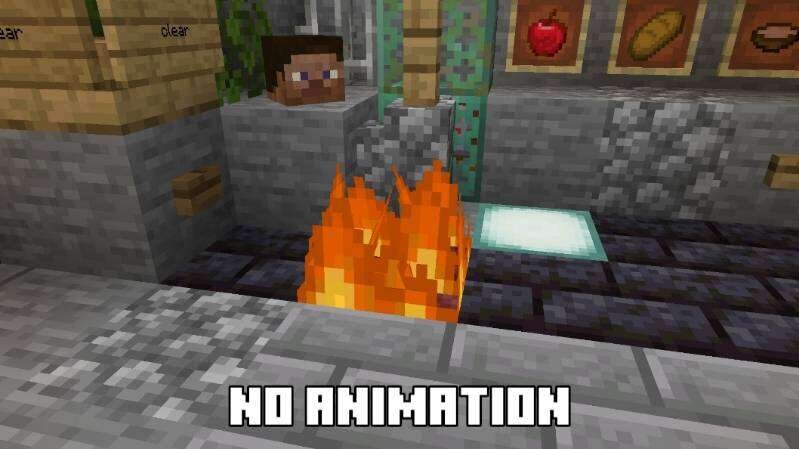
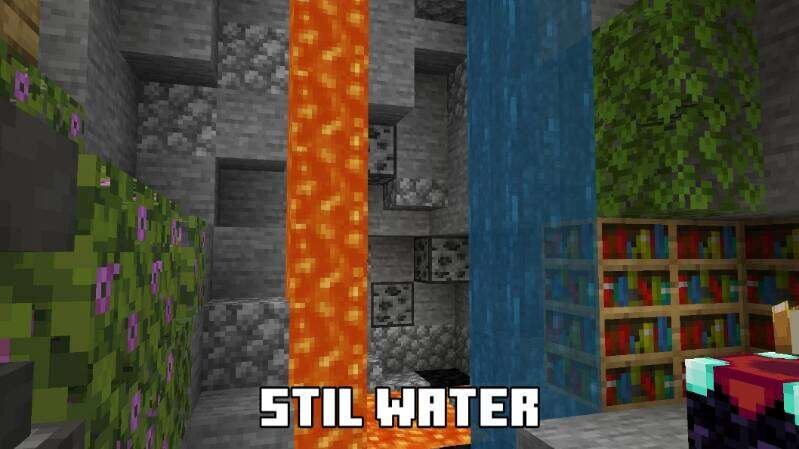
Изменения в новой версии
- Удалили настройки интерфейса
Quick facts
- Edition: Minecraft Bedrock
- File type: .mcpack
- How to install: Download the .mcpack. → Open it — Minecraft imports it under Resource Packs. → Activate it in Global Resources, or for one world under Resource Packs → Available.
- Where to get it: In MCModsHub, or directly above on this page.
Install steps are the general flow for this file type — How to install Minecraft Bedrock texture packs walks through it step by step.
File checked by MCModsHub
- Pack type: .mcpack — a single pack
- Manifest requires Minecraft 1.16.0 or newer
- Complete pack — everything it depends on is inside the file
- Download size: 481 KB
- Download link checked 6 Jul 2026 — working
- Mirrored on our own servers — the download does not depend on the original host
These come from our own check of the pack file, not from the source page.