Texture packsBedrock
Classic Aspect Textures
Bedrock texture pack listed for Minecraft 1.21. File opened and checked on 26 Sep 2026; installs from the MC Bedrock Mods app on Android.
Have you been playing Minecraft for many years and exploring the blocky world since its birth? Then you'll definitely want to immerse yourself in…
⬇ Download
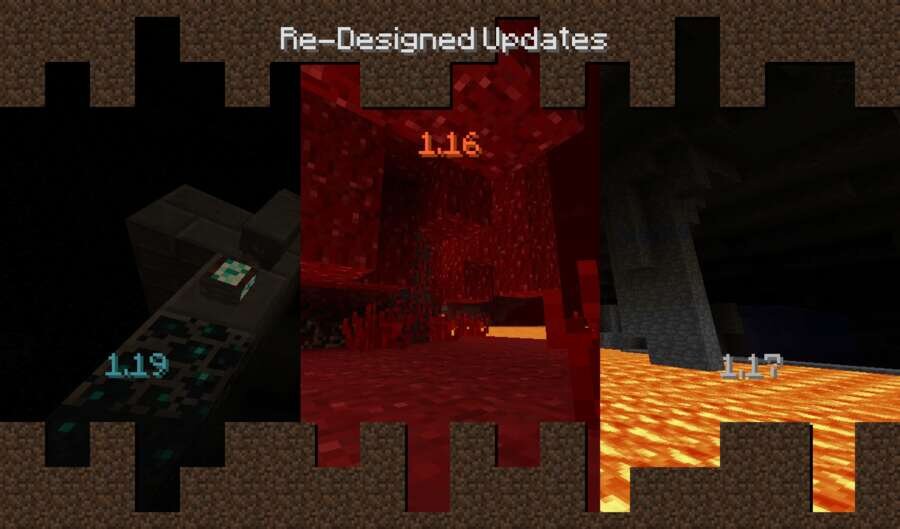
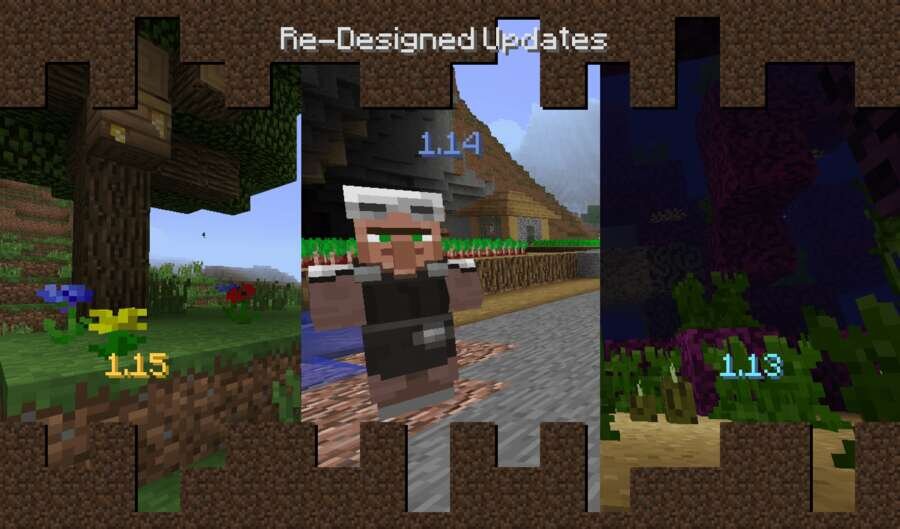
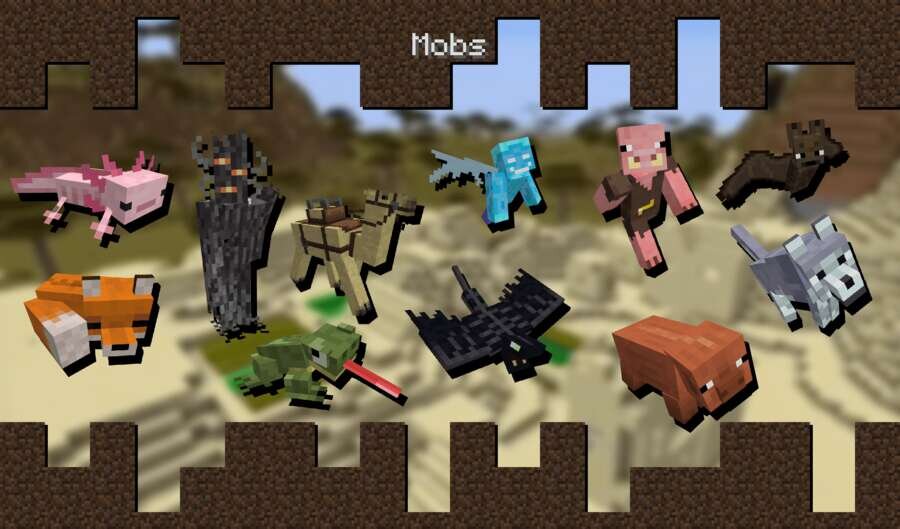
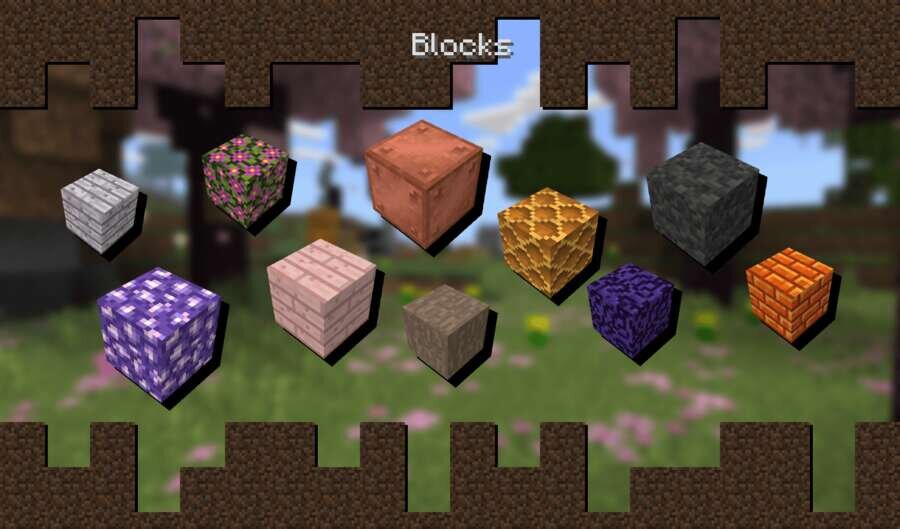
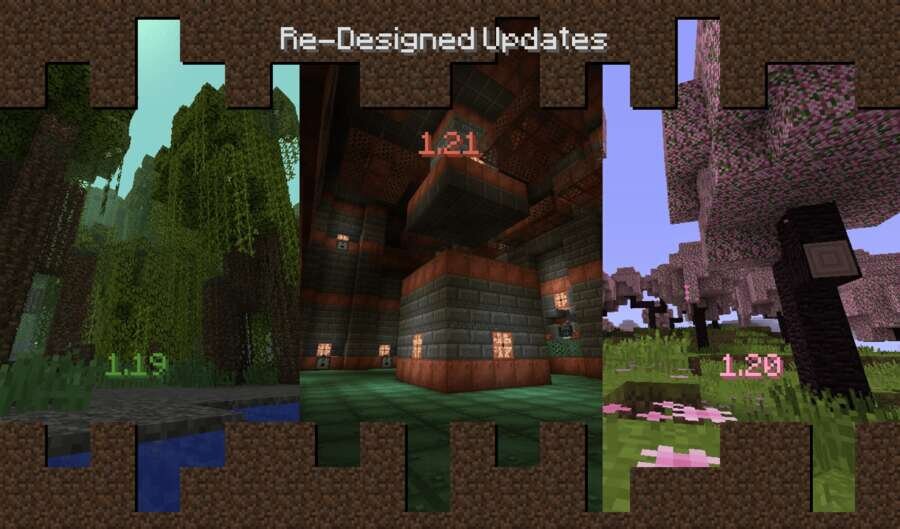
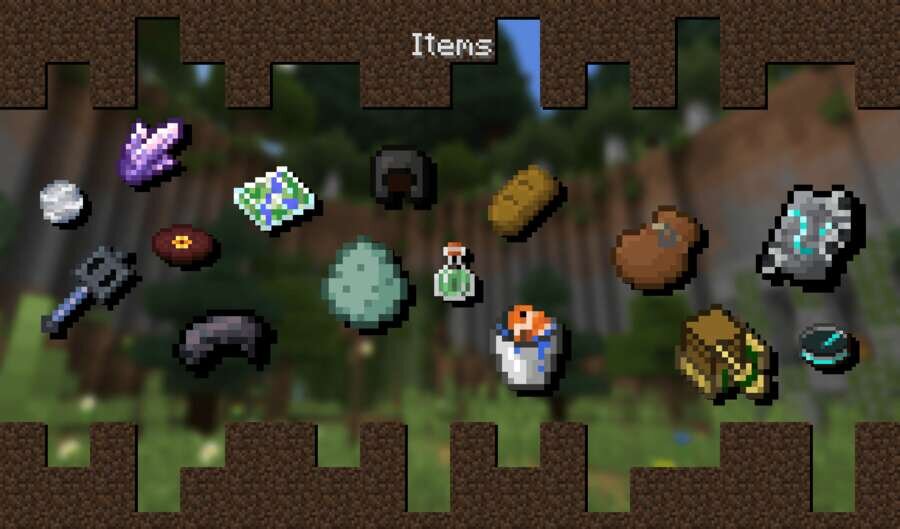

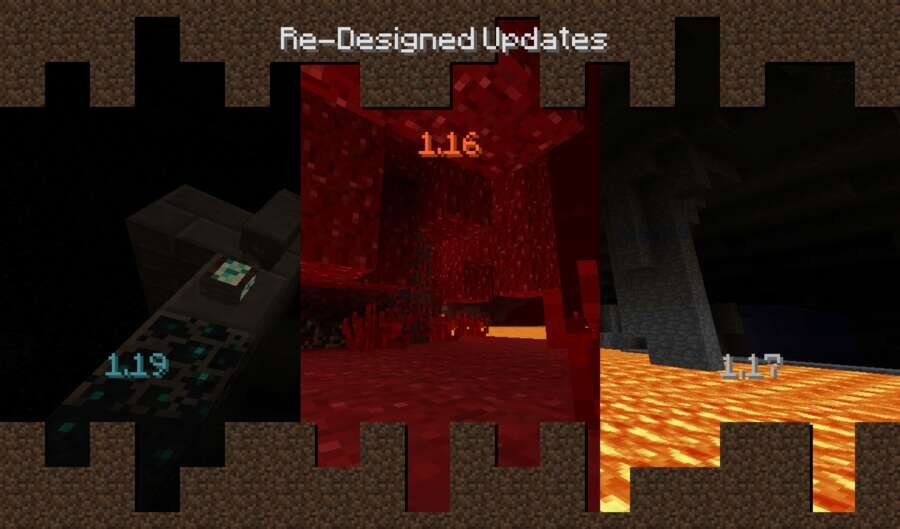
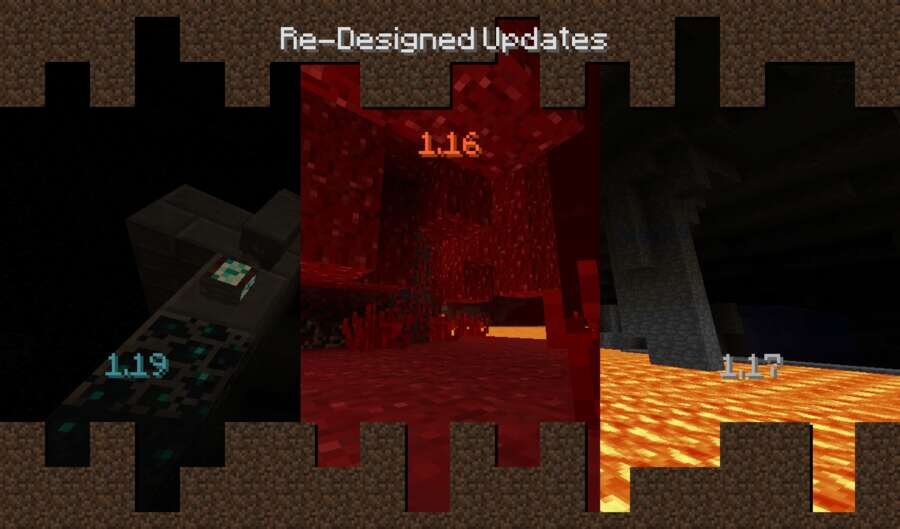
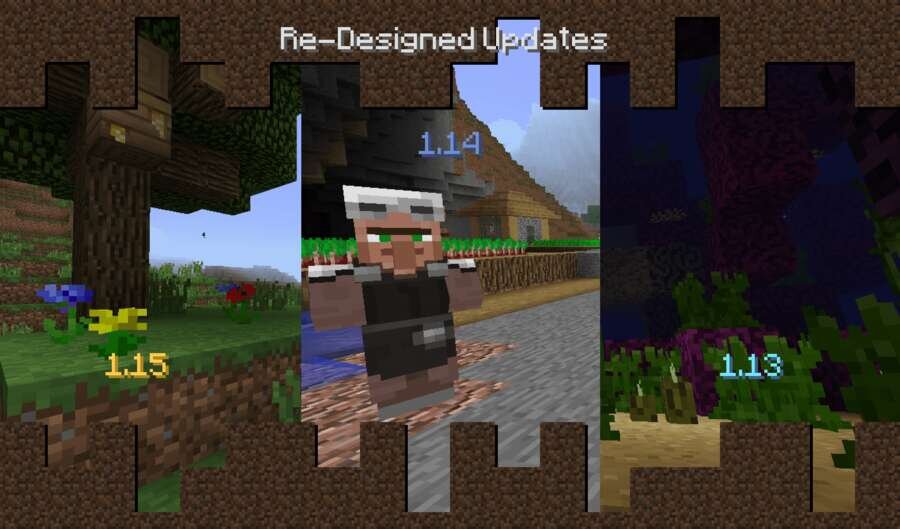
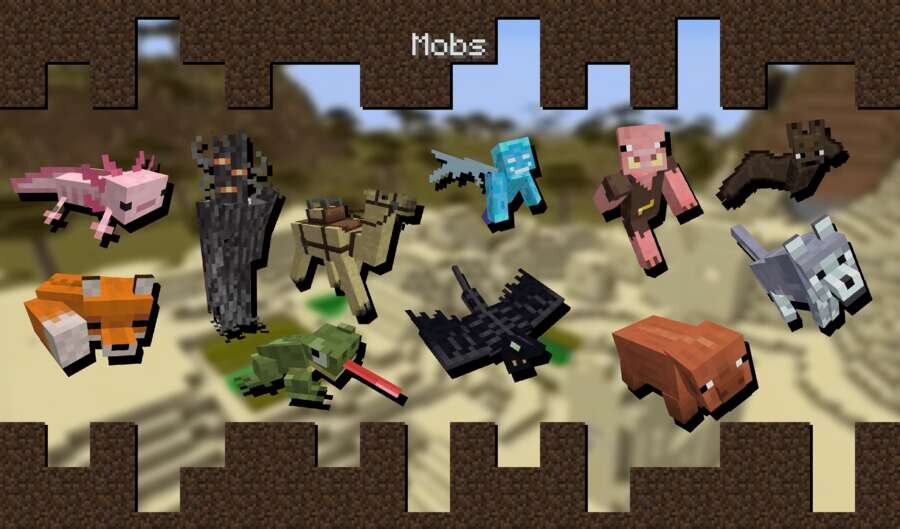
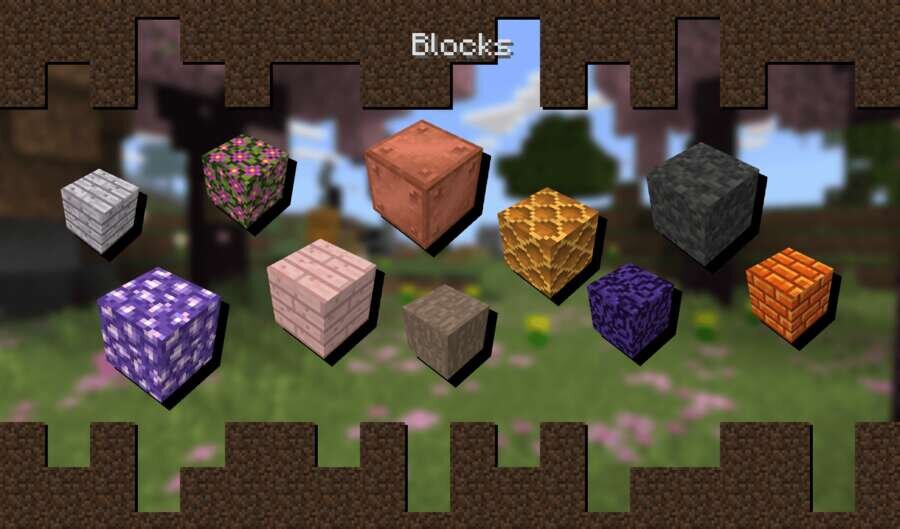
Уже играешь в Майнкрафт много лет и познавал блочный мир с самого его зарождения? Тогда ты обязательно захочешь окунутьсяс в ностальгию. Текстуры Classic Aspect возвращают старый визуальный стиль, который был до глобального обновления текстур. Теперь все блоки и предметы будут выглядеть так, как в версиях до 1.13–1.14.
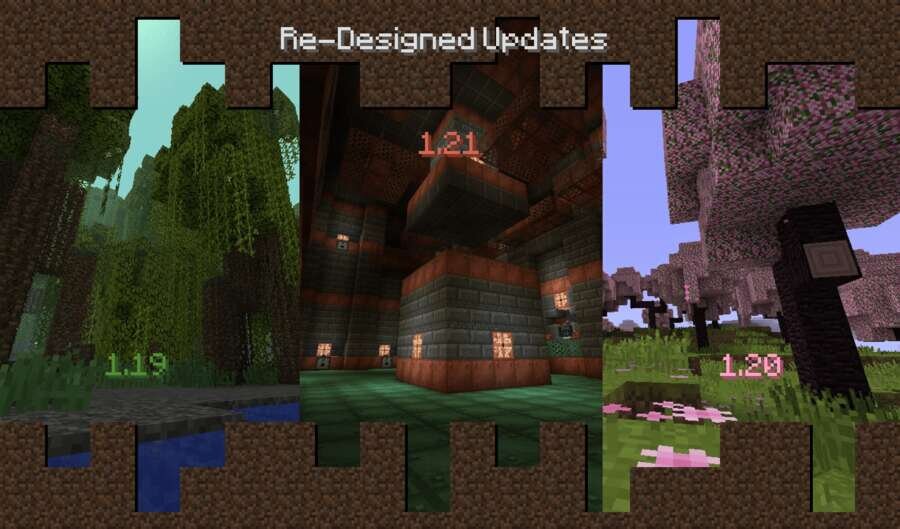
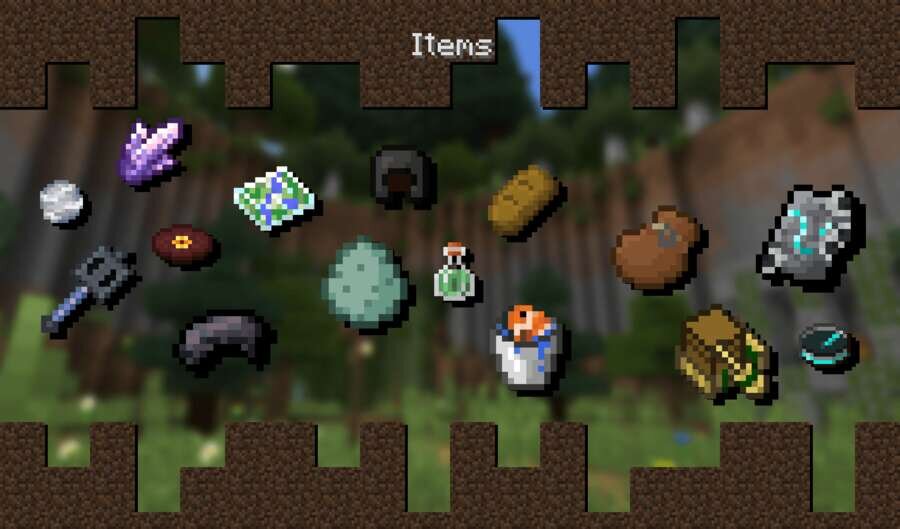
Дополнение понравится тем, кто хочет вспомнить былое и снова увидеть знакомую графику. Ниже можно посмотреть на то, как будет выглядеть мир после применения сборки.
Изменения в новой версии
Дополнение понравится тем, кто хочет вспомнить былое и снова увидеть знакомую графику. Ниже можно посмотреть на то, как будет выглядеть мир после применения сборки.
Изменения в новой версии
- Добавили пользовательскую иконку
- Добавили звуки
Quick facts
- Edition: Minecraft Bedrock
- File type: .mcpack
- How to install: Download the .mcpack. → Open it — Minecraft imports it under Resource Packs. → Activate it in Global Resources, or for one world under Resource Packs → Available.
- Where to get it: In MCModsHub, or directly above on this page.
Install steps are the general flow for this file type — How to install Minecraft Bedrock texture packs walks through it step by step.
File checked by MCModsHub
- Pack type: .mcpack — a single pack
- Manifest requires Minecraft 1.21.120 or newer
- Complete pack — everything it depends on is inside the file
- Download size: 46.3 MB
- Download link checked 6 Jul 2026 — working
- Mirrored on our own servers — the download does not depend on the original host
These come from our own check of the pack file, not from the source page.