Texture packsBedrock
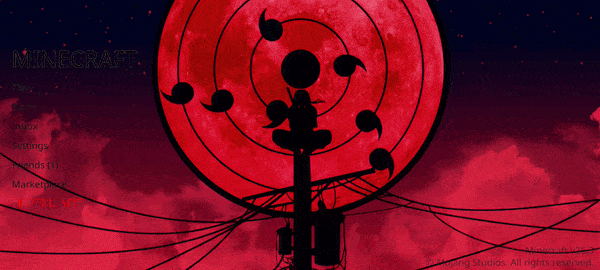
Animated Menu: Itachi Tsukuyomi
Bedrock texture pack listed for Minecraft 1.21. File opened and checked on 20 Sep 2026; installs from the MC Bedrock Mods app on Android.
Naruto is watched by absolutely every anime and manga fan, and if you haven't watched it, you've made a big mistake. The Animated Menu: Itachi Tsukuyomi…
⬇ Download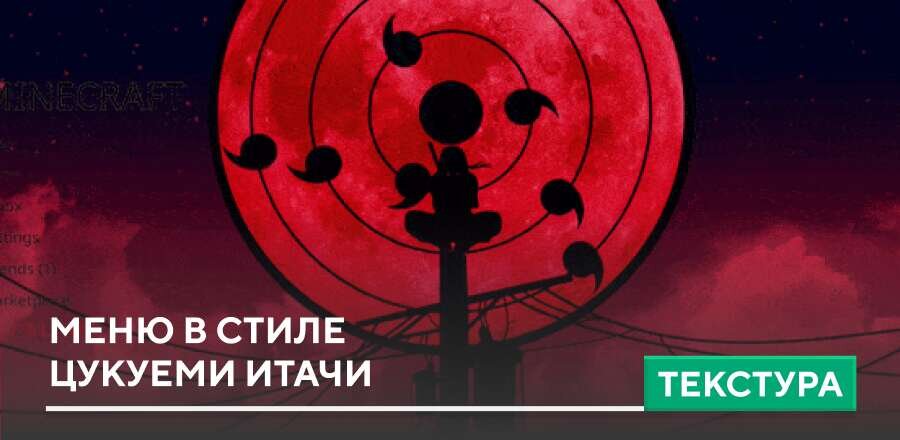
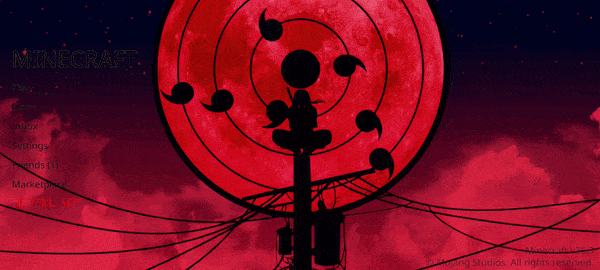

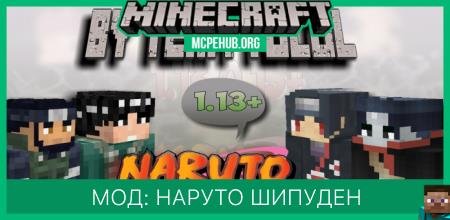
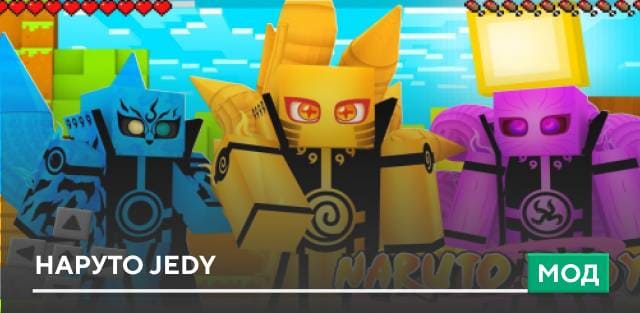
Наруто смотрел абсолютно каждый любитель аниме и манги, а если не смотрел, то сильно ошибся. Текстуры Animated Menu: Itachi Tsukuyomi решили погрузить нас в атмосферу мира шиноби с головой: для этого фоновое меню Майнкрафт окрасится в цвета Шарингана Итачи. Более того, это будет самая настоящая техника Цукуеми от брата Саске.
Интерфейс выглядит спокойным, мрачным и очень стильным благодаря мягкому свечению, плавной анимации и тёмным оттенкам.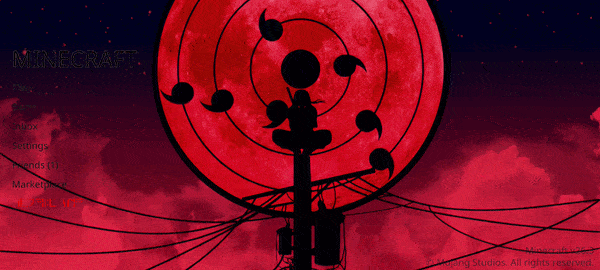
Интерфейс выглядит спокойным, мрачным и очень стильным благодаря мягкому свечению, плавной анимации и тёмным оттенкам.
Quick facts
- Edition: Minecraft Bedrock
- File type: .mcpack
- How to install: Download the .mcpack. → Open it — Minecraft imports it under Resource Packs. → Activate it in Global Resources, or for one world under Resource Packs → Available.
- Where to get it: In MCModsHub, or directly above on this page.
Install steps are the general flow for this file type — How to install Minecraft Bedrock texture packs walks through it step by step.
File checked by MCModsHub
- Pack type: .mcpack — a single pack
- Manifest requires Minecraft 1.21.0 or newer
- Complete pack — everything it depends on is inside the file
- Download size: 30.4 MB
- Download link checked 6 Jul 2026 — working
- Mirrored on our own servers — the download does not depend on the original host
These come from our own check of the pack file, not from the source page.